Chapter 3: a loop, reshaped
Chapter 3 meets repetition with Countdown: print 5, 4, 3, 2, 1, then Lift off. Rather than type the loop straight away, this lesson writes a plain version first - print the count once, the way chapter 3 itself starts - and then uses Surround With to fold the repeating part under a while head, the same tool a right-click offers wherever the caret is inside a function, method or program body. To play it in the IDE: Help > Lessons > Writing code…, or ek9 -ide -lesson book-decisions.
What you'll build
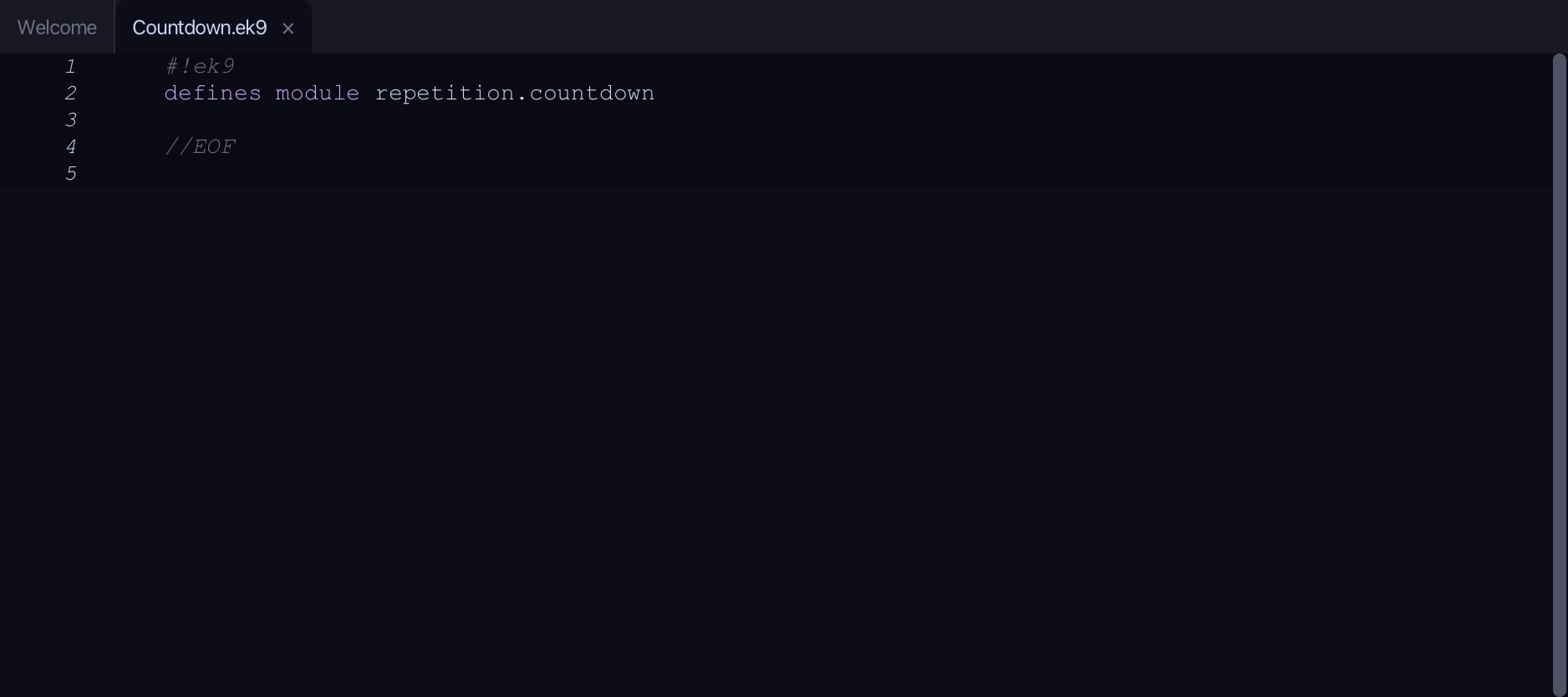
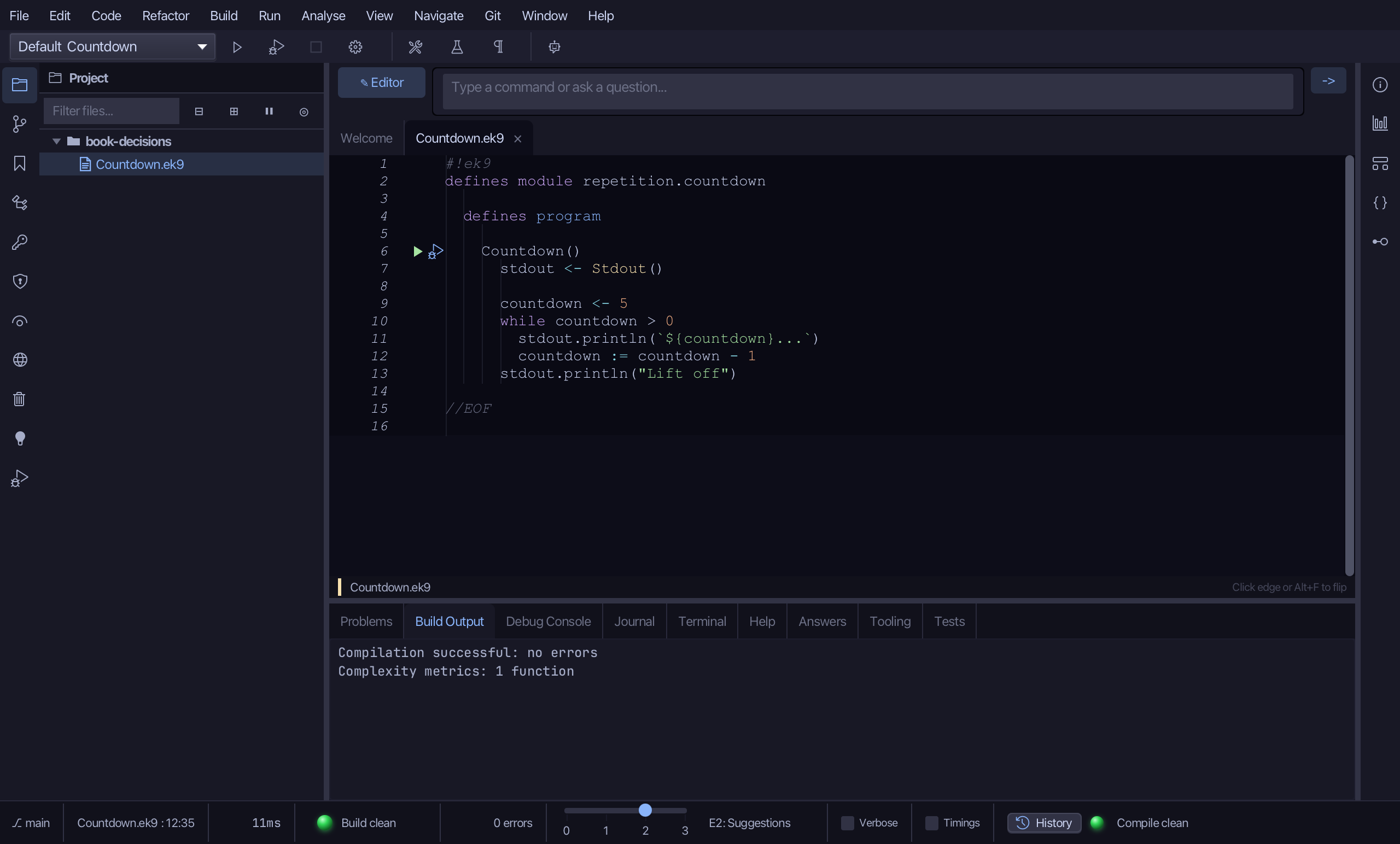
The lesson builds this program from a file holding only its module line - the finished file, as the book prints it.
#!ek9
defines module repetition.countdown

  defines program

    Countdown()
      stdout <- Stdout()

      countdown <- 5
      while countdown > 0
        stdout.println(`${countdown}...`)
        countdown := countdown - 1
      stdout.println("Lift off")

//EOF
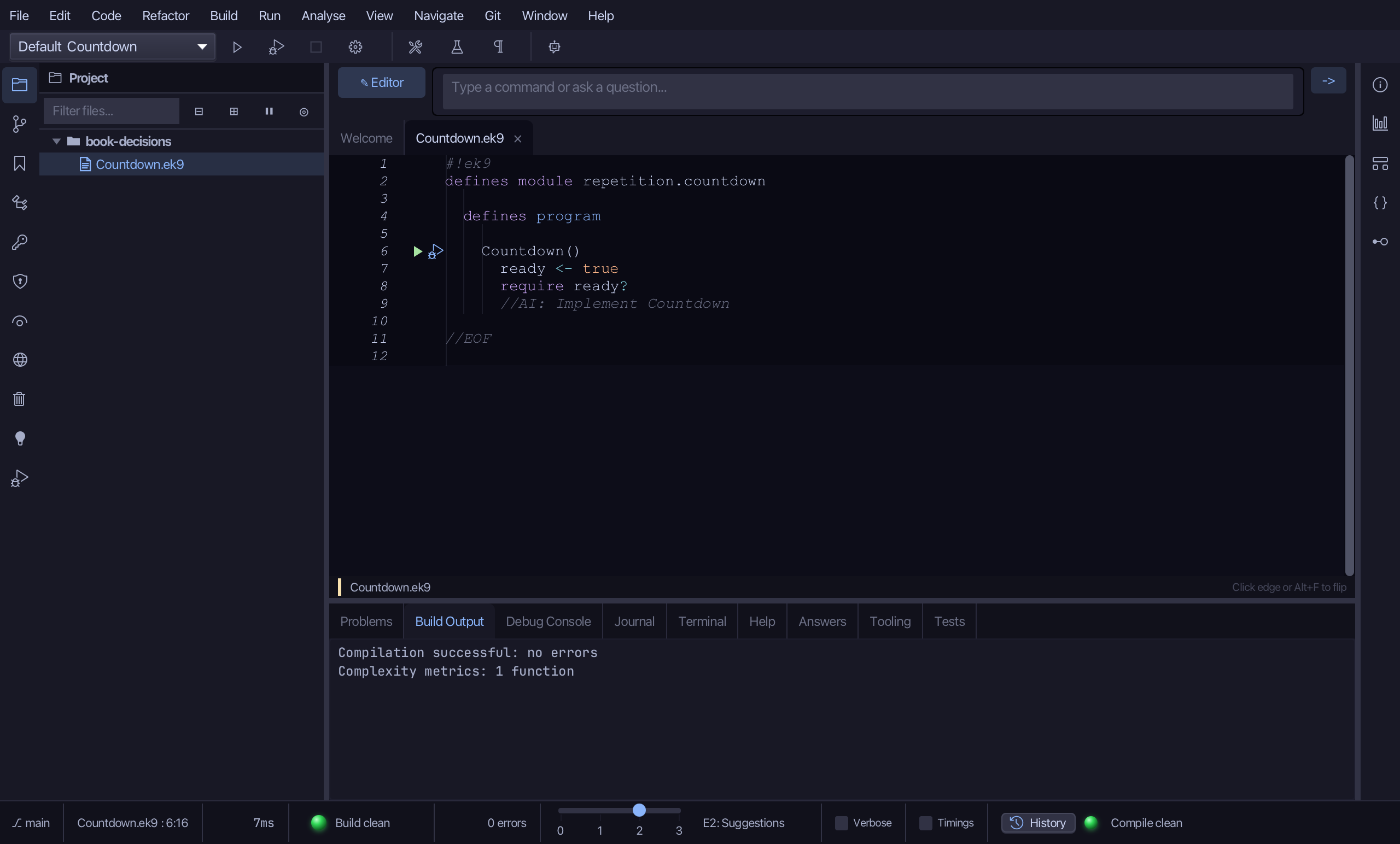
Step 1: The program
Choose Code > New Construct > Program…
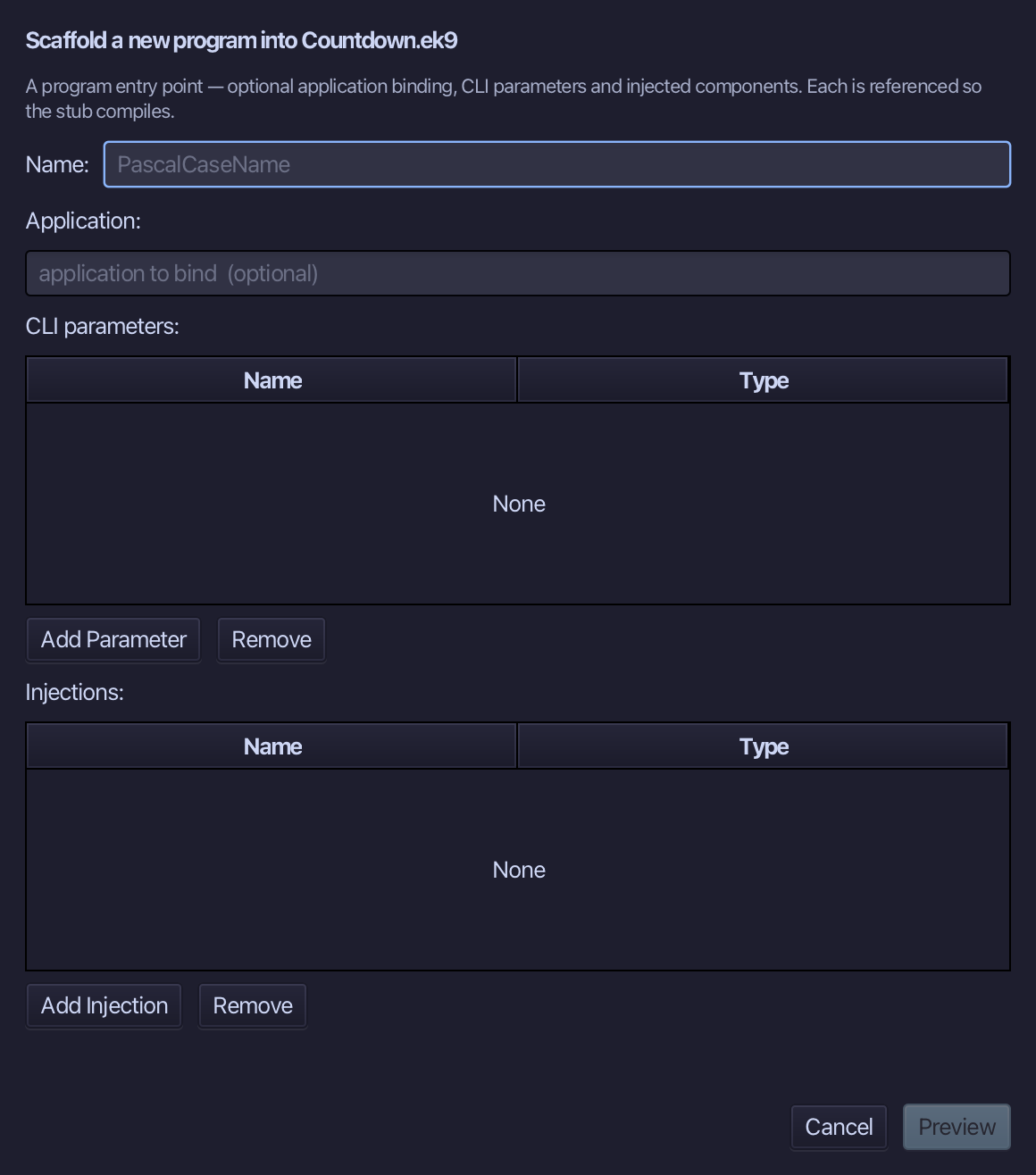
Countdown is the program's name - no application to bind, no parameters, nothing injected. Type Countdown and choose Preview.
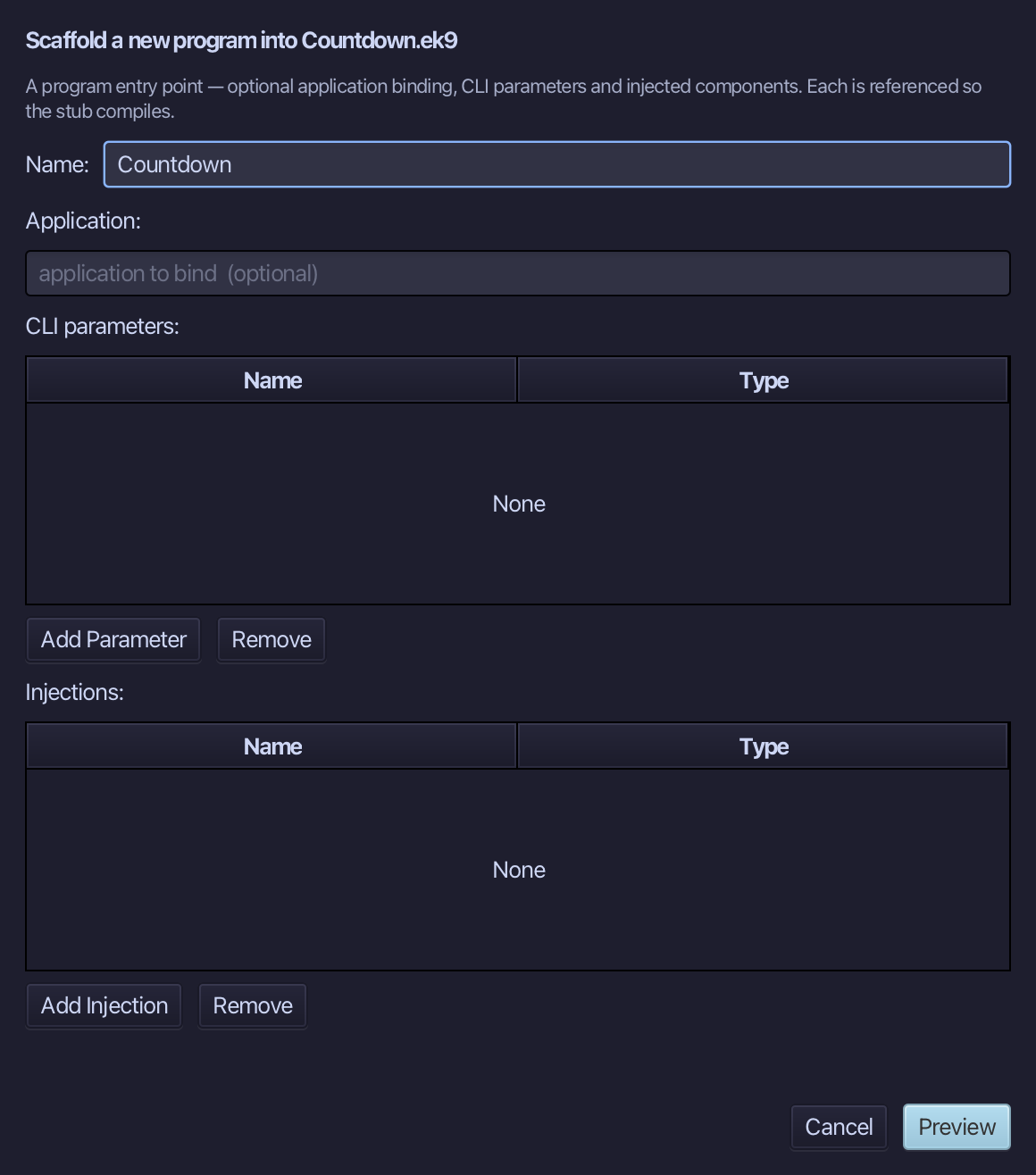
The preview shows Countdown about to be written. Choose Apply.
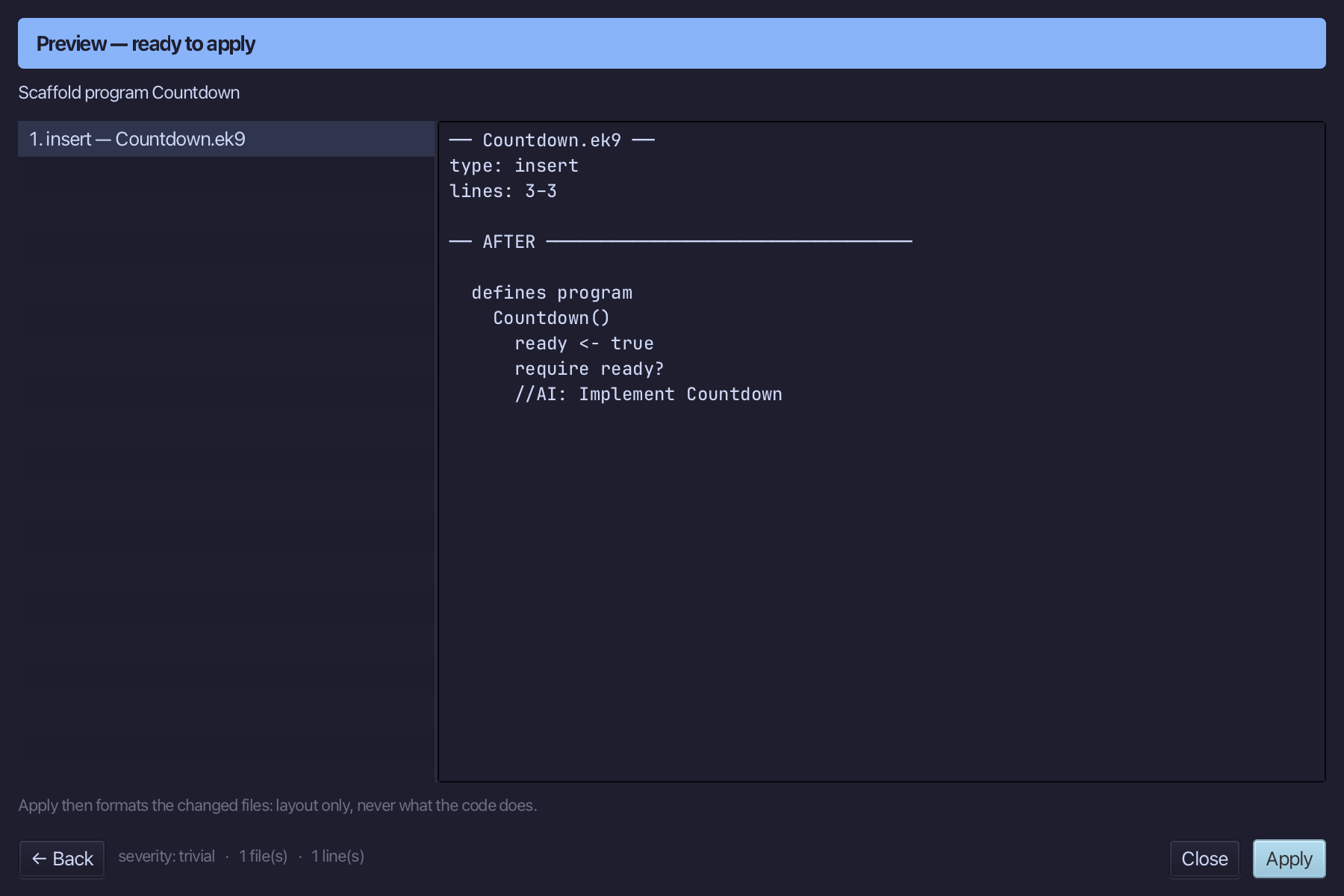
Select the Countdown() line, and above it type the blank line every chapter example opens its first member with. Saves when typed.
Step 2: A plain start
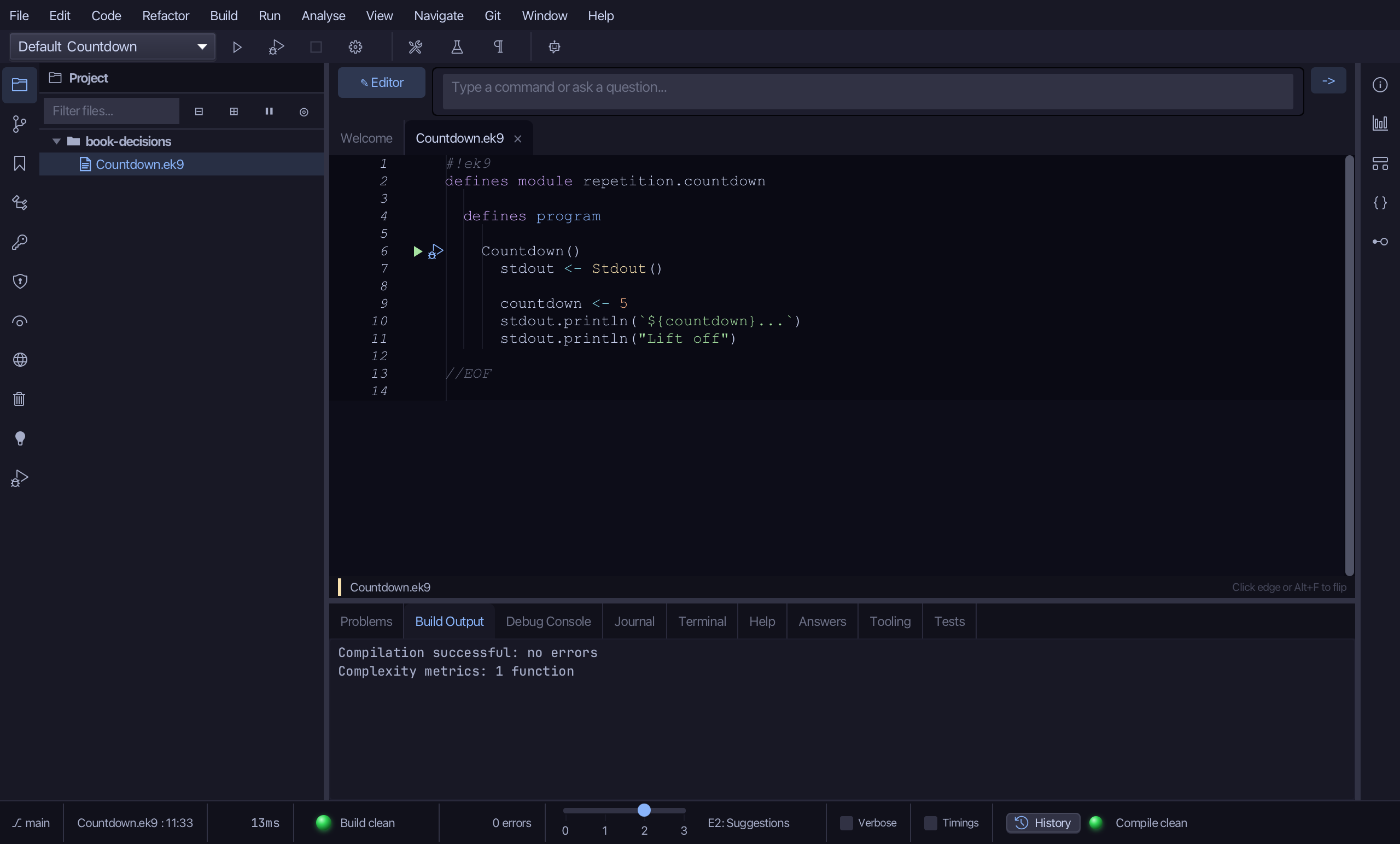
Select the stub, from ready <- true down to its //AI line, and type the plain version: a Stdout, countdown starting at 5, one print, then Lift off - said once, not yet repeated. Saves when typed.
Step 3: Loop it with Surround With
Put the caret on the countdown print, right-click - or choose Refactor > Refactor This… - and choose Surround With ▸ while.
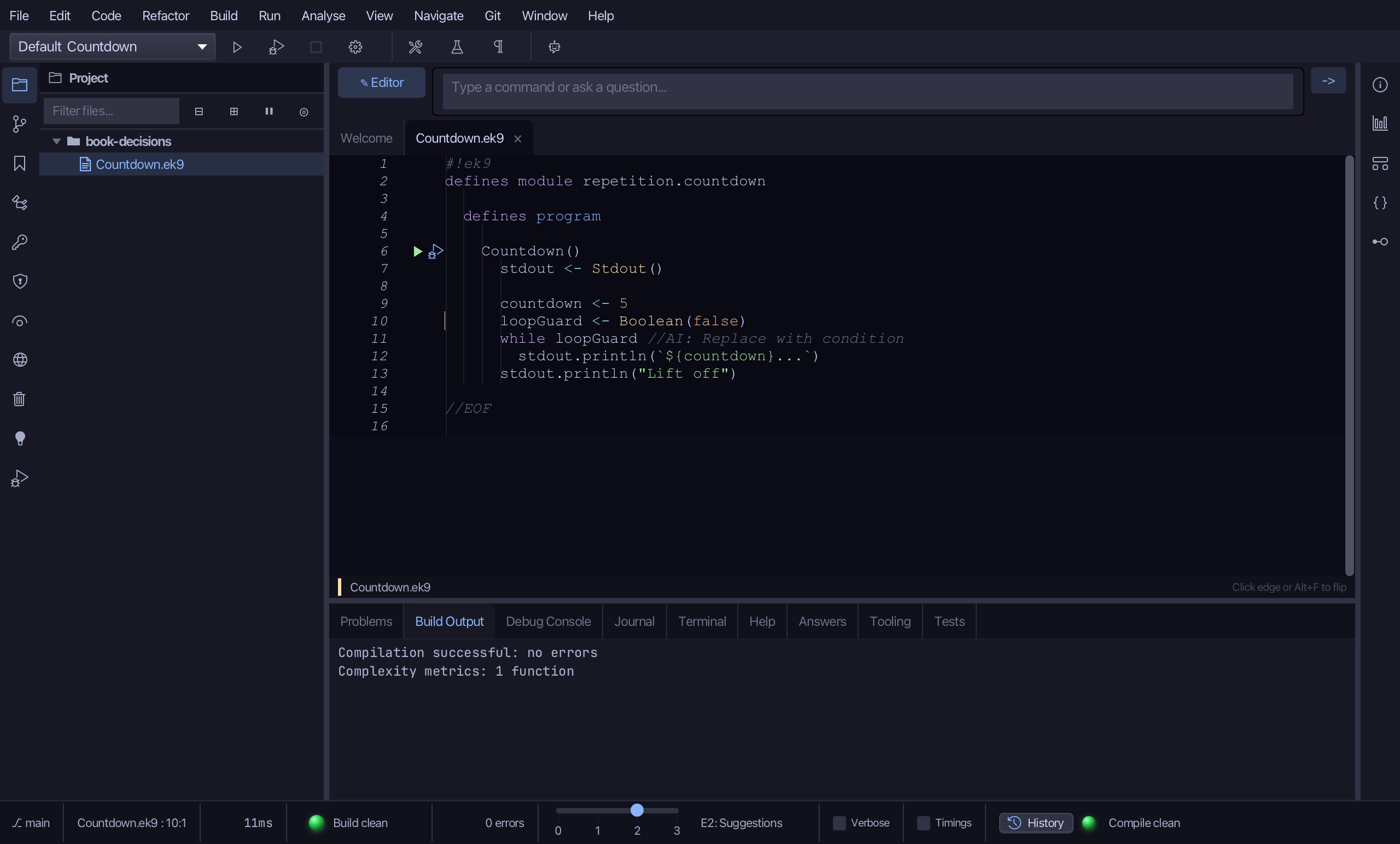
Select the stub, from loopGuard <- Boolean(false) down to its //AI line, and type while countdown > 0 - the real test, in place of the placeholder guard. Saves when typed.
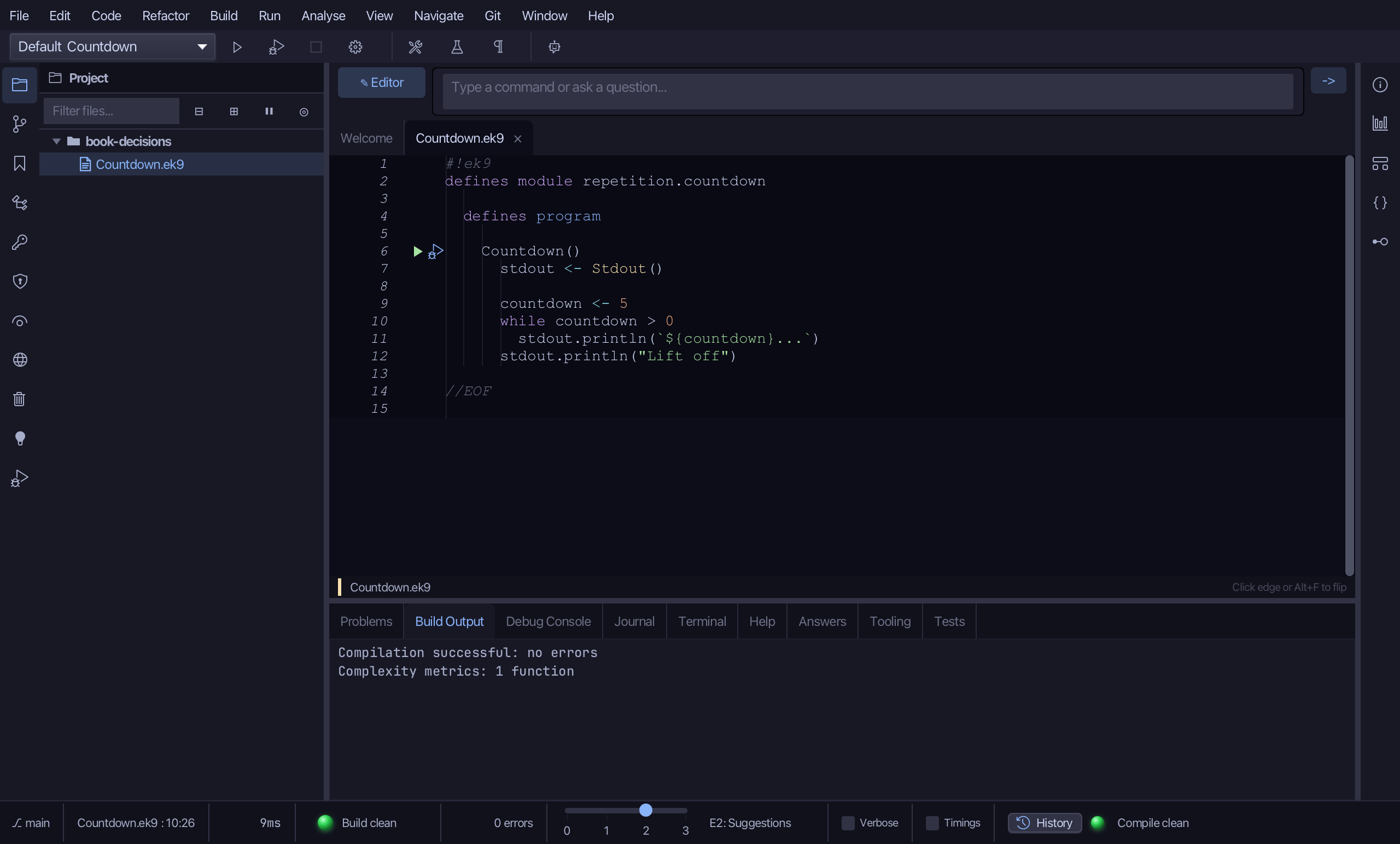
Select the countdown print, and below it type countdown := countdown - 1 - the line that actually counts down, now that there is a loop to read it again. Saves when typed.
Step 4: Run it
Choose Run > Run Program…
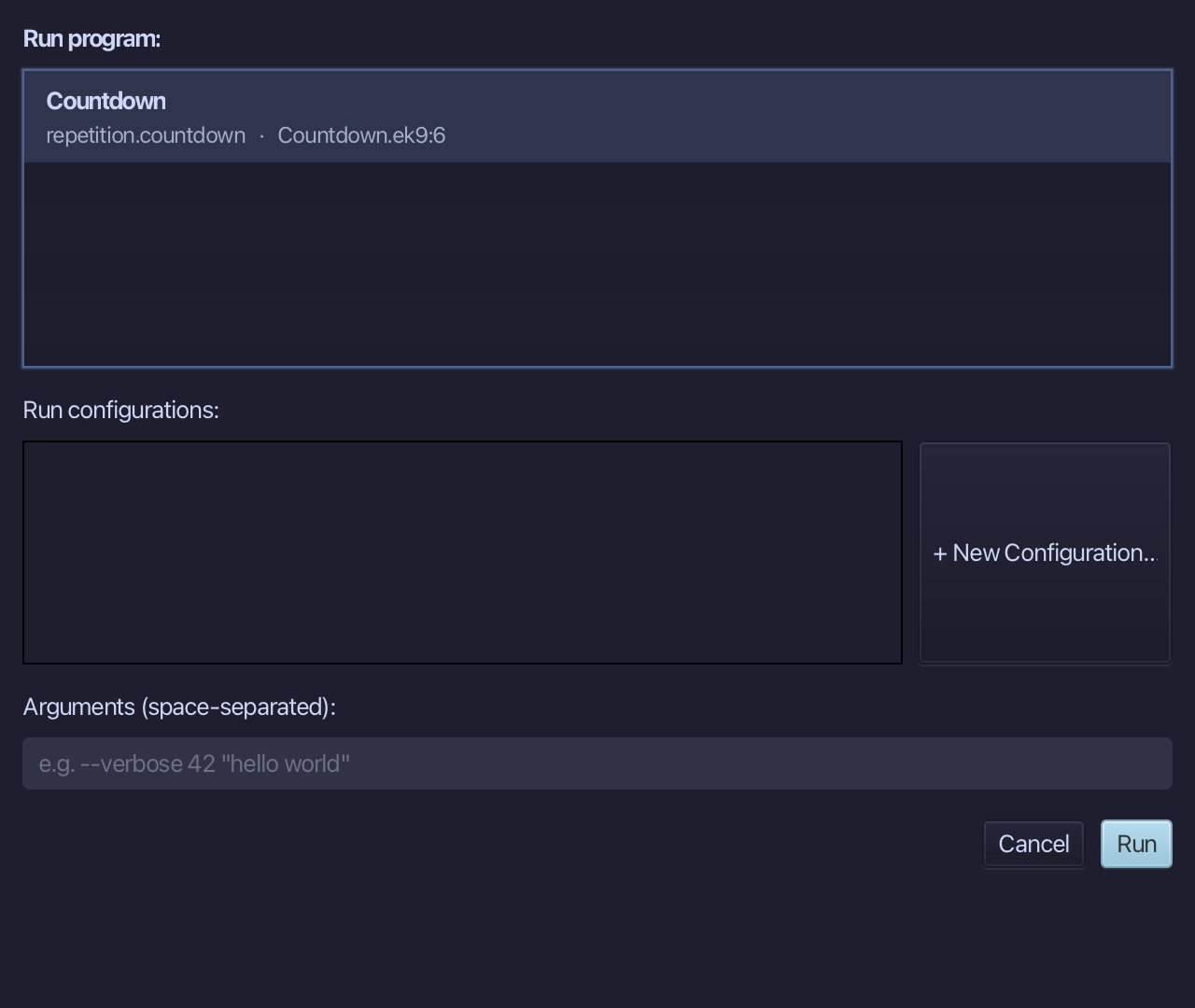
The project's only program is already chosen. Choose Run.
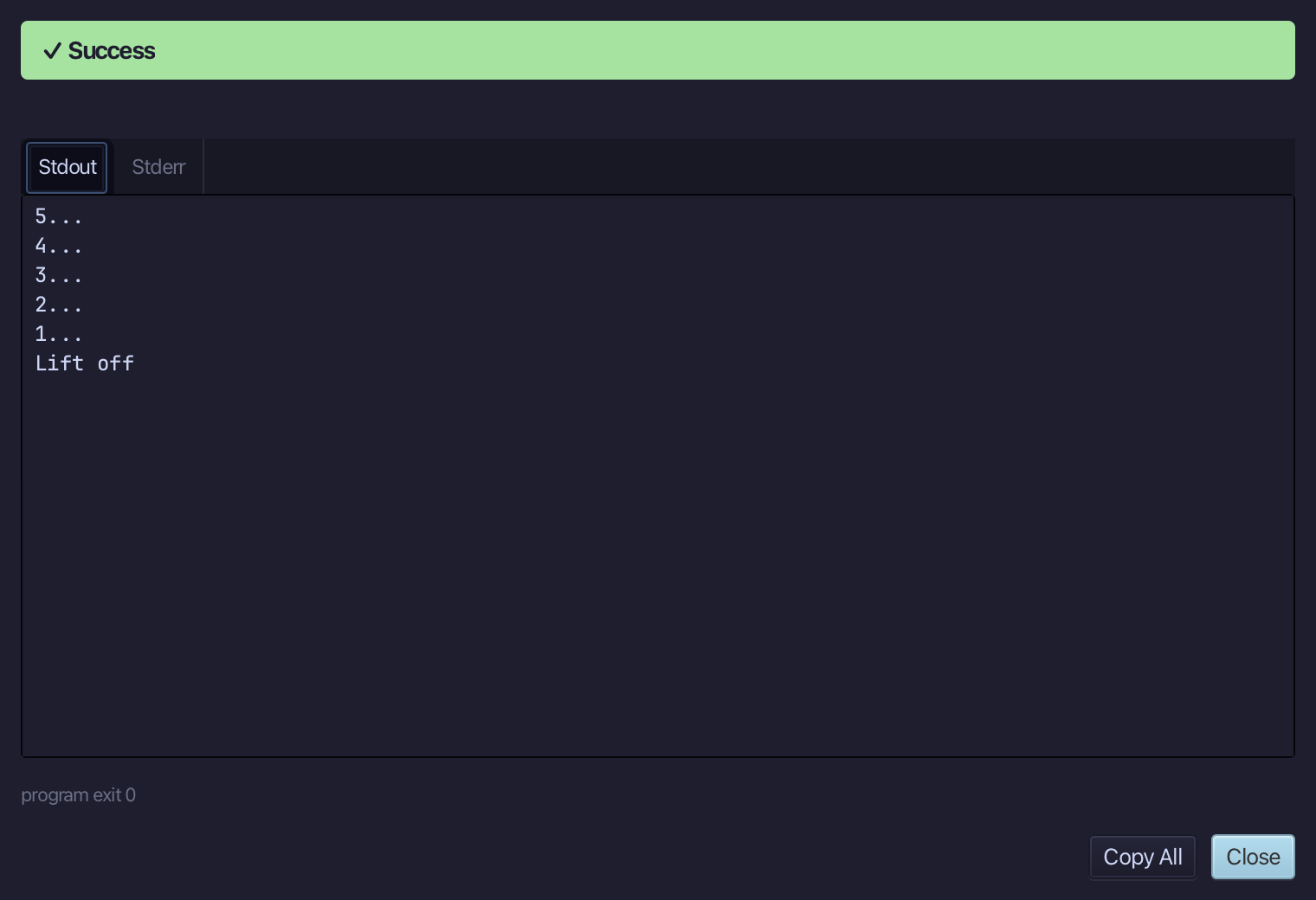
5... then 4... 3... 2... 1... then Lift off - the loop ran while countdown was still above zero, and stopped the moment it was not. Choose Close.
The result
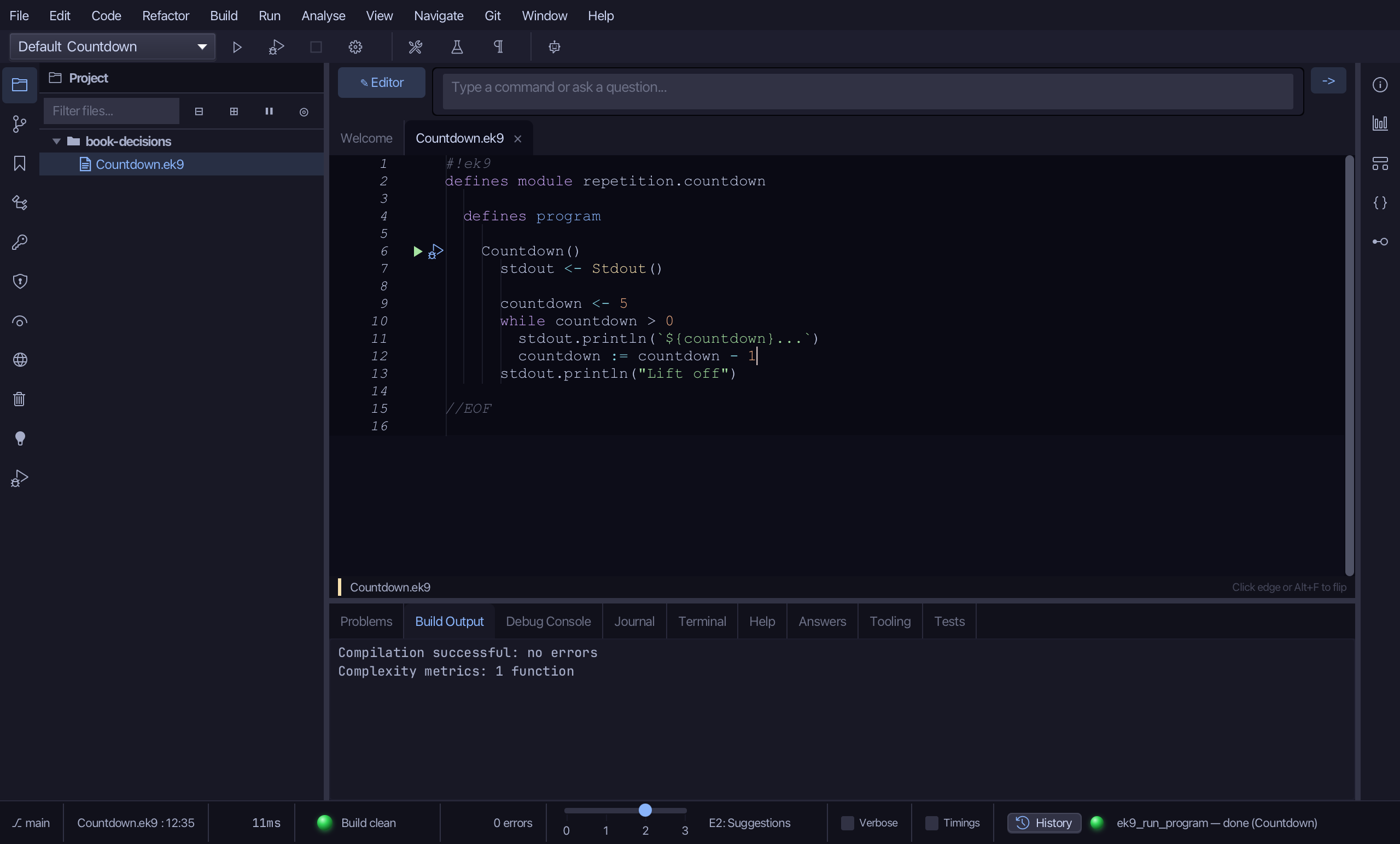
Countdown.ek9 now reads exactly as chapter 3 of Getting Started with EK9 shows it: a program that counts down and stops. The plain version you typed first printed the count once; Surround With folded it under a loop head, re-indenting it for you, and the condition you typed over its placeholder is what makes it repeat - the line that actually counts down went in right after, once there was a loop to read it again. The same tool - ek9_surround_with - is what an AI assistant calls to do the same thing.
Where this lesson comes from
- For AI assistants - the MCP tool
ek9_new_construct,ek9_surround_with.