Chapter 12: a pipeline, built
Chapter 12 meets the stream: a pipeline of small stages joined by |, each with one job - filter keeps some values, map changes every one, and the pipeline ends by printing or collecting a result. Numbers keeps the even numbers from 1 to 6, doubles them, and prints what is left - the chapter's own first pipeline. The IDE's own tools make each function's and the program's whole structure, so what is left to type is the logic no tool can write: what isEven tests and doubleIt computes, pure both, and the pipeline line itself - then Analyse ▸ Pipeline, which decomposes any pipeline the caret sits in, stage by stage, read before the run. To play it in the IDE: Help > Lessons > Writing code…, or ek9 -ide -lesson book-streams.
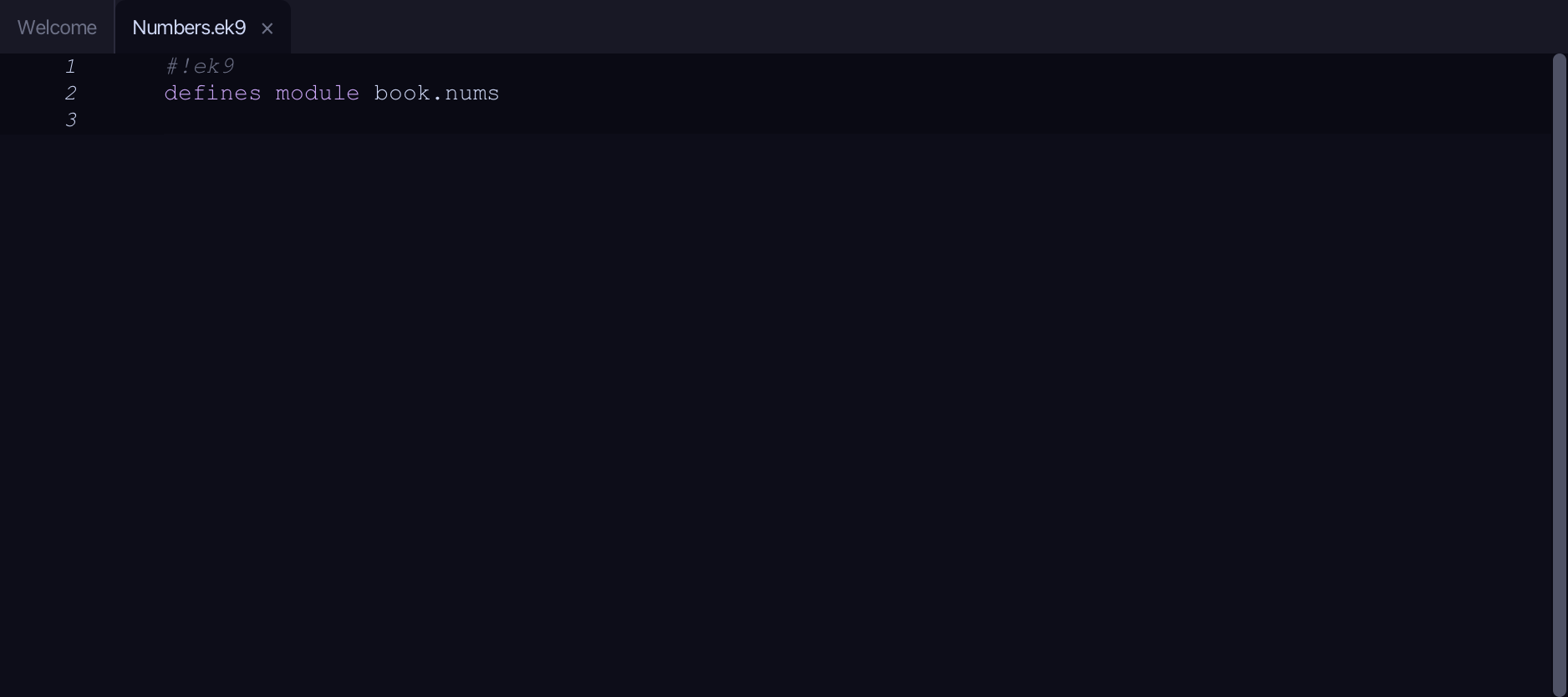
What you'll build
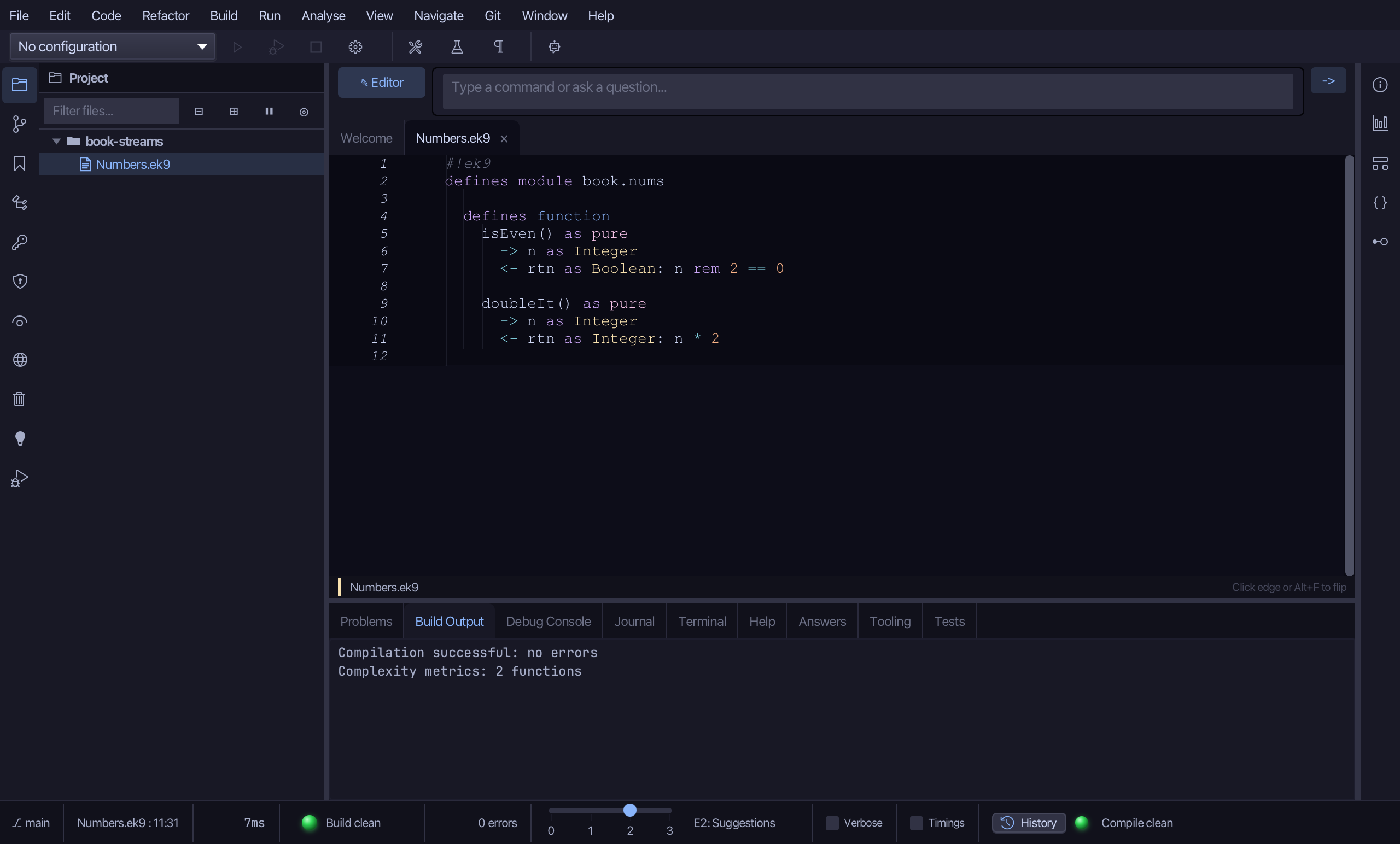
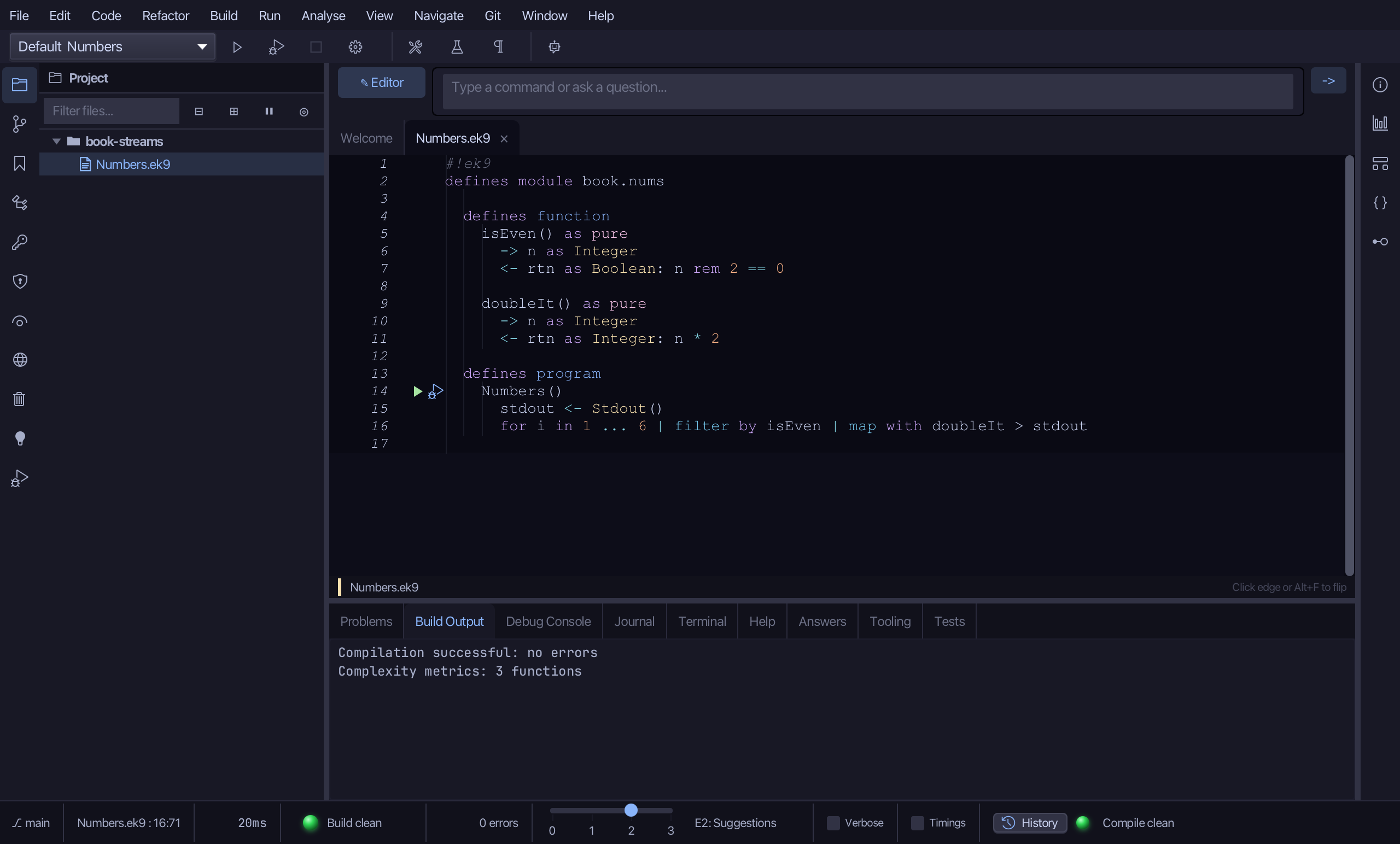
The lesson builds this program from a file holding only its module line - the finished file, as the book prints it.
#!ek9
defines module book.nums

  defines function
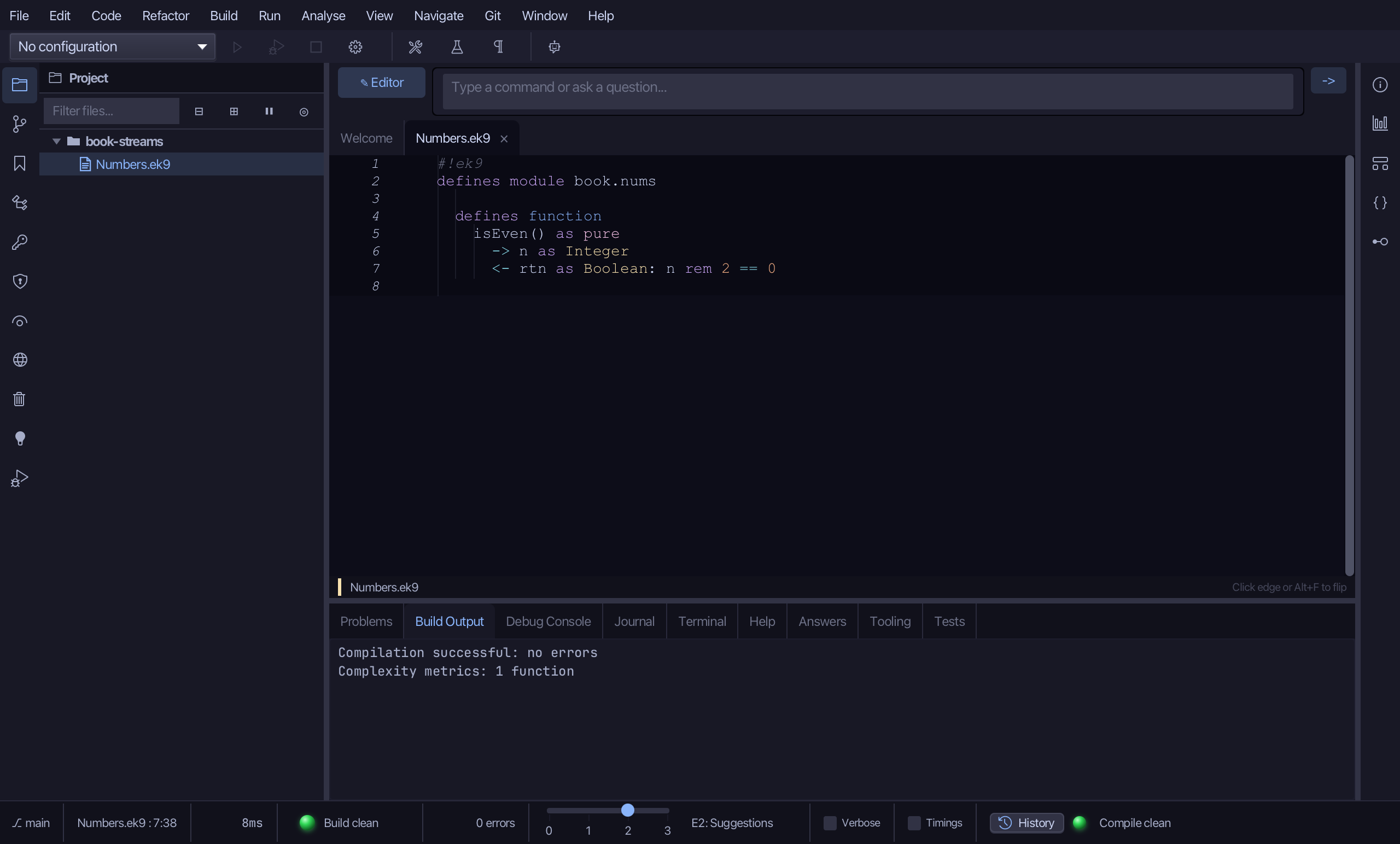
    isEven() as pure
      -> n as Integer
      <- rtn as Boolean: n rem 2 == 0

    doubleIt() as pure
      -> n as Integer
      <- rtn as Integer: n * 2

  defines program
    Numbers()
      stdout <- Stdout()
      for i in 1 ... 6 | filter by isEven | map with doubleIt > stdout
Step 1: isEven — a pure function
Choose Code > New Construct > Function…
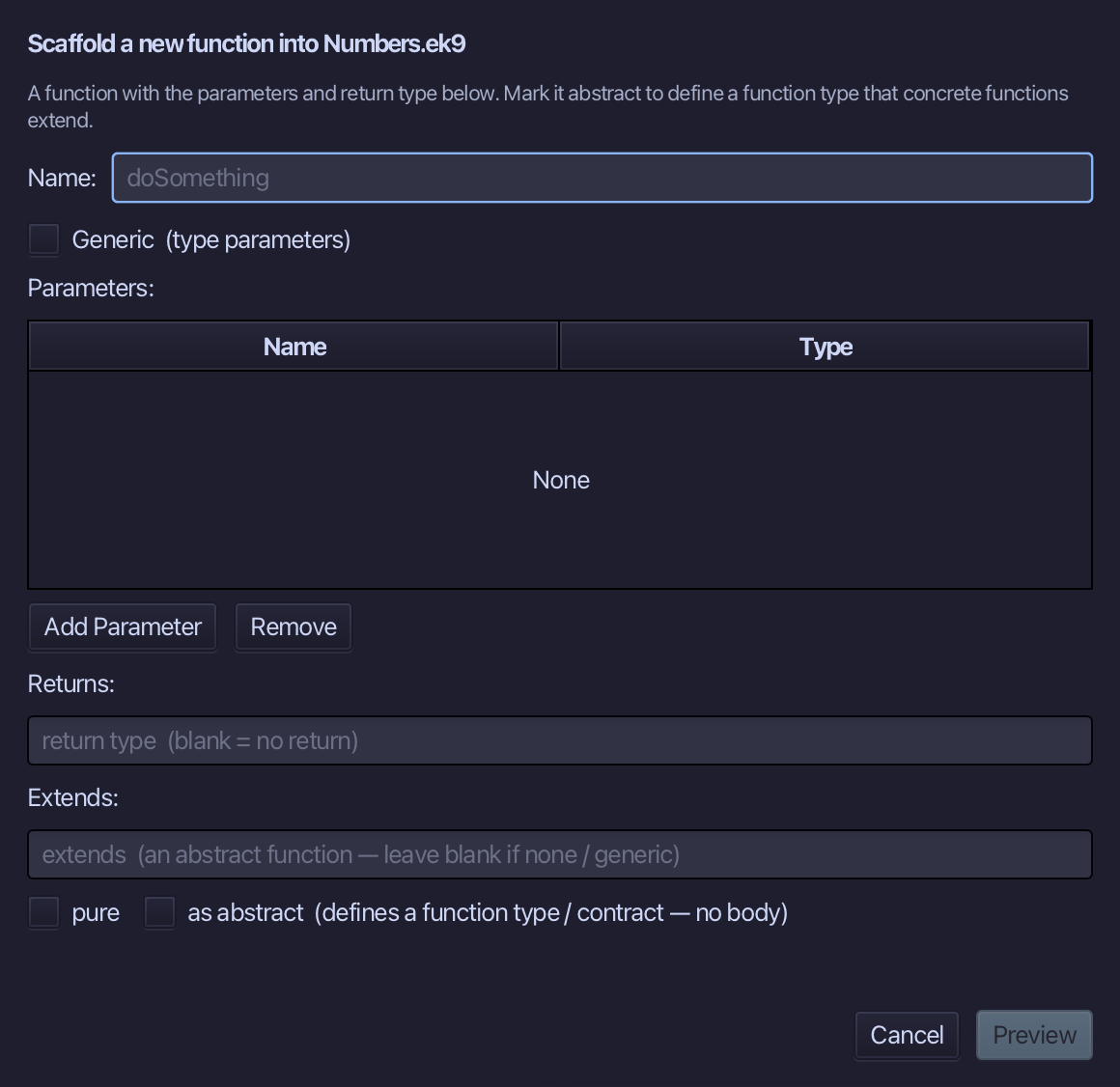
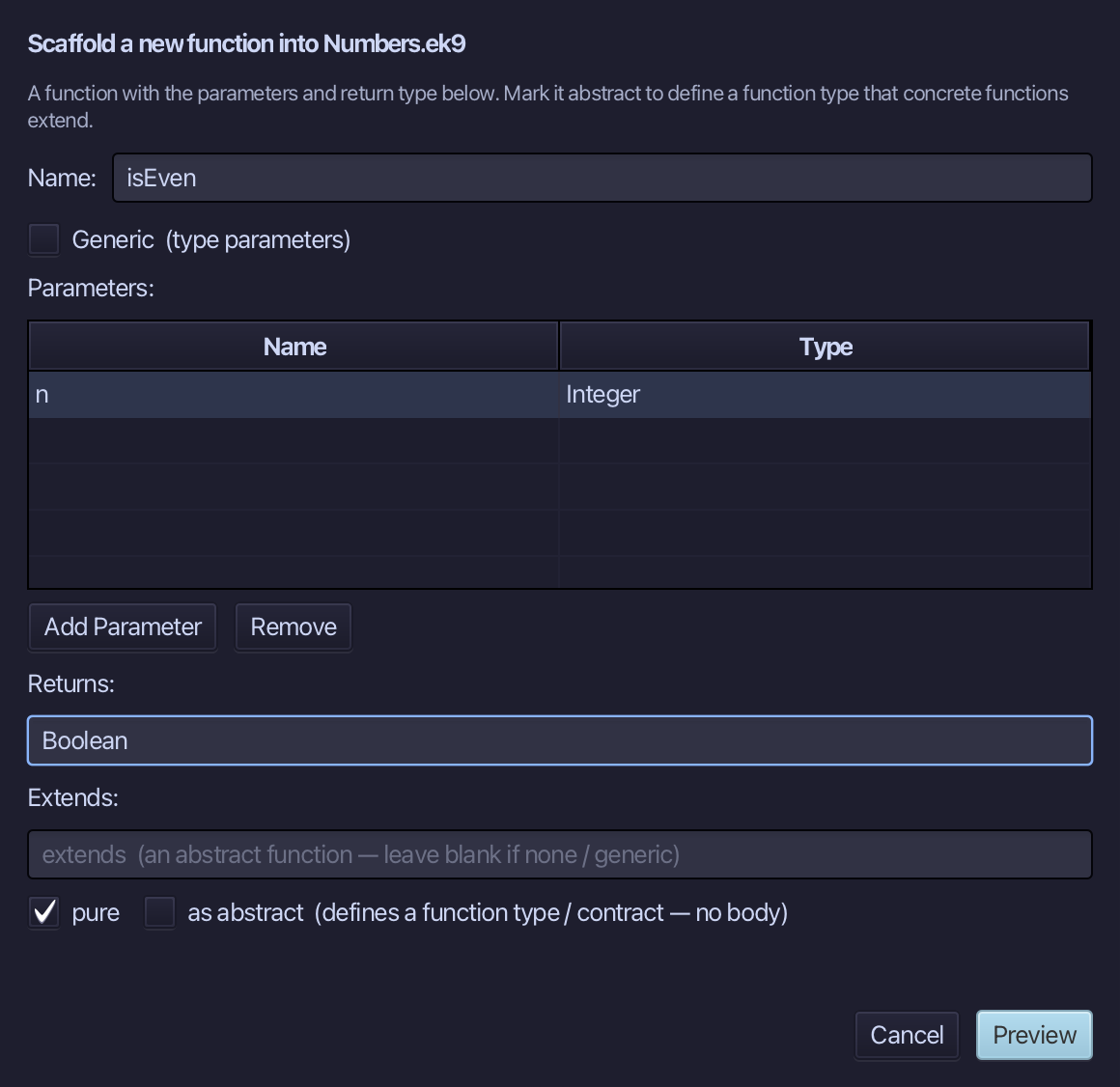
isEven is the function's name. Add one parameter, n of type Integer, set Returns to Boolean, and tick pure. Choose Preview.
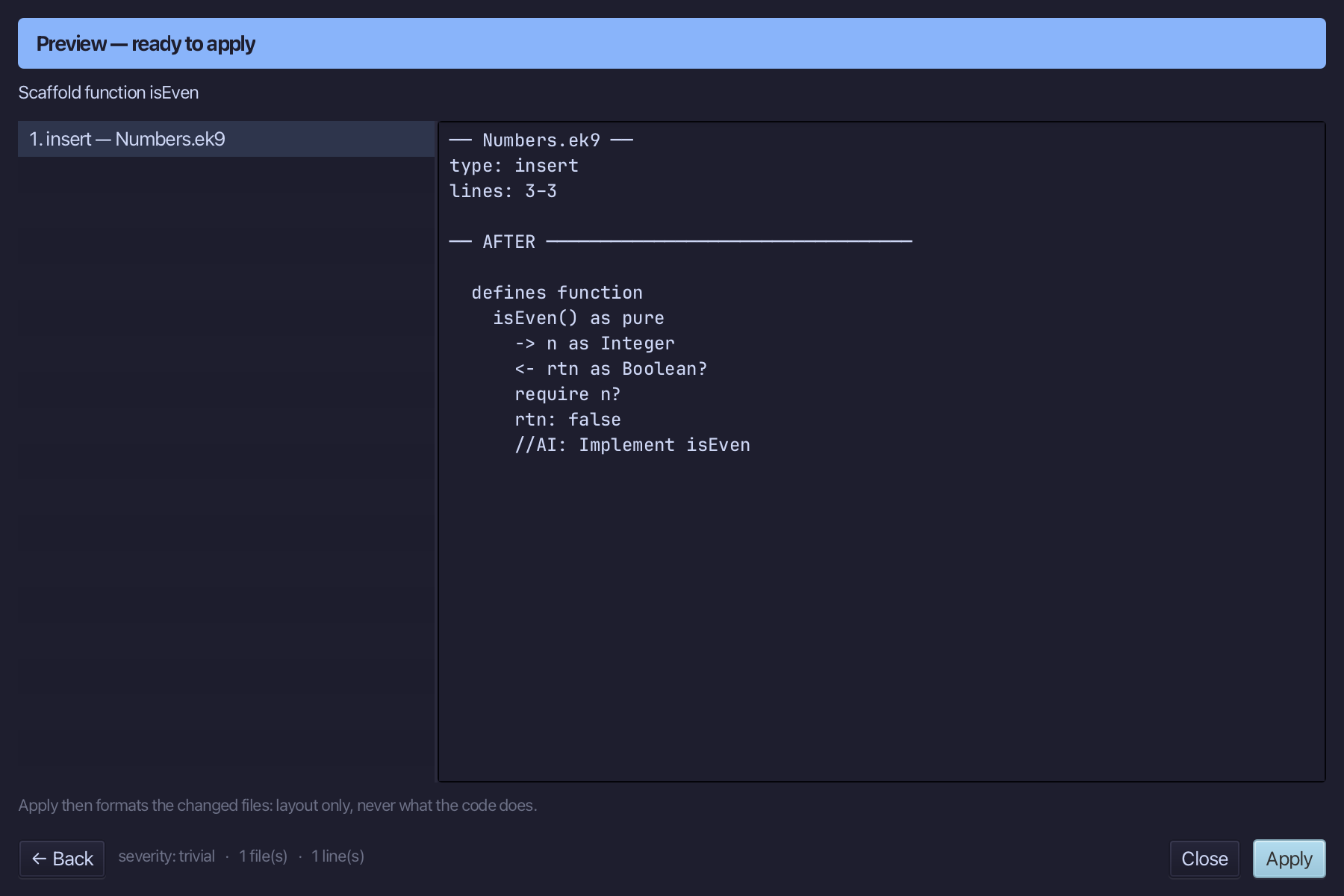
The preview shows isEven about to be written, pure, n in and Boolean out. Choose Apply.
Select the stub, from <- rtn as Boolean? down to its //AI line, and type the real test, n rem 2 == 0. Saves when typed.
Step 2: doubleIt — a pure function
Choose Code > New Construct > Function…
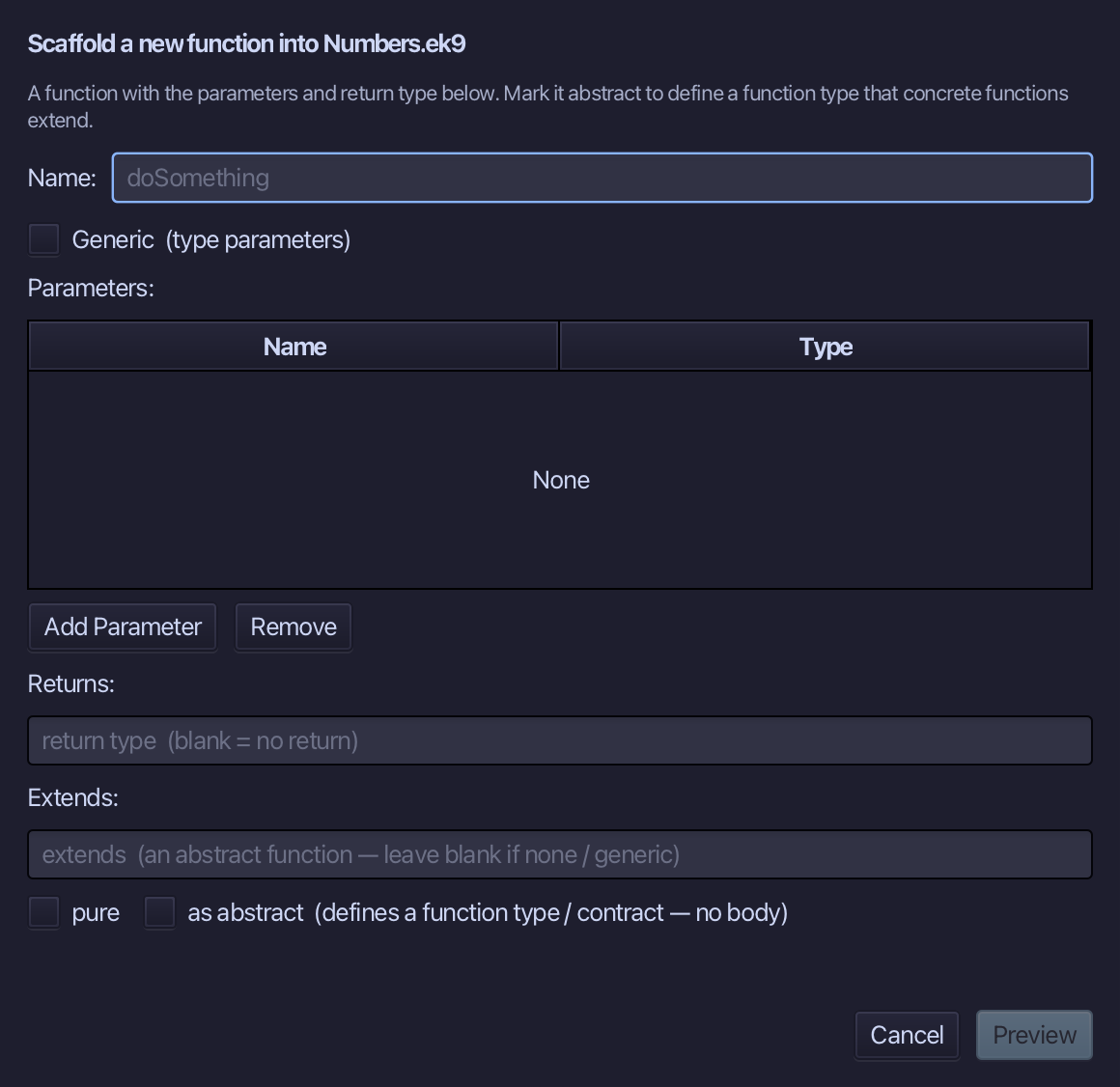
doubleIt is the function's name. Add one parameter, n of type Integer, set Returns to Integer, and tick pure, as isEven's were. Choose Preview.
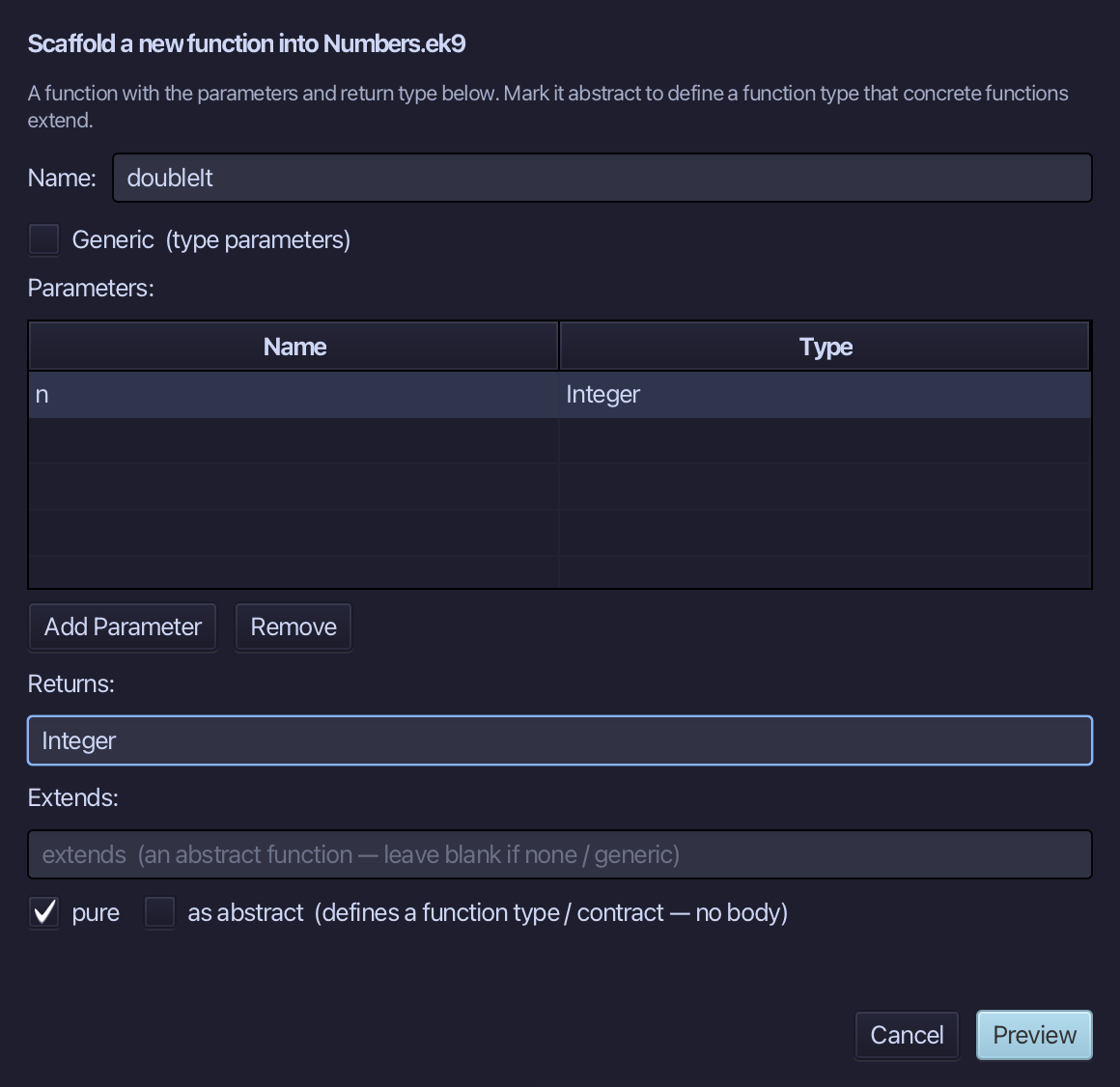
The preview shows doubleIt about to be written, added to the same defines function block as isEven. Choose Apply.
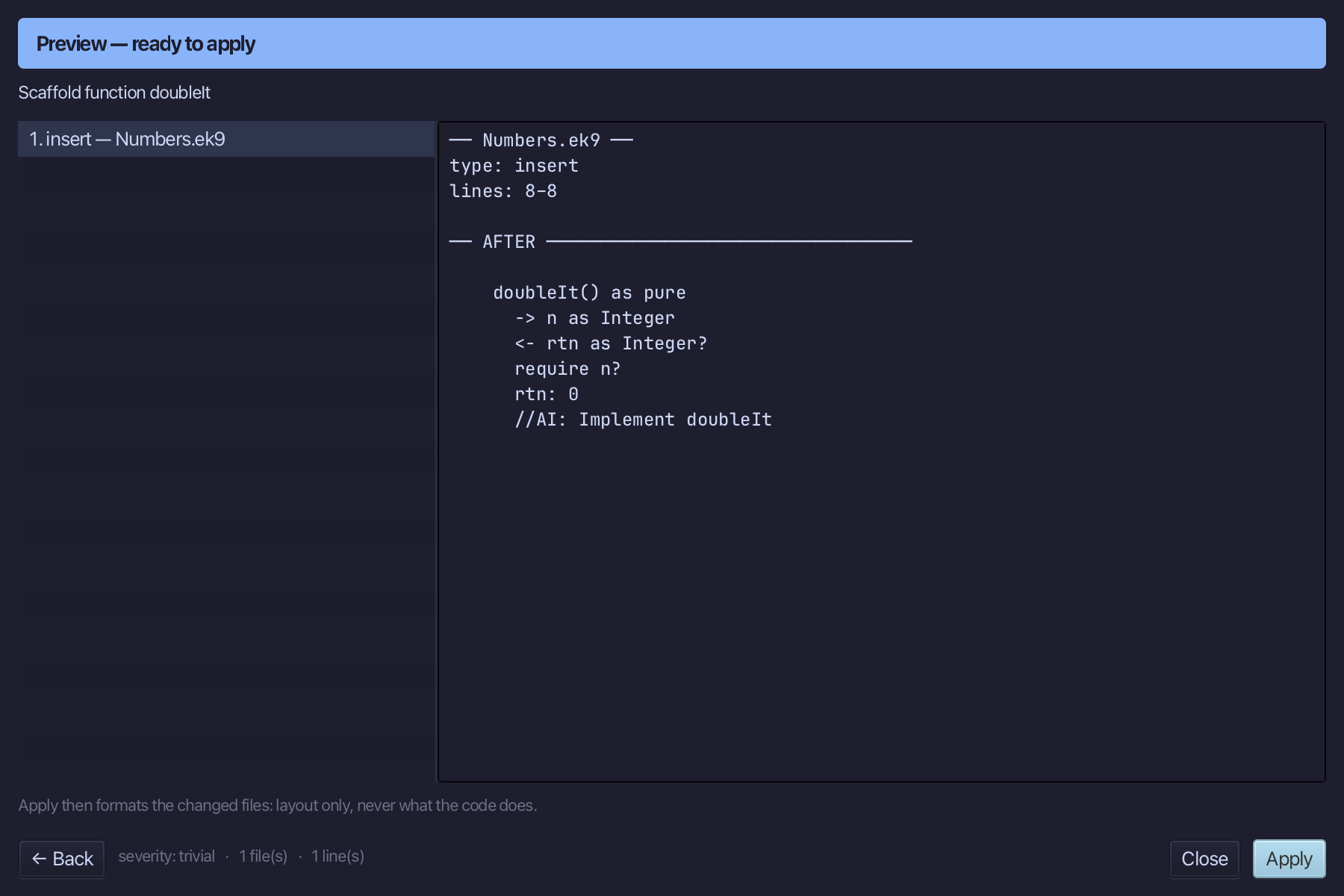
Select the stub, from <- rtn as Integer? down to its //AI line, and type the real calculation, n * 2. Saves when typed.
Step 3: The program
Choose Code > New Construct > Program…
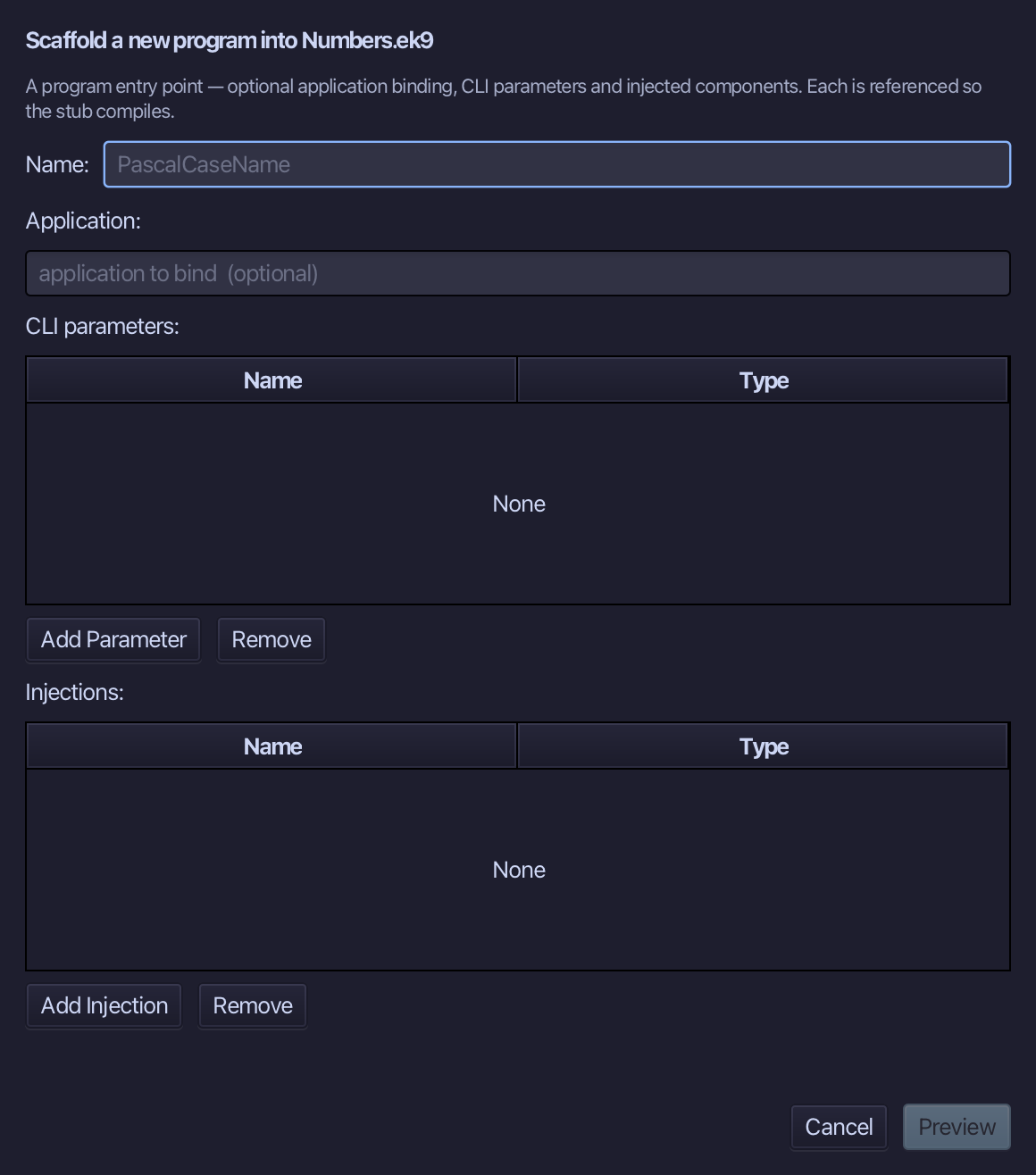
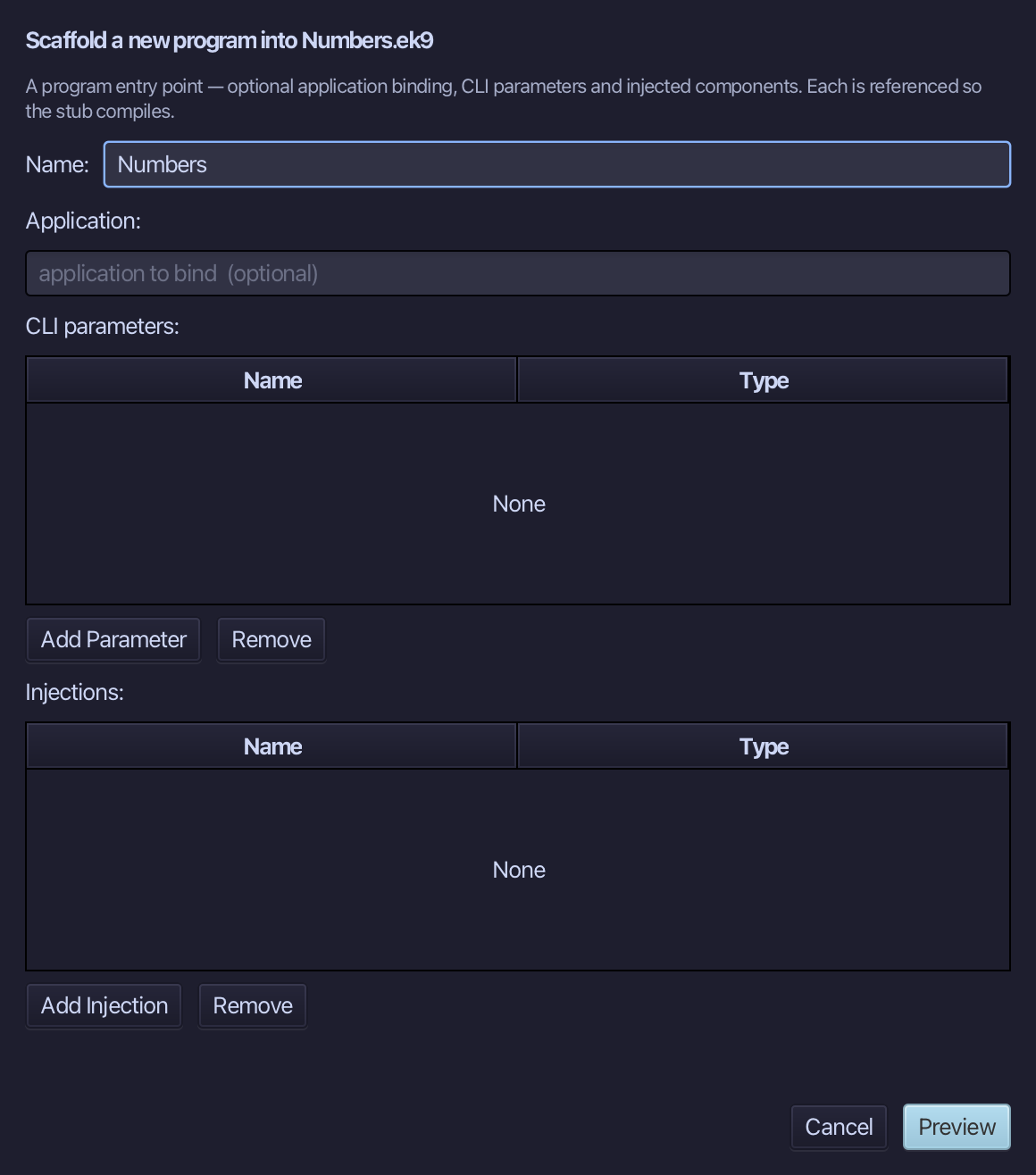
Numbers is the program's name - no application to bind, no parameters, nothing injected. Type Numbers and choose Preview.
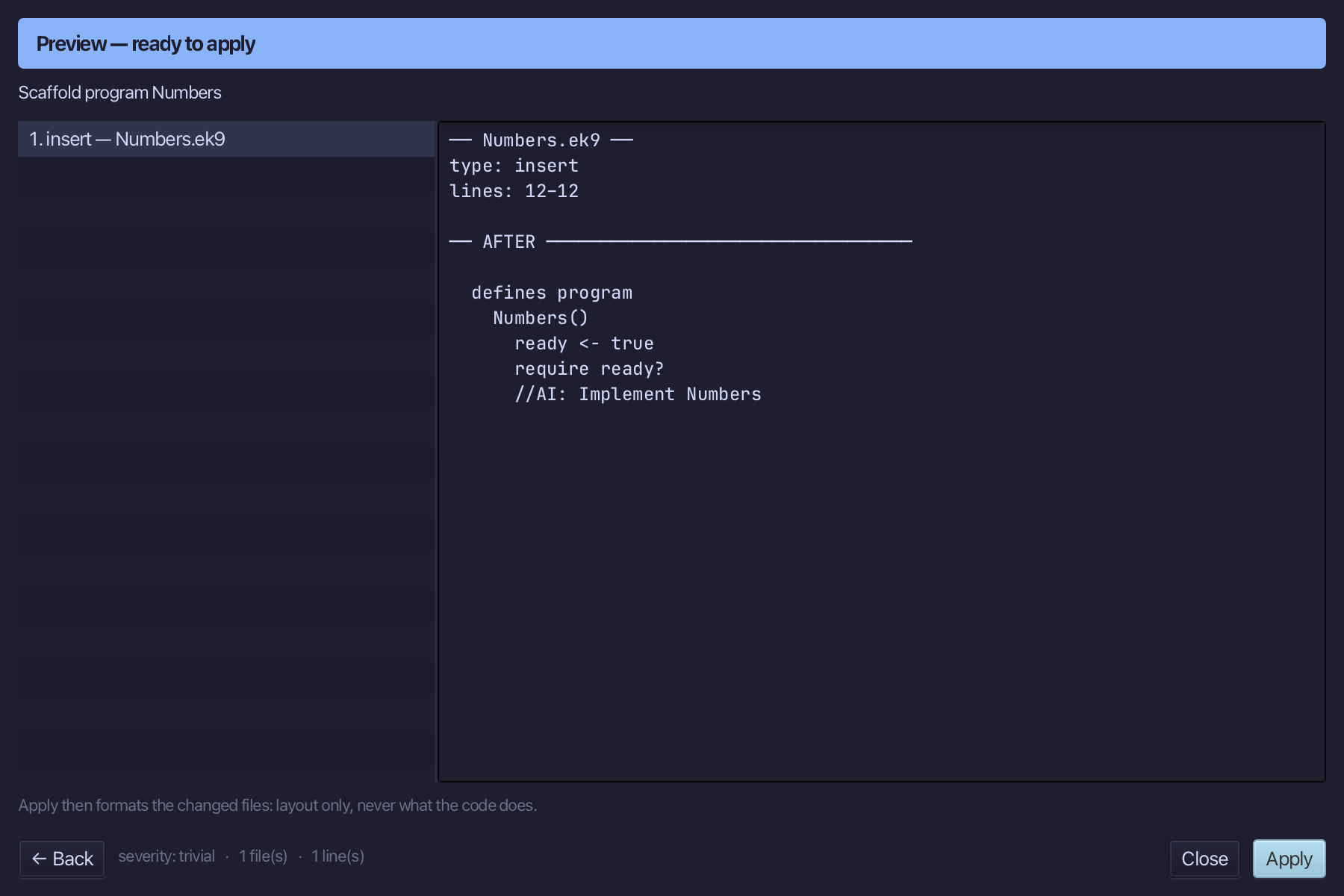
The preview shows Numbers about to be written. Choose Apply.
Select the stub, from ready <- true down to its //AI line, and type Numbers' whole job: a Stdout, then the pipeline itself - the range, the filter and the map, ending at stdout. Saves when typed.
Step 4: Read the pipeline
Put the caret anywhere on the pipeline line - between for and > stdout - then choose Analyse ▸ Pipeline: cursor-anchored, the same way Flow Analysis and Effective API read the construct the caret sits in.
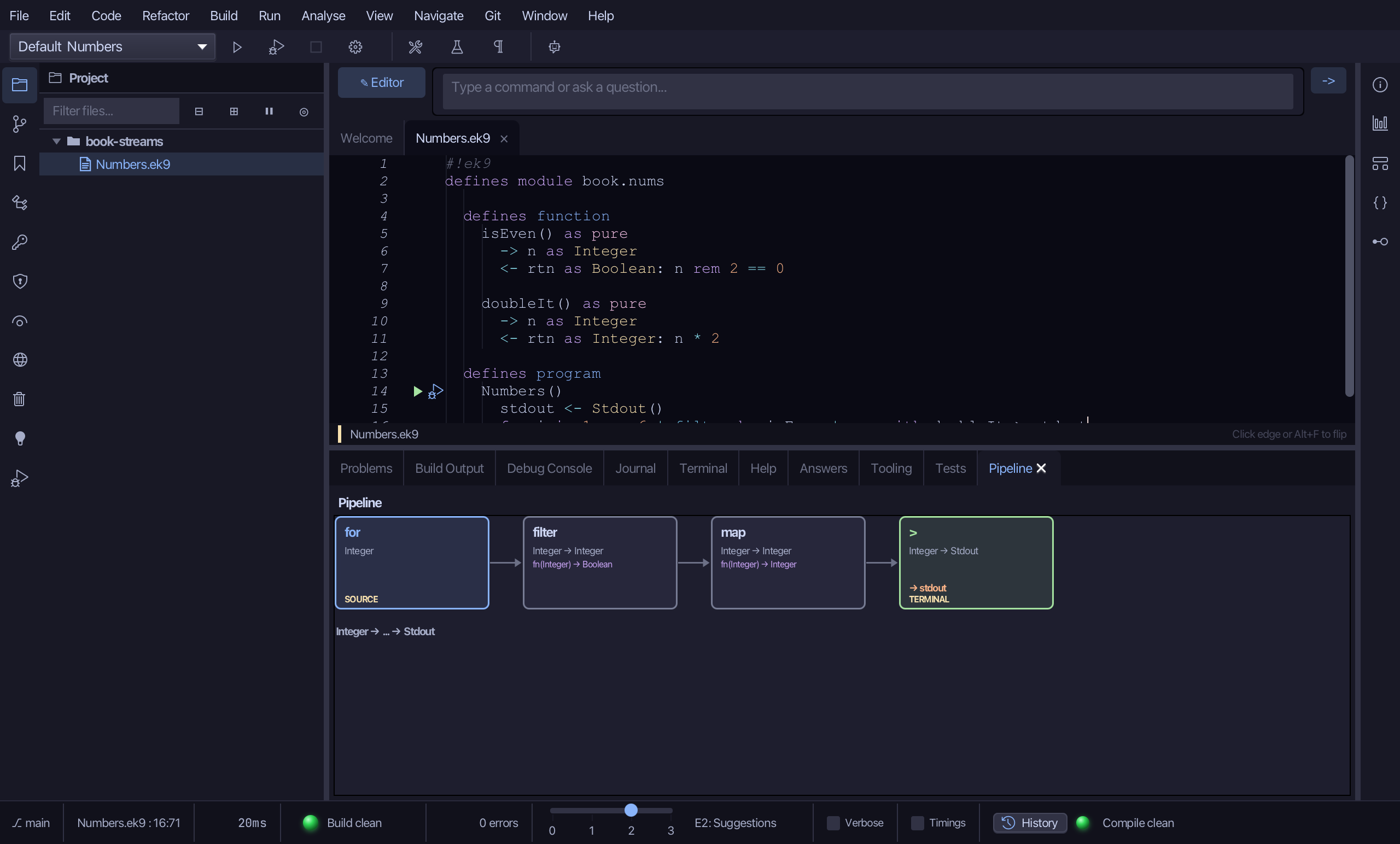
The pane draws the chain as four boxes, left to right, each one click from its own line: for, in blue and marked SOURCE, sends out Integer; filter by isEven keeps the type Integer -> Integer - isEven only tests it - with isEven's own shape, fn(Integer) -> Boolean, in a second line beneath; map with doubleIt is Integer -> Integer too, with fn(Integer) -> Integer beneath; and > stdout, in green and marked TERMINAL, is Integer -> Stdout, naming -> stdout, the variable it writes to. Underneath the boxes, one line sums up the whole pipeline: Integer -> ... -> Stdout.
Step 5: Run it
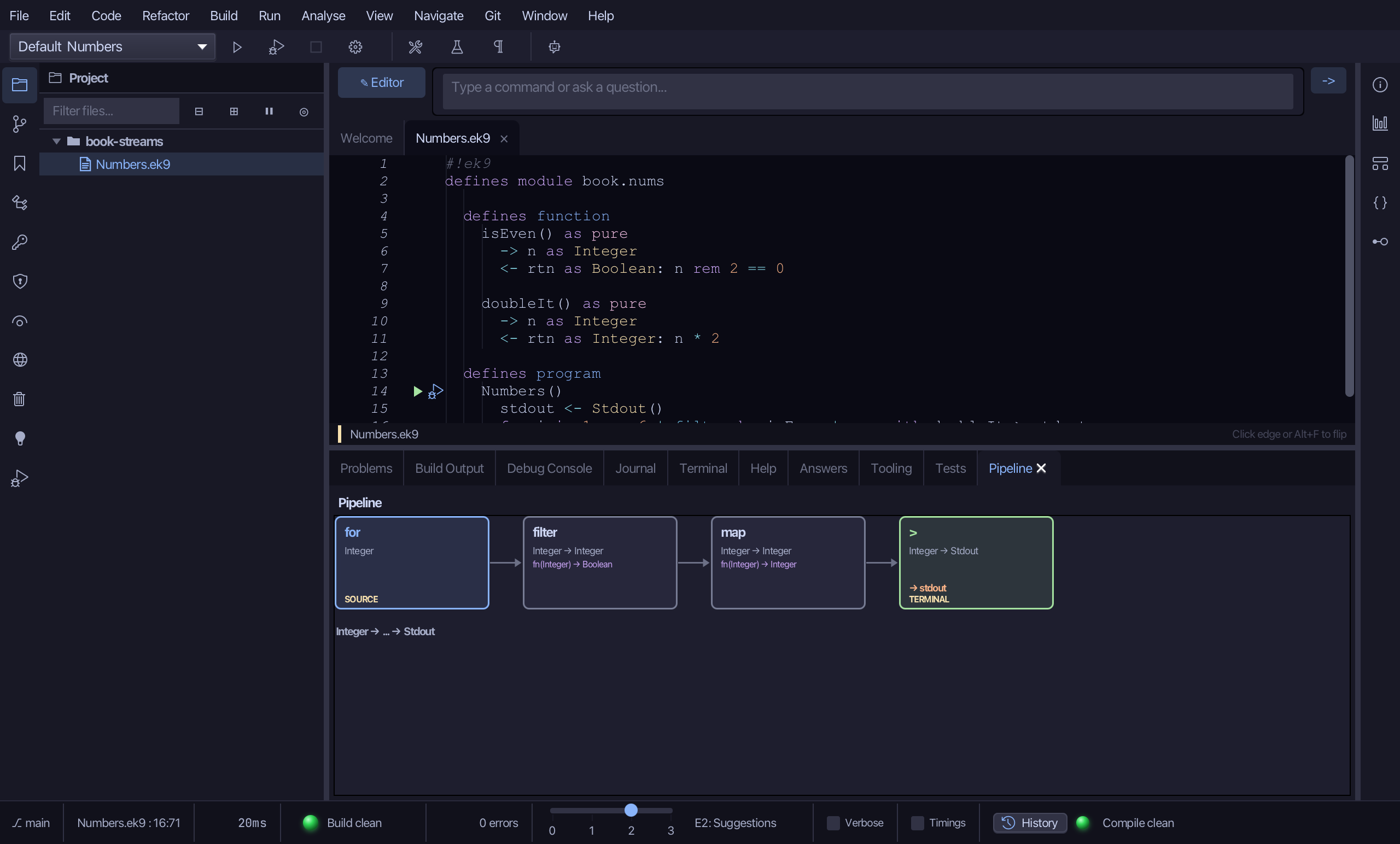
Choose Run > Run Program…
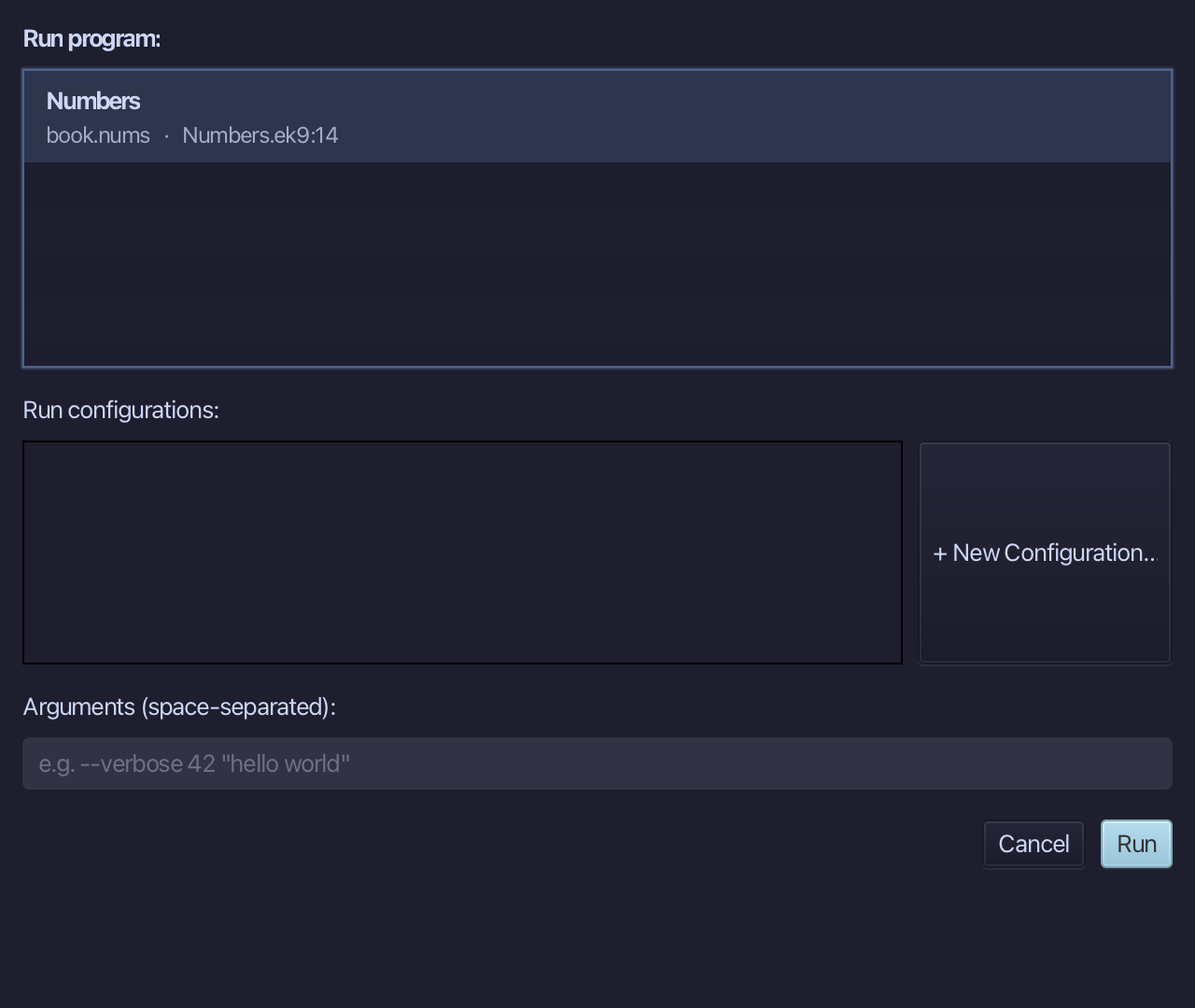
The project's only program is already chosen. Choose Run.
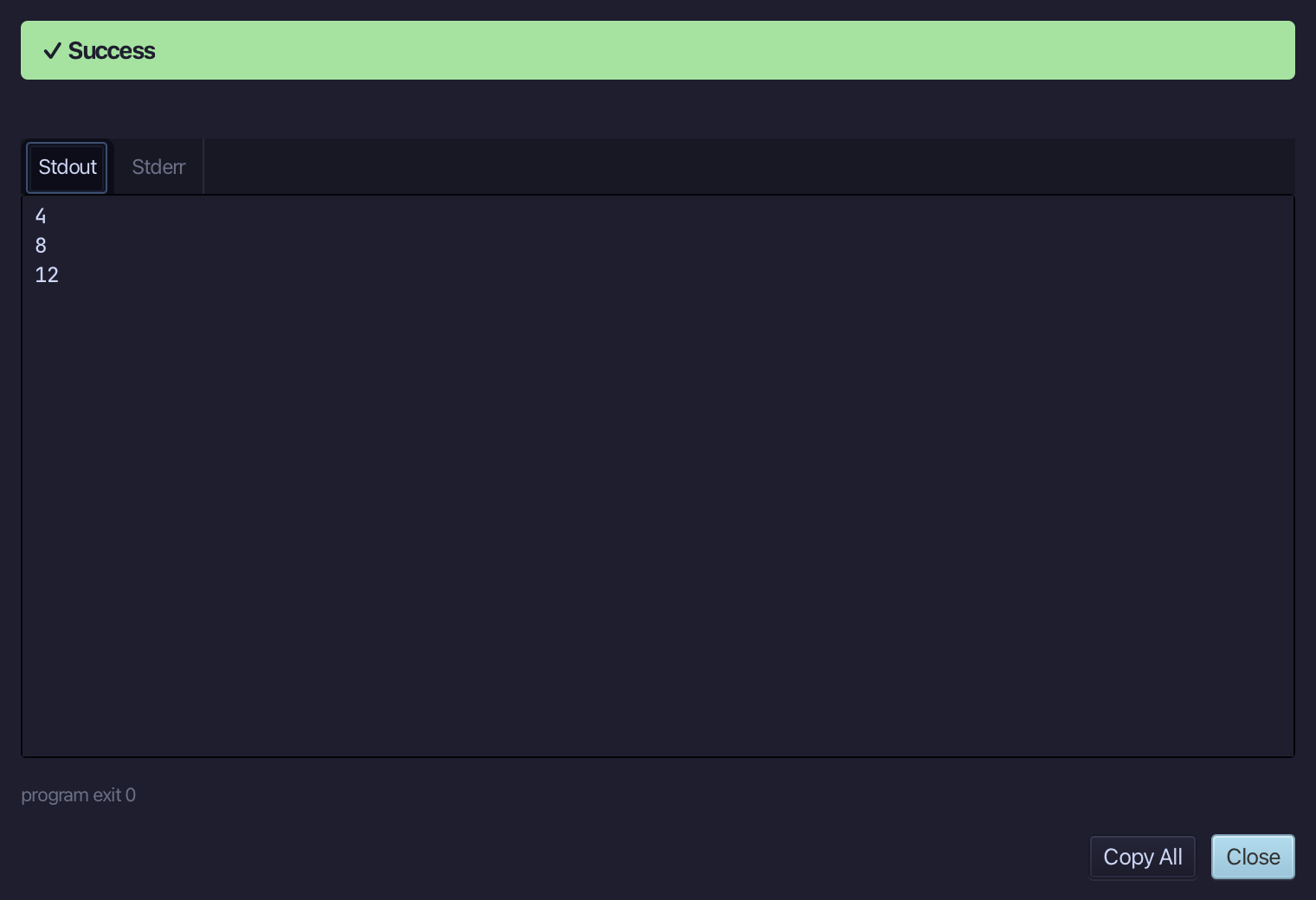
4, then 8, then 12 - the even numbers from 1 to 6, each doubled by the time the pipeline reached stdout. Choose Close.
The result
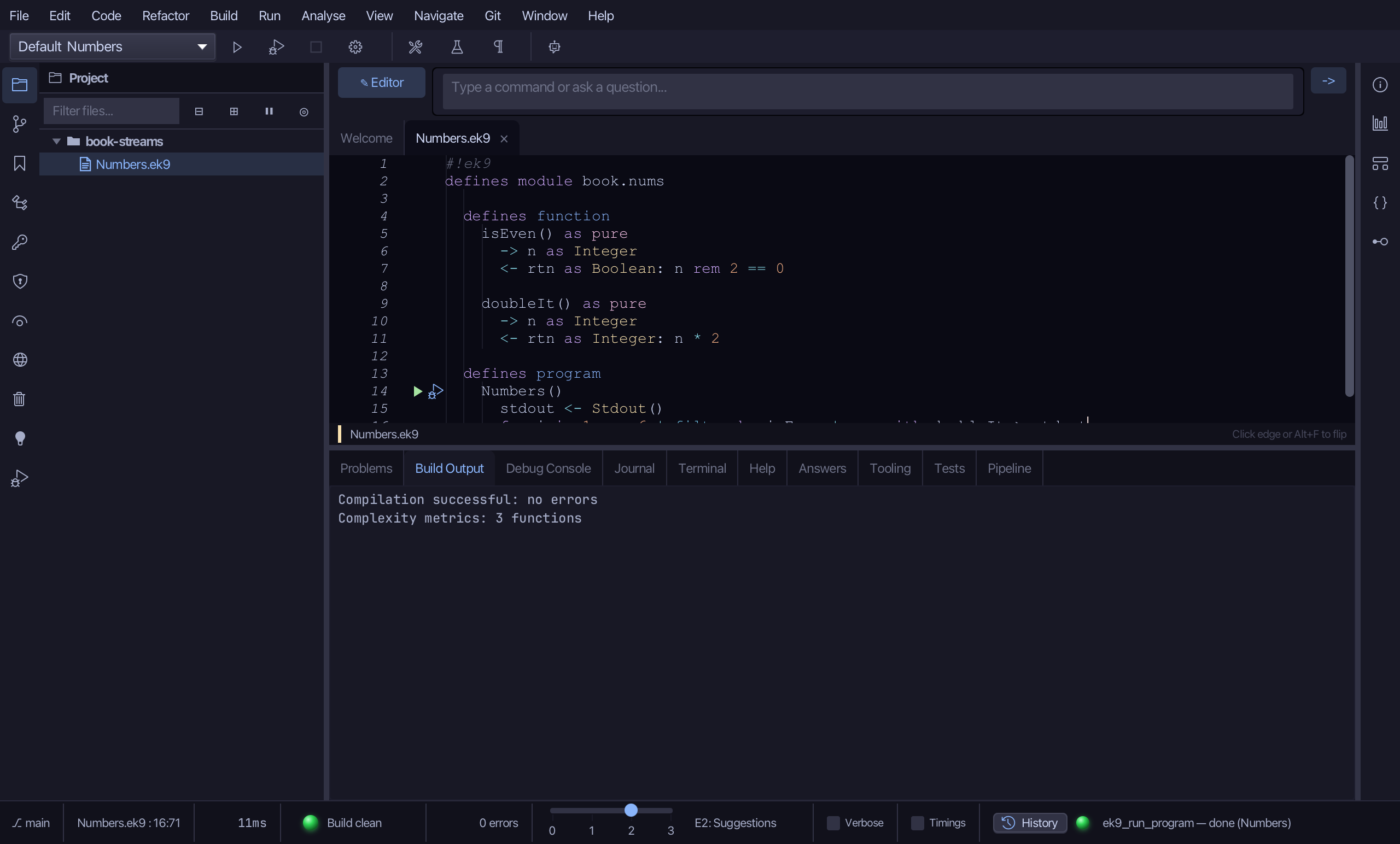
Numbers.ek9 now reads exactly as chapter 12 of Getting Started with EK9 shows it: two pure functions and the pipeline that filters, doubles and prints with them. Analyse ▸ Pipeline decomposed that pipeline stage by stage before it ran - the same decomposition ek9_query_pipeline answers for an AI assistant, a cursor position traded for a file and a line.
Where this lesson comes from
- For AI assistants - the MCP tool
ek9_new_construct,ek9_add_program,ek9_query_pipeline.