Chapter 9: where promotion comes from
5 is a whole number and addHalf wants a Float - yet addHalf(5) works. That is not a special rule in the compiler: Integer has a promotion operator, #^, whose job is to answer 'what wider type can I become?'. The IDE makes the function and the program; you type the logic, run it, then look at Integer's own operators to find #^ where the type declares it. To play it in the IDE: Help > Lessons > Getting Started with EK9…, or ek9 -ide -lesson book-integer-promotion.
What you'll build
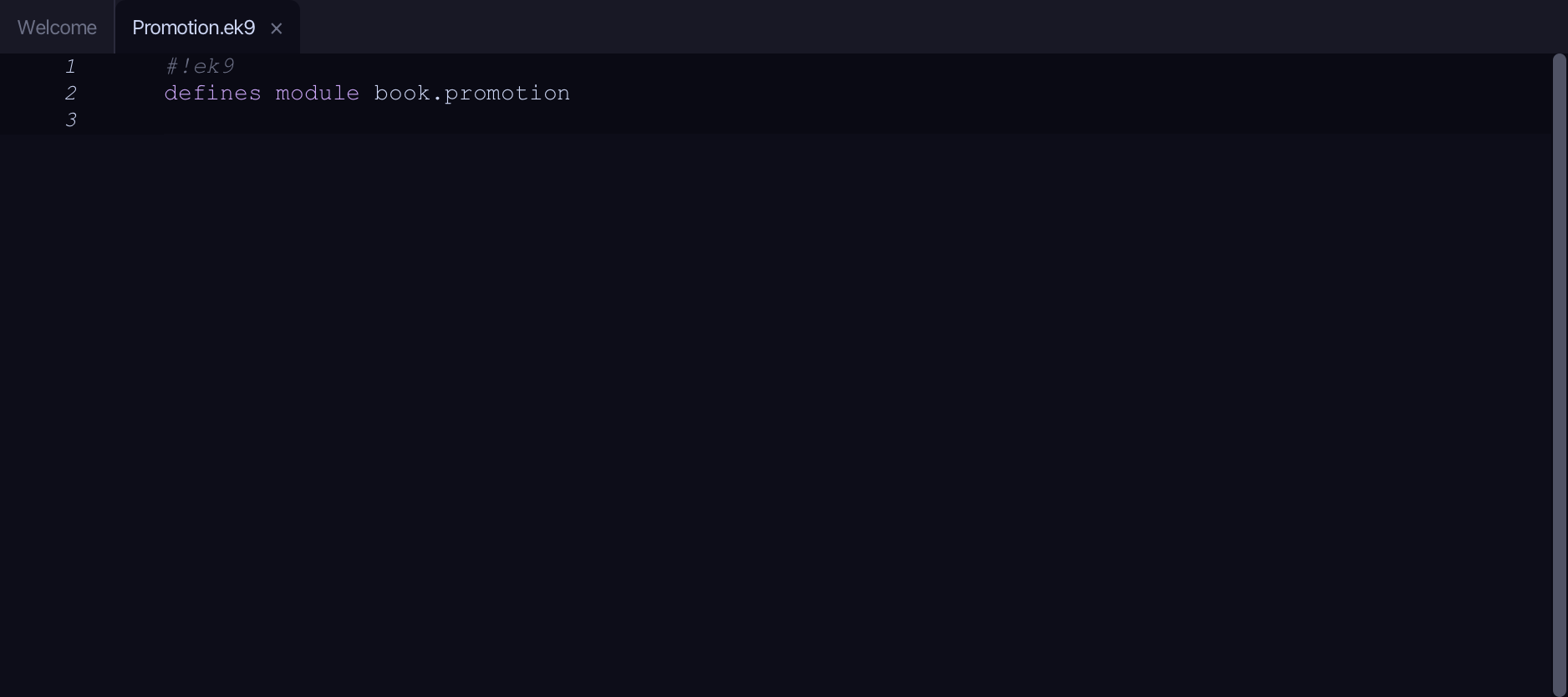
The lesson builds this program from a file holding only its module line - the finished file, as the book prints it.
#!ek9
defines module book.promotion

  defines function
    addHalf() as pure
      -> x as Float
      <- rtn as Float: x + 0.5

  defines program
    Promotion()
      stdout <- Stdout()

      // Integer carries a promotion operator, #^, meaning "I can become a Float".
      whole <- 5
      asFloat <- #^whole
      stdout.println(`${whole} promoted with #^ is ${asFloat}`)

      // So a whole number is accepted where a Float is wanted - it promotes.
      stdout.println(`addHalf(5) = ${addHalf(5)}`)
      stdout.println(`addHalf(2.5) = ${addHalf(2.5)}`)
Step 1: addHalf - a function that wants a Float
Choose Code > New Construct > Function…
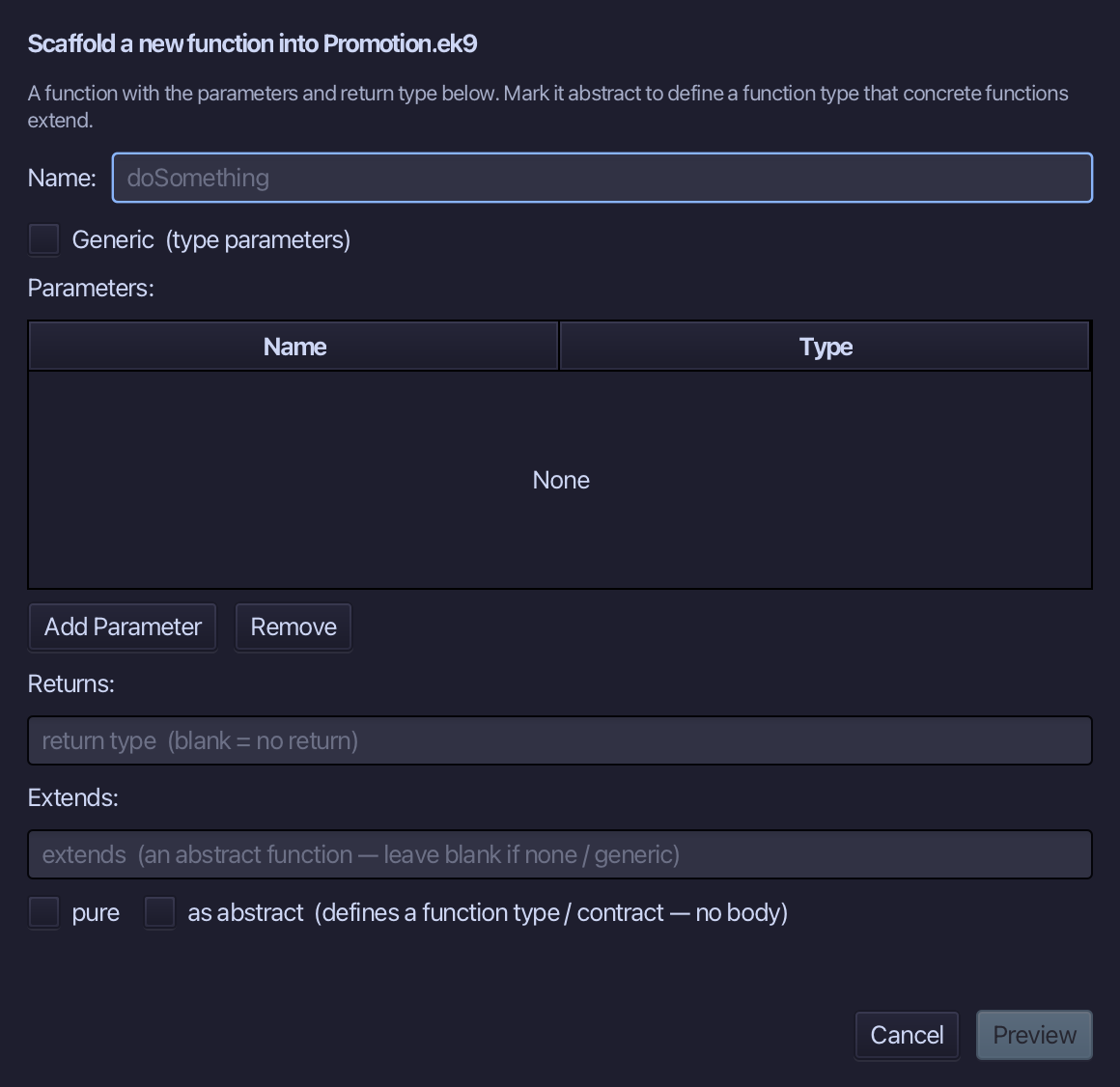
addHalf is the function's name. Add one parameter, x of type Float, set Returns to Float and tick pure. Choose Preview.
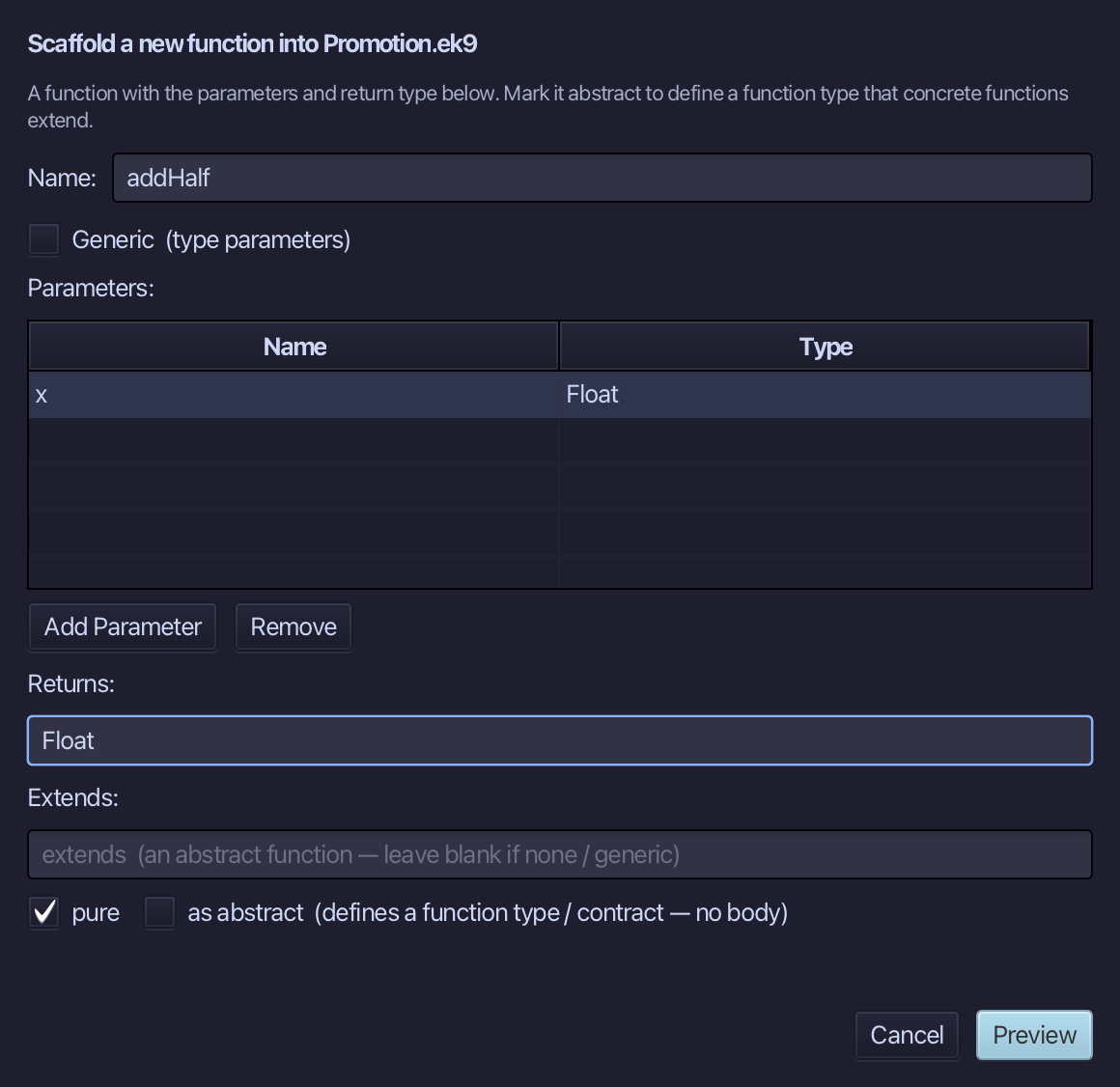
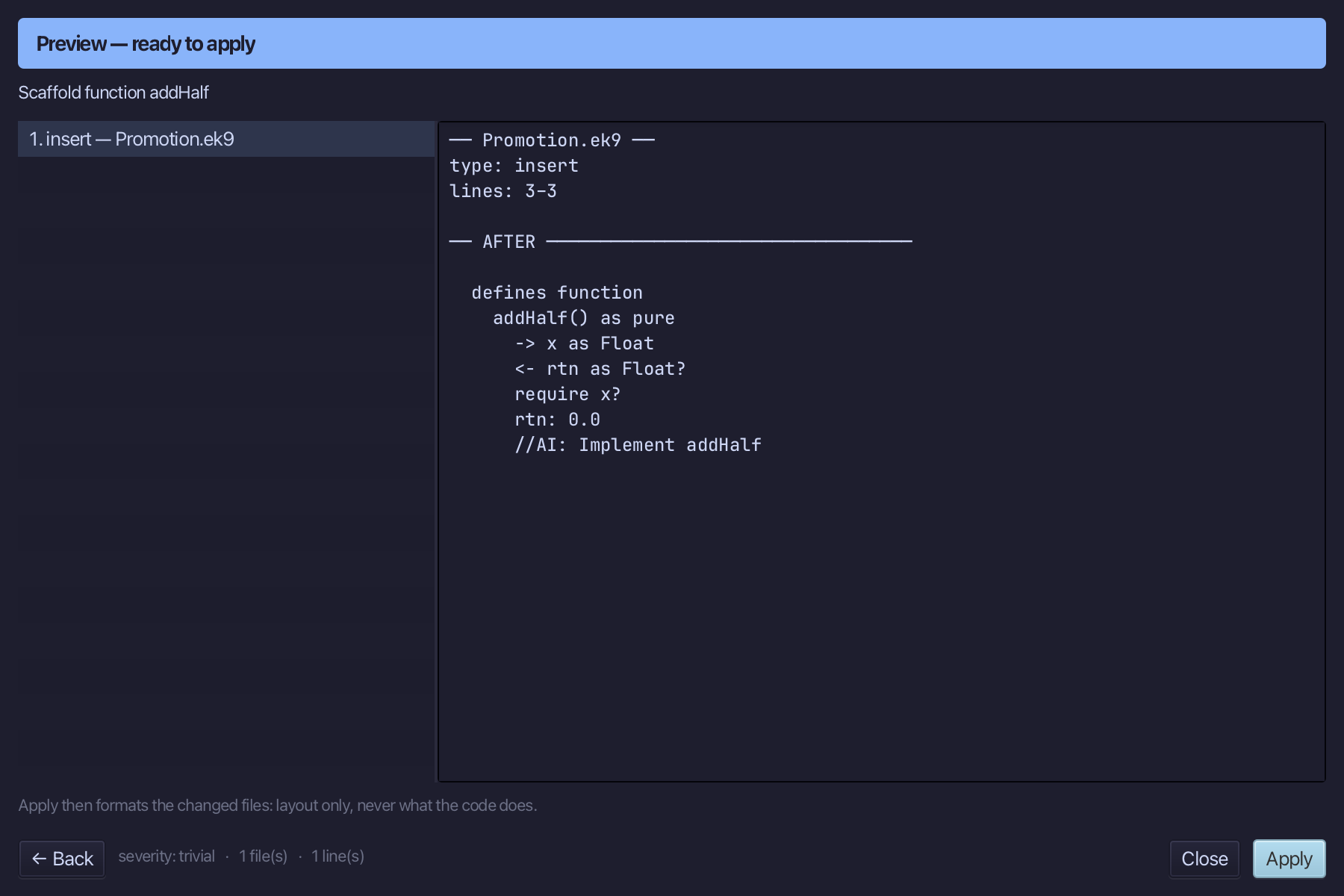
The preview shows addHalf about to be written, pure, returning Float. Choose Apply.
Select the stub, from <- rtn as Float? down to its //AI line, and type the real return: x plus a half. Saves when typed.
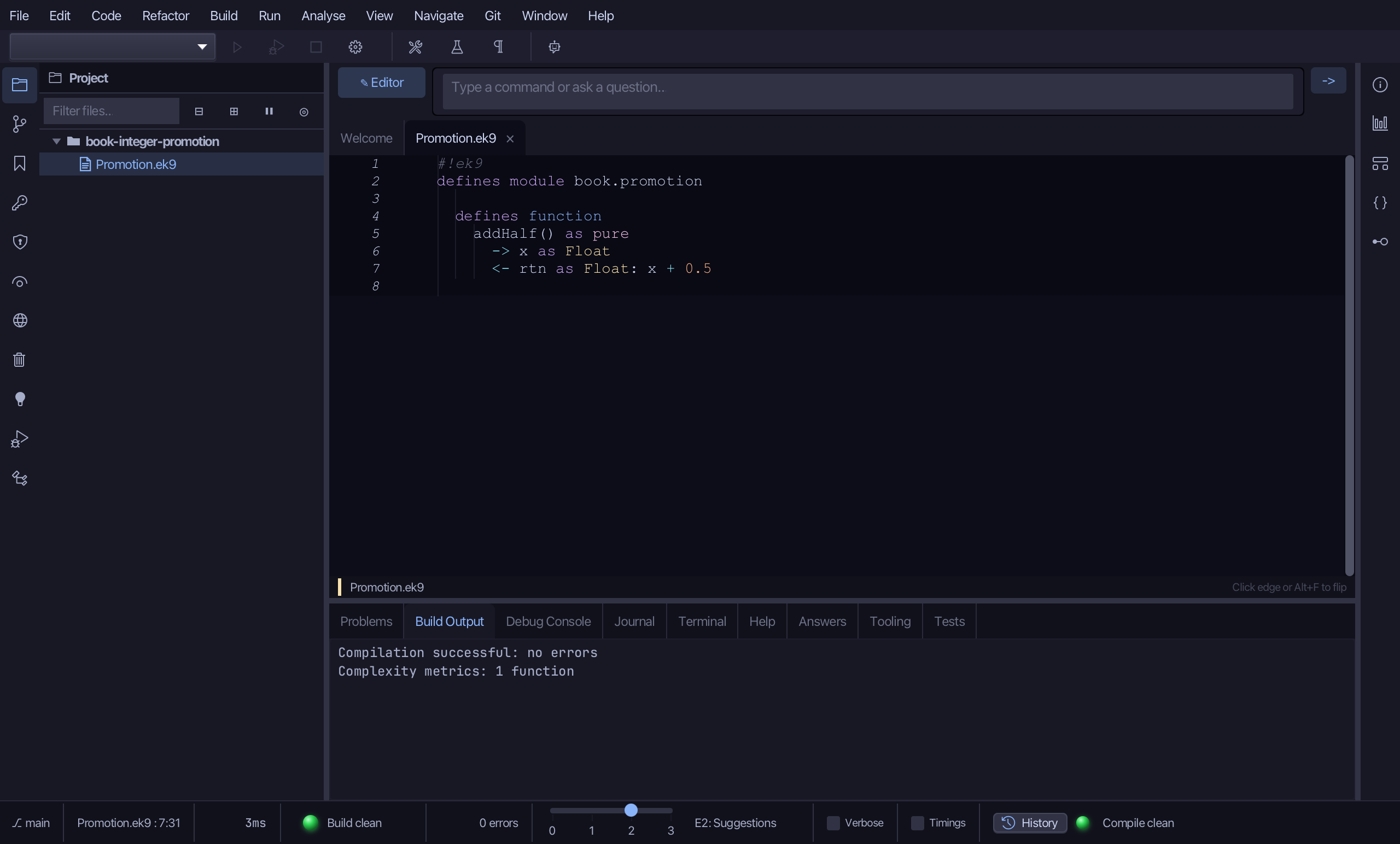
Step 2: The program, and #^ by hand
Choose Code > New Construct > Program…
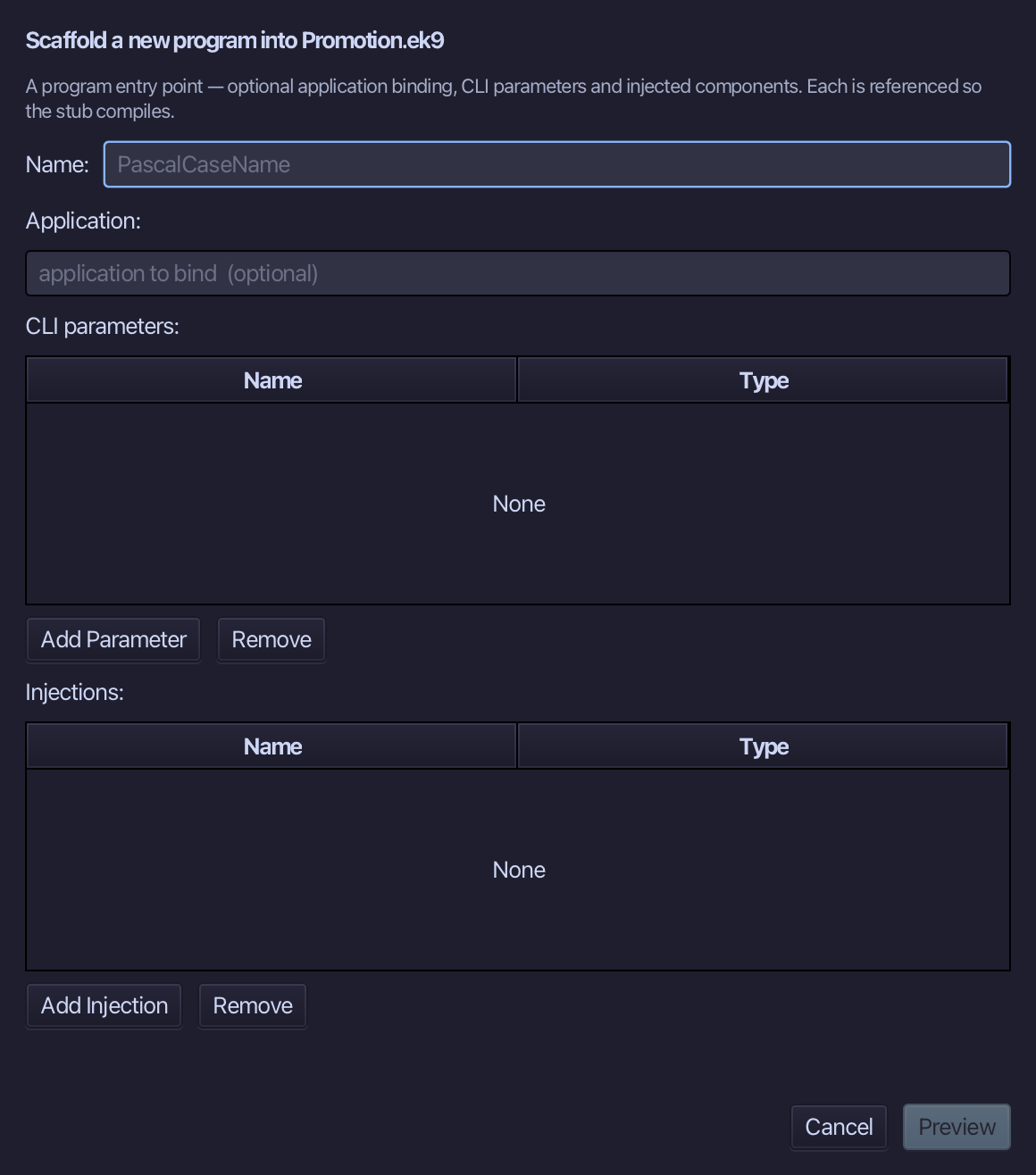
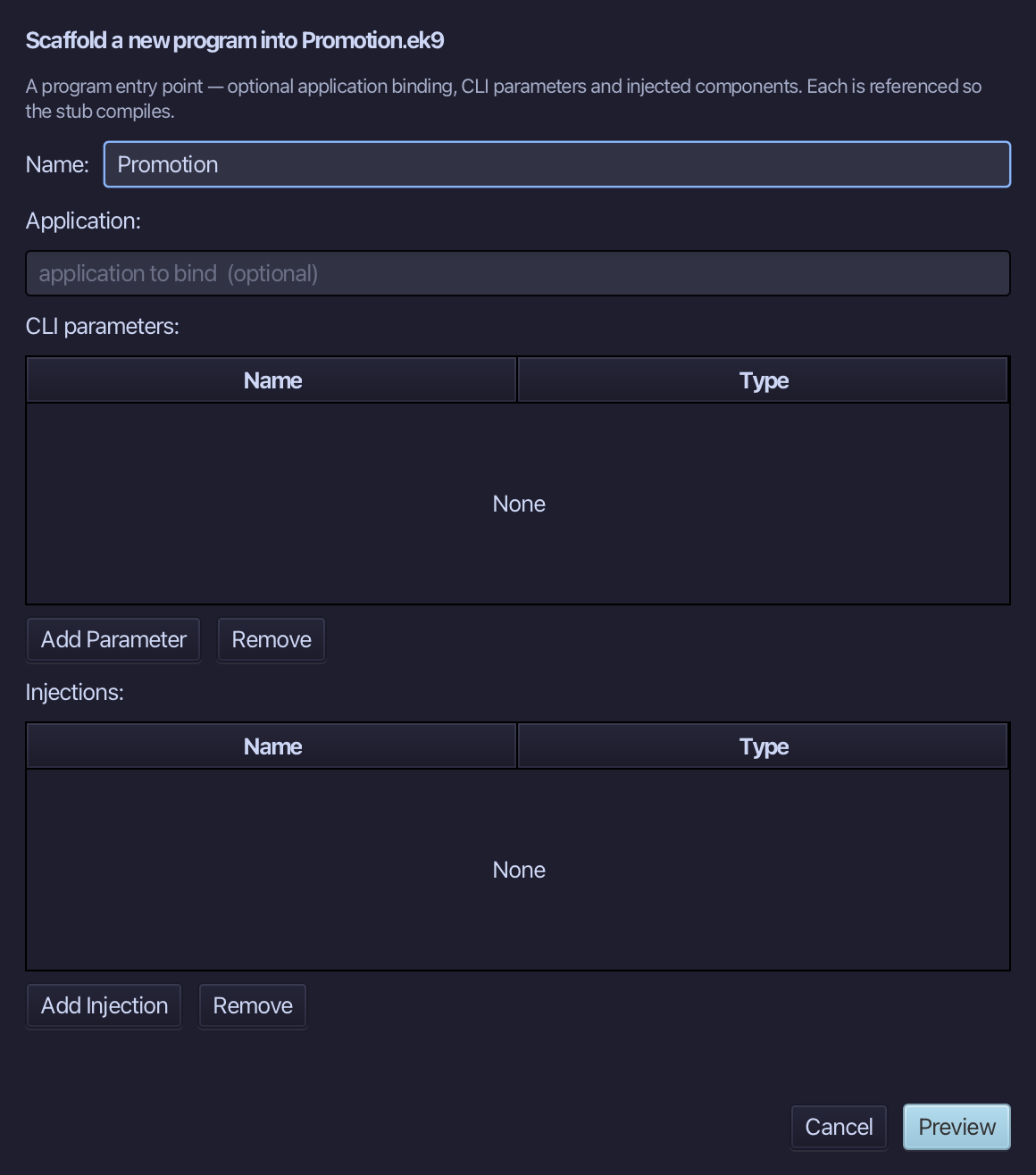
Promotion is the program's name - no application to bind, no parameters, nothing injected. Type Promotion and choose Preview.
The preview shows Promotion about to be written. Choose Apply.
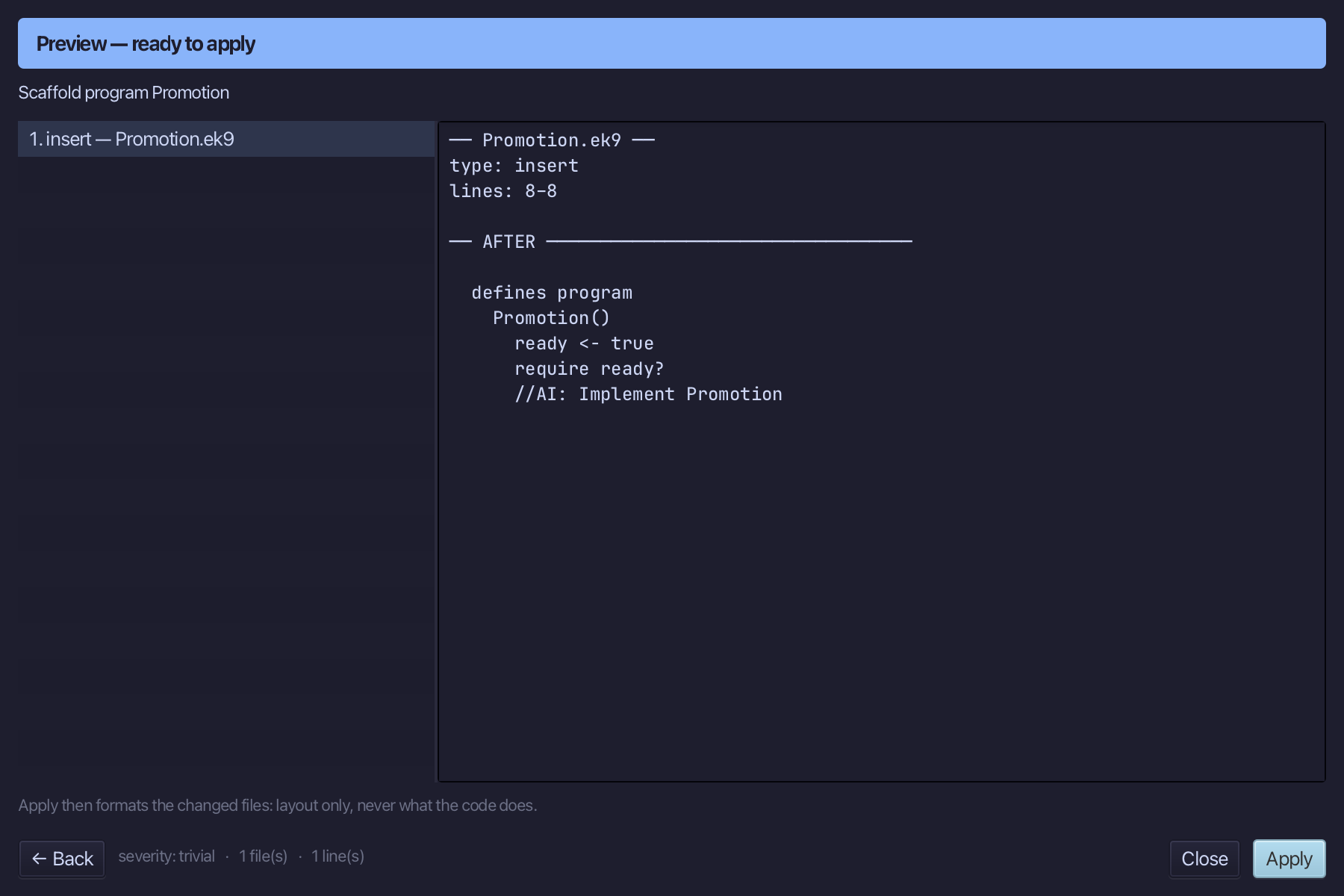
Select the stub, from ready <- true down to its //AI line, and type the first section: a Stdout, a whole number, and #^ promoting it to a Float by hand. Saves when typed.
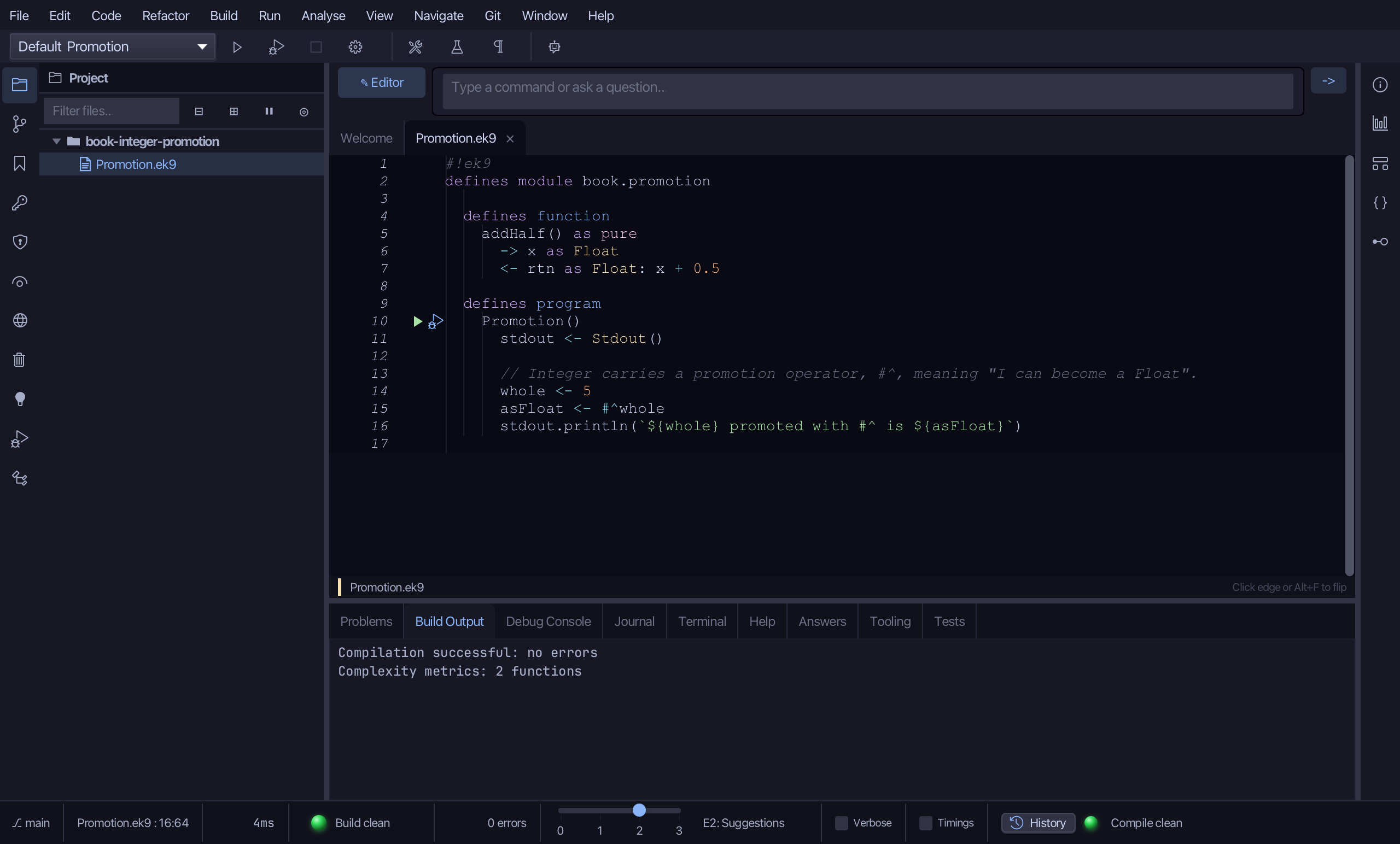
Step 3: Promotion without being asked
Select the last println and type the calls after it: addHalf wants a Float and is given a 5 and a 2.5 - the 5 promotes by itself.
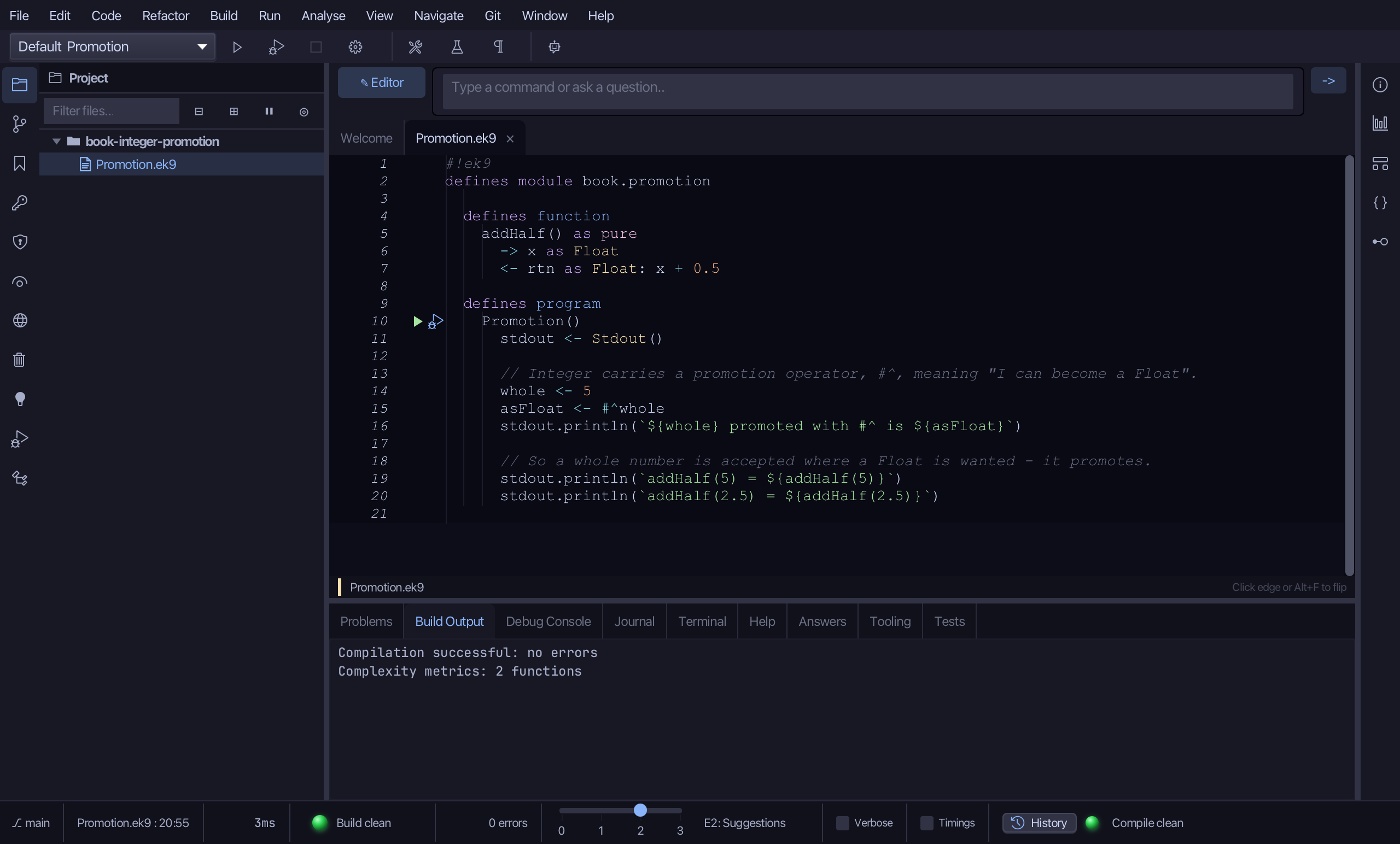
Step 4: Run it
Choose Run > Run Program…
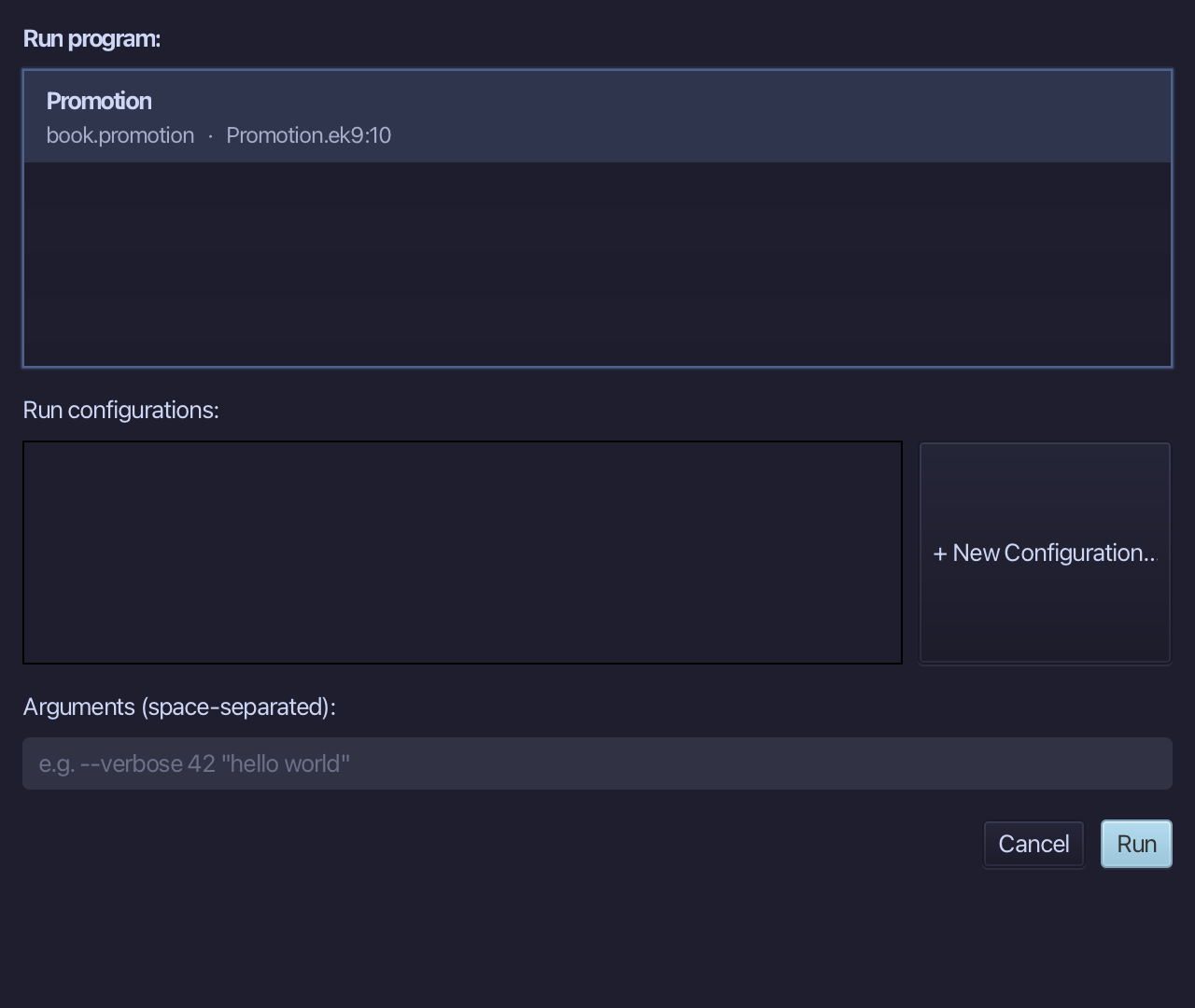
The project's only program is already chosen. Choose Run.
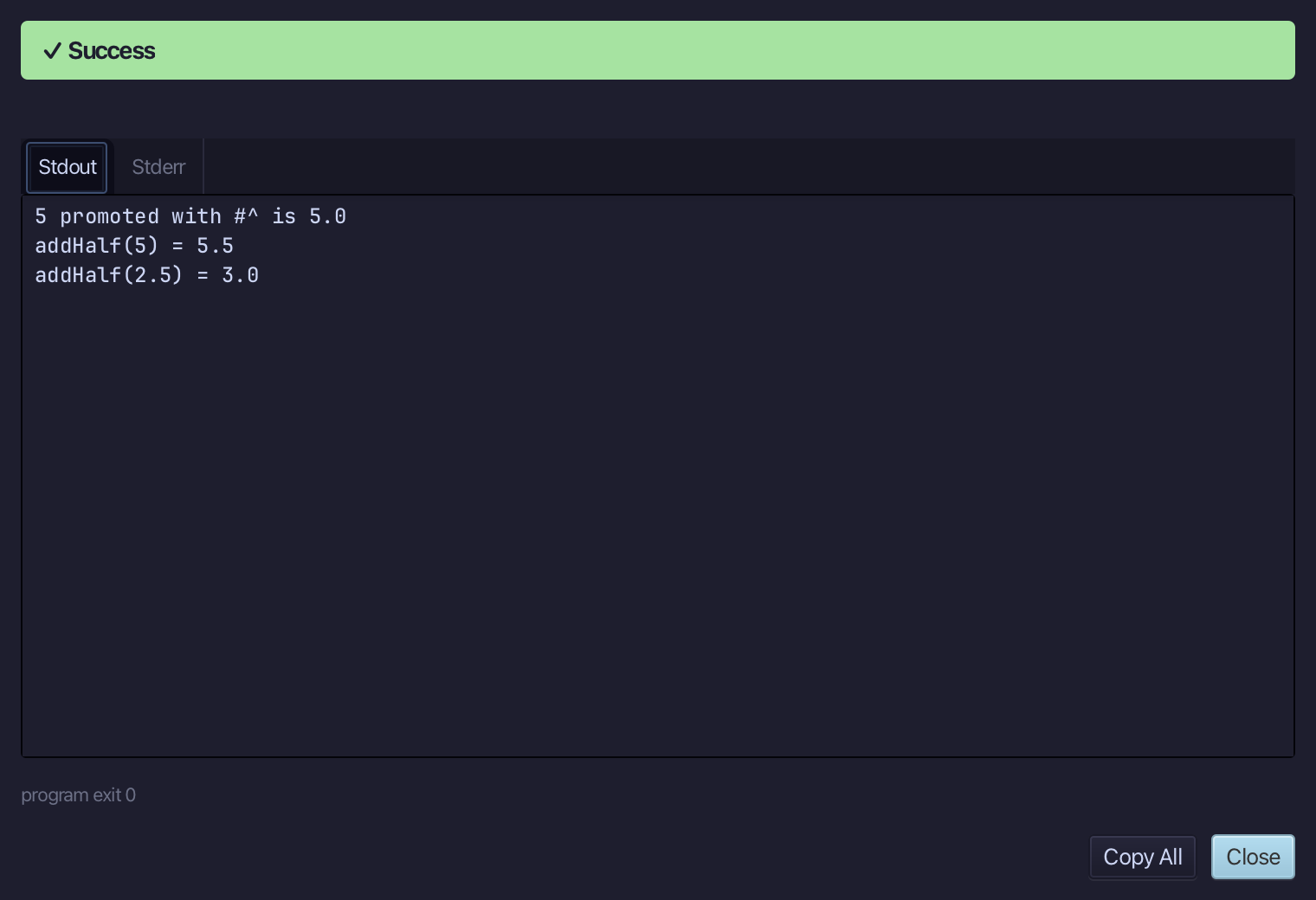
5 promoted with #^ is 5.0, addHalf(5) = 5.5 and addHalf(2.5) = 3.0 - the whole number became a Float for the call. Choose Close.
Step 5: Read Effective API: Integer
Select whole, on the line that declares it, then choose Analyse ▸ Effective API.
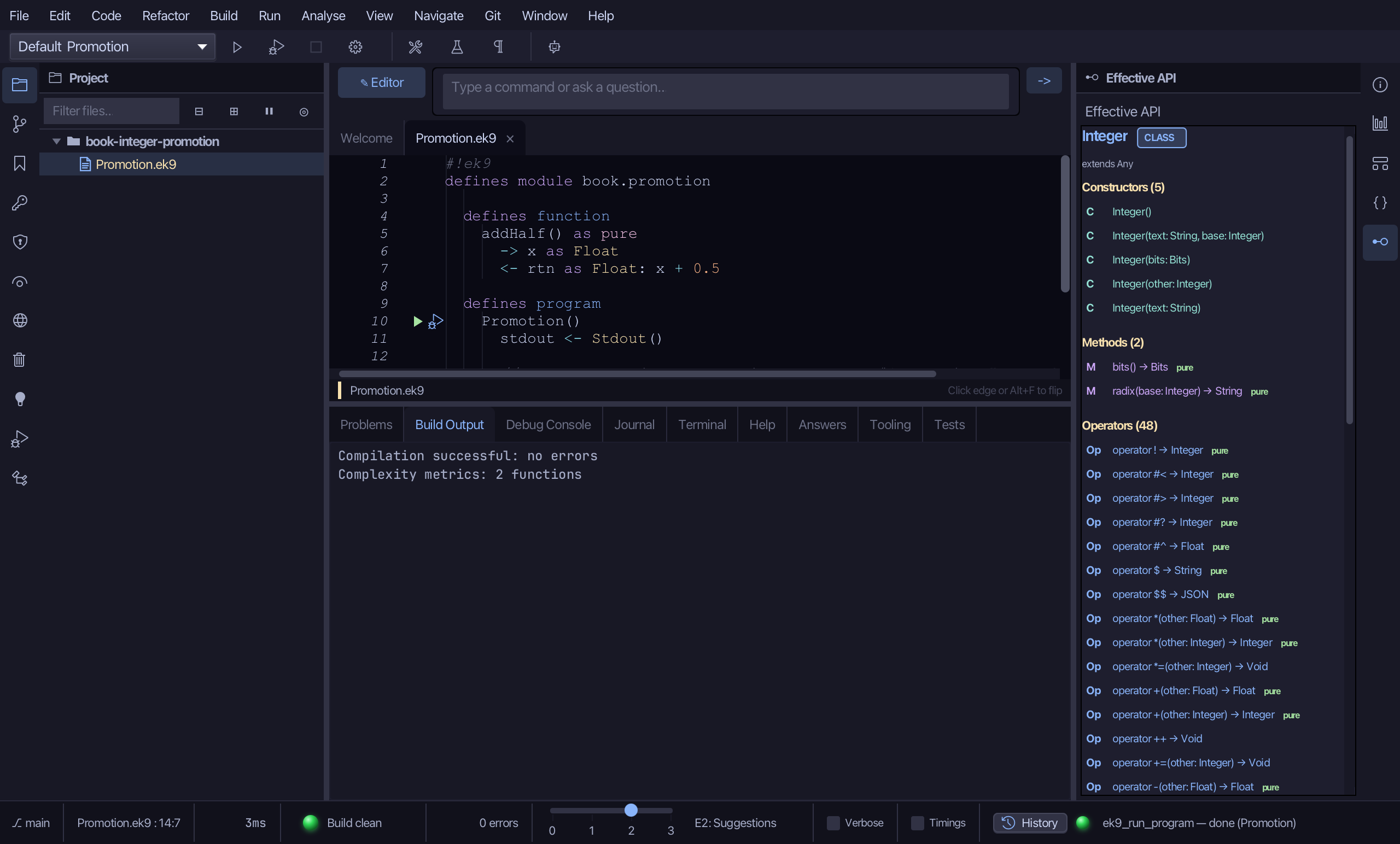
The pane draws Integer's own surface. Among its Operators is #^ - the promotion operator the chapter names, and the reason a whole number is accepted where a Float is wanted. Float has none: there is no wider number for it to become.
The result
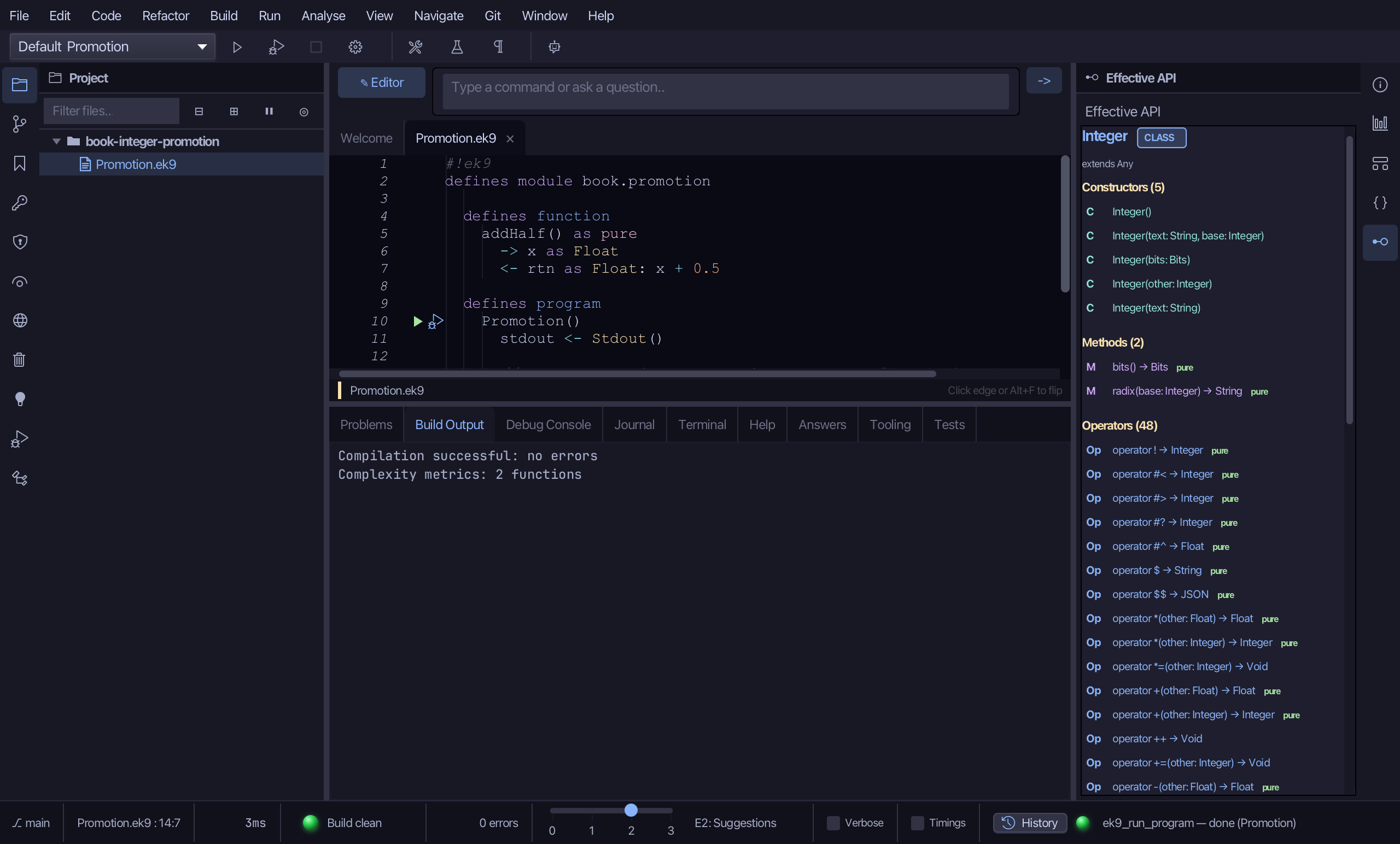
Promotion.ek9 now reads exactly as chapter 9 of Getting Started with EK9 shows it: a function that wants a Float, an Integer promoted to one by hand with #^, and the same promotion happening on its own at a call. The IDE's tools made the function and the program; the logic was typed and run. Analyse ▸ Effective API then showed #^ among Integer's operators - promotion is something the type says, not a rule hidden in the compiler.
Where this lesson comes from
- For AI assistants - the MCP tool
ek9_new_construct,ek9_add_program,ek9_query_effective_api.
In the EK9 reference: Collection Types