Chapter 18: two traits, one method, built
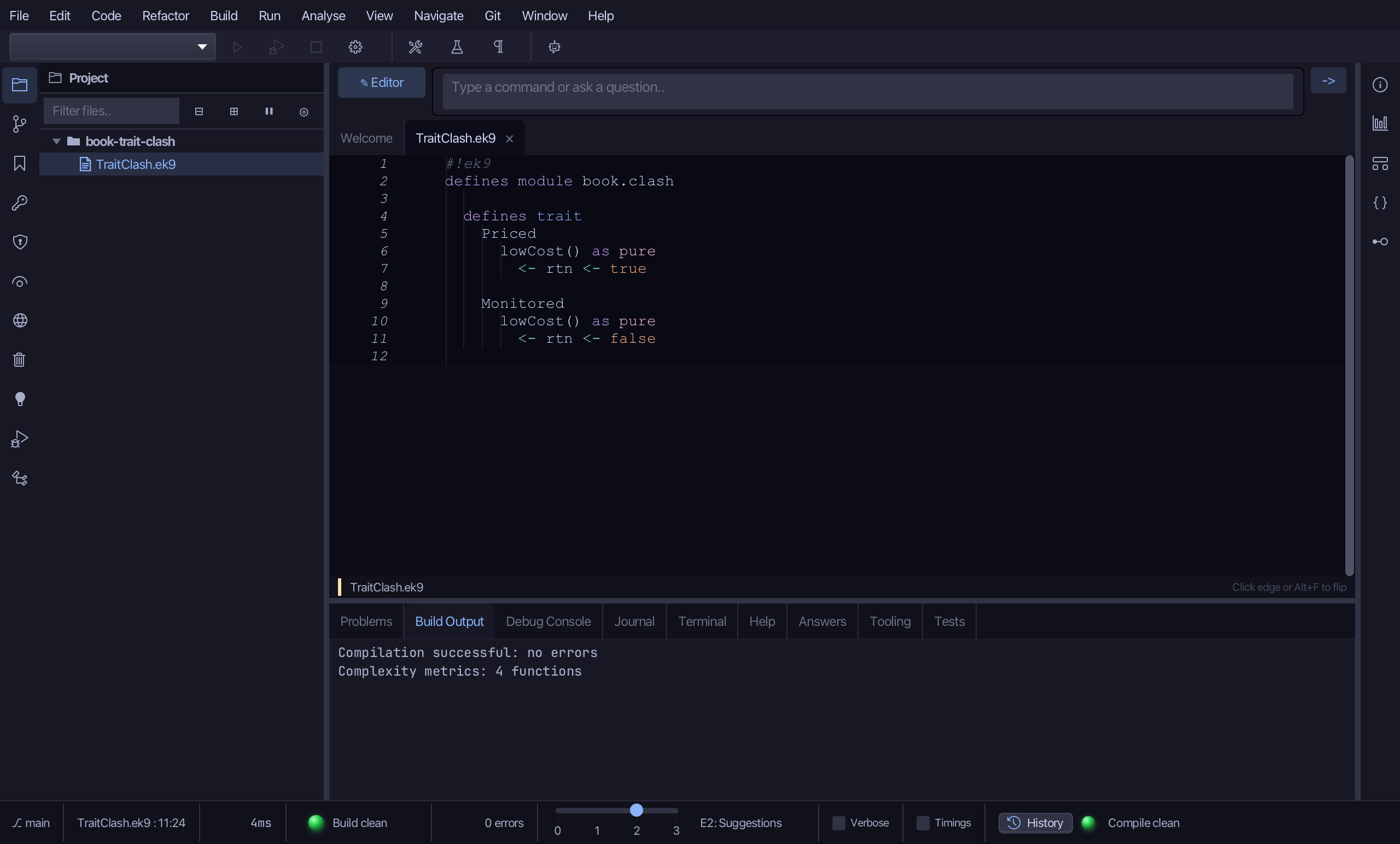
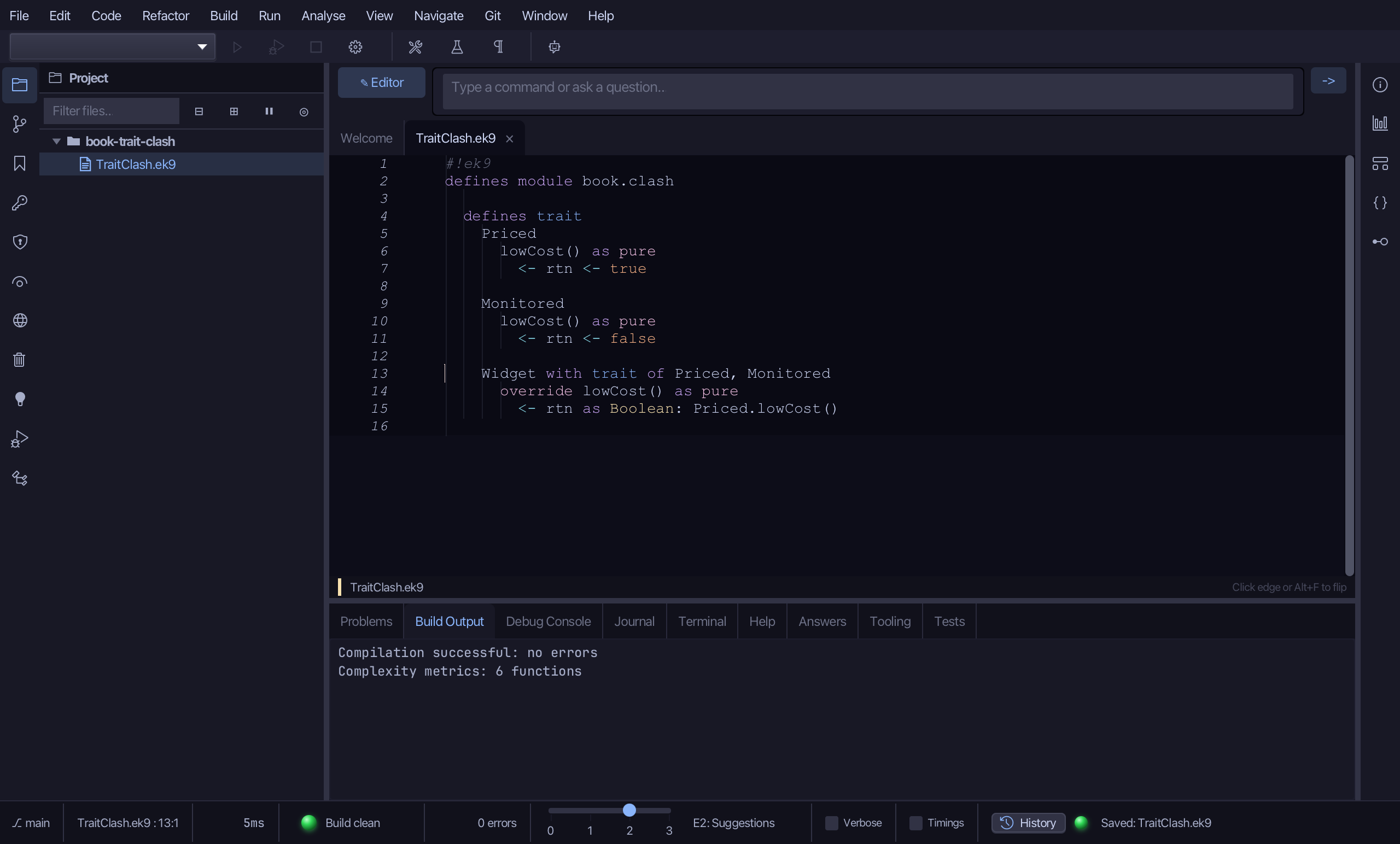
Chapter 18's TraitClash asks what happens when two traits both declare the same method. Priced says lowCost is true, Monitored says it is false - and a Widget that wants both cannot have both. EK9 never picks a winner: the Widget must write its own lowCost and say what it means. The order matters here - Widget takes Priced, writes its own lowCost, and only then takes Monitored. To play it in the IDE: Help > Lessons > Getting Started with EK9…, or ek9 -ide -lesson book-trait-clash.
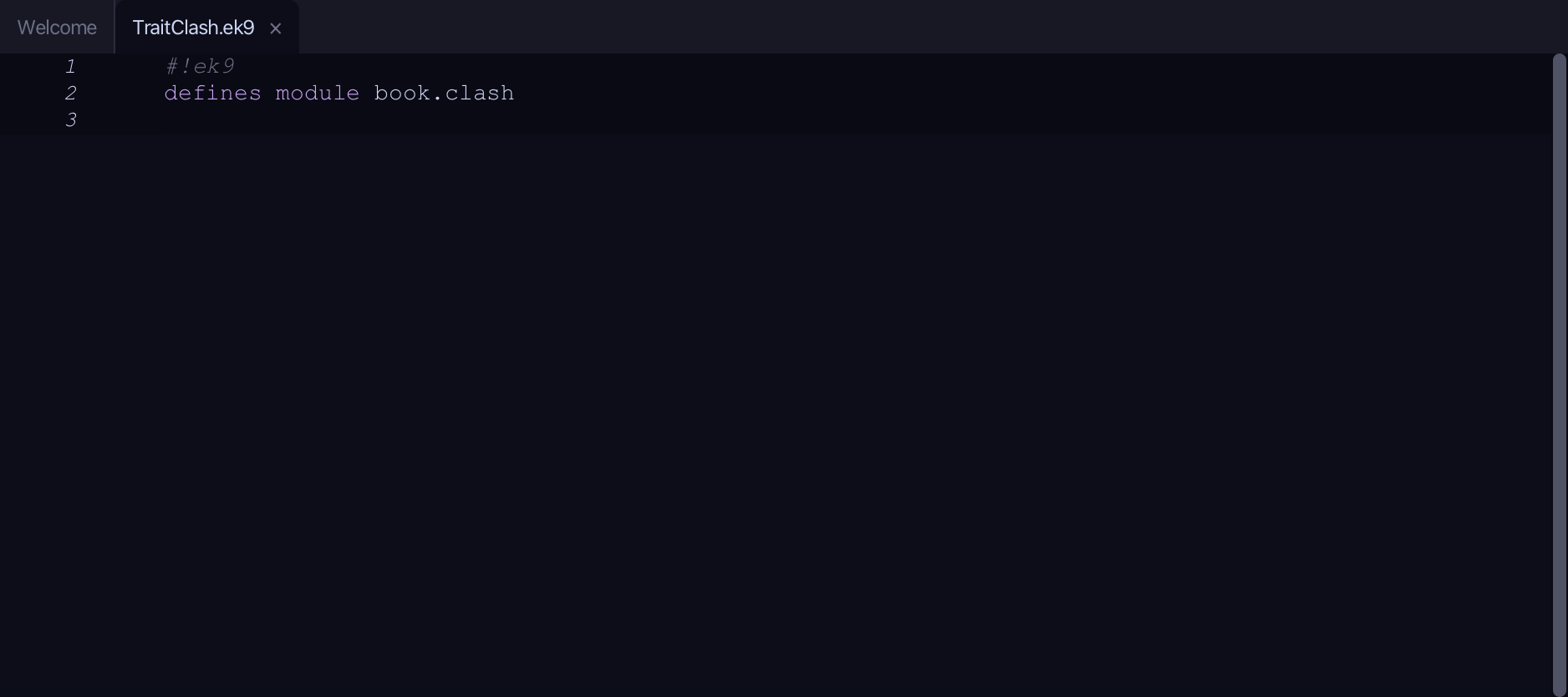
What you'll build
The lesson builds this program from a file holding only its module line - the finished file, as the book prints it.
#!ek9
defines module book.clash

  defines trait
    Priced
      lowCost() as pure
        <- rtn <- true

    Monitored
      lowCost() as pure
        <- rtn <- false

    Widget with trait of Priced, Monitored
      override lowCost() as pure
        <- rtn as Boolean: Priced.lowCost()

  defines class
    Gadget with trait of Widget
      default operator ?

  defines program
    Show()
      stdout <- Stdout()
      g <- Gadget()
      stdout.println(`lowCost? ${g.lowCost()}`)
Step 1: Priced — lowCost is true
Choose Code > New Construct > Trait…
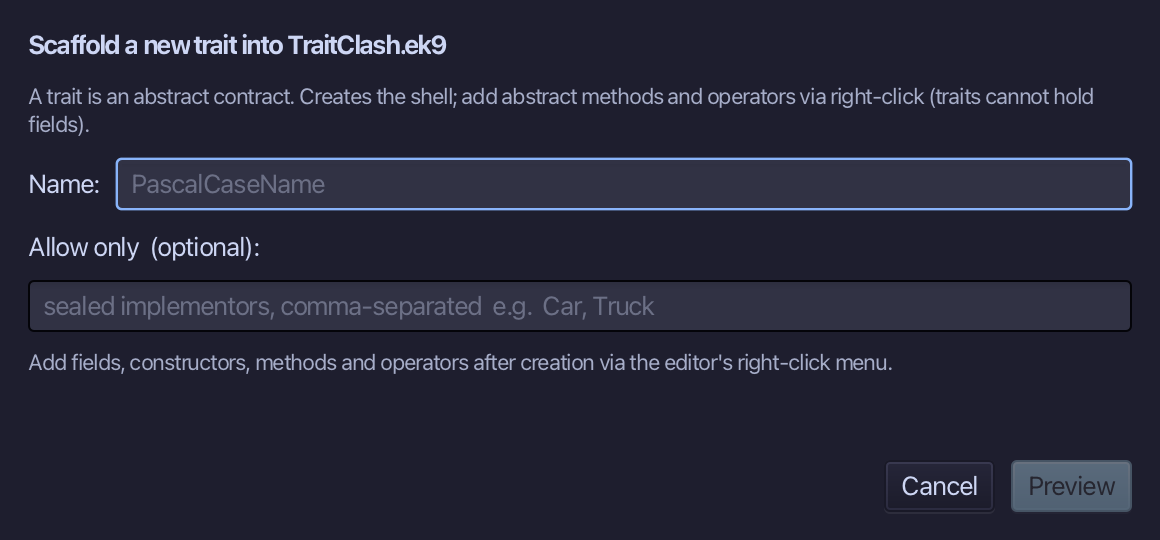
Priced is the trait's name. Type it and choose Preview.
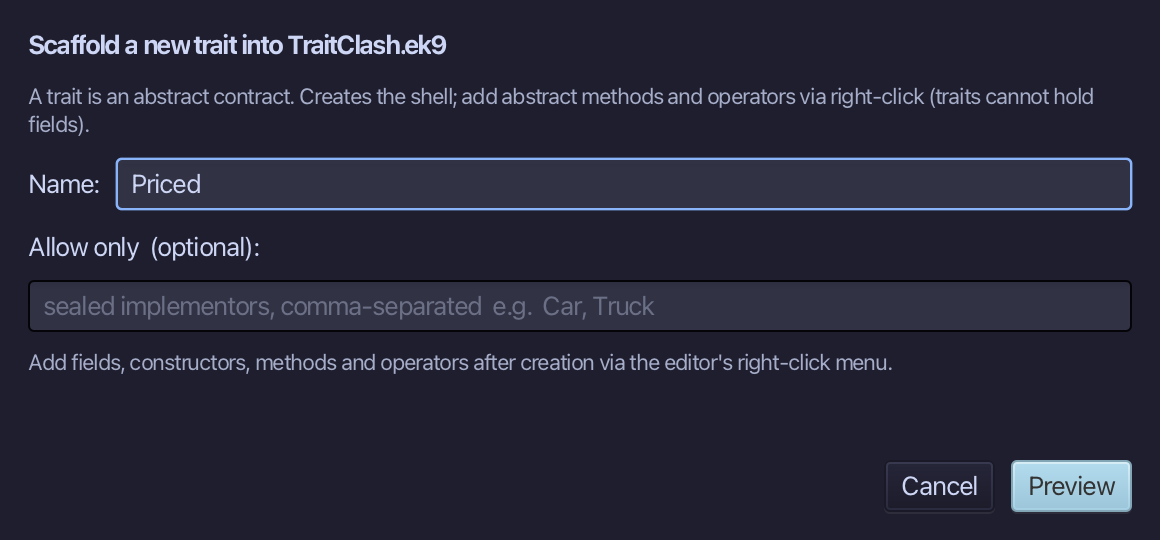
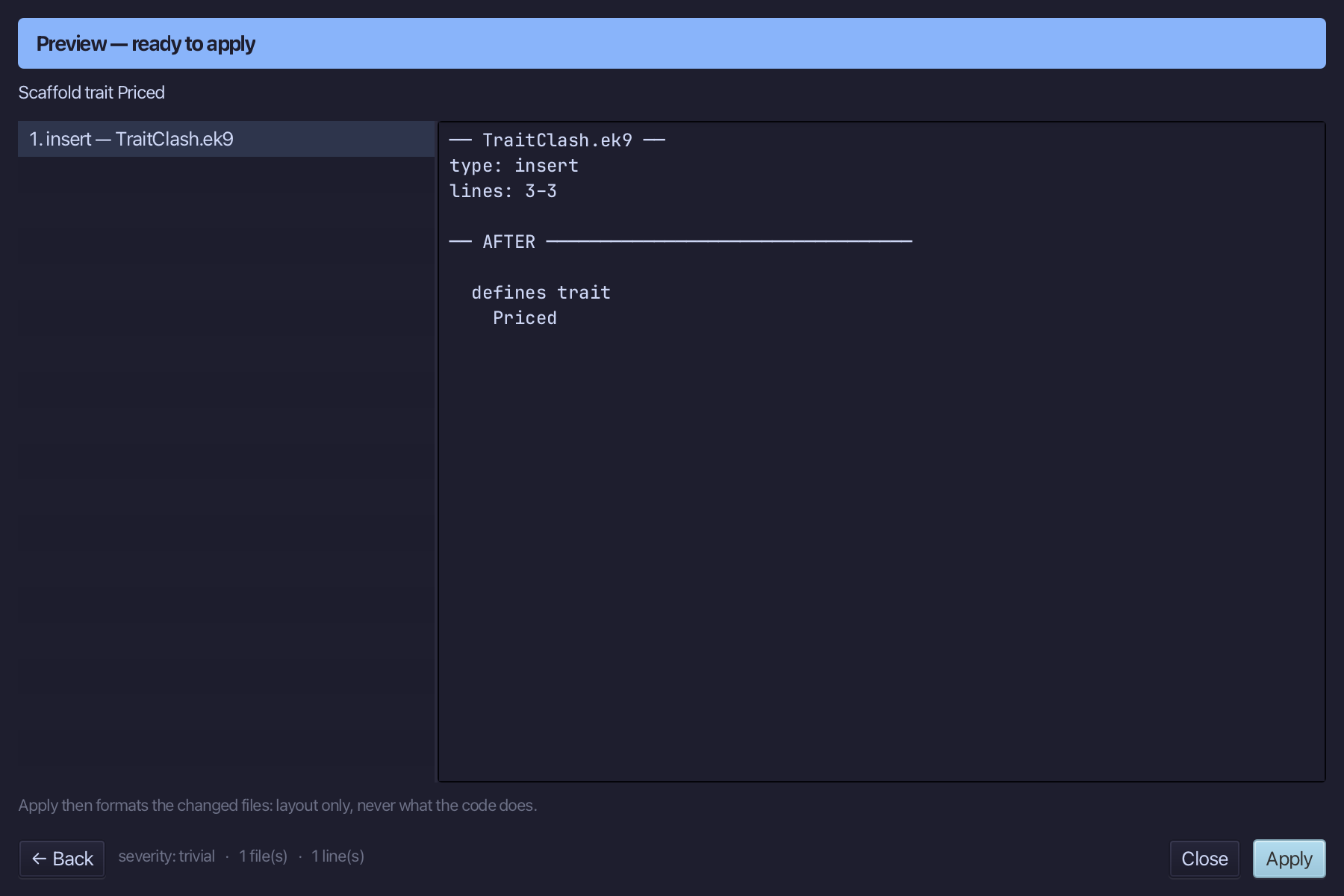
The preview shows Priced about to be written. Choose Apply.
Right-click the Priced line and choose Add Method…
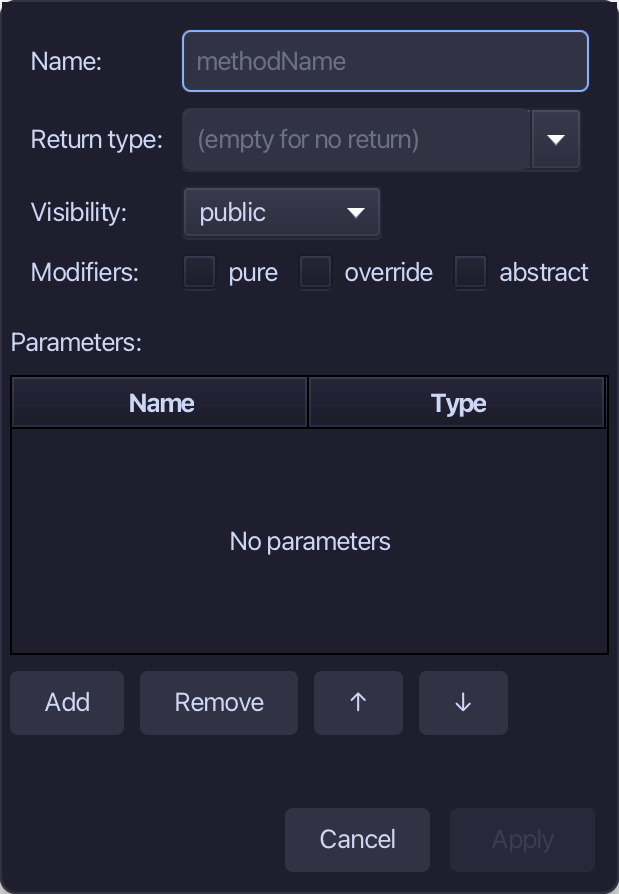
lowCost is the method's name, Boolean the return type, pure ticked. Fill them in and choose Apply.
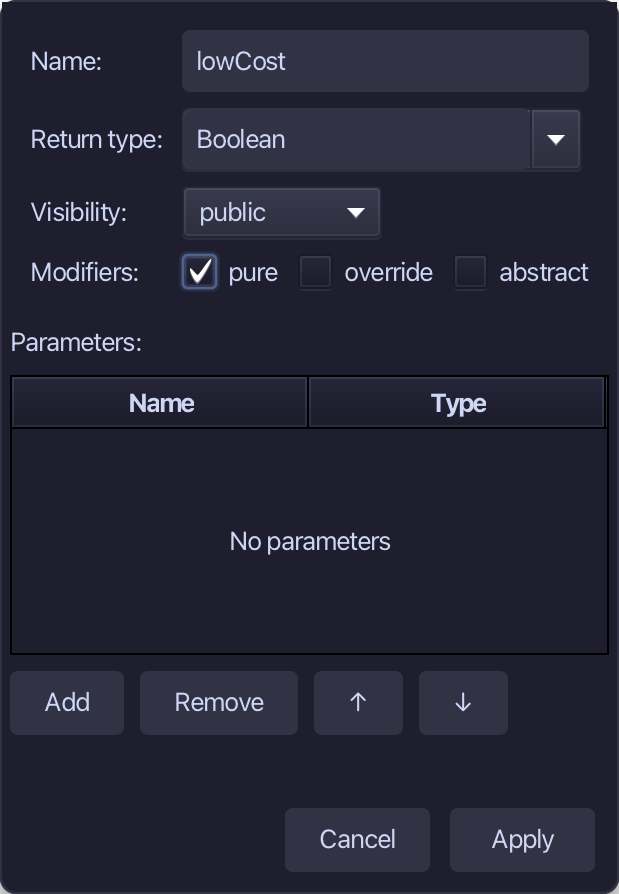
Select lowCost's stub, from <- rtn as Boolean: false down to its //AI line, and type its value. Saves when typed.
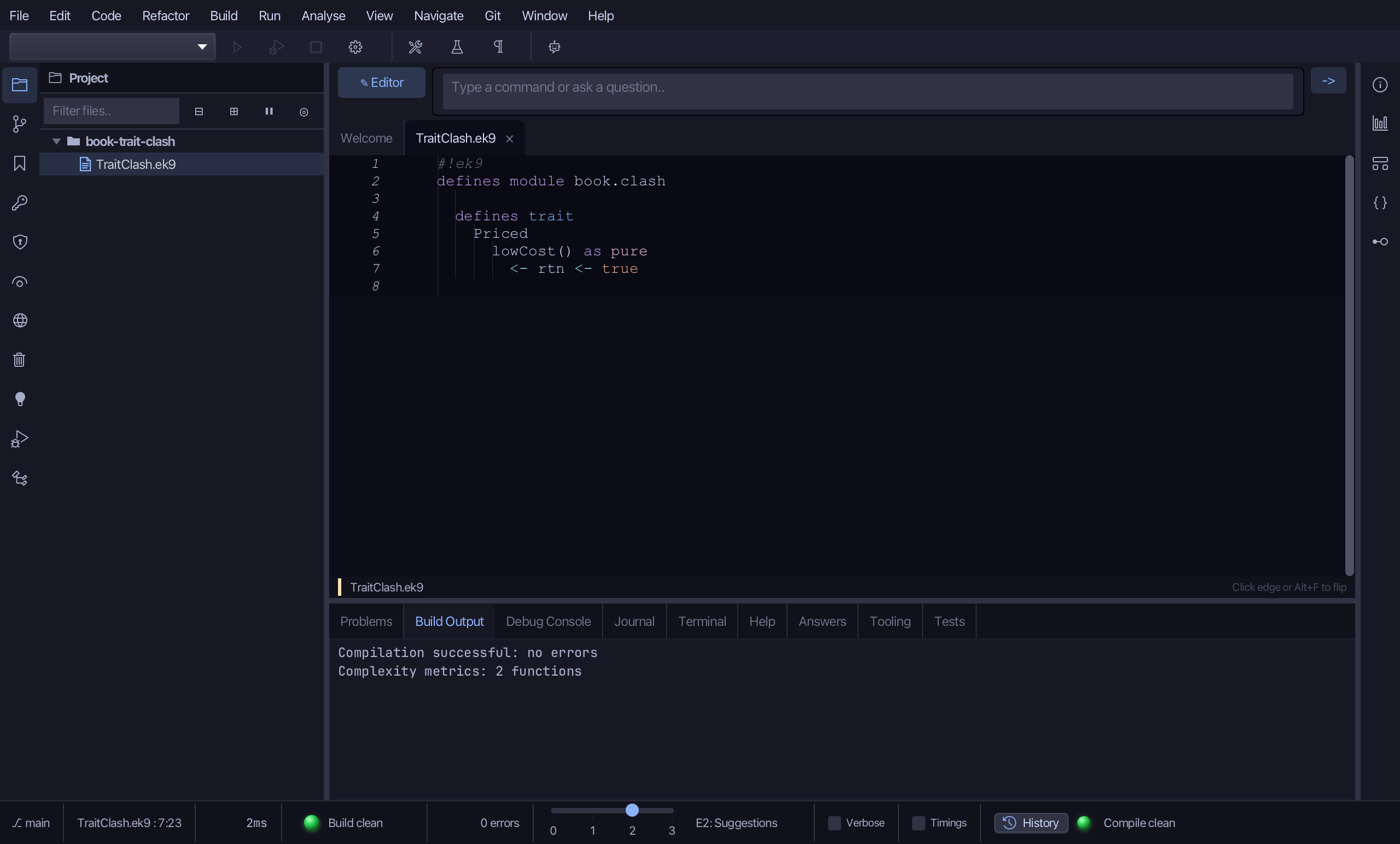
Step 2: Monitored — lowCost is false
Choose Code > New Construct > Trait…
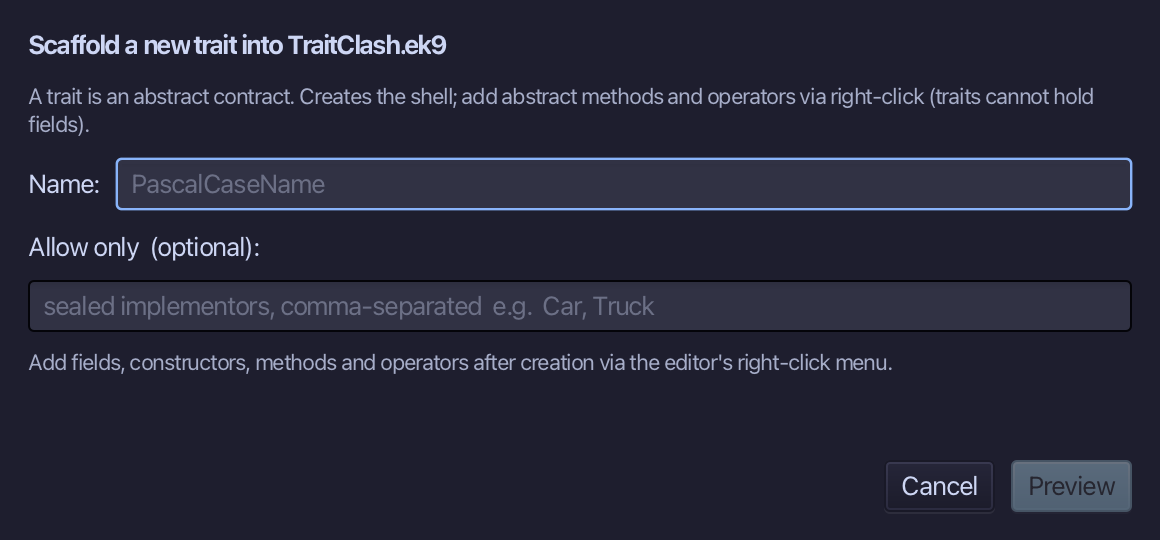
Monitored is the trait's name. Type it and choose Preview.
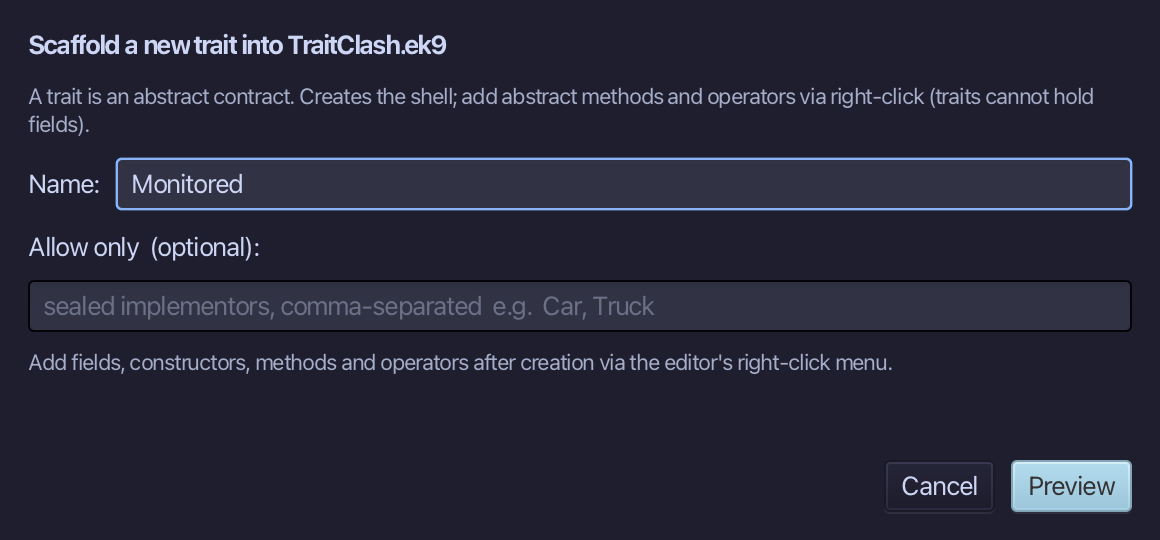
The preview shows Monitored about to be written. Choose Apply.
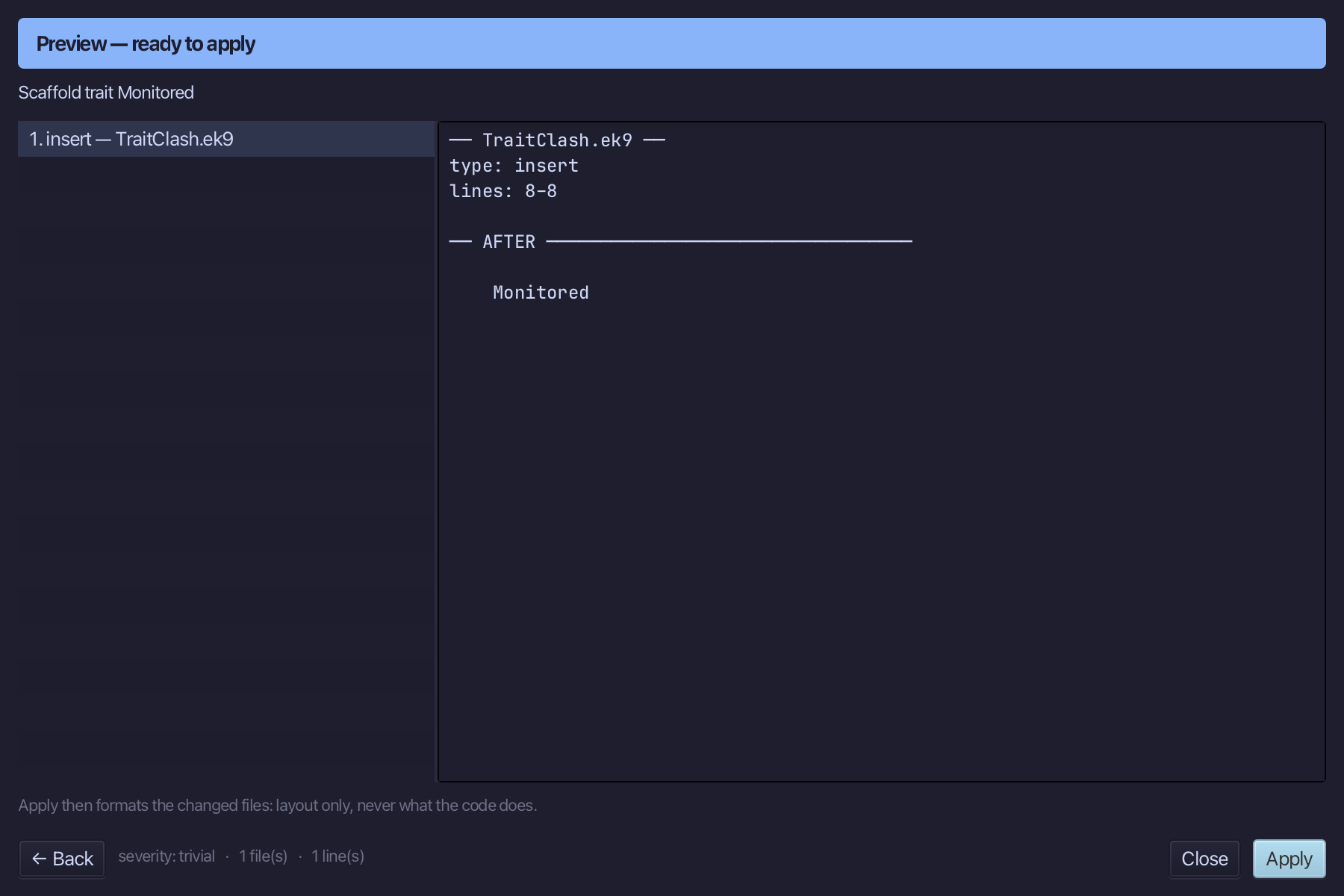
Right-click the Monitored line and choose Add Method…
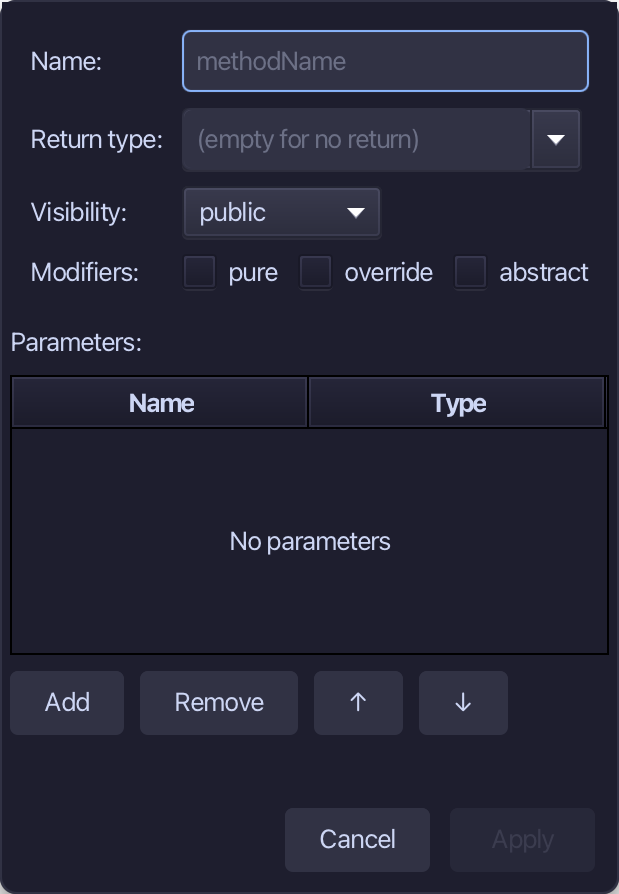
lowCost is the method's name, Boolean the return type, pure ticked. Fill them in and choose Apply.
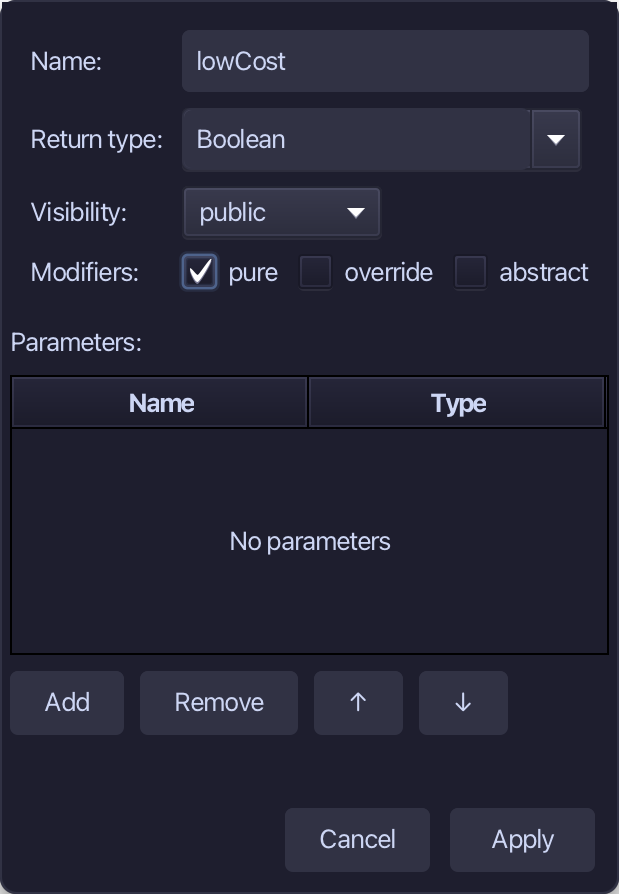
Select lowCost's stub, from <- rtn as Boolean: false down to its //AI line, and type its value. Saves when typed.
Step 3: Widget — two traits, one lowCost
Choose Code > New Construct > Trait…
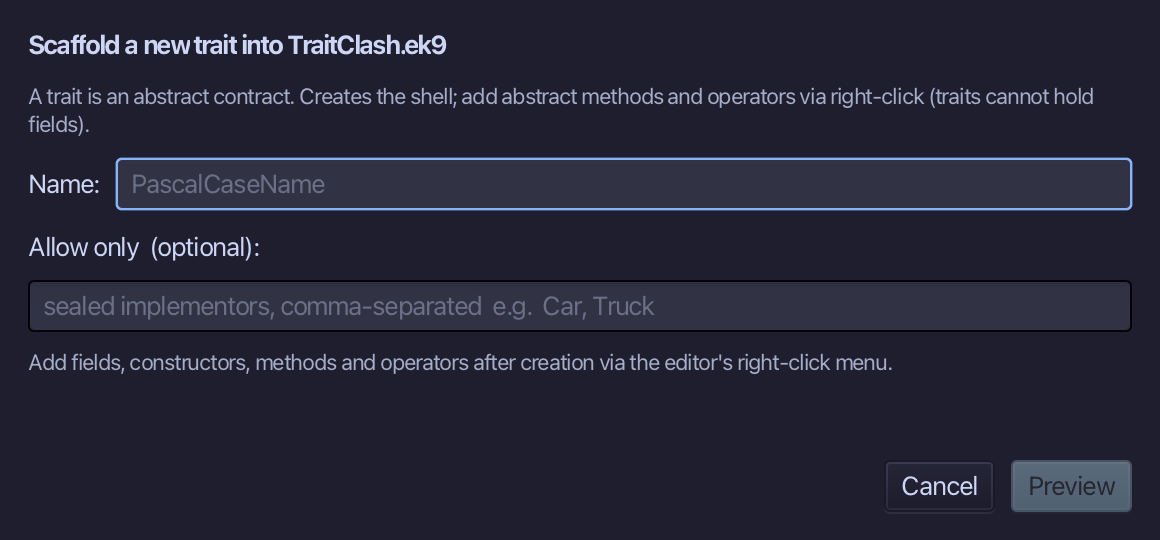
Widget is the trait's name. Type it and choose Preview.
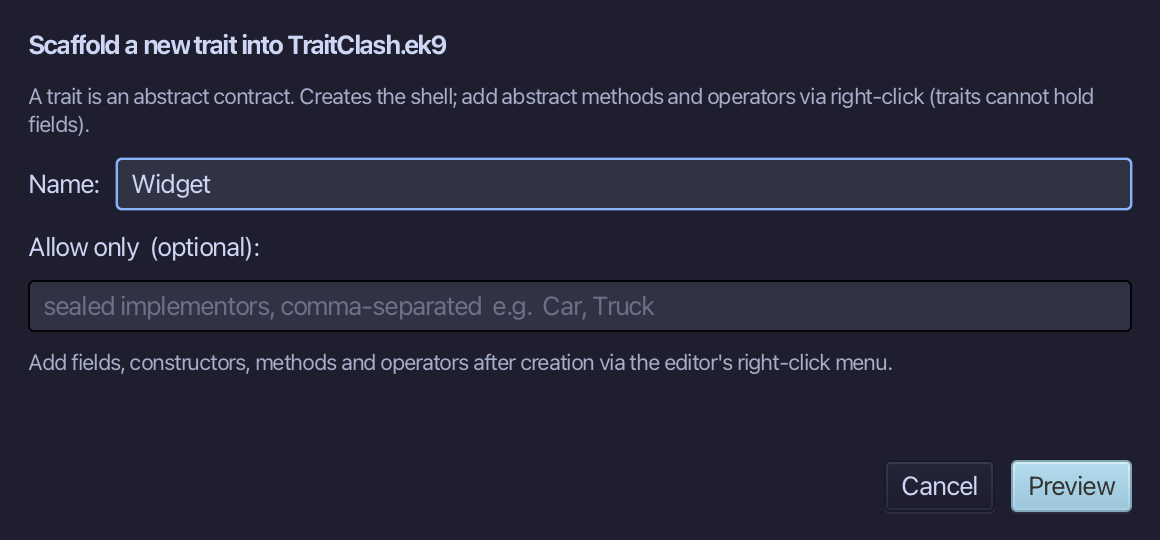
The preview shows Widget about to be written. Choose Apply.
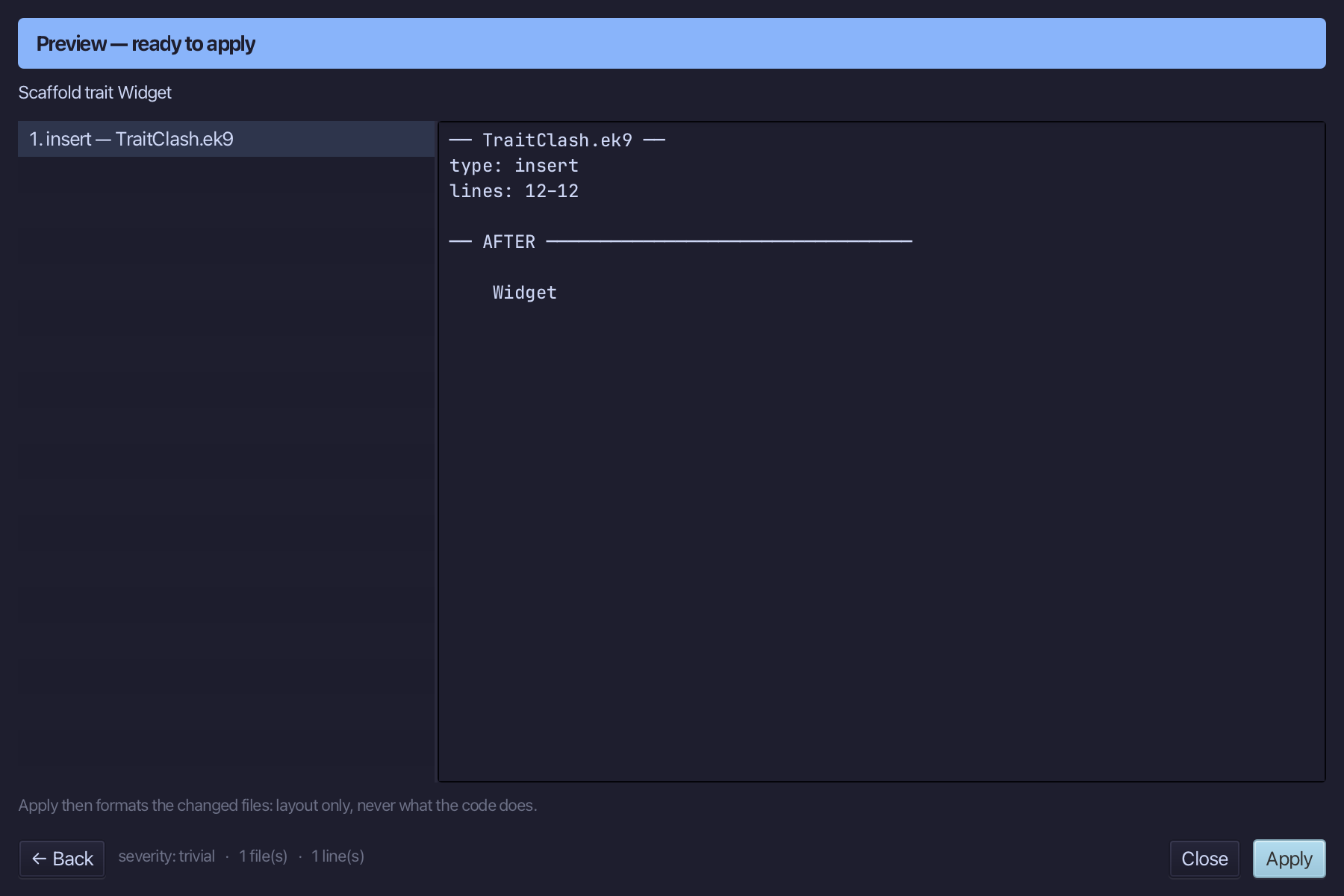
Right-click the Widget line and choose Adopt Trait…
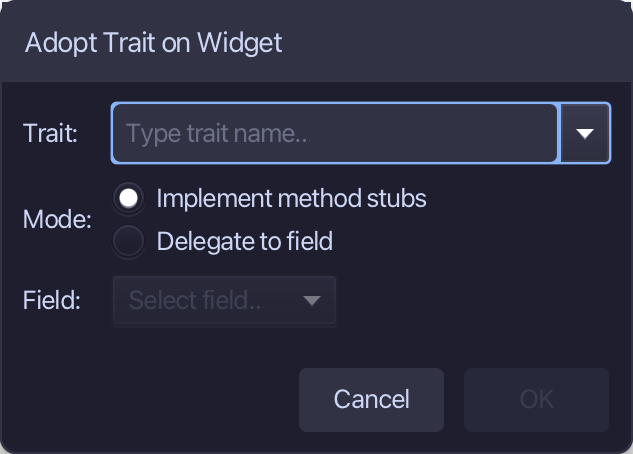
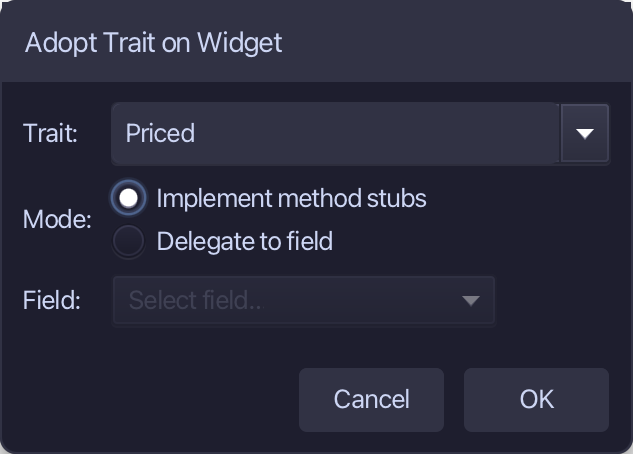
Type Priced as the trait - Implement method stubs is already chosen - and choose OK.
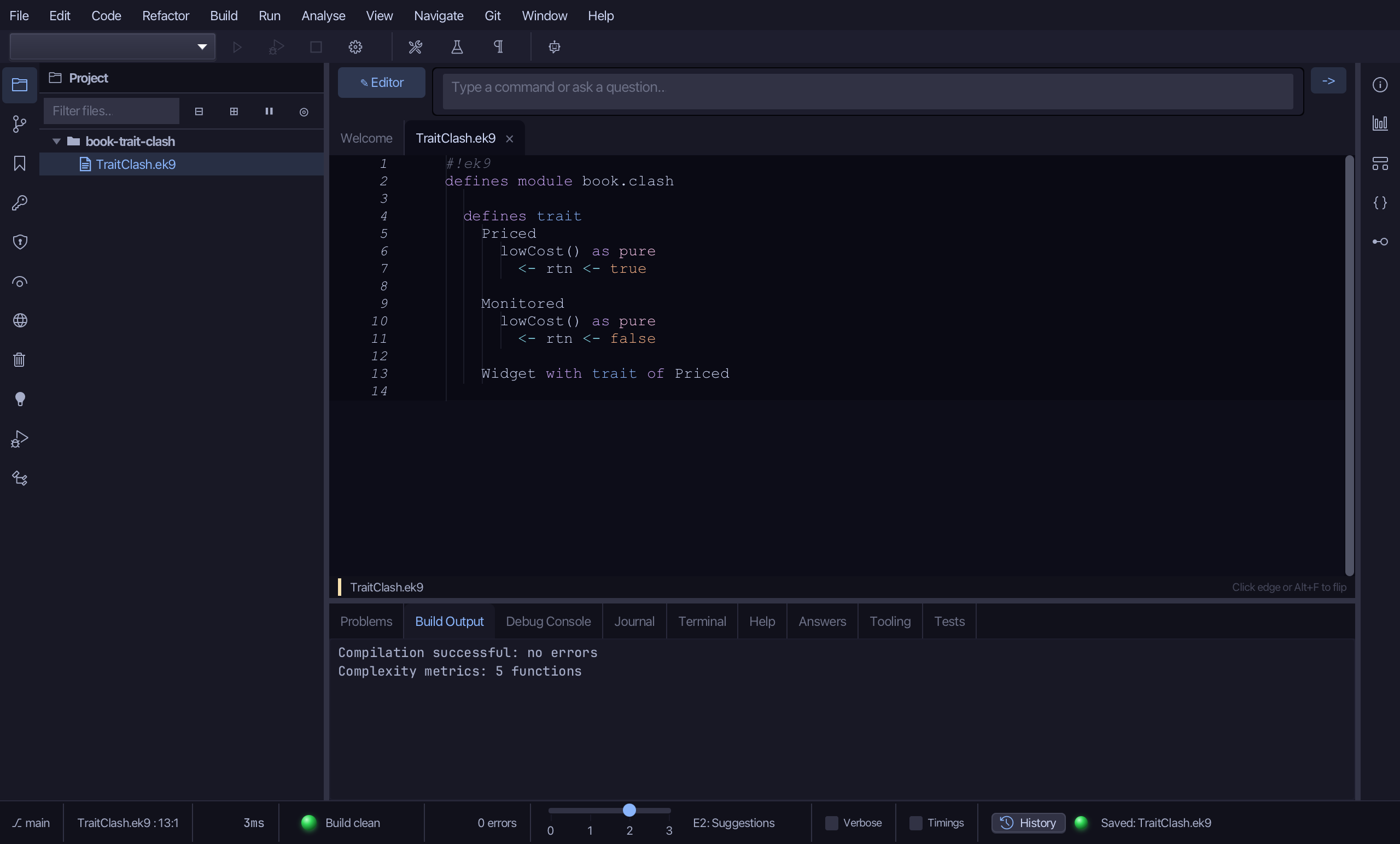
Adopt Trait changes the open file in the editor, not yet saved. Choose File > Save.
Right-click the Widget line and choose Add Method…
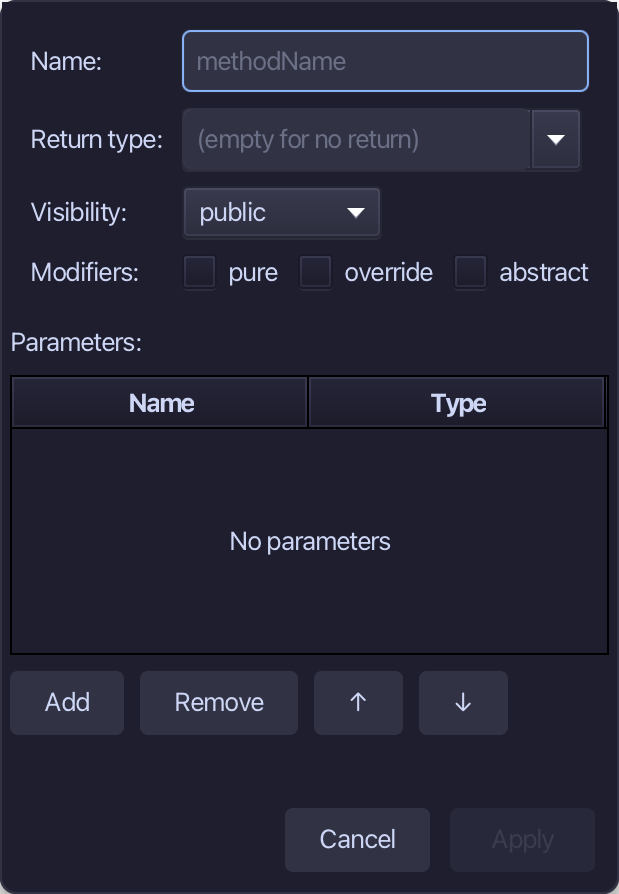
lowCost is the method's name, Boolean the return type, pure ticked, override ticked. Fill them in and choose Apply.
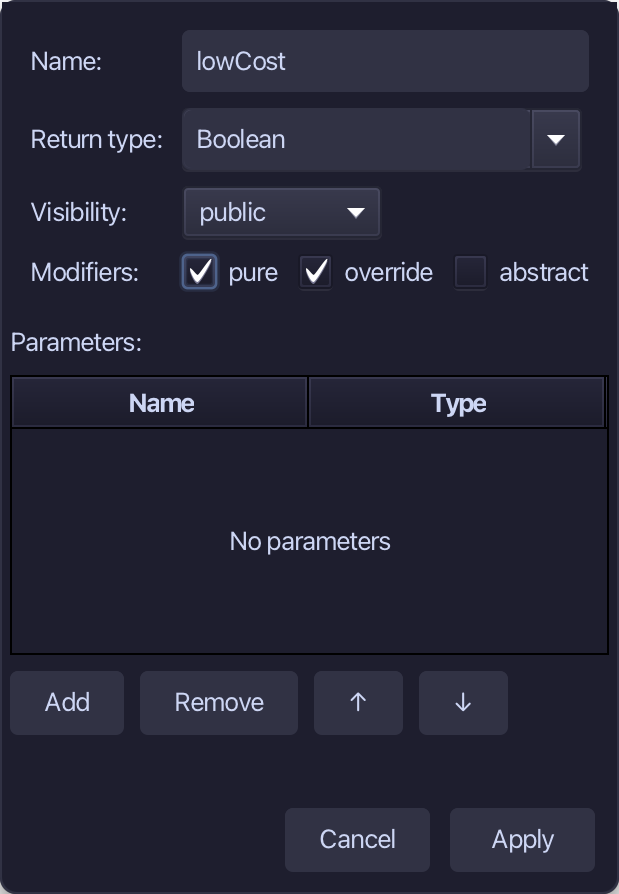
Select lowCost's stub, from <- rtn as Boolean: false down to its //AI line, and type its value. Saves when typed.
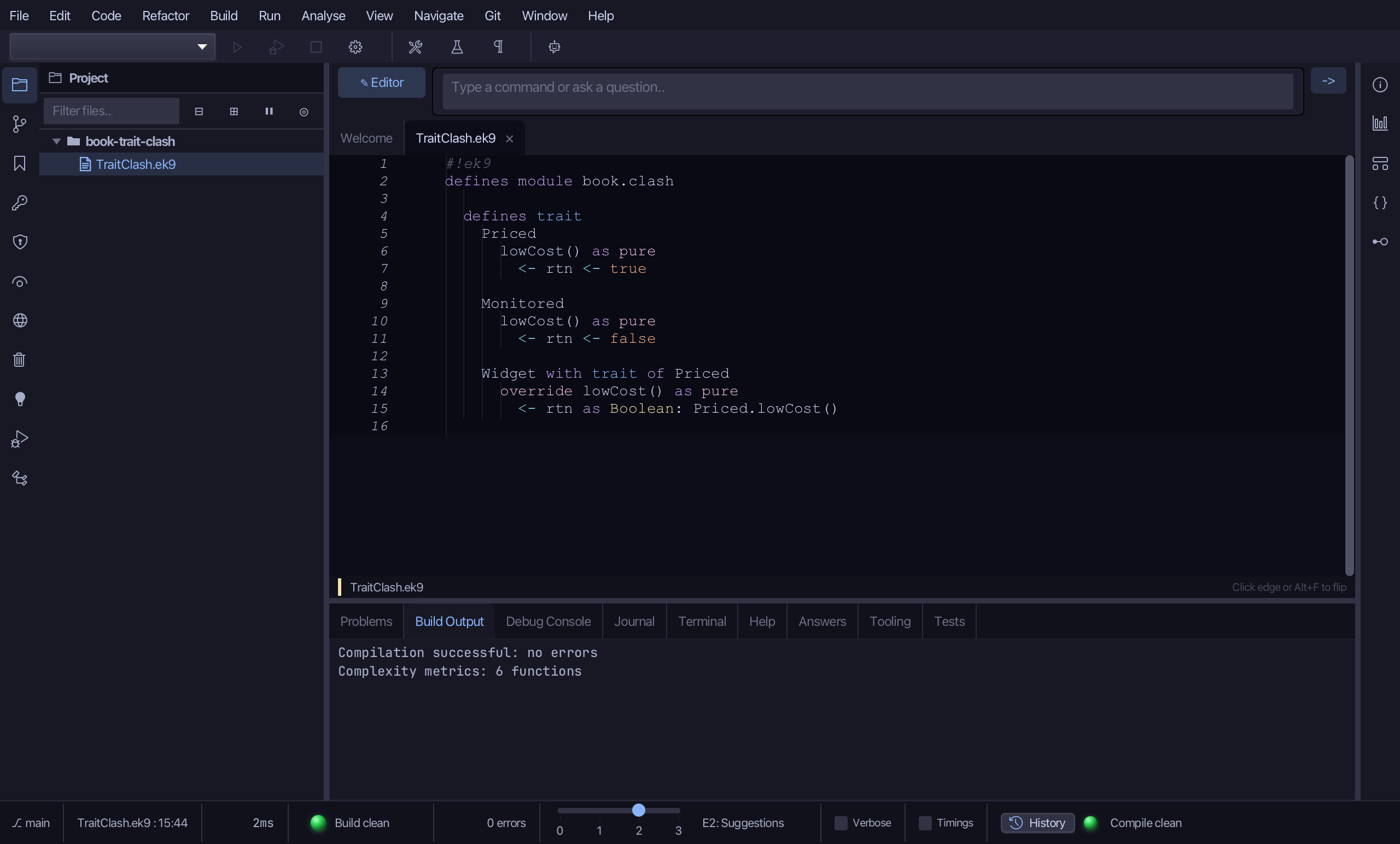
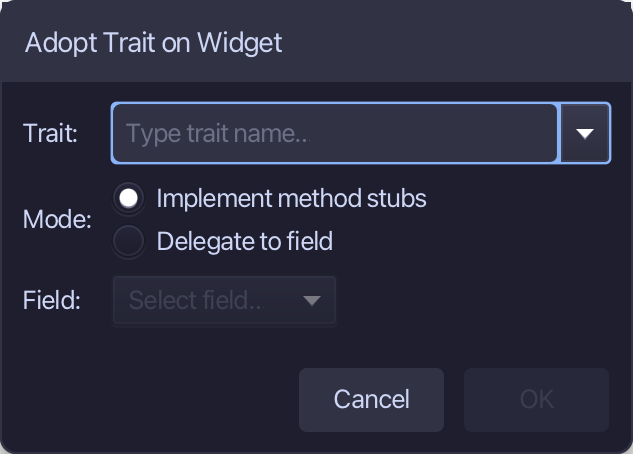
Right-click the Widget line and choose Adopt Trait…
Type Monitored as the trait - Implement method stubs is already chosen - and choose OK.
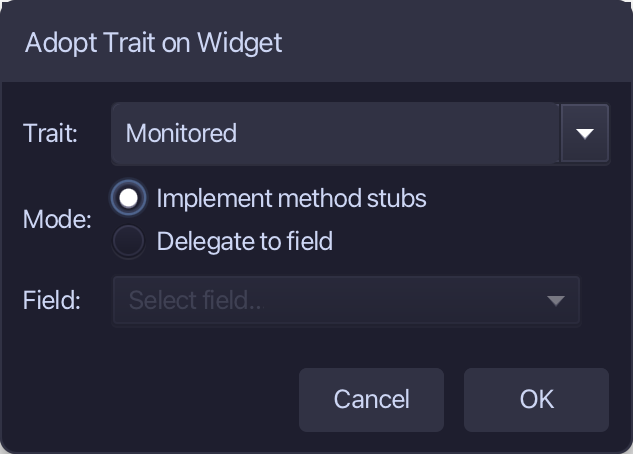
Adopt Trait changes the open file in the editor, not yet saved. Choose File > Save.
Step 4: Gadget
Choose Code > New Construct > Class…
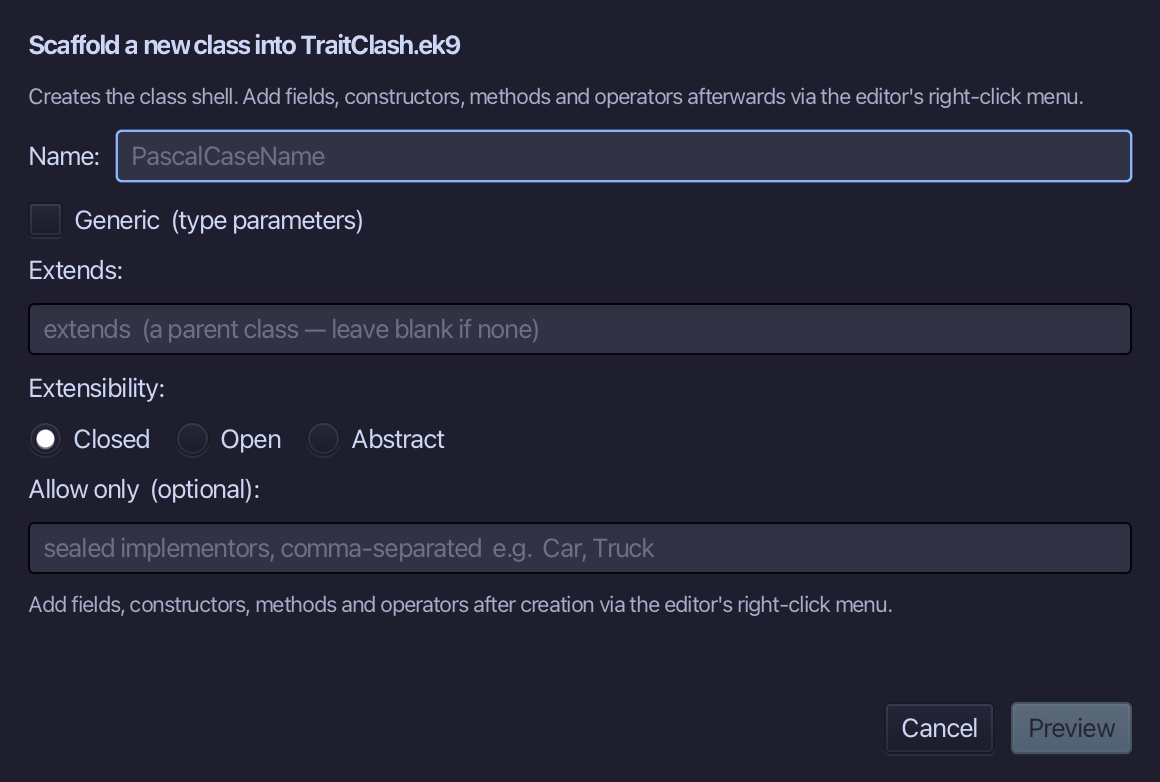
Gadget is the class's name. Leave Closed selected. Choose Preview.
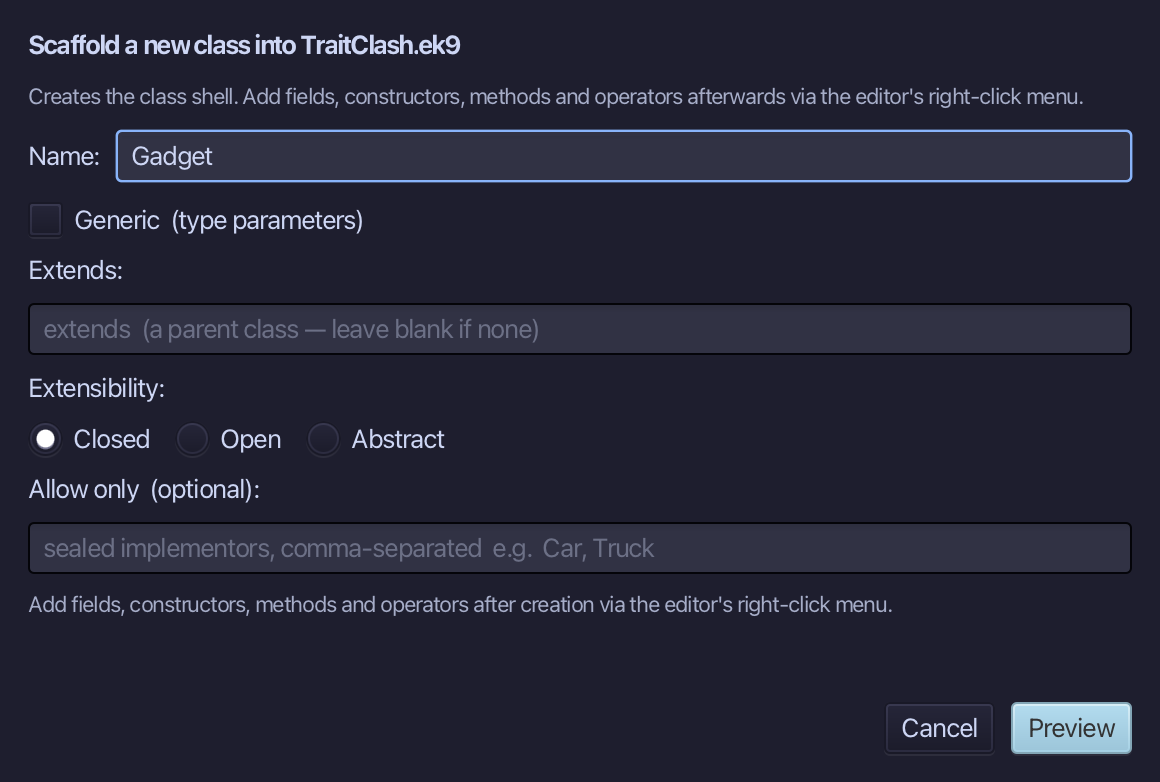
The preview shows Gadget. Choose Apply.
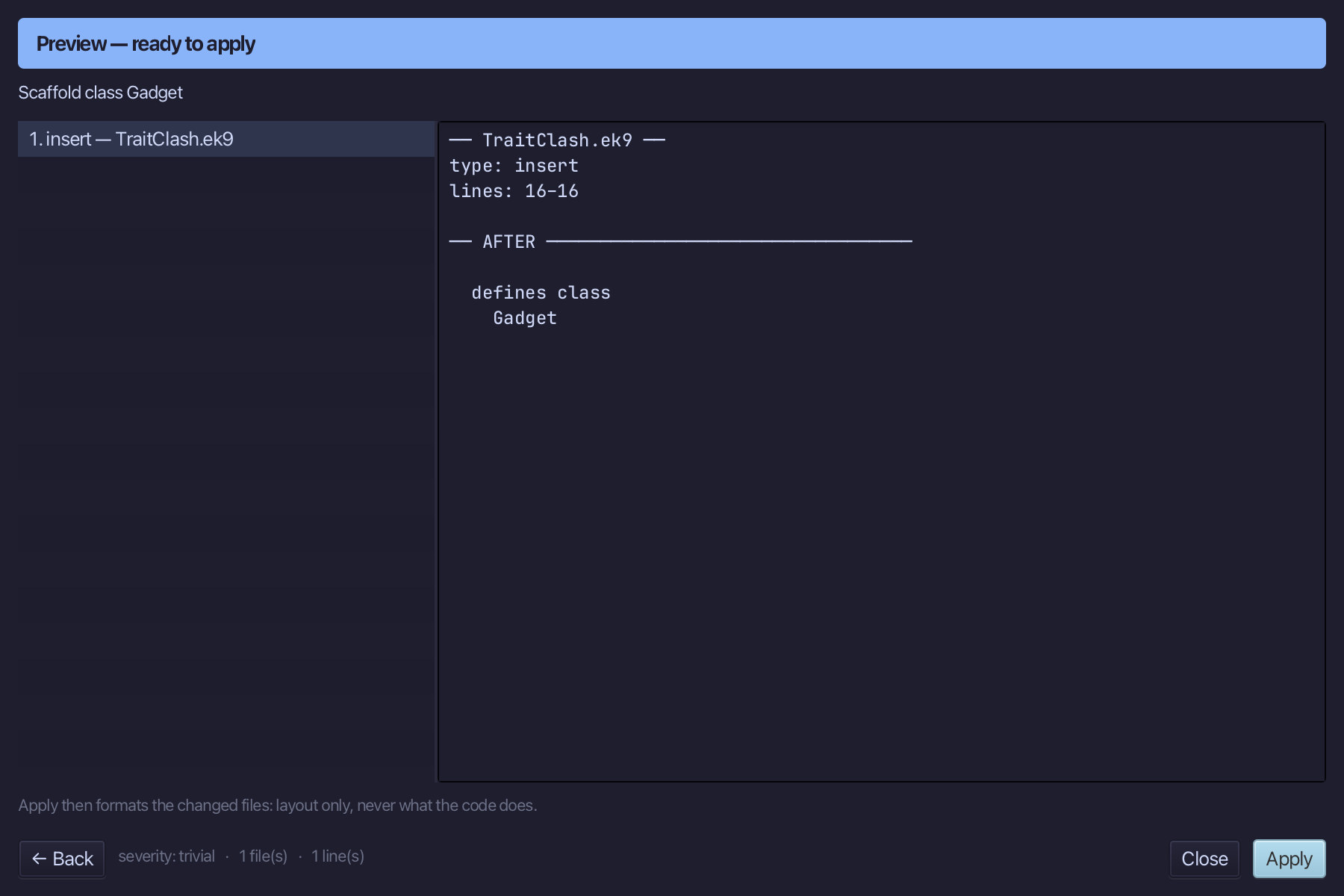
Right-click the Gadget line and choose Add Operator ▸ ? (isSet) ▸ default.
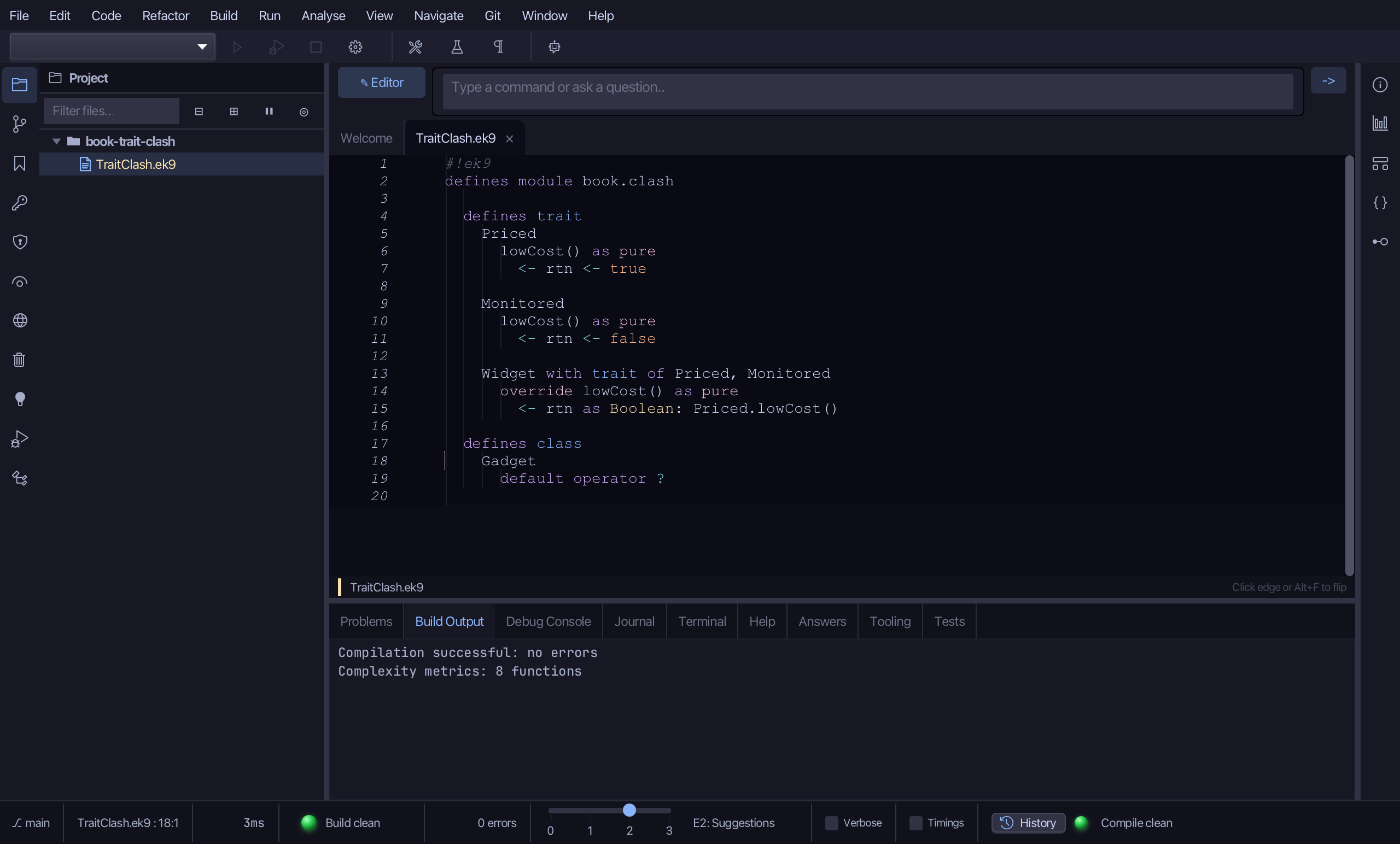
Right-click the Gadget line and choose Adopt Trait…
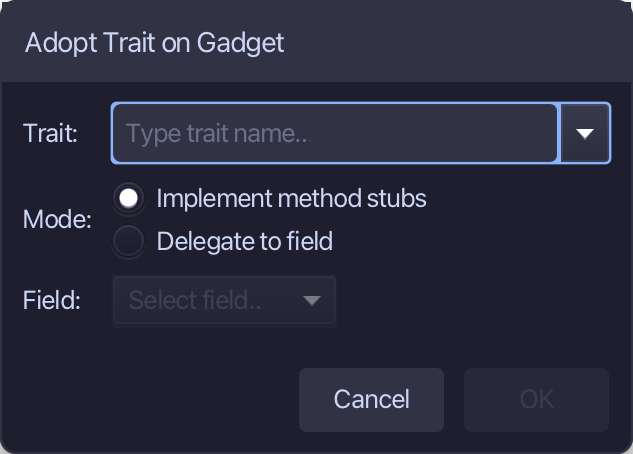
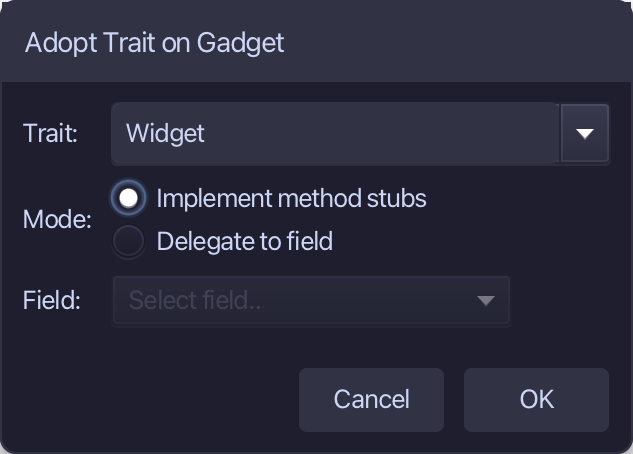
Type Widget as the trait - Implement method stubs is already chosen - and choose OK.
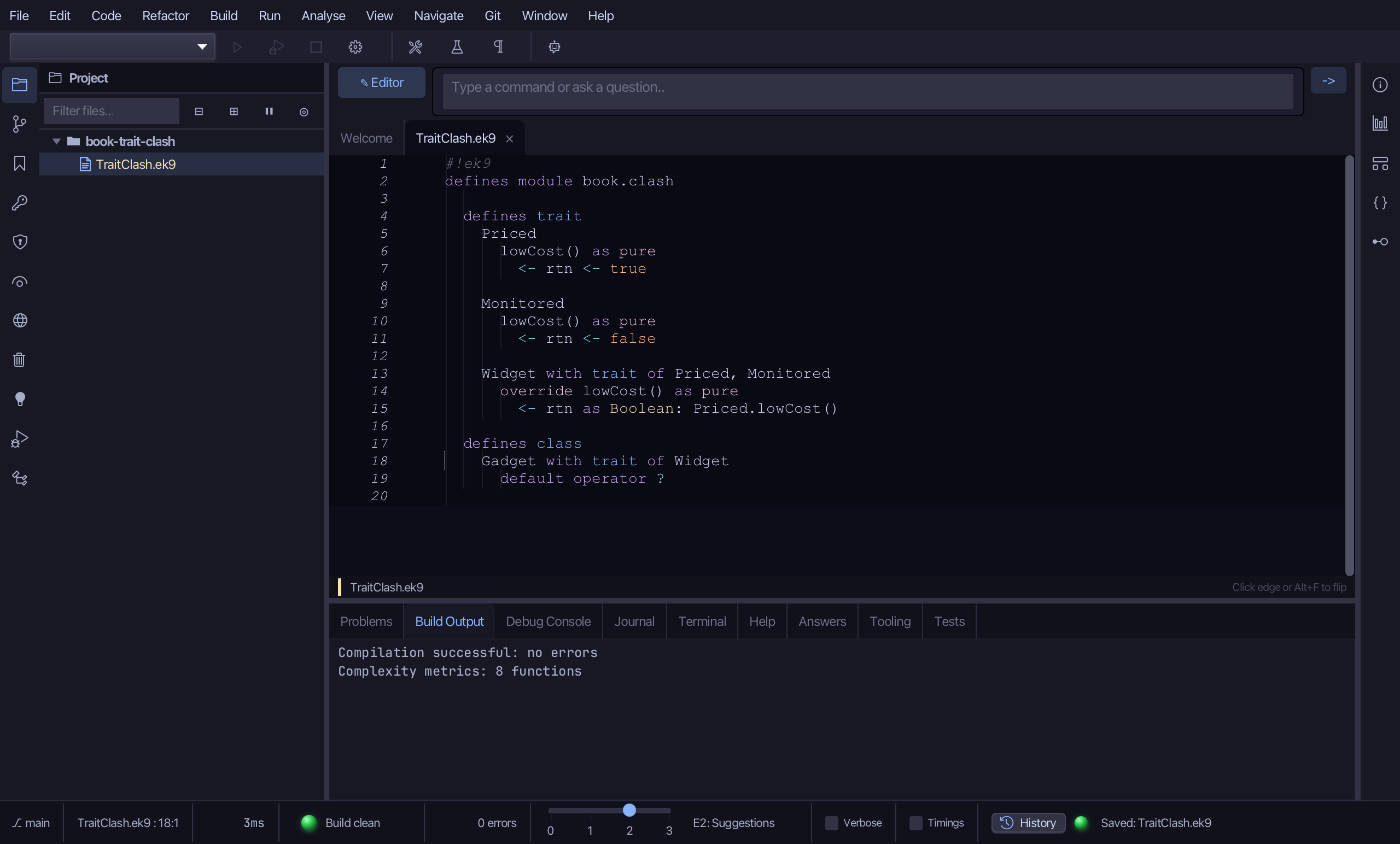
Adopt Trait changes the open file in the editor, not yet saved. Choose File > Save.
Step 5: The program
Choose Code > New Construct > Program…
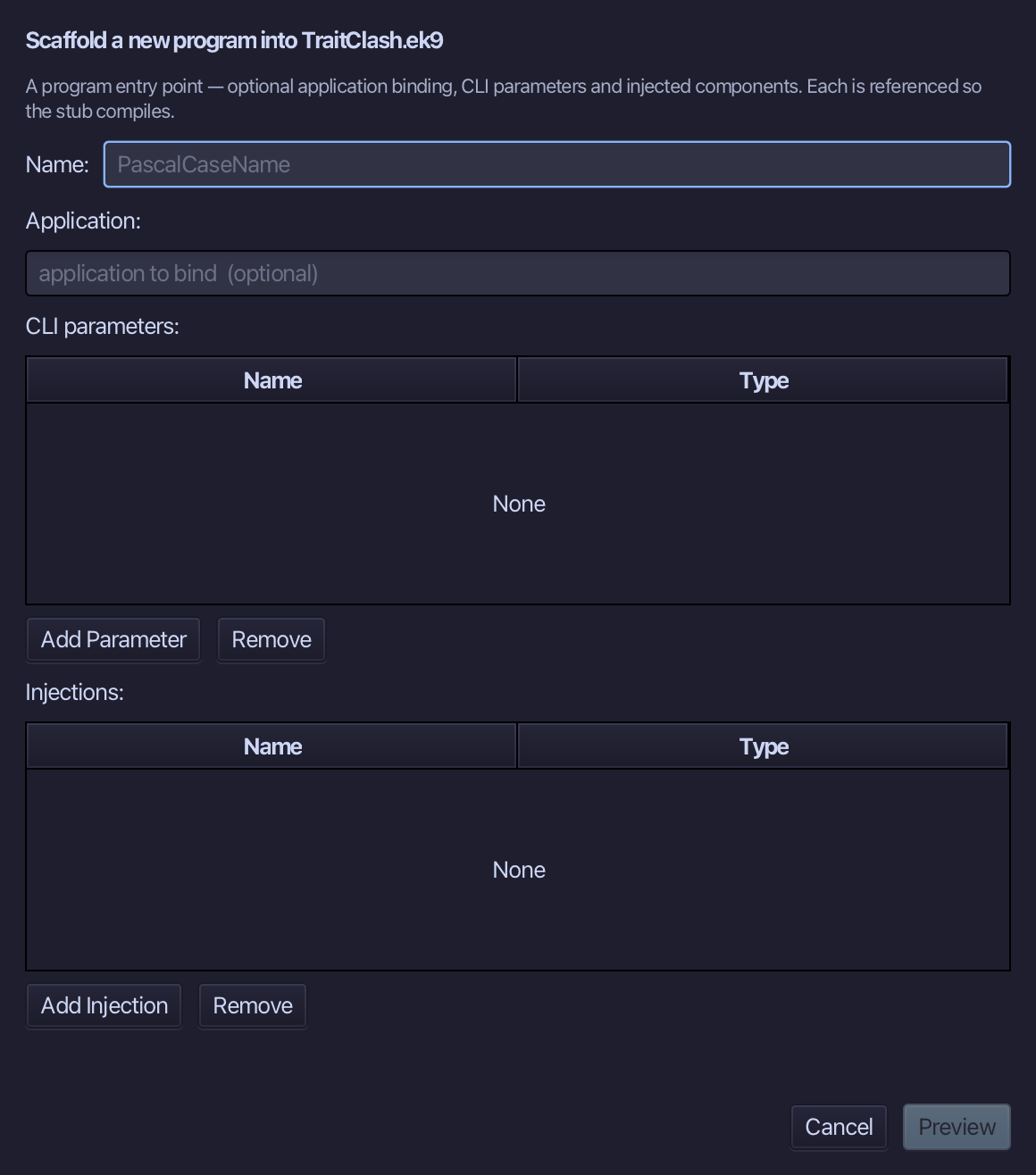
Show is the program's name. Type Show and choose Preview.
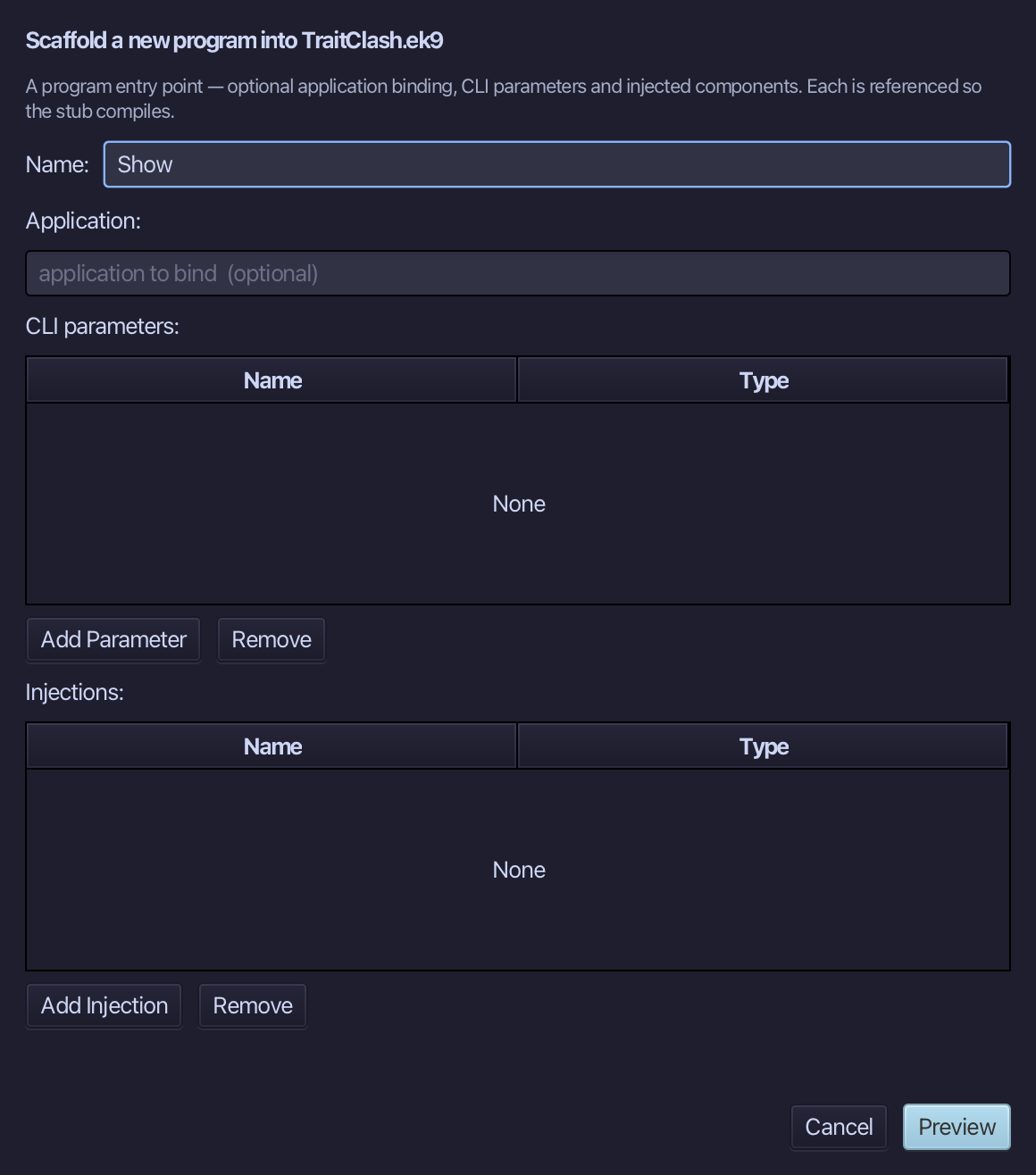
The preview shows Show about to be written. Choose Apply.
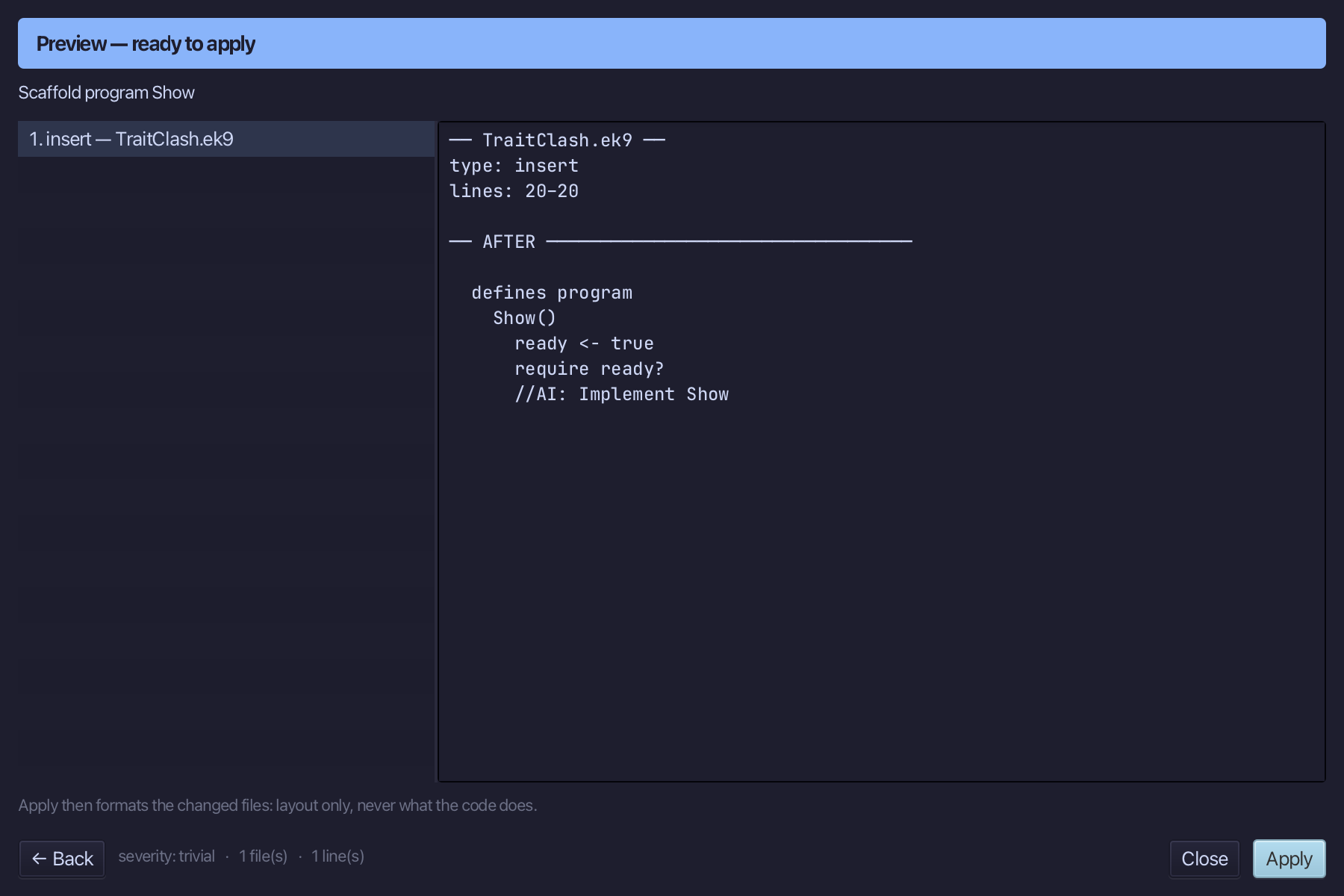
Select the stub, from ready <- true down to its //AI line, and type Show's body: a Gadget, and what its lowCost says. Saves when typed.
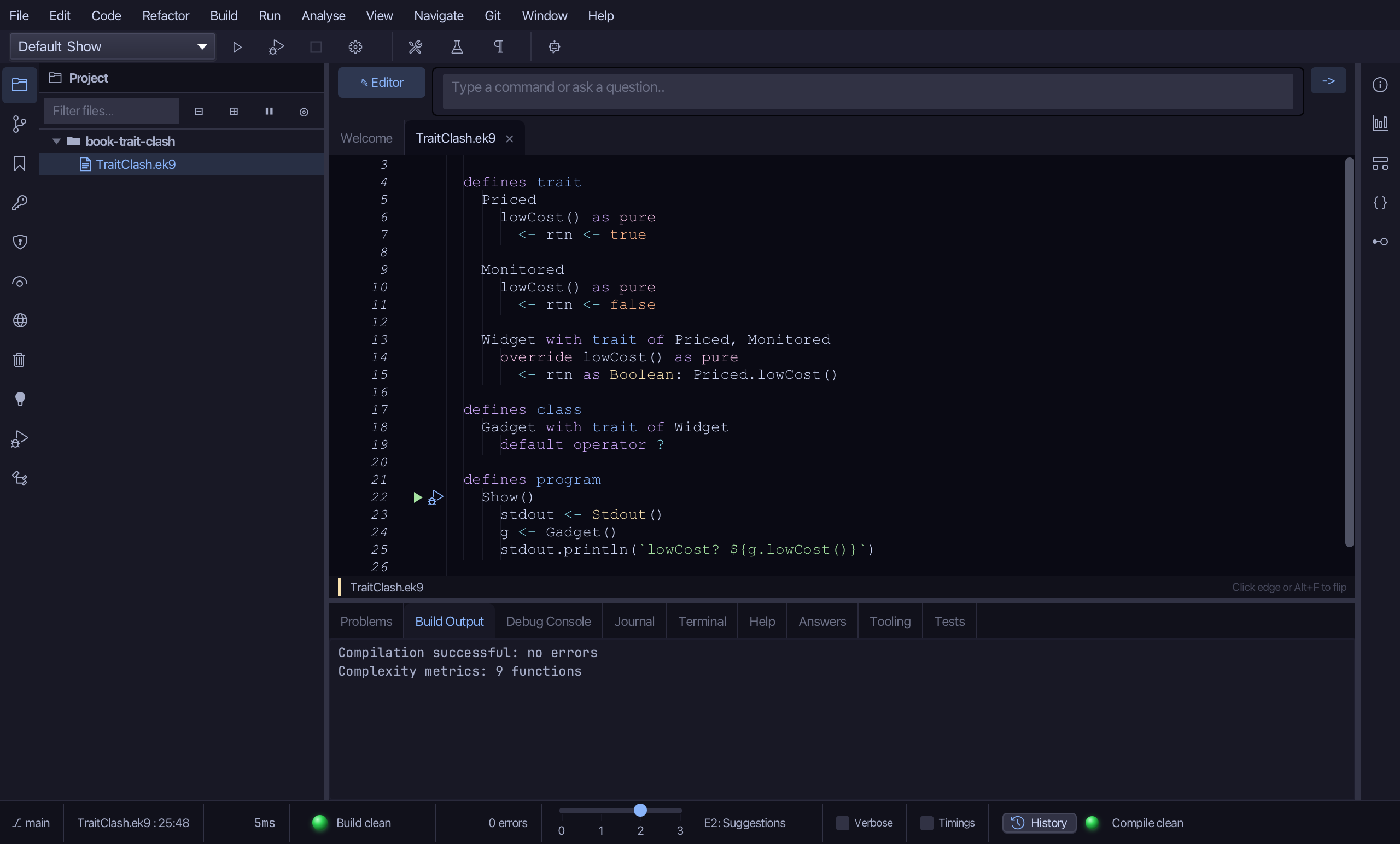
Step 6: Run it
Choose Run > Run Program…
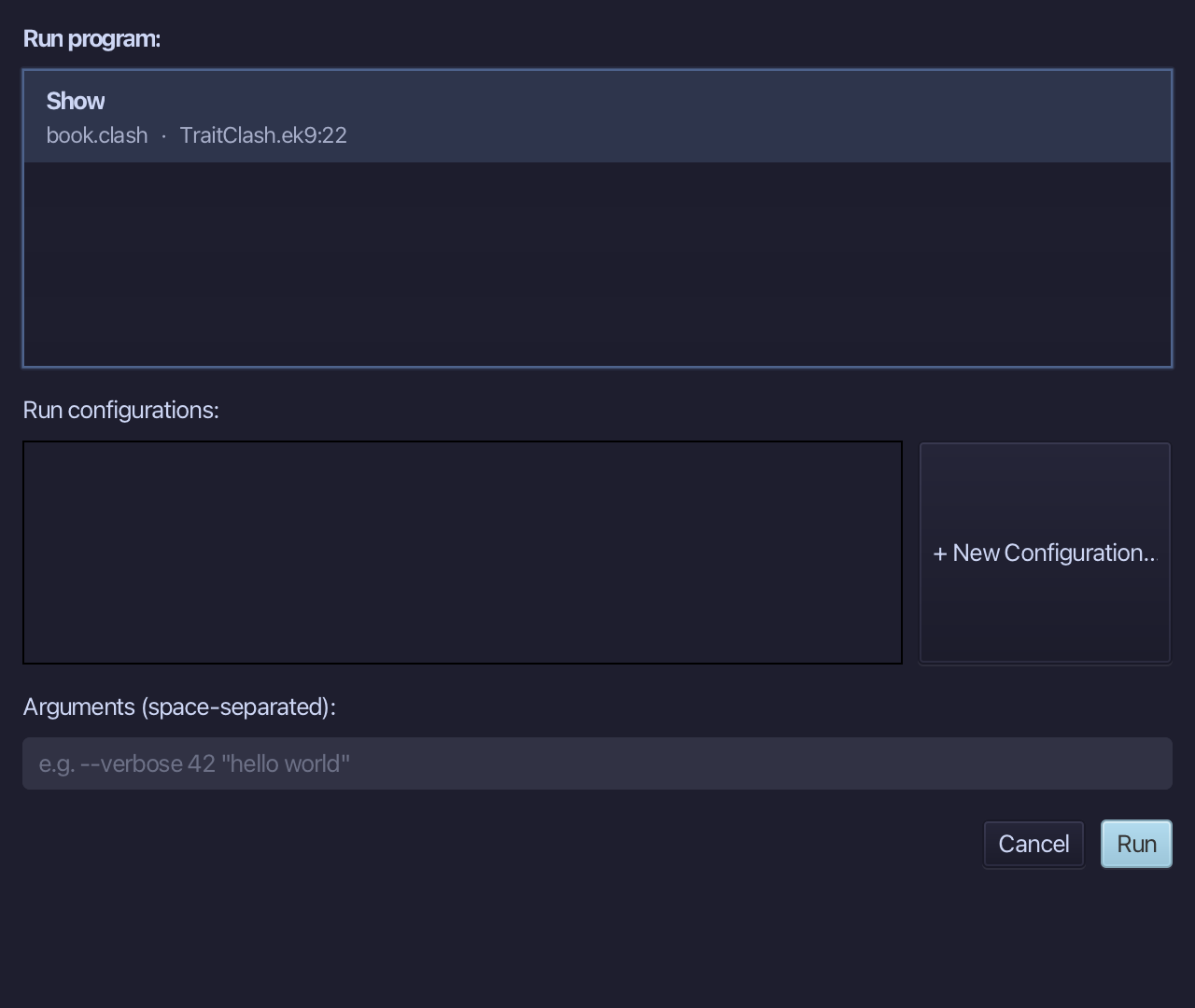
The project's only program is already chosen. Choose Run.
lowCost? true - Gadget takes Widget's lowCost, and Widget chose Priced's. Choose Close.
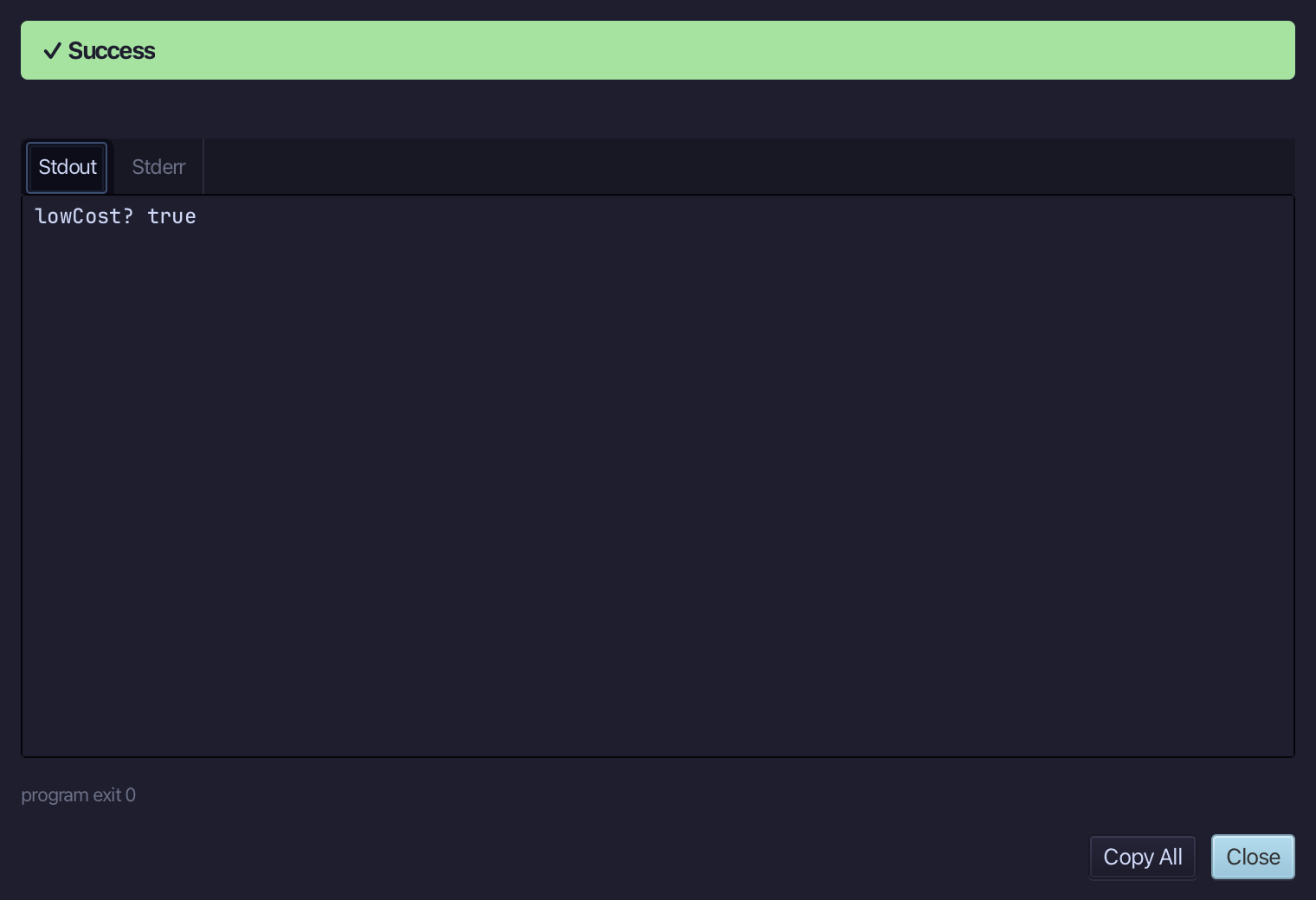
The result
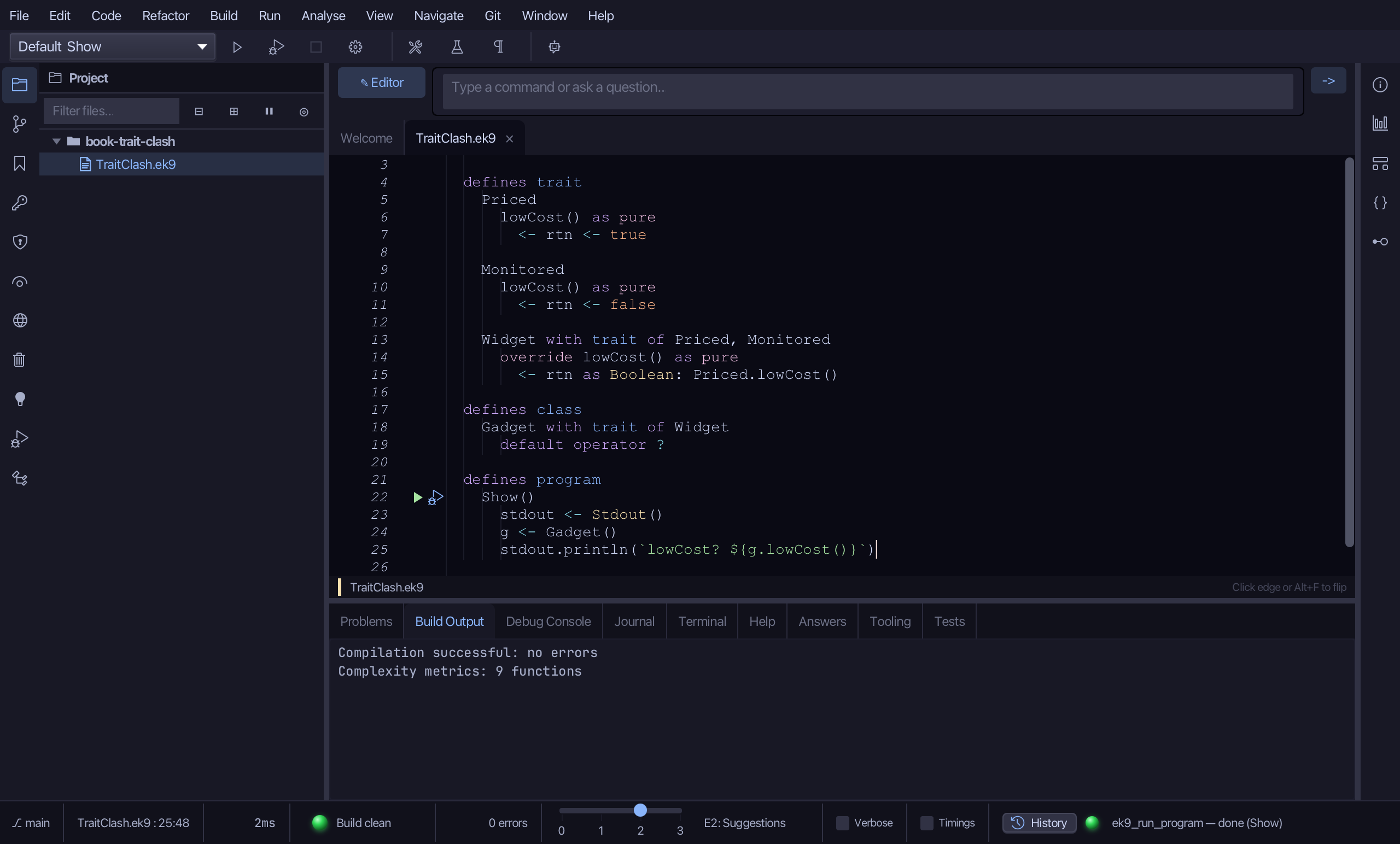
TraitClash.ek9 now reads exactly as chapter 18 of Getting Started with EK9 shows it: two traits that disagree about lowCost, a Widget that says which it means by writing its own and naming Priced's, and a Gadget that simply takes Widget. EK9 never picks a winner for you - leave the override out and E06150 names the clash. AI assistants use ek9_new_construct, ek9_add_method (override), ek9_adopt_trait and ek9_add_program.
Where this lesson comes from
- For AI assistants - the MCP tool
ek9_new_construct,ek9_add_method,ek9_adopt_trait,ek9_add_program.
In the EK9 reference: Traits in EK9