Chapter 3: three loops, folded
Chapter 3's Counting runs three loops: 1 to 10, 0 to 10 in twos, and 10 down to 0 in twos, each printing its counter. This lesson types the three prints first - each names a counter i that does not exist yet - and lets Surround With ▸ for range wrap each, with i as its loop variable. To play it in the IDE: Help > Lessons > Getting Started with EK9…, or ek9 -ide -lesson book-counting.
What you'll build
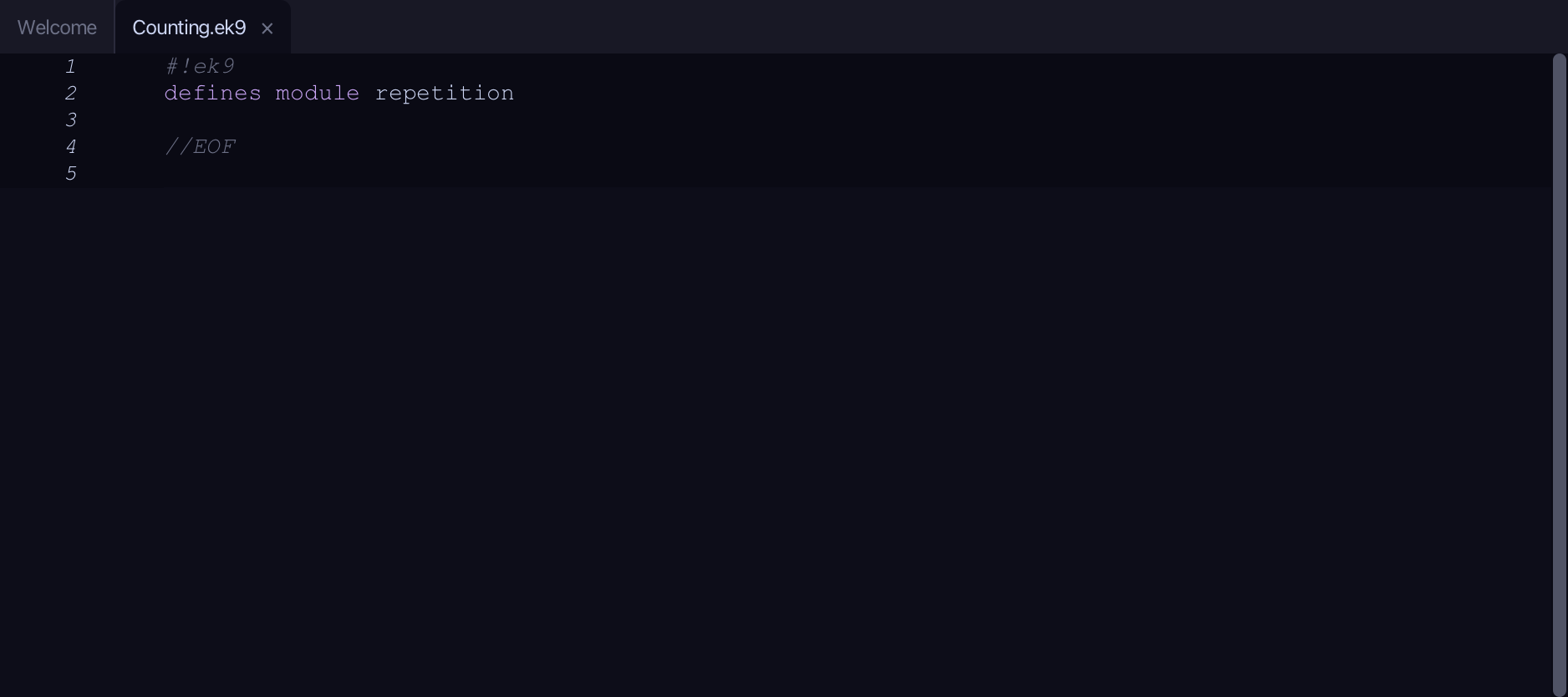
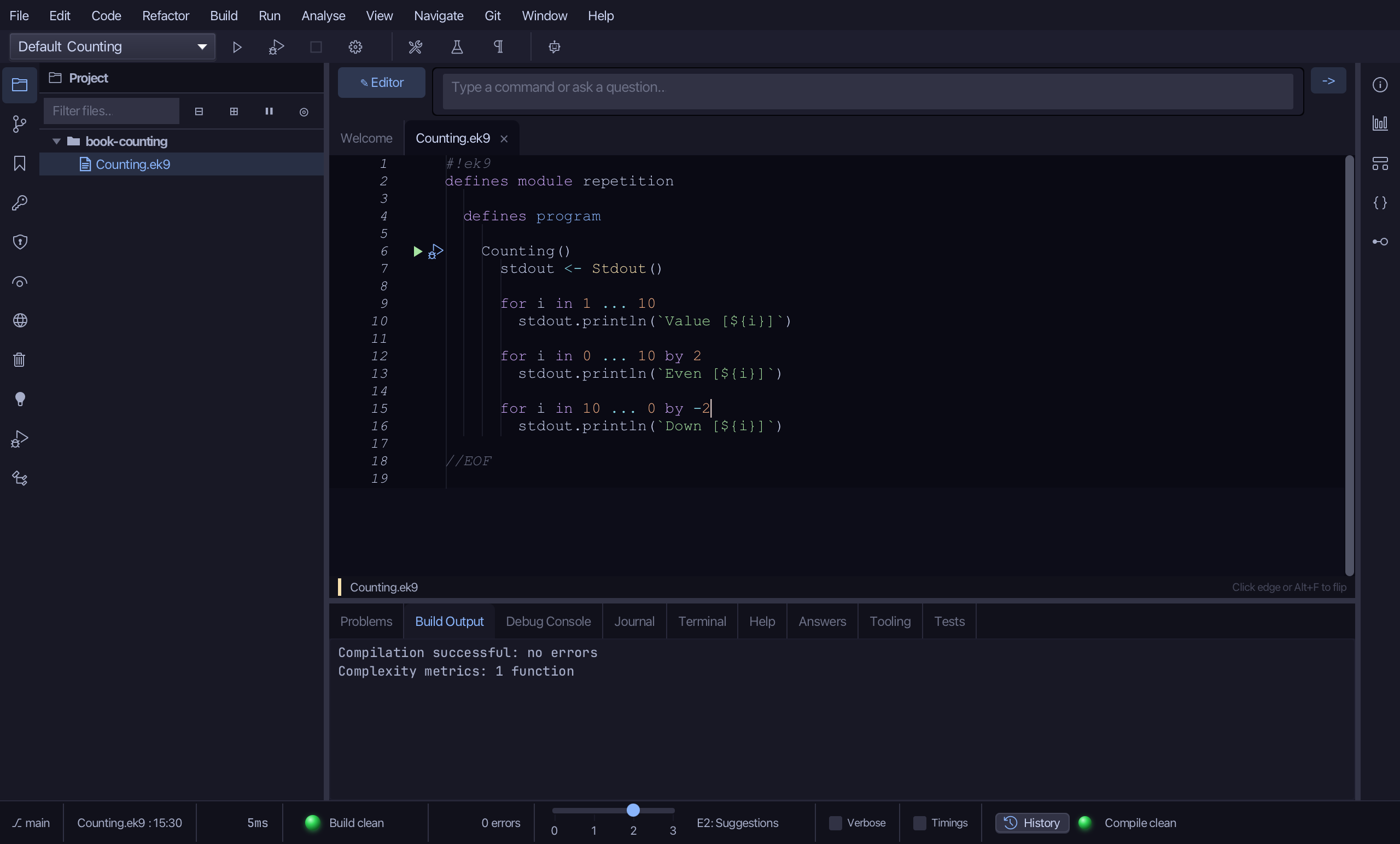
The lesson builds this program from a file holding only its module line - the finished file, as the book prints it.
#!ek9
defines module repetition

  defines program

    Counting()
      stdout <- Stdout()

      for i in 1 ... 10
        stdout.println(`Value [${i}]`)

      for i in 0 ... 10 by 2
        stdout.println(`Even [${i}]`)

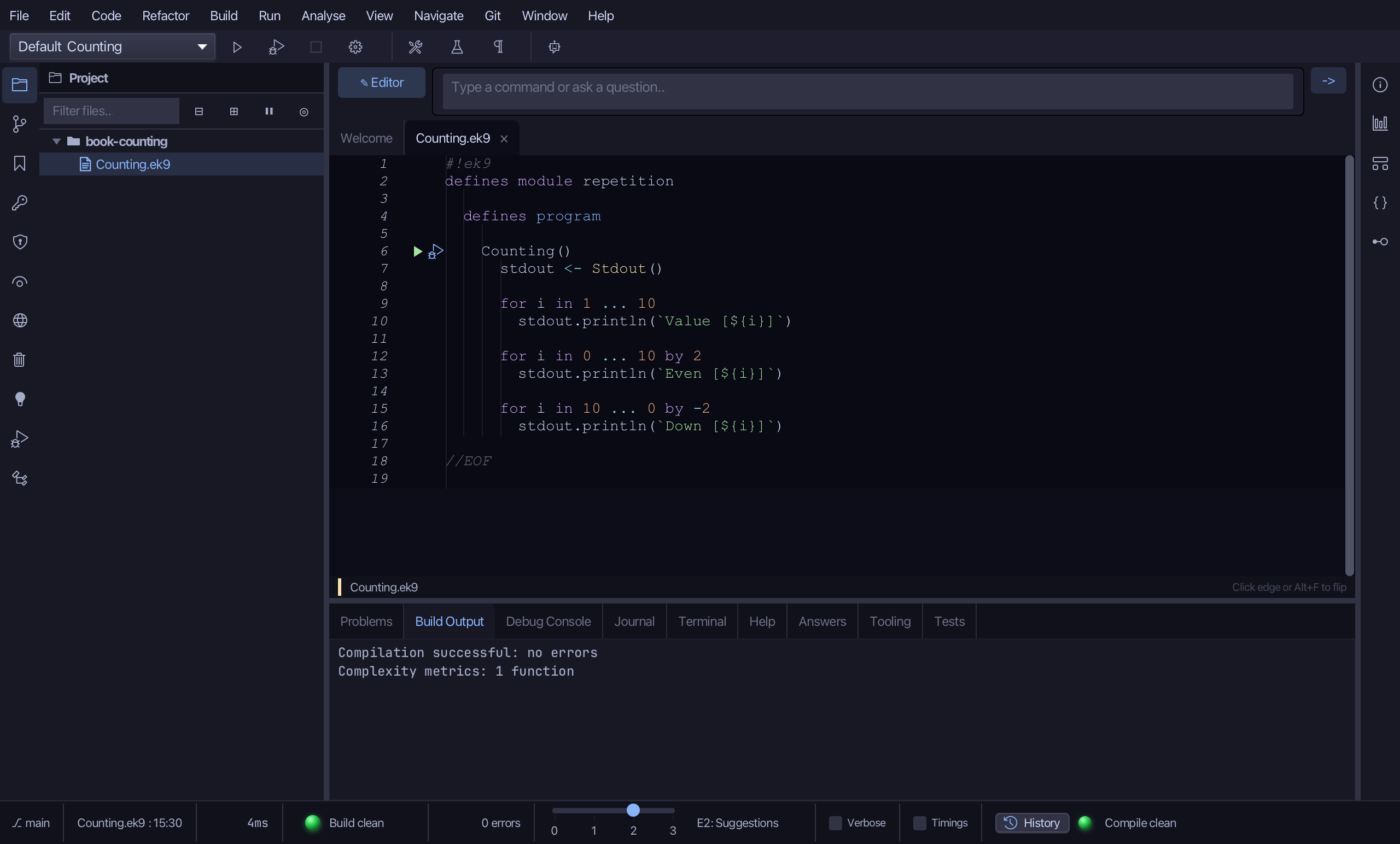
      for i in 10 ... 0 by -2
        stdout.println(`Down [${i}]`)

//EOF
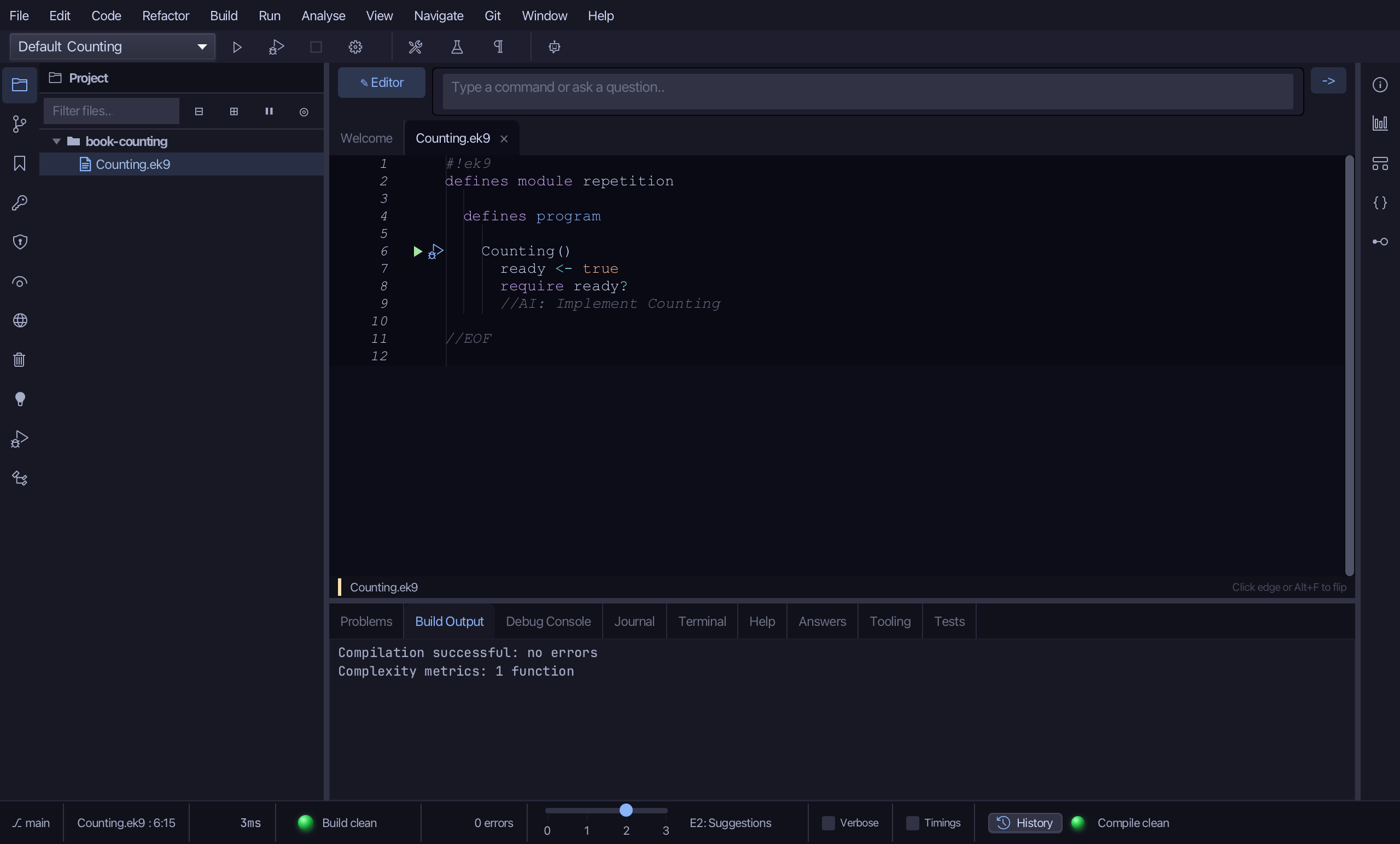
Step 1: The program
Choose Code > New Construct > Program…
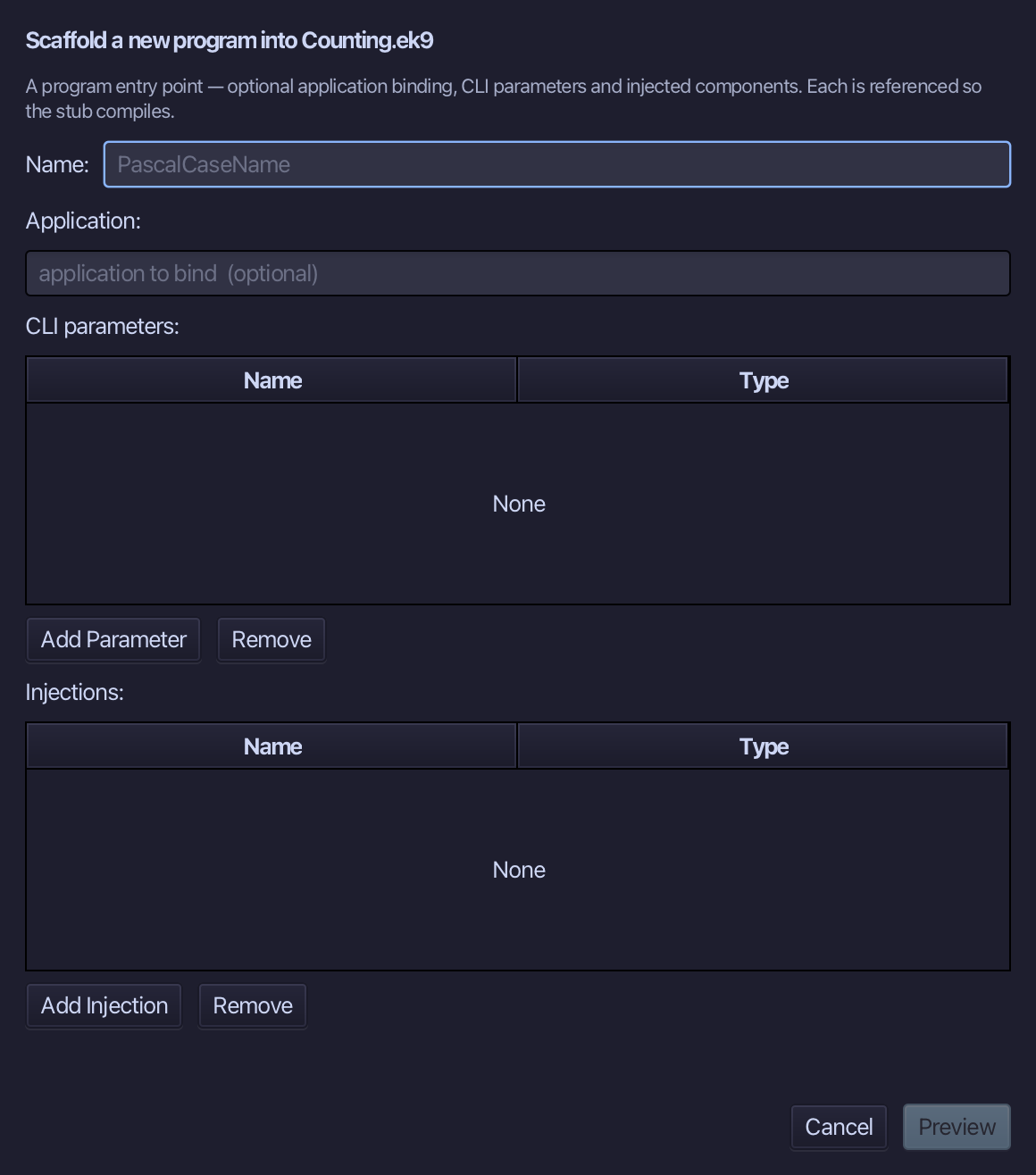
Counting is the program's name. Type Counting and choose Preview.
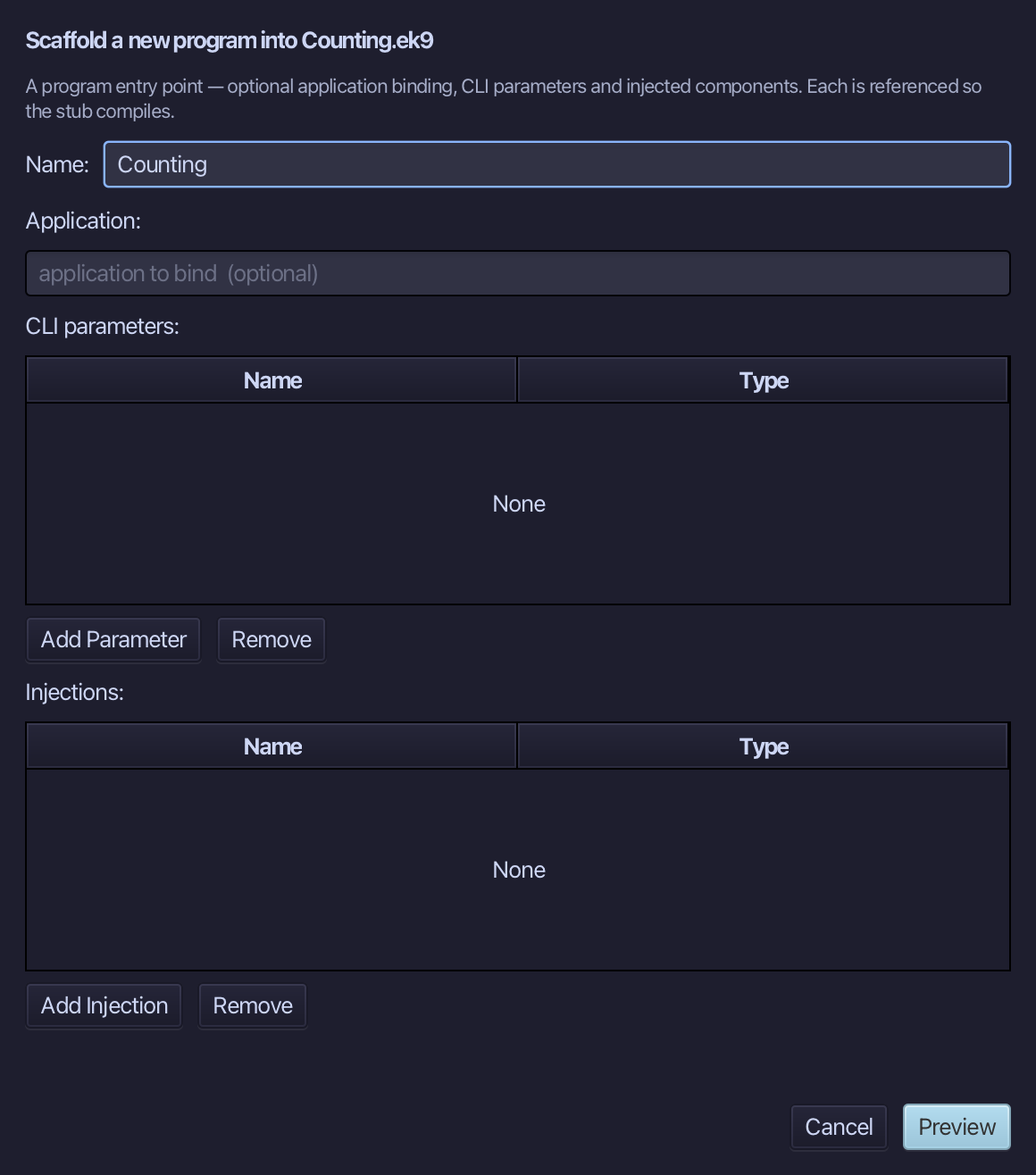
The preview shows Counting about to be written. Choose Apply.
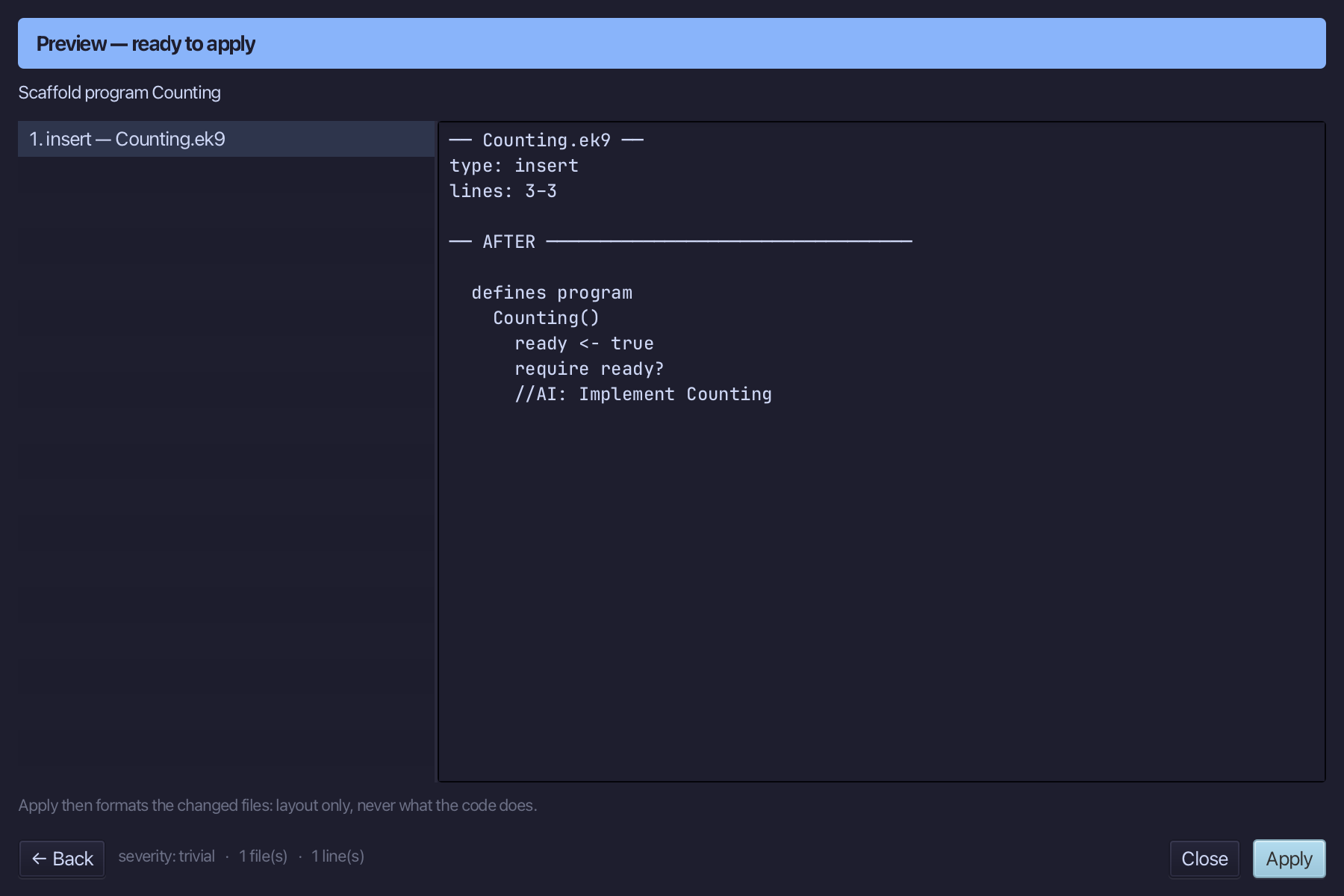
Select the Counting() line and, above it, type the blank line the book opens its program with. Saves when typed.
Step 2: Three plain prints
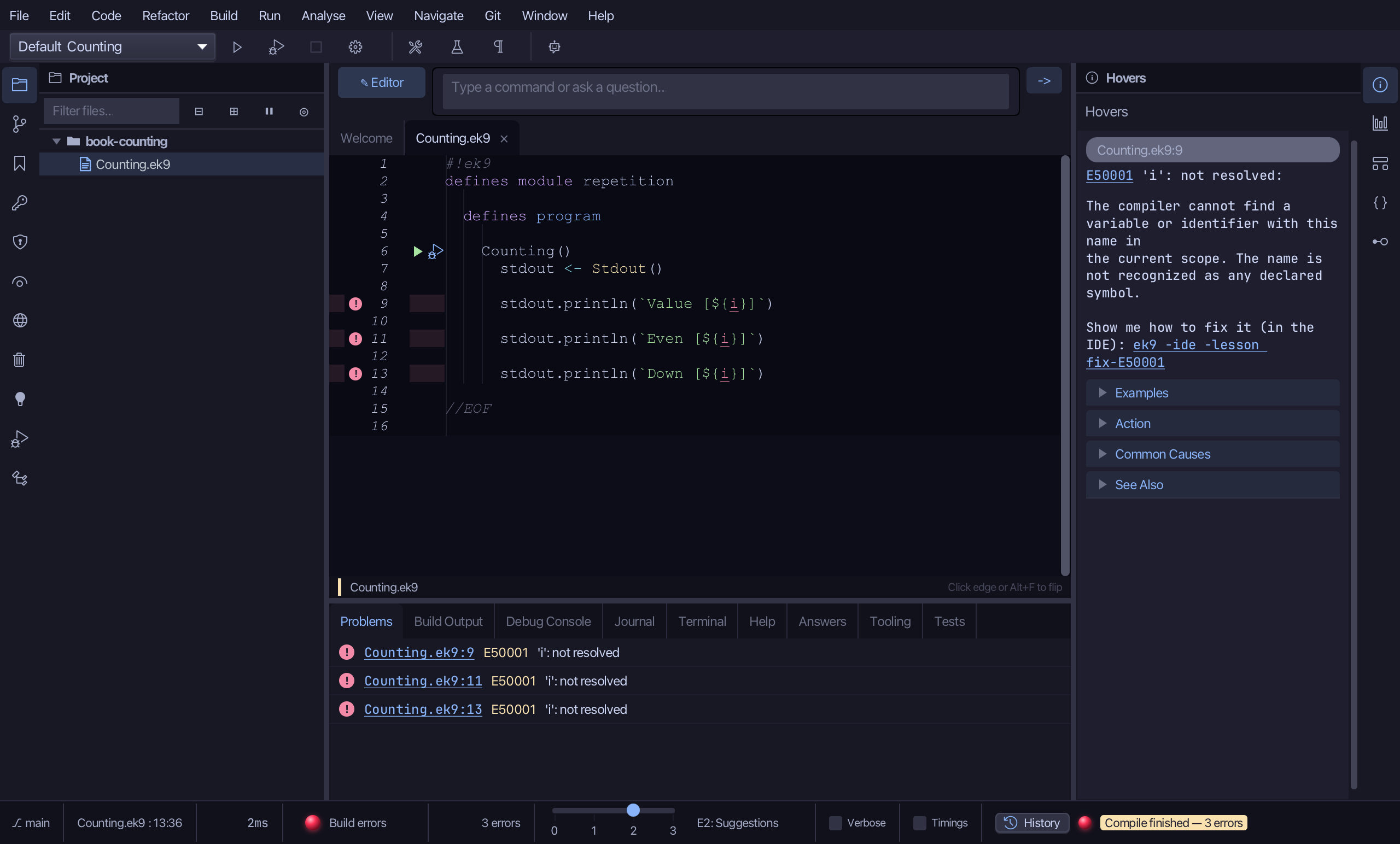
Select the stub, from ready <- true down to its //AI line, and type the three prints. Each uses i, which nothing declares yet - the file shows errors until the loops exist. Saves when typed.
Step 3: Count up: Surround With ▸ for range
Put the caret on the Value print, right-click - or choose Refactor > Refactor This… - and choose Surround With ▸ for range.
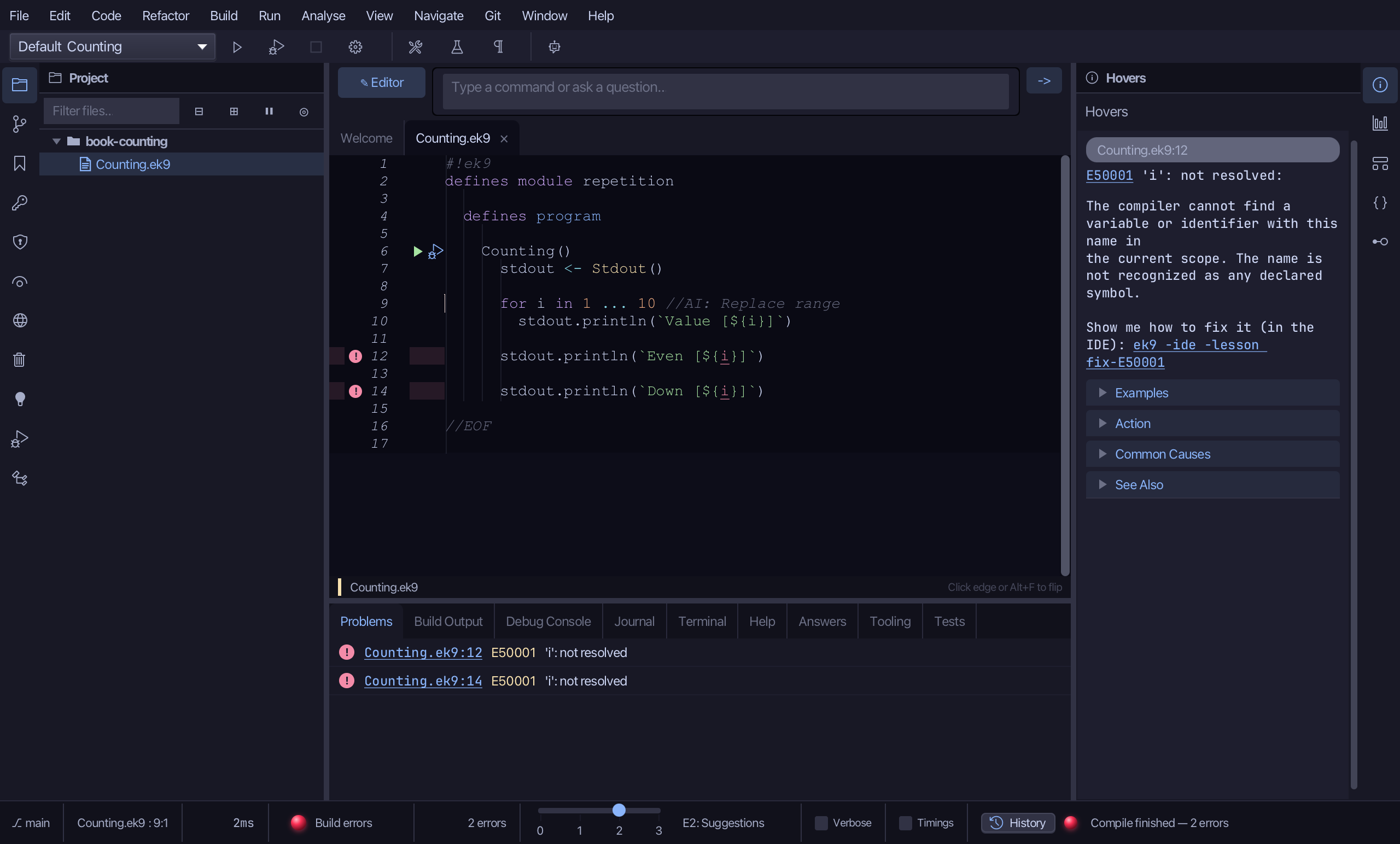
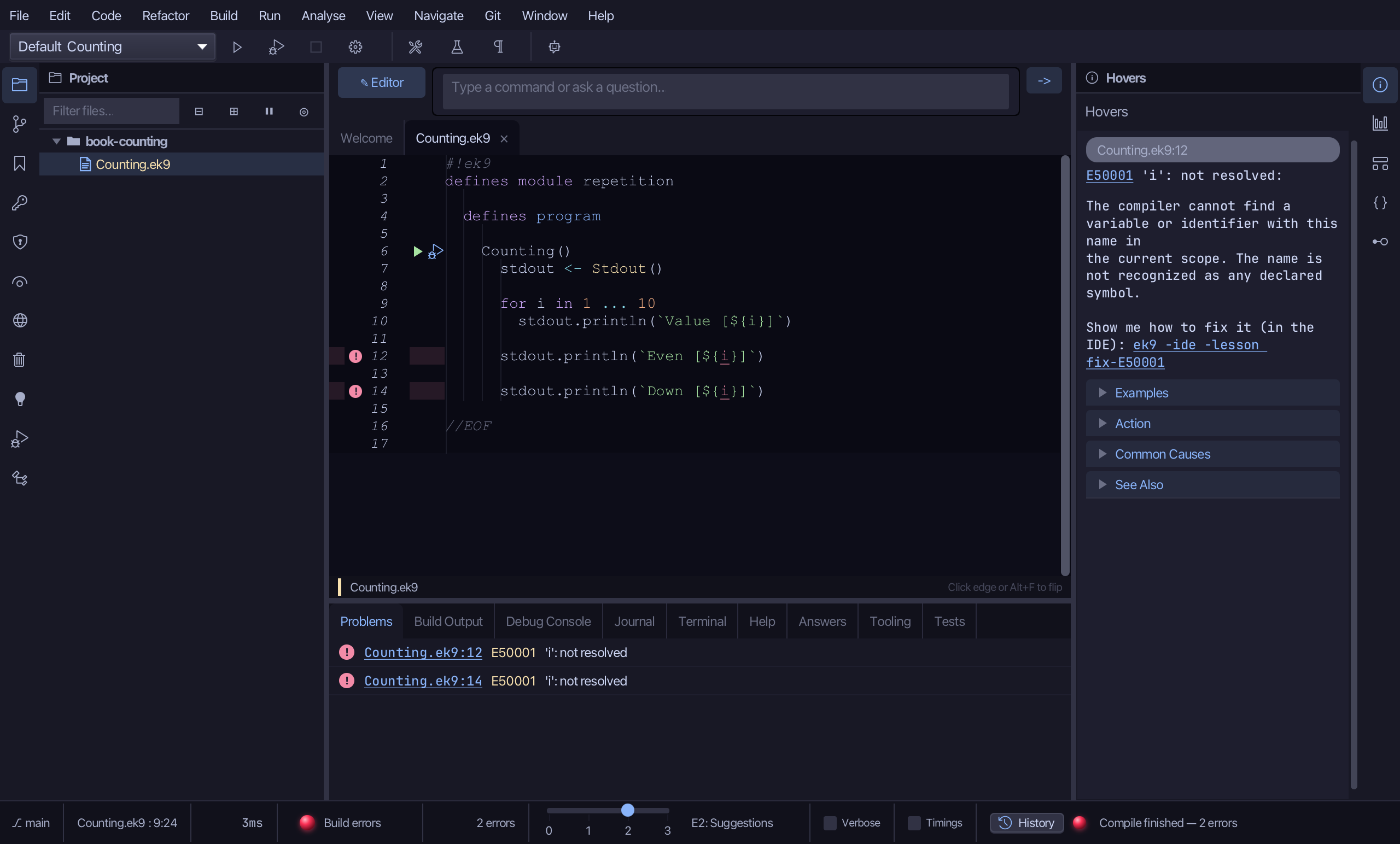
Select the stub - the placeholder range - and type 1 ... 10, dropping its //AI comment. Saves when typed.
Step 4: Count by twos, and down
Put the caret on the Even print, right-click - or choose Refactor > Refactor This… - and choose Surround With ▸ for range.
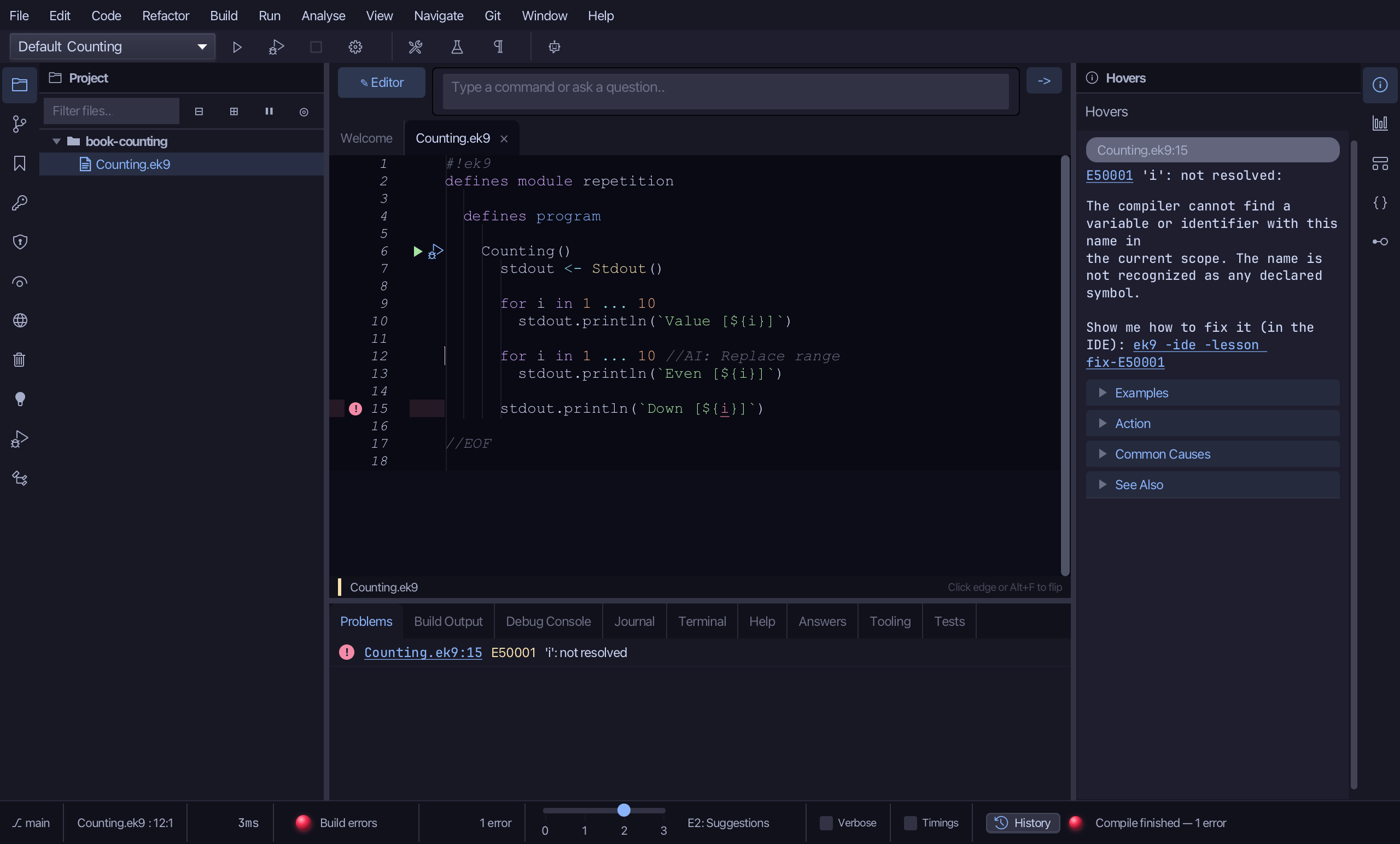
Select the placeholder range and type 0 ... 10 by 2 - every second number. Saves when typed.
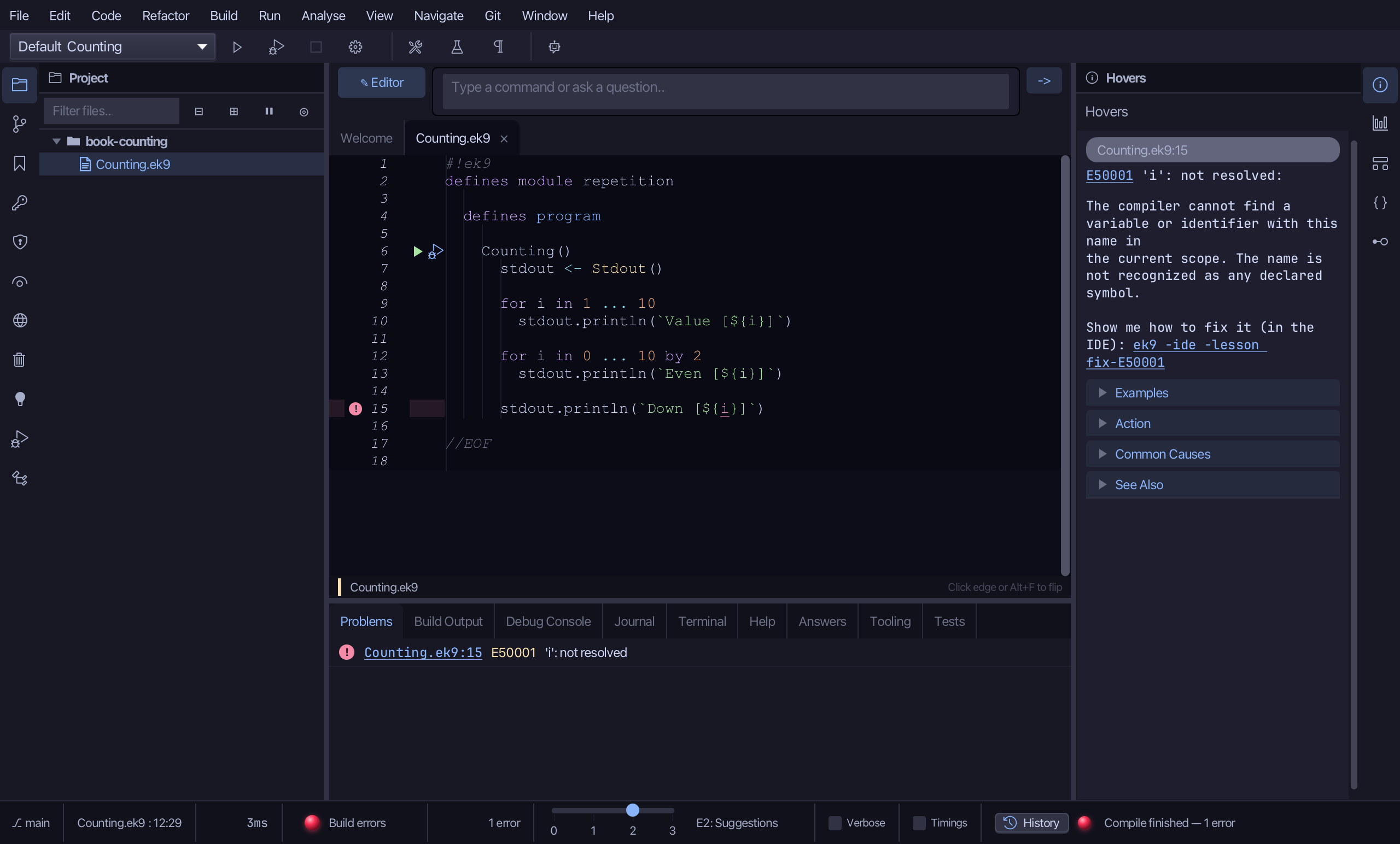
Put the caret on the Down print, right-click - or choose Refactor > Refactor This… - and choose Surround With ▸ for range.
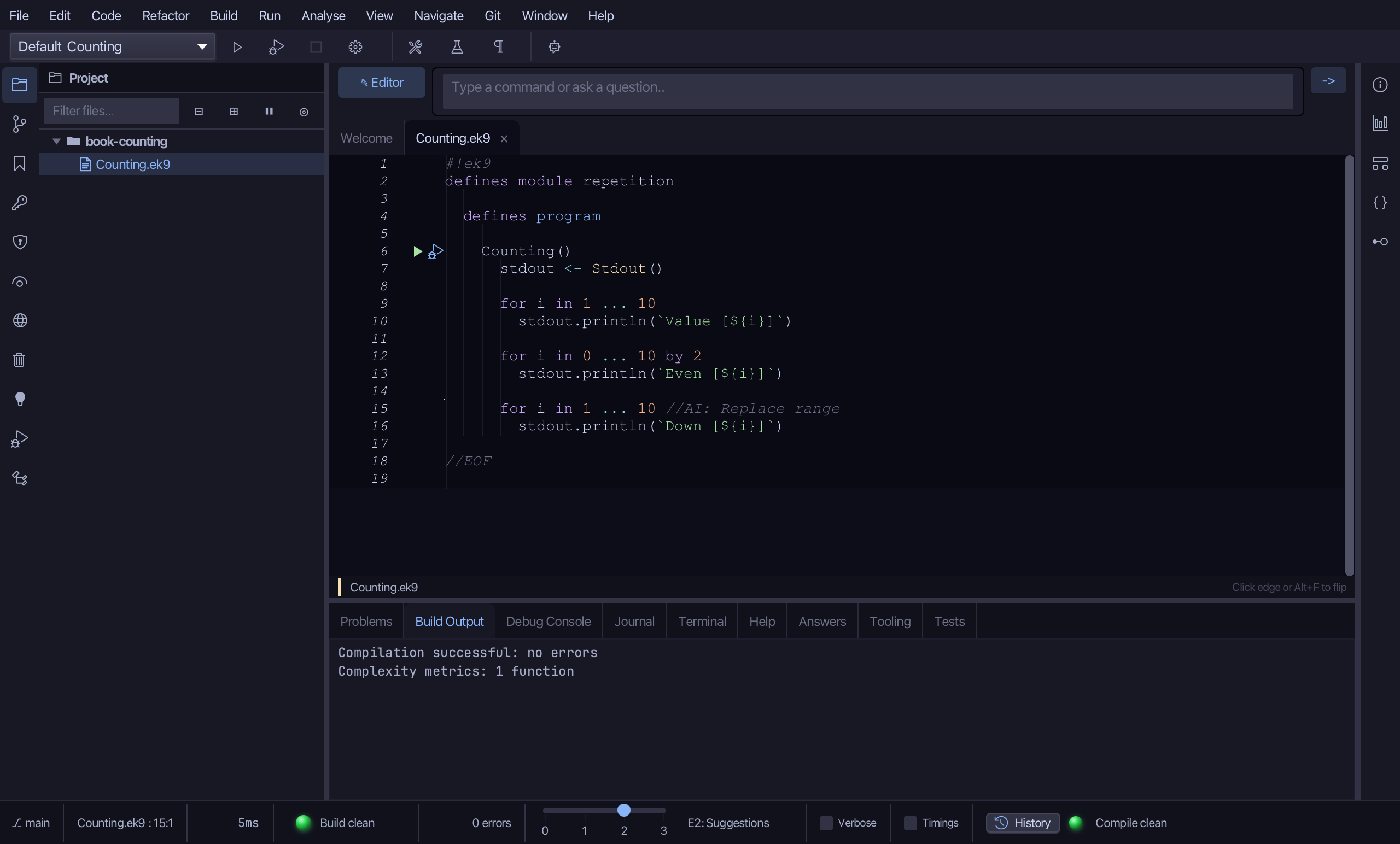
Select the placeholder range and type 10 ... 0 by -2 - down by twos. Saves when typed.
Step 5: Run it
Choose Run > Run Program…
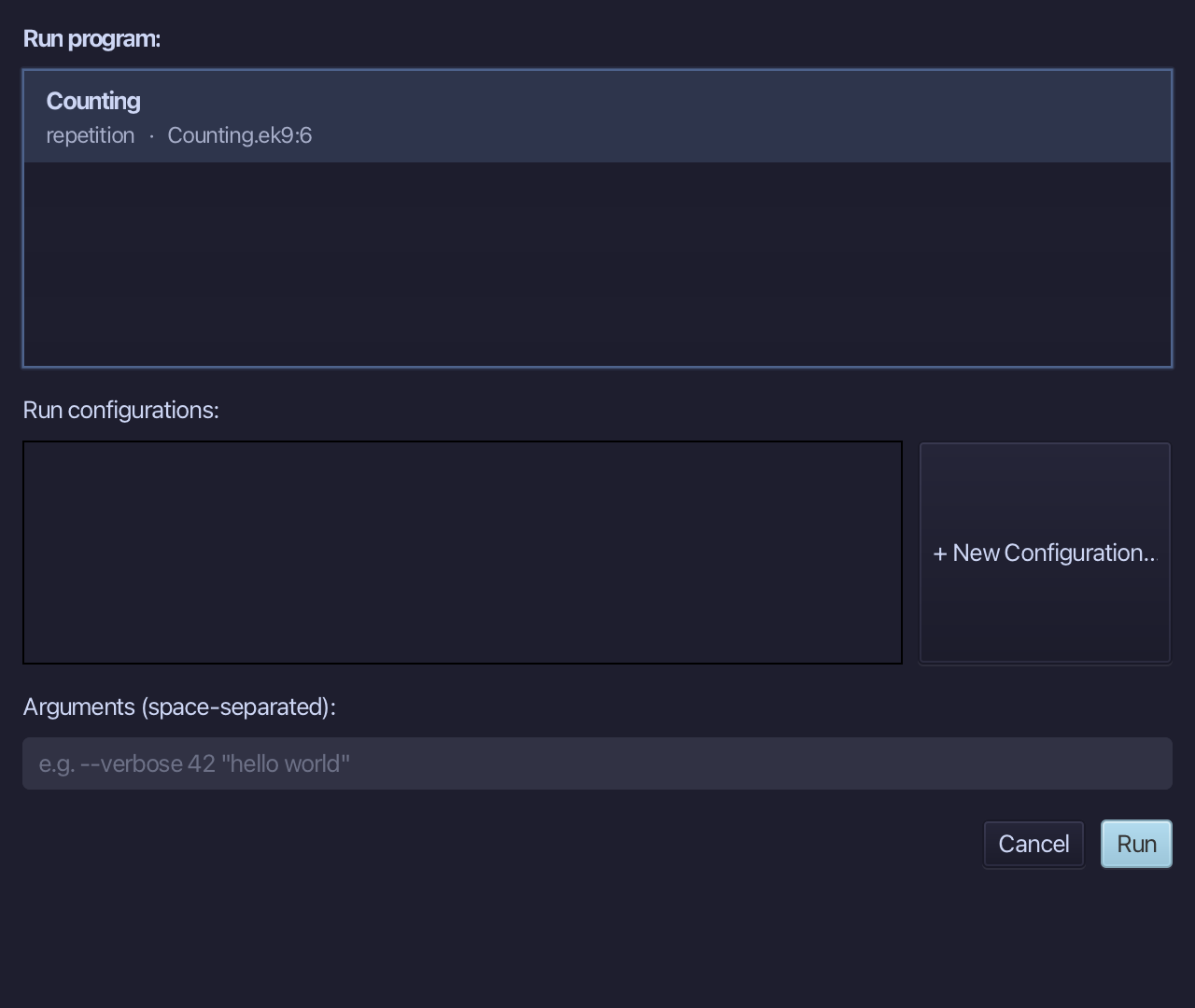
The project's only program is already chosen. Choose Run.
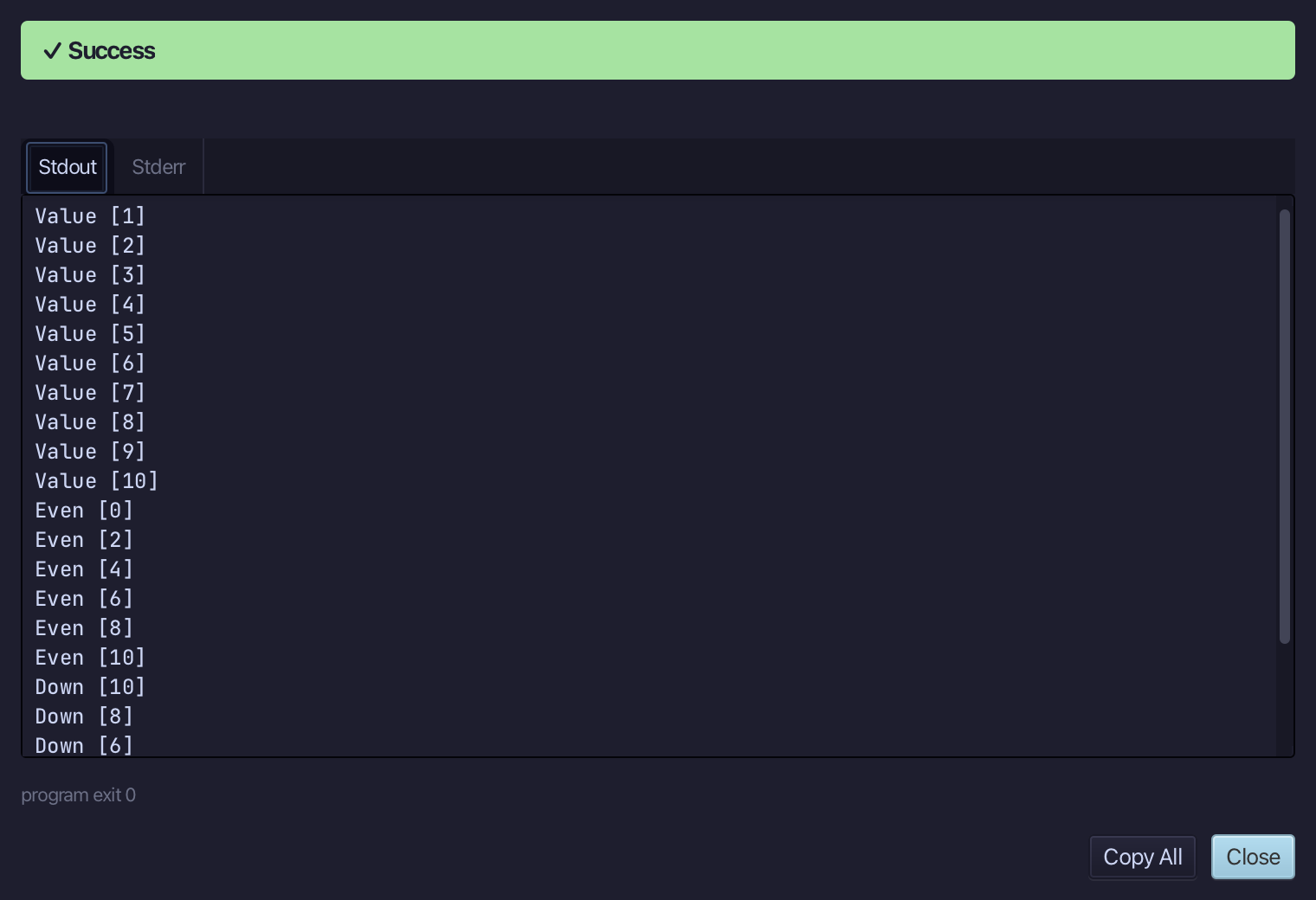
Value [1] to Value [10], then Even [0] to Even [10] in twos, then Down [10] to Down [0] in twos - each loop its own i. Choose Close.
The result
Counting.ek9 now reads exactly as chapter 3 of Getting Started with EK9 shows it: three for loops - up by one, up by two, down by two - each printing its own i. Surround With ▸ for range wrote the loop head with i already named, so the body that mentions i fell into place; you typed each range over the placeholder. AI assistants use ek9_surround_with with surroundType for-range and rangeExpression.
Where this lesson comes from
- For AI assistants - the MCP tool
ek9_add_program,ek9_surround_with.
In the EK9 reference: Flow Control in EK9