An application and its test double
If you know Spring or Guice you expect annotations and a scan; EK9 has neither. A component is a construct, and an Application is a construct that lists which implementation stands for which contract. A program names the Application it runs with and asks for what it needs with a ! suffix. This lesson builds all of it with the IDE's tools: a Notifier contract, one implementation that prints and one that records, an Application for each - and then runs the first and tests with the second. Both files are just a module line so far. To play it in the IDE: Help > Lessons > Applications and services…, or ek9 -ide -lesson application-and-di.
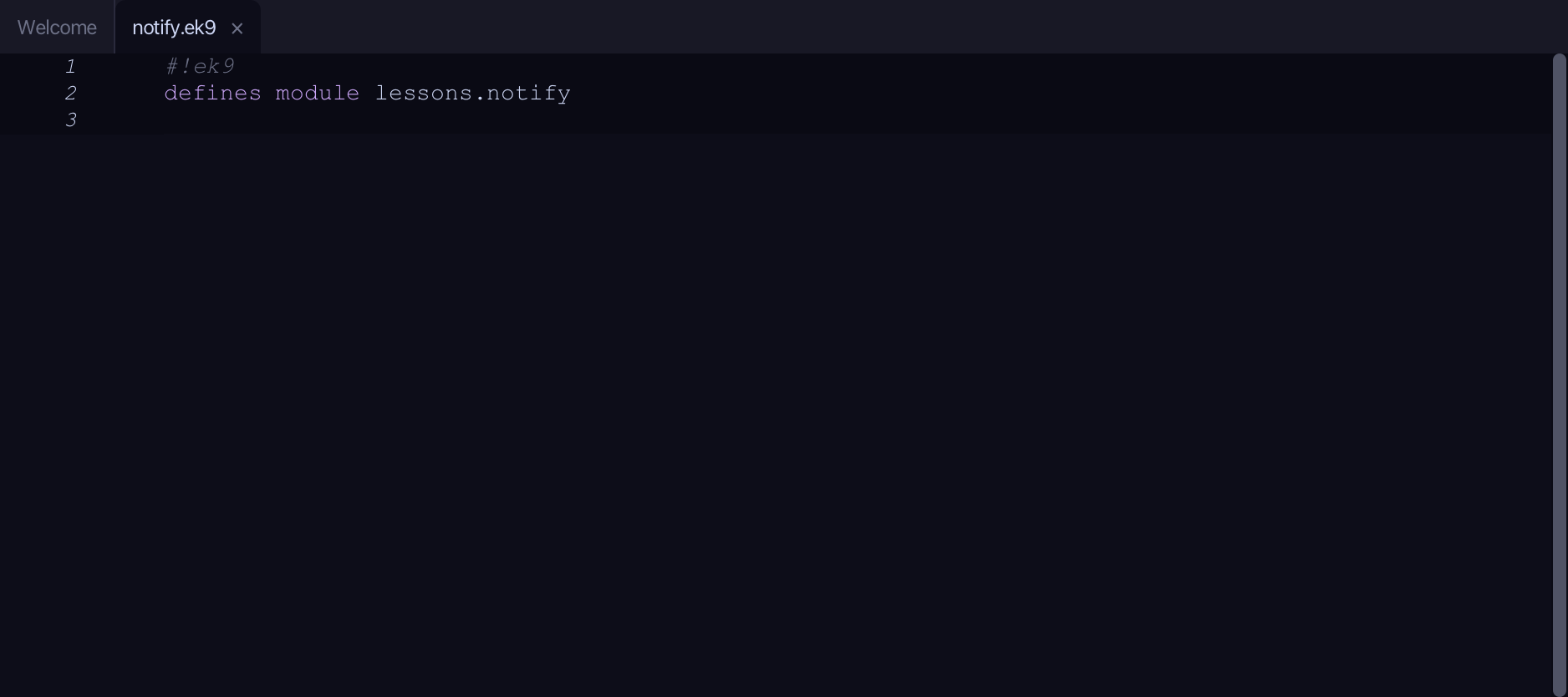
Start from
The code the lesson starts from: copy it into a file of your own and follow the steps.
notify.ek9
#!ek9
defines module lessons.notify
dev/tests.ek9
#!ek9
defines module lessons.notify
Step 1: Notifier — the contract
Choose Code > New Construct > Component…
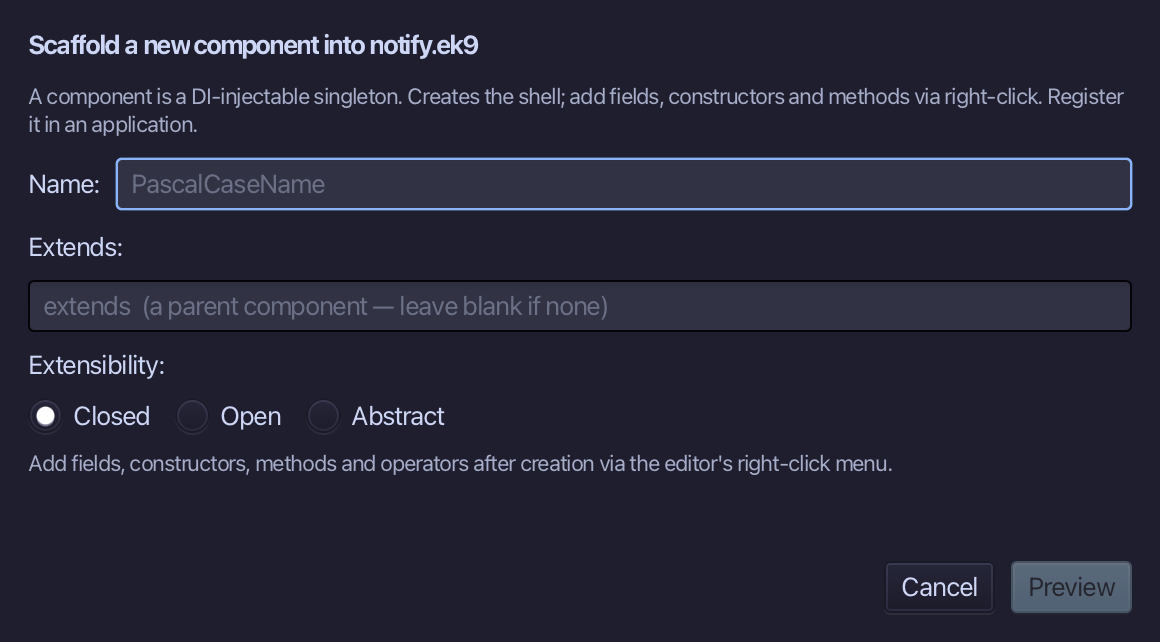
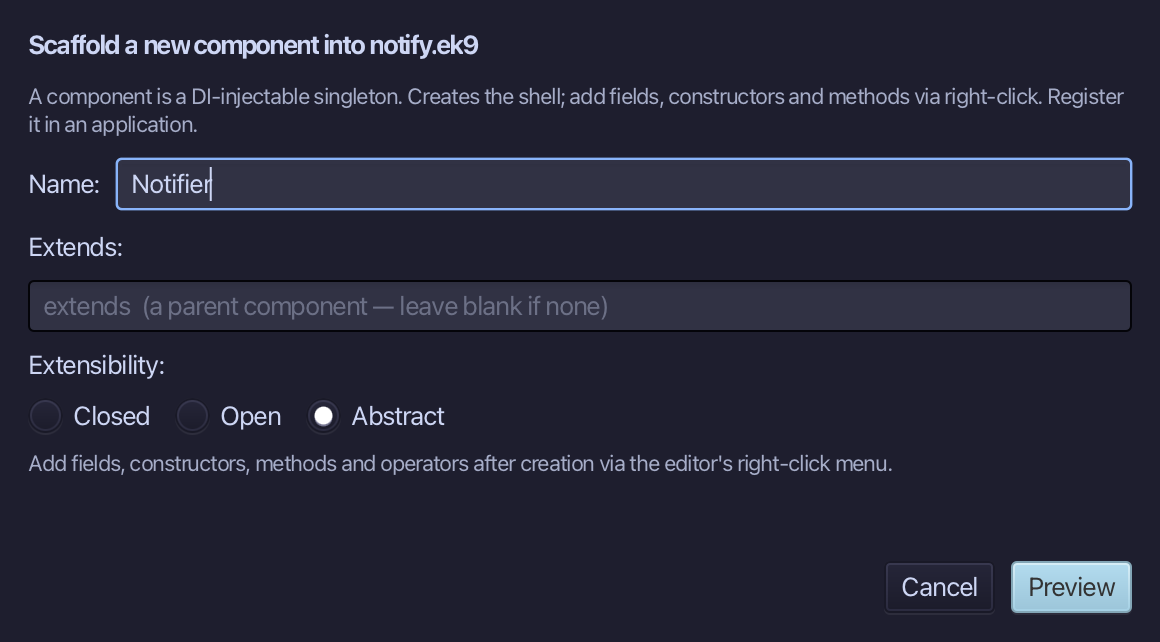
Notifier is the contract: what any notifier can do, with nothing behind it. Type Notifier, choose Abstract under Extensibility, then Preview.
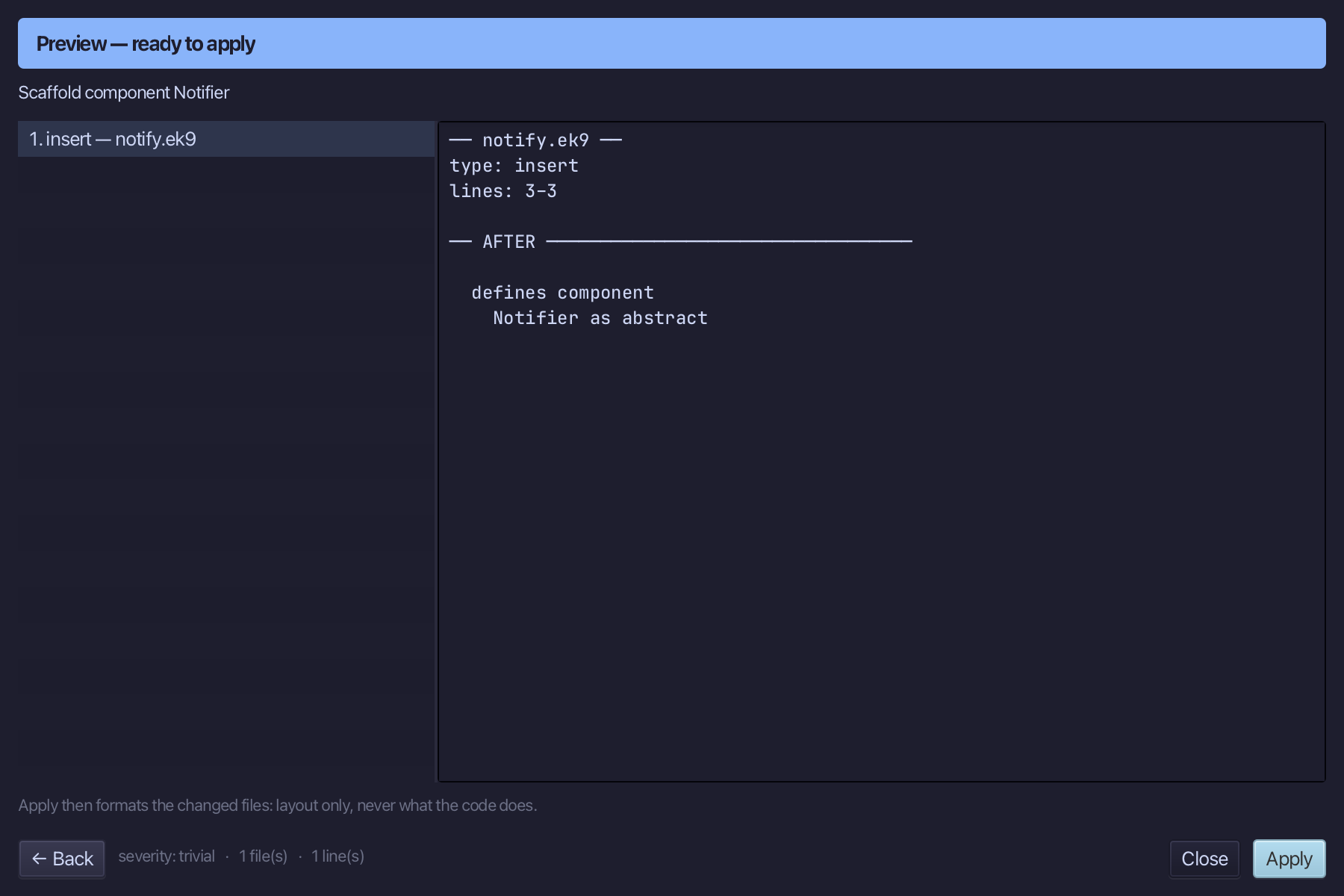
The preview shows Notifier about to be written, as abstract. Choose Apply.
Right-click the Notifier line and choose Add Method…
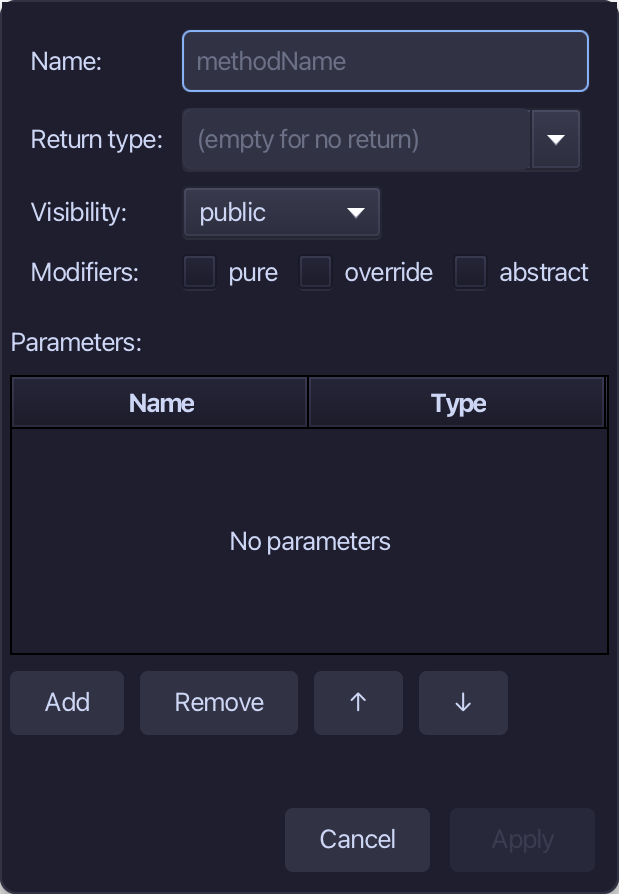
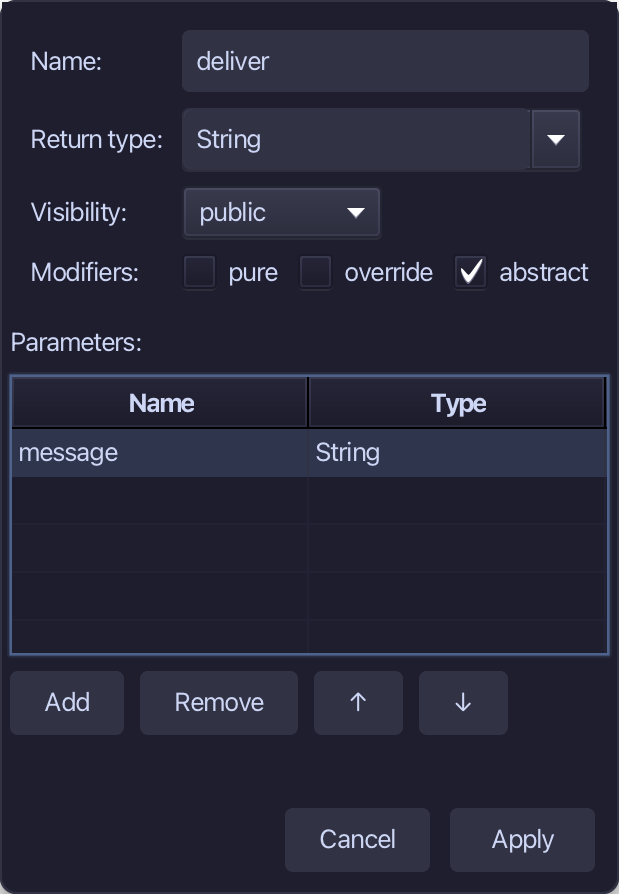
deliver is the one thing a Notifier does: it takes a message and answers with a String. Tick abstract - the contract only names it - add one parameter, message of type String, and choose Apply.
Step 2: Two implementations
Choose Code > New Construct > Component…
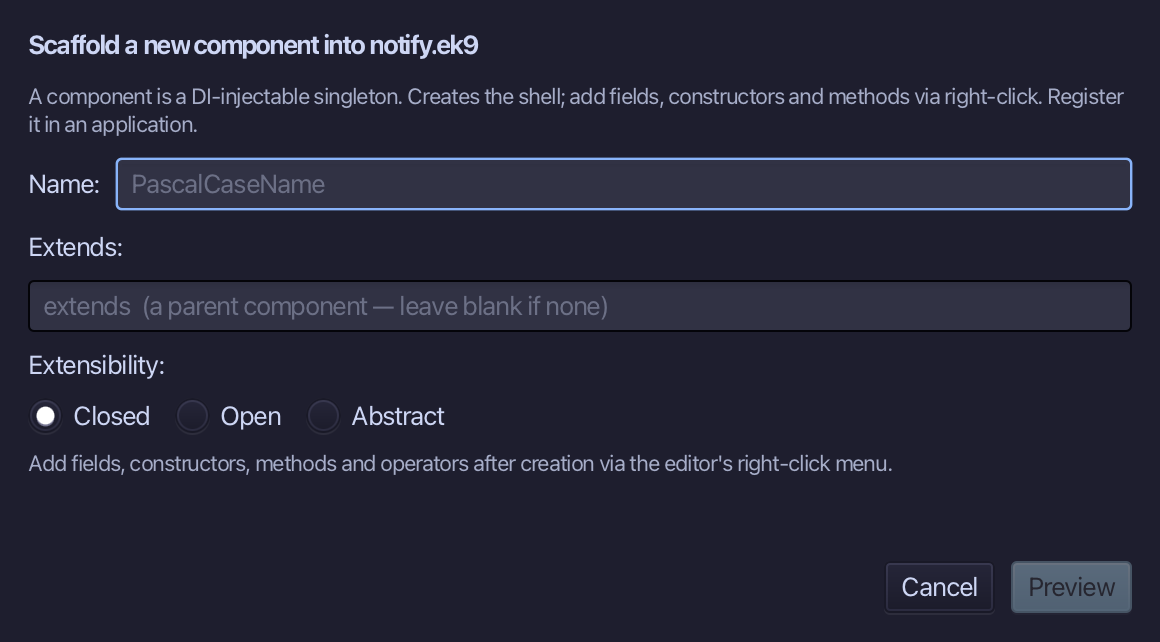
ConsoleNotifier is the one that really notifies: it answers with the message marked as sent. Type ConsoleNotifier, put Notifier in Extends, and choose Preview.
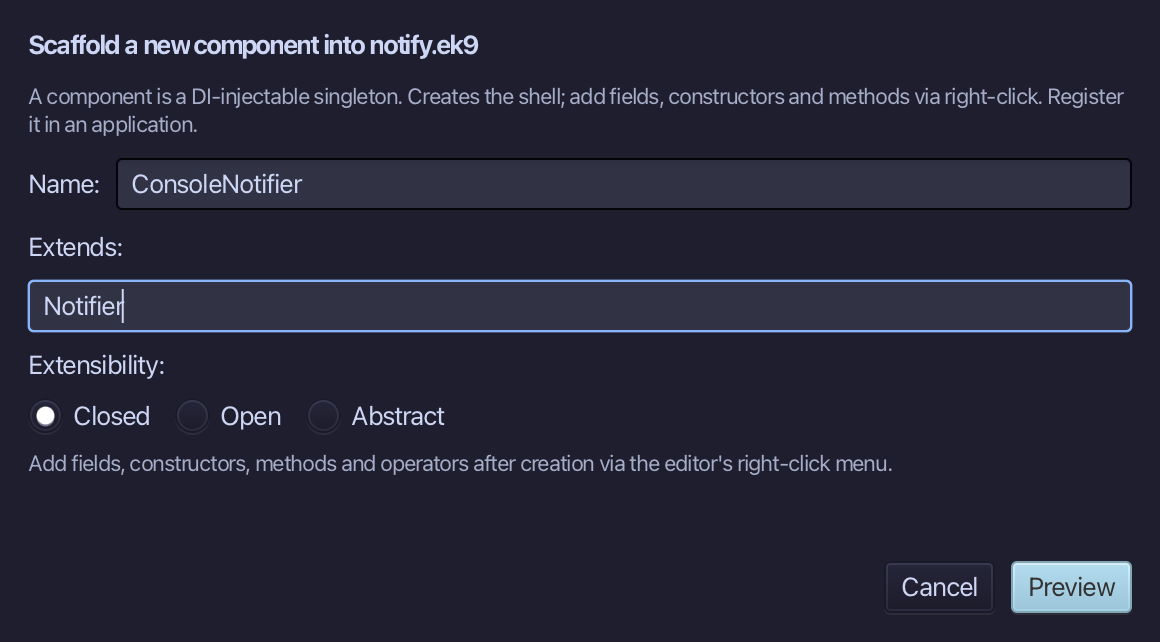
The preview shows ConsoleNotifier is Notifier - and, because Notifier owes deliver(), its override stub comes with it. Choose Apply.
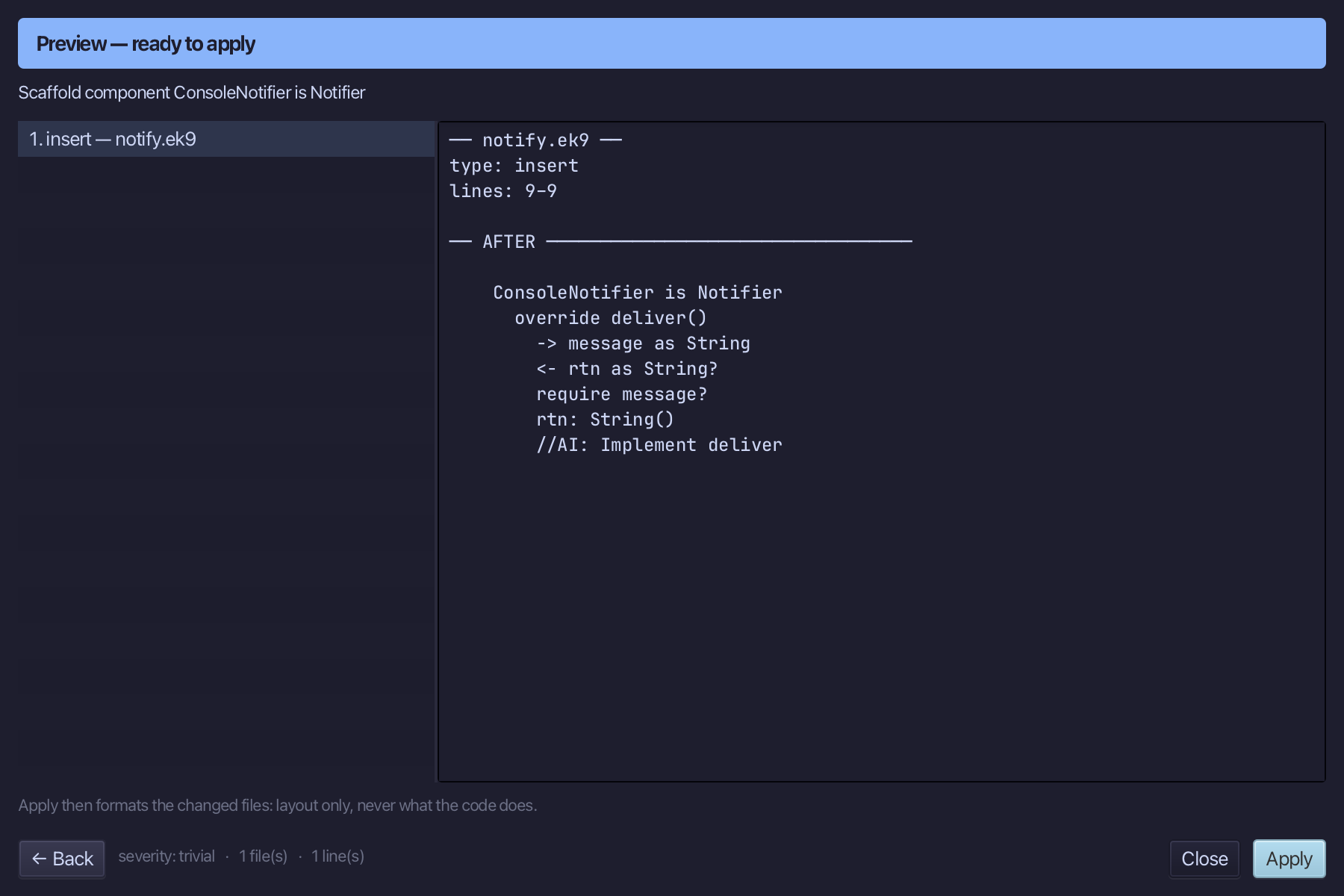
Select the stub, from <- rtn as String? down to its //AI line, and type ConsoleNotifier's answer. Saves when typed.
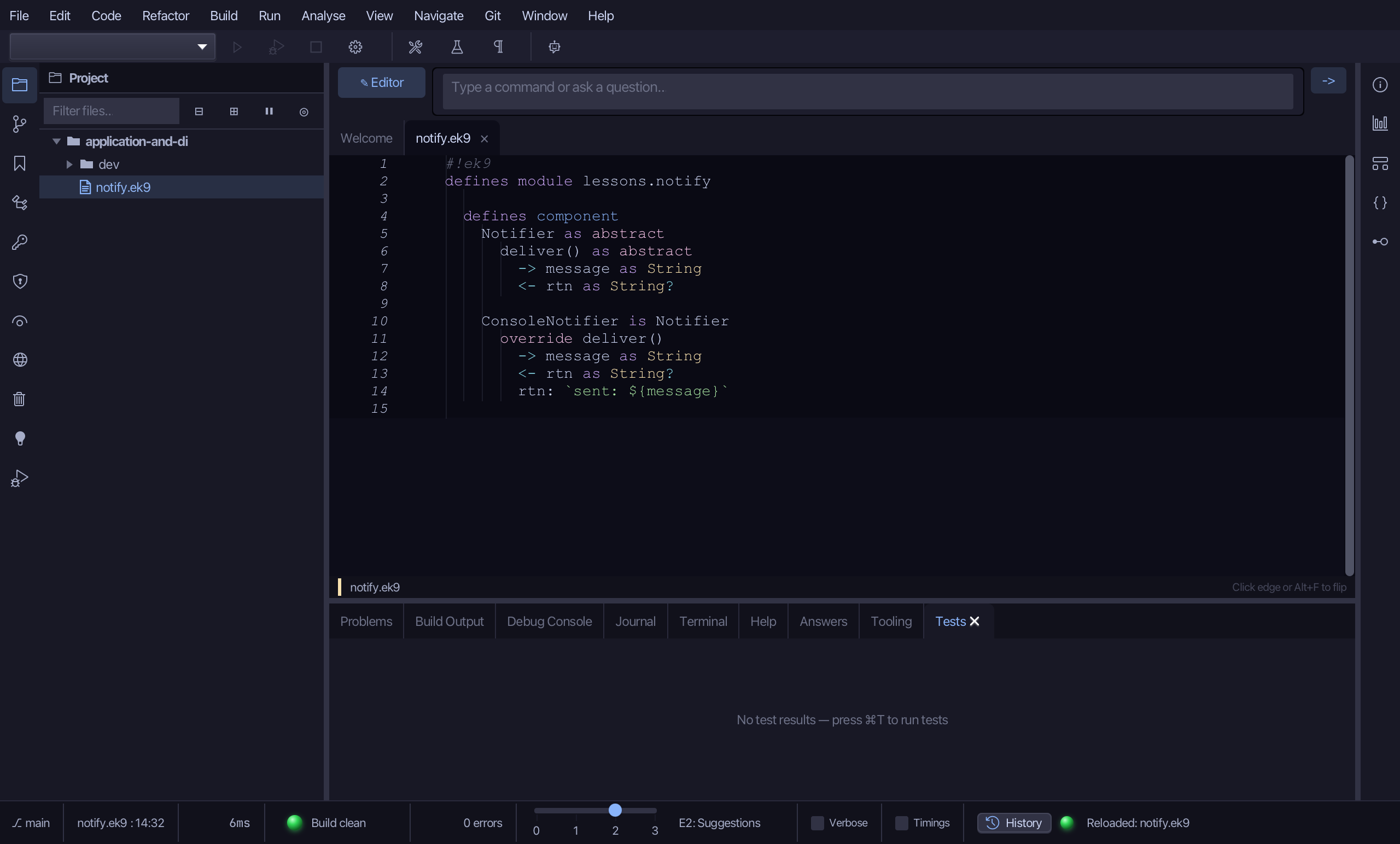
Choose Code > New Construct > Component…
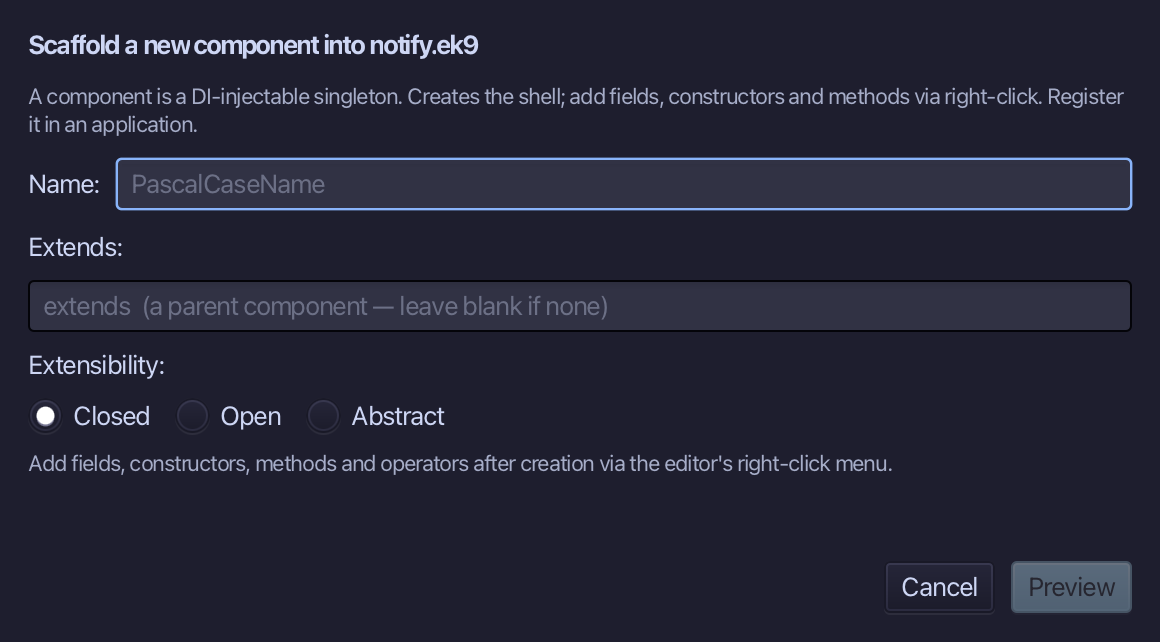
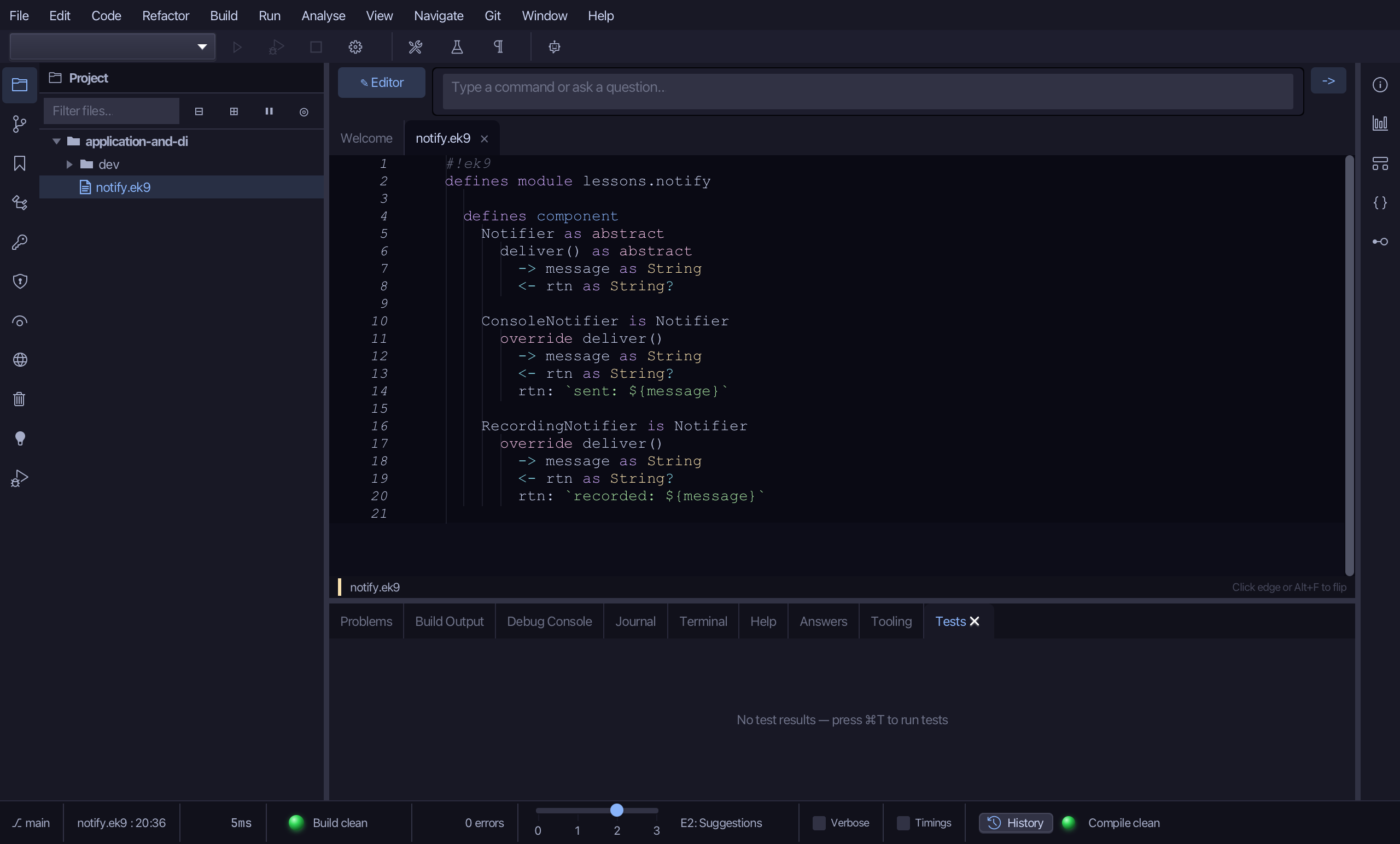
RecordingNotifier is the test double: it answers with the message marked as recorded, and does nothing else. Type RecordingNotifier, put Notifier in Extends, and choose Preview.
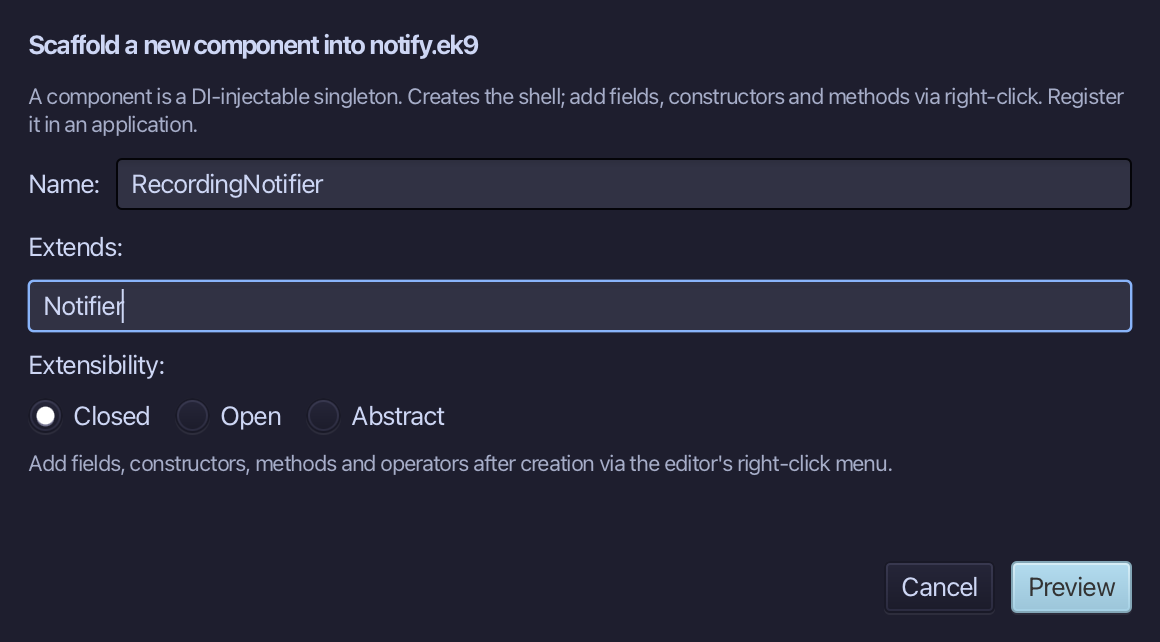
The preview shows RecordingNotifier is Notifier - and, because Notifier owes deliver(), its override stub comes with it. Choose Apply.
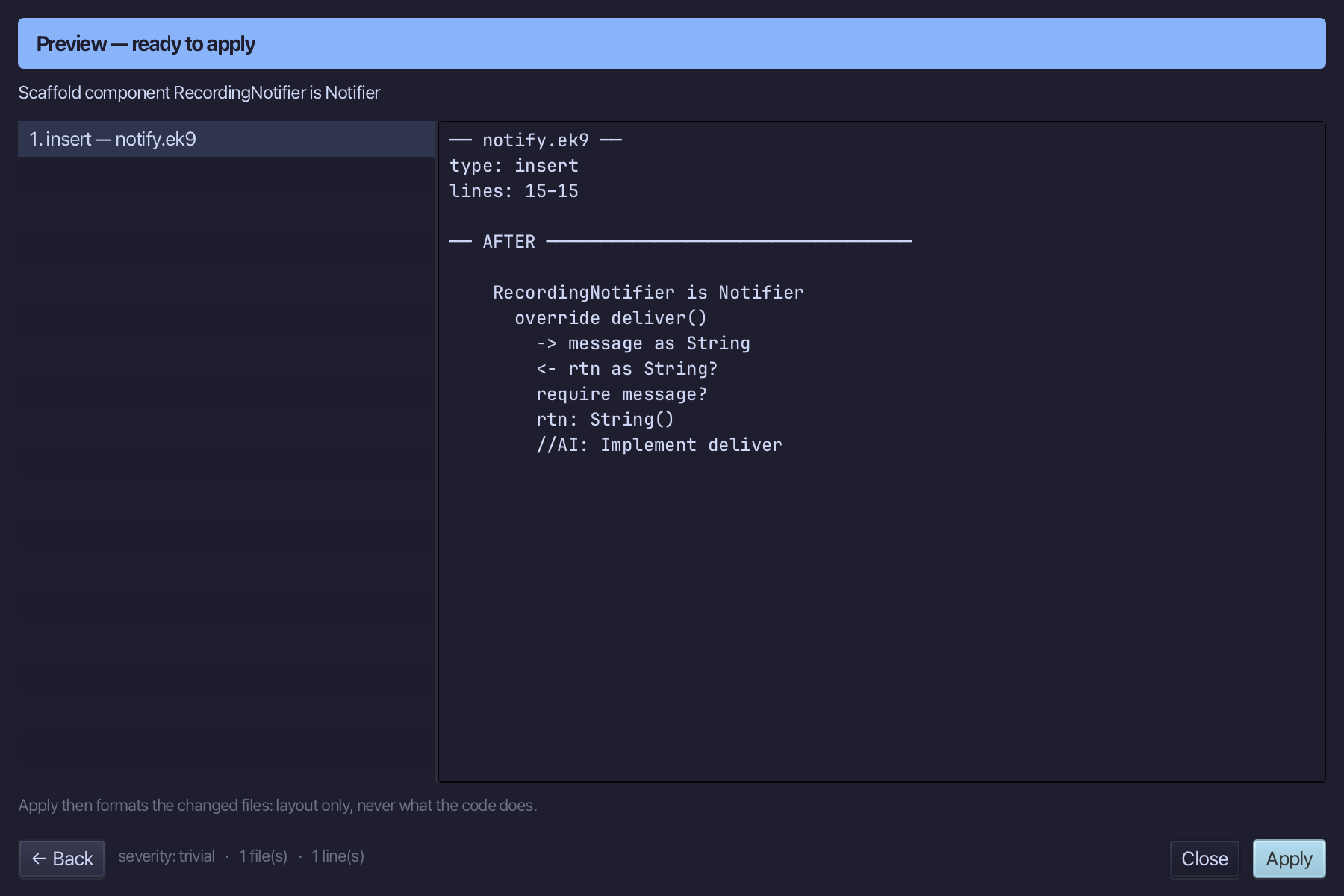
Select the stub, from <- rtn as String? down to its //AI line, and type RecordingNotifier's answer. Saves when typed.
Step 3: Two applications
Choose Code > New Construct > Application…
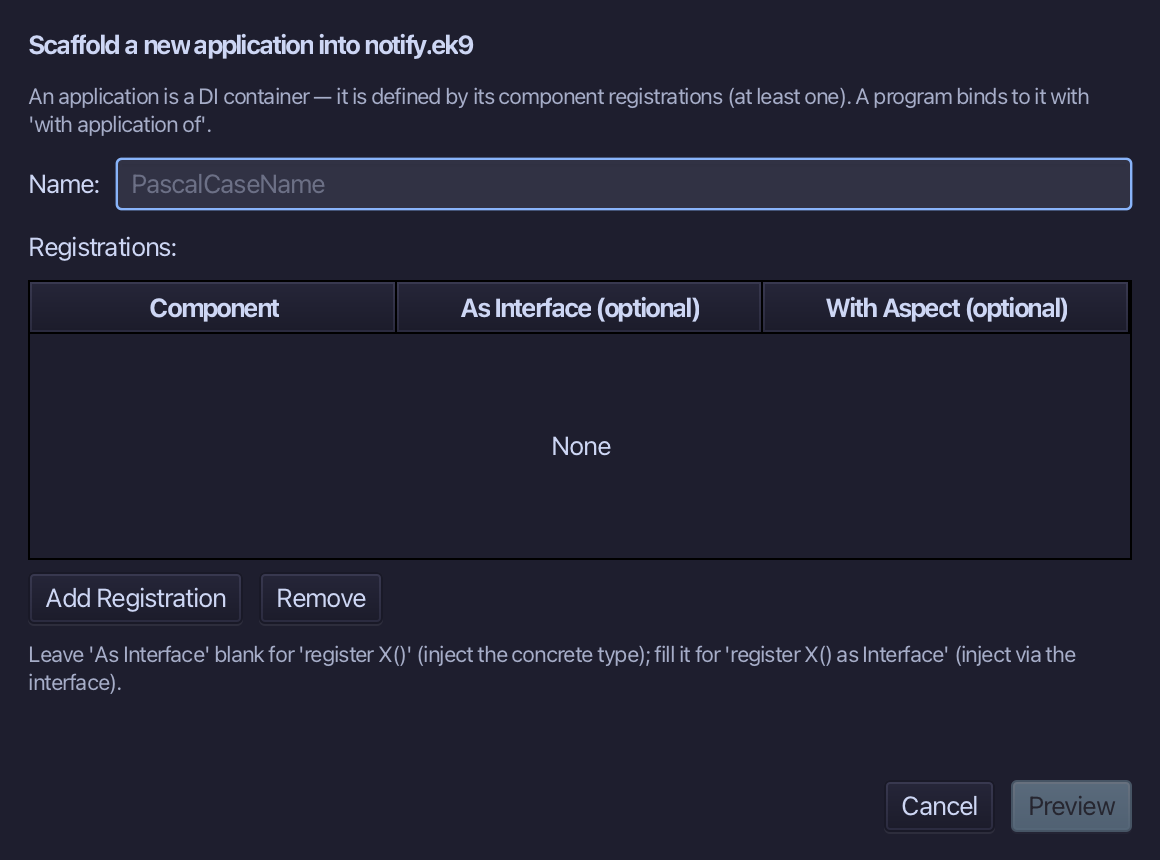
ShopApp is production wiring: wherever a Notifier is asked for, the ConsoleNotifier answers. Type ShopApp, add one registration - Component ConsoleNotifier, As Interface Notifier - and choose Preview.
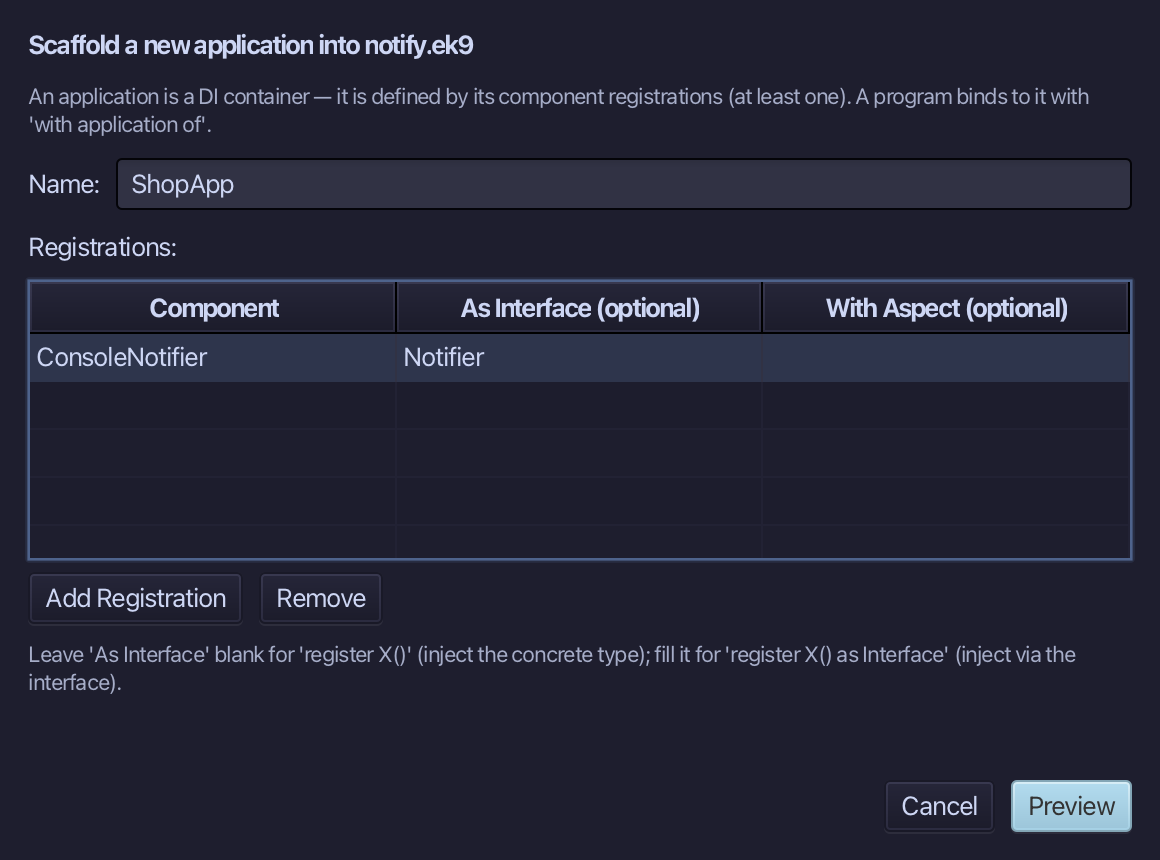
The preview shows ShopApp with its one register line: register ConsoleNotifier() as Notifier. Choose Apply.
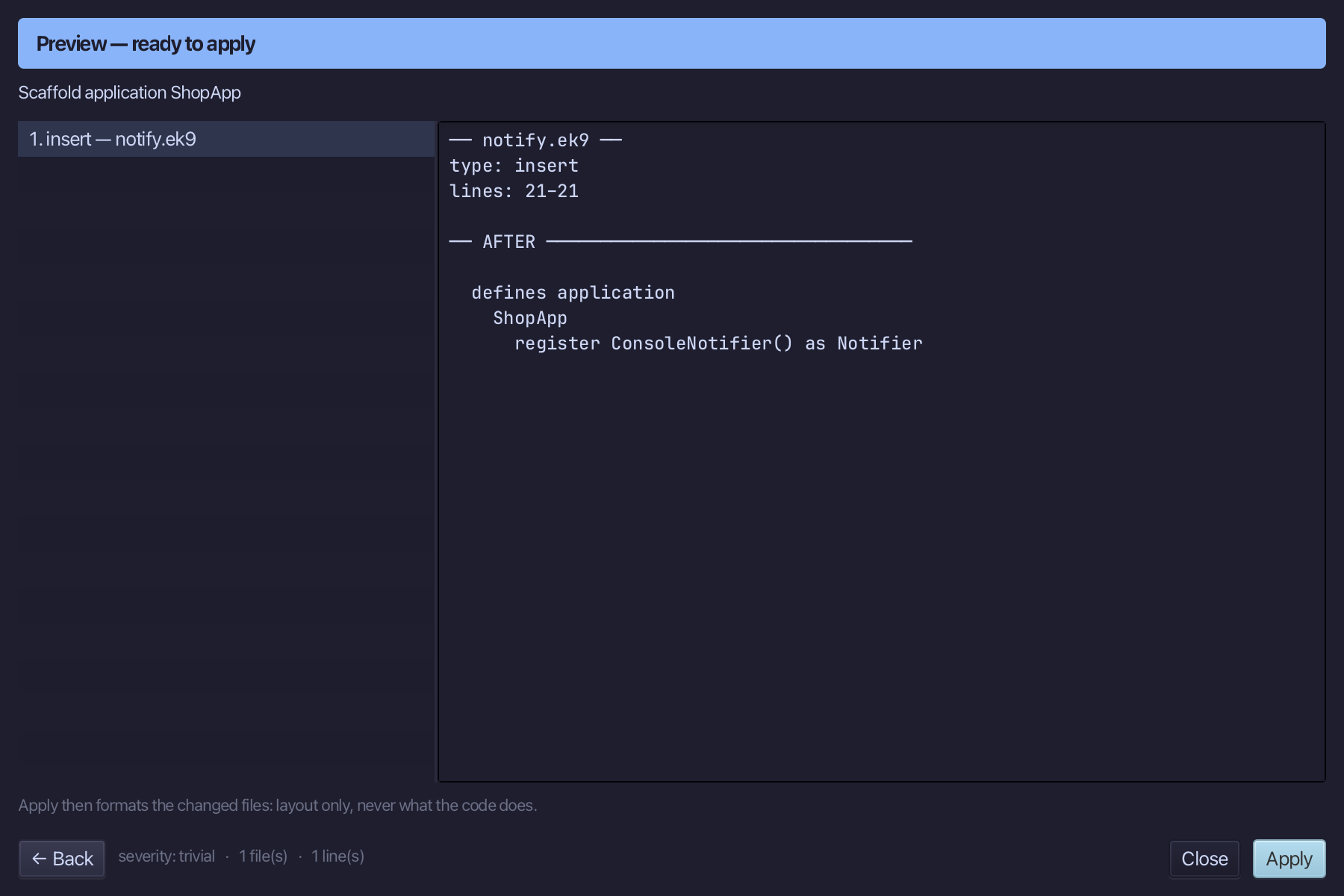
Choose Code > New Construct > Application…
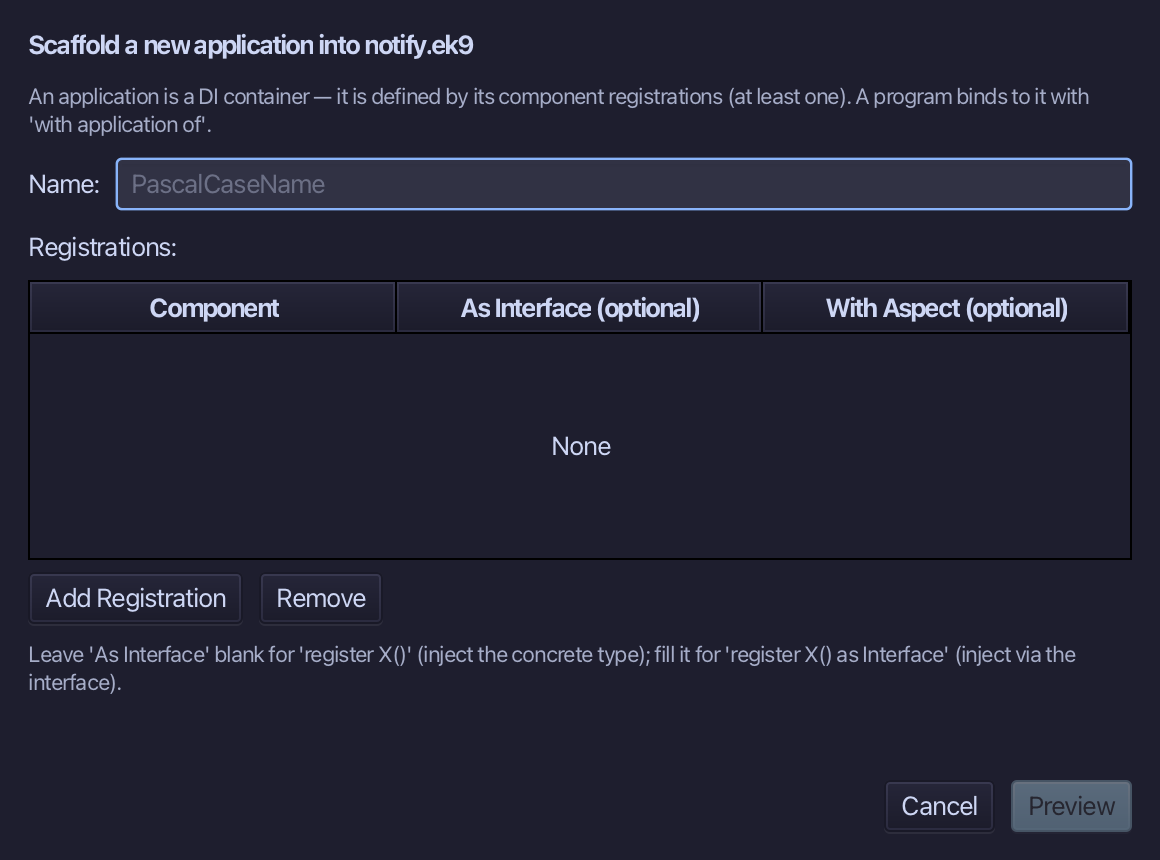
TestApp is test substitution: the SAME contract, wired to the double. There is no mocking framework - a second Application is all it takes. Type TestApp, add one registration - Component RecordingNotifier, As Interface Notifier - and choose Preview.
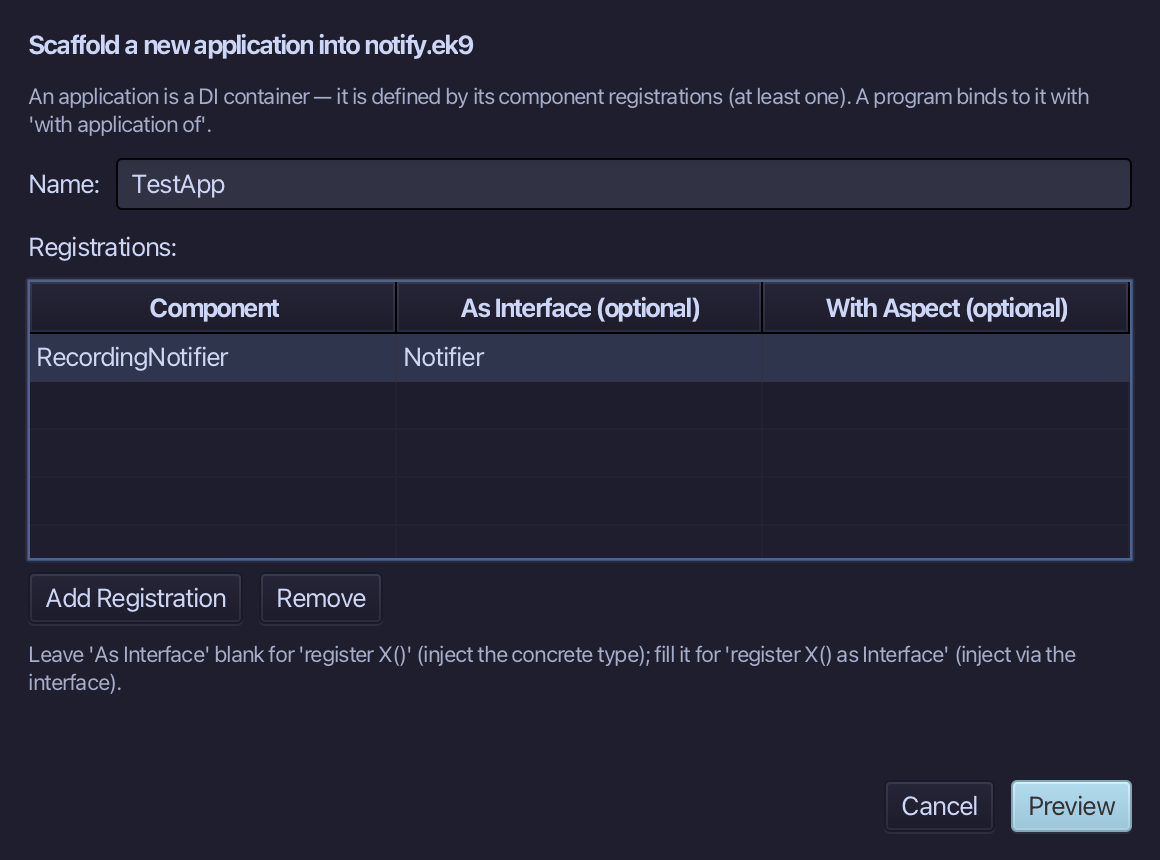
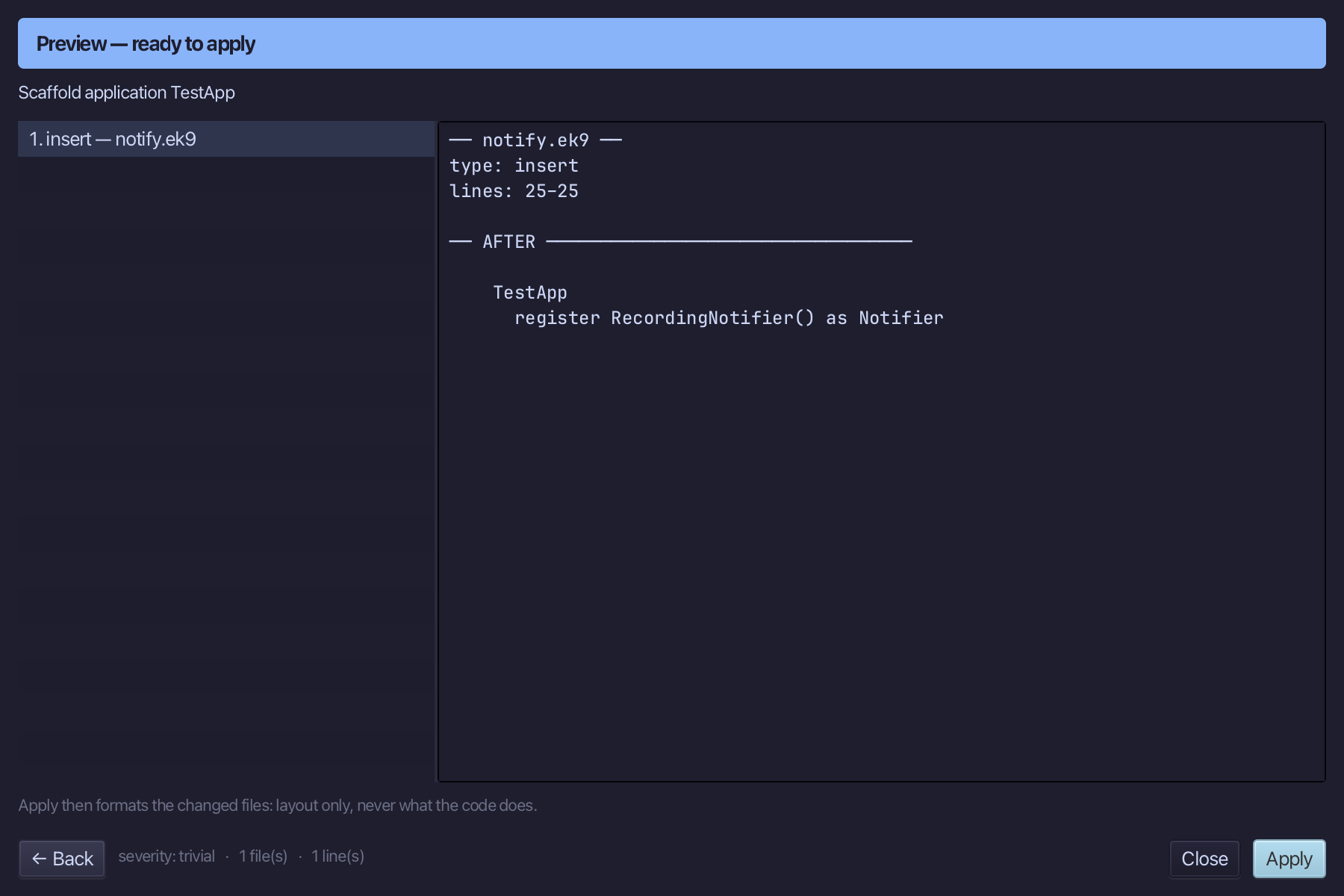
The preview shows TestApp with its one register line: register RecordingNotifier() as Notifier. Choose Apply.
Step 4: A program that injects
Choose Code > New Construct > Program…
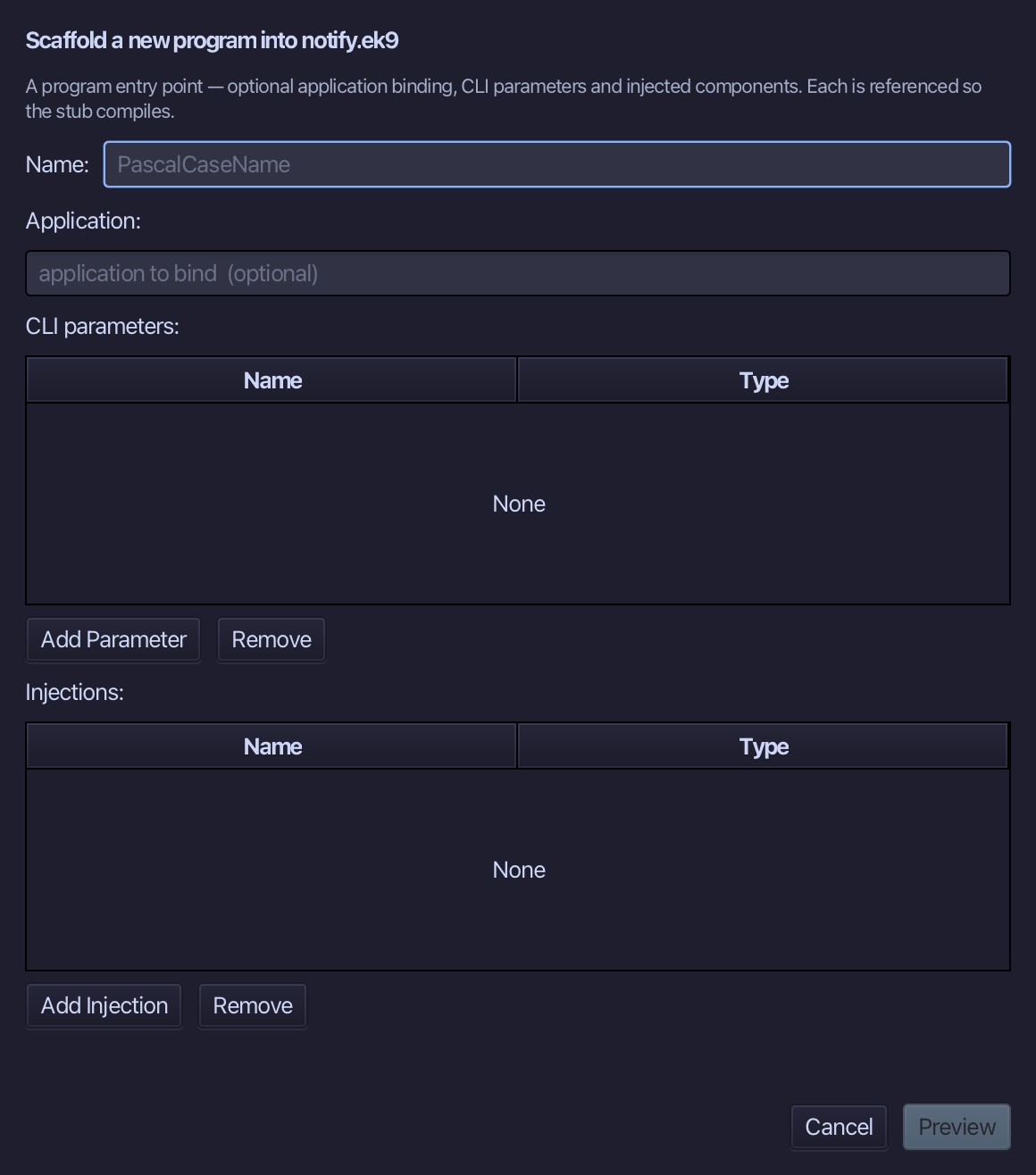
Announce is the program's name. Type ShopApp into the application field - 'with application of ShopApp' - and add one injection, notifier of type Notifier: the ! line asks for a Notifier, never a ConsoleNotifier. Choose Preview.
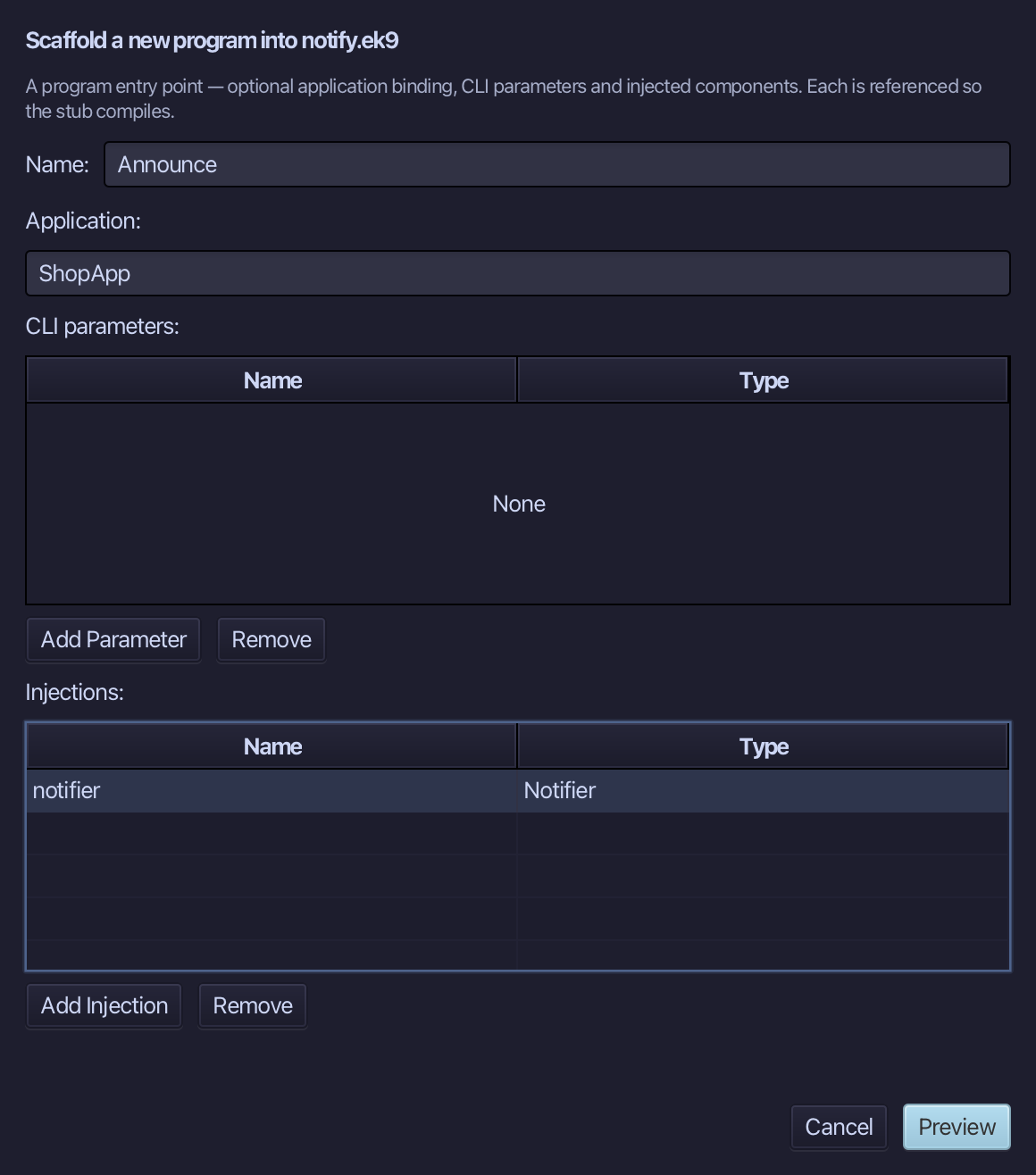
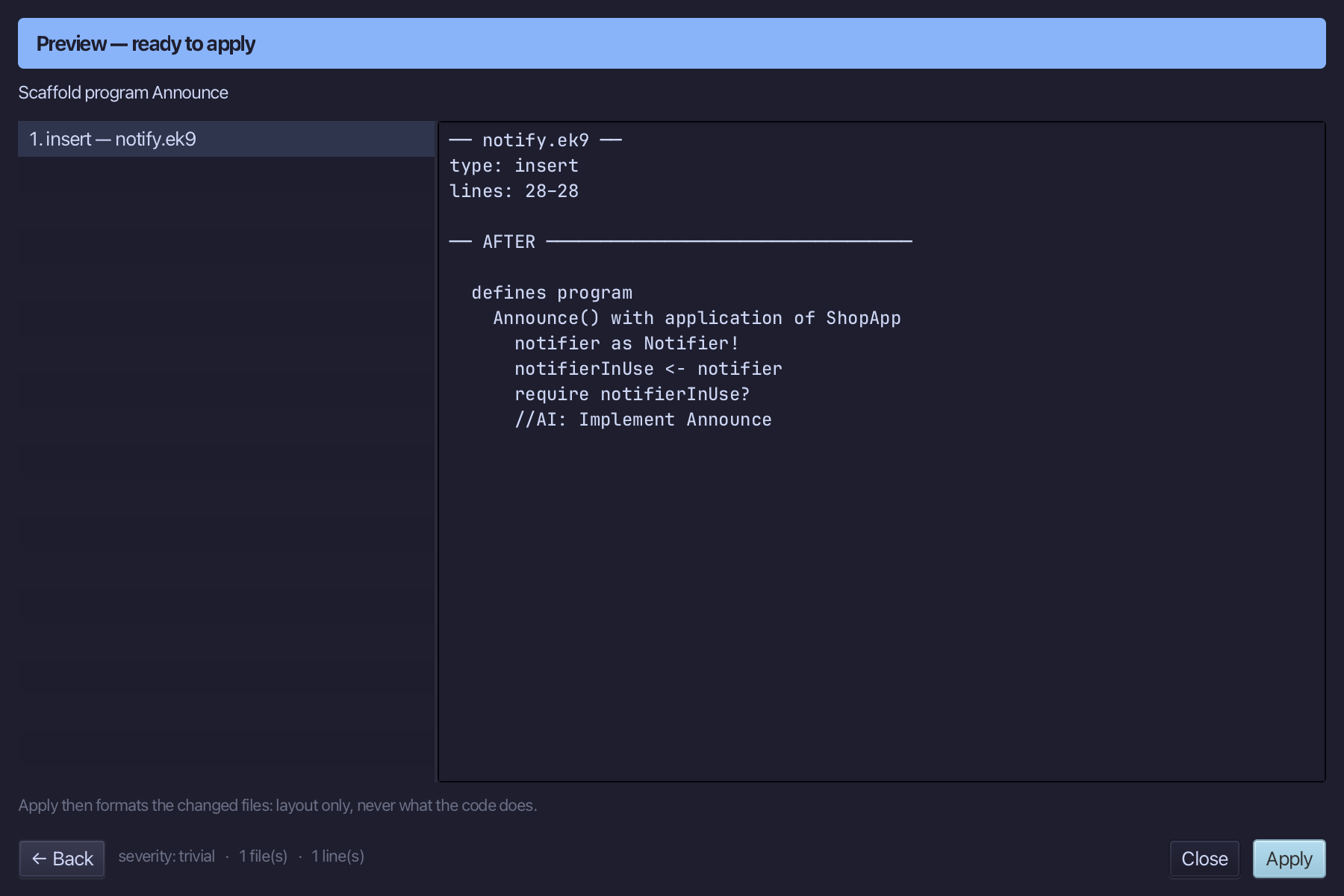
The preview shows Announce about to be written, bound to ShopApp, with notifier as Notifier! beneath it. Choose Apply.
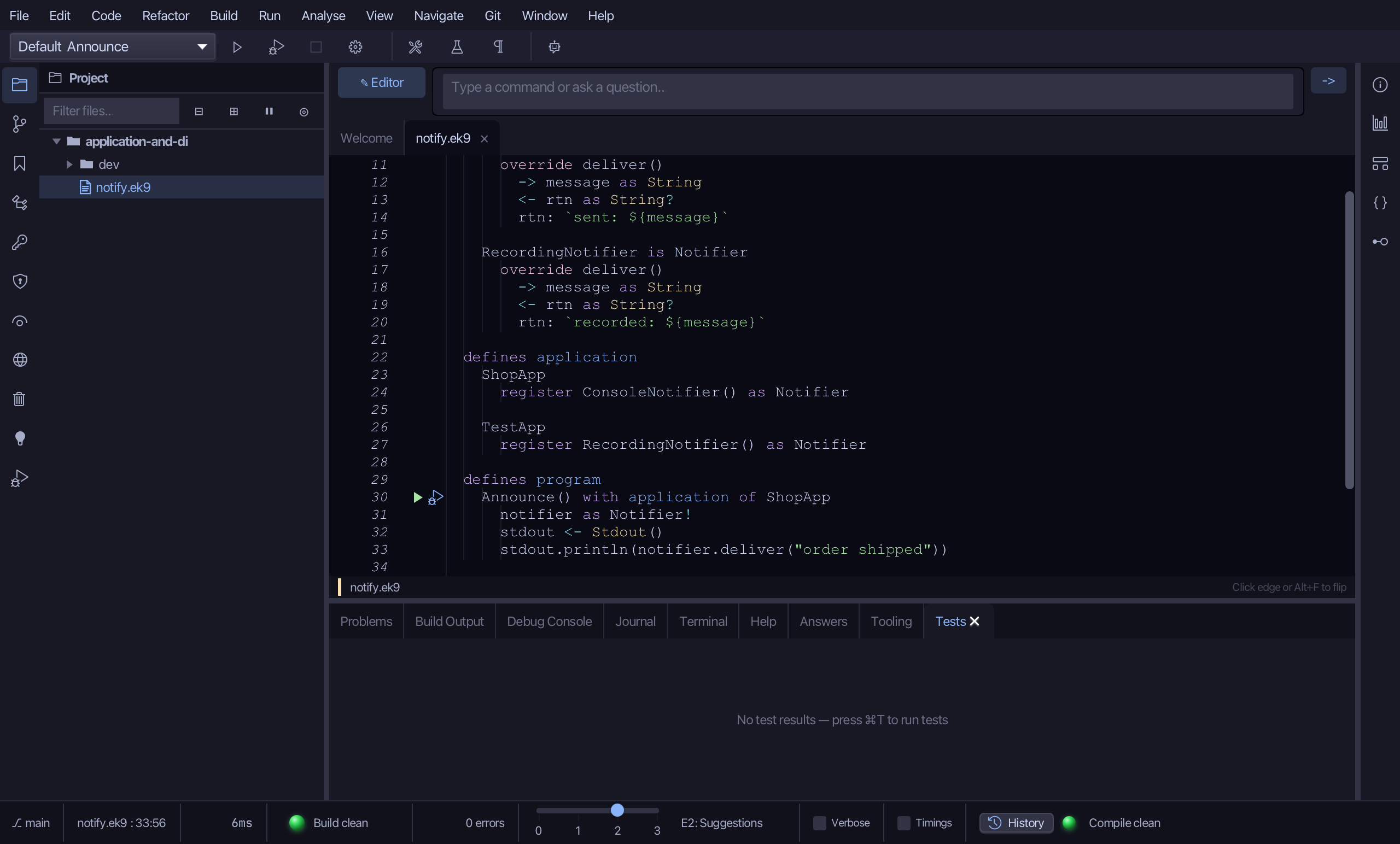
Select the stub, from notifierInUse <- notifier down to its //AI line, and type the body: a Stdout, and a line printing what the notifier delivers. Saves when typed.
Step 5: Run it
Choose Run > Run Program…
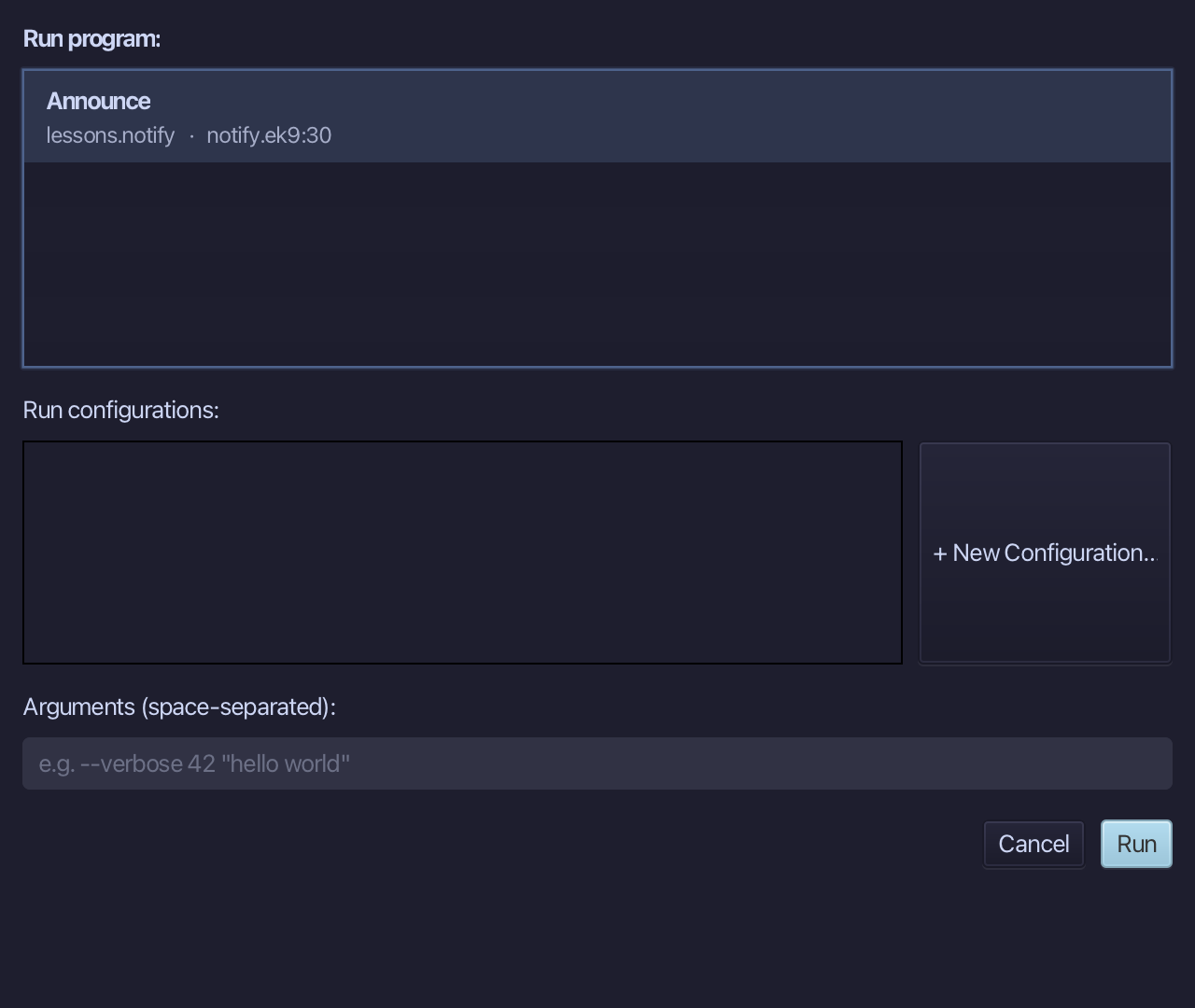
The project's only program is already chosen. Choose Run.
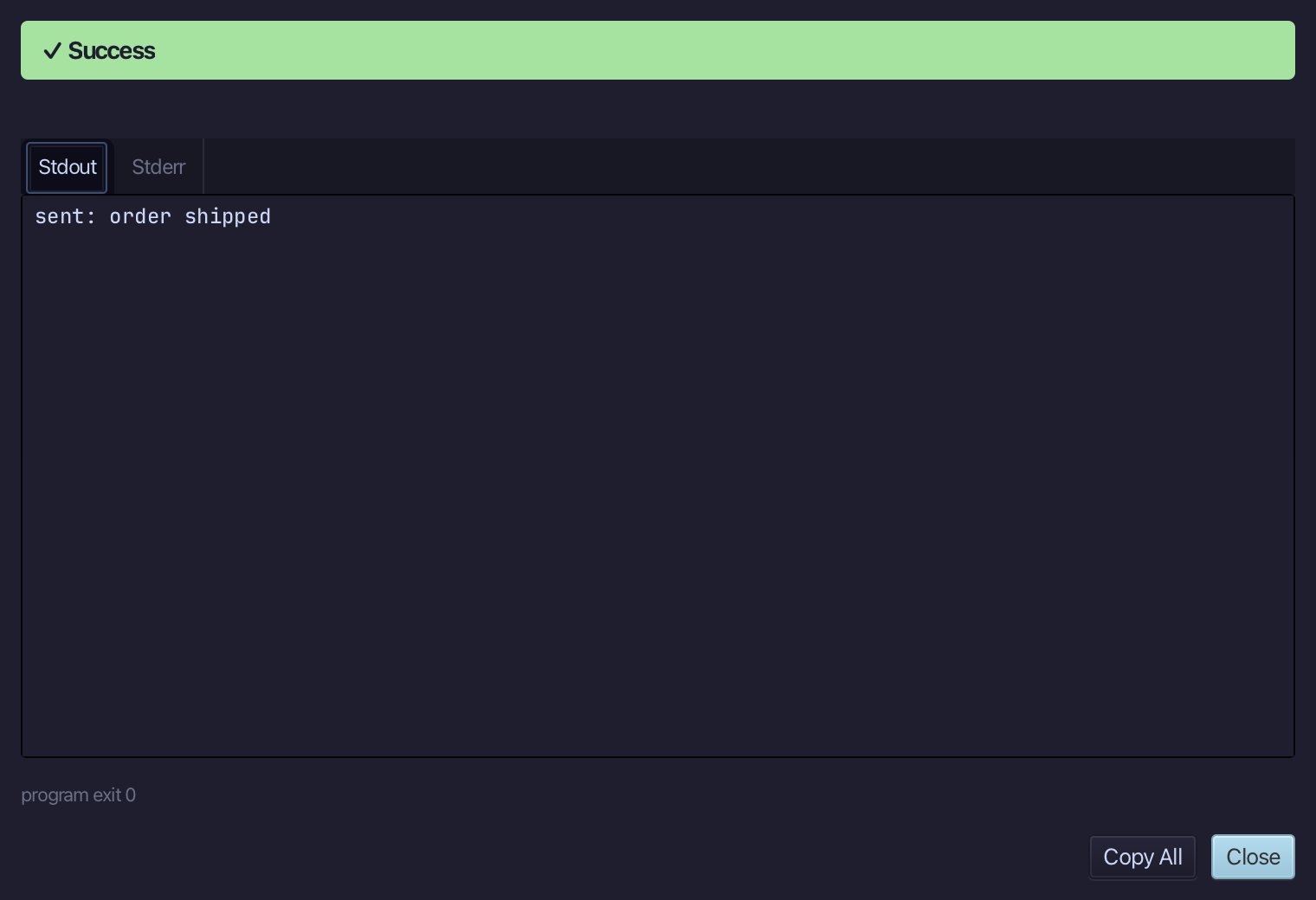
sent: order shipped - the program asked for a Notifier and the application it is bound to supplied the ConsoleNotifier. Choose Close.
Step 6: DI Wiring
Choose Analyse > DI Wiring.
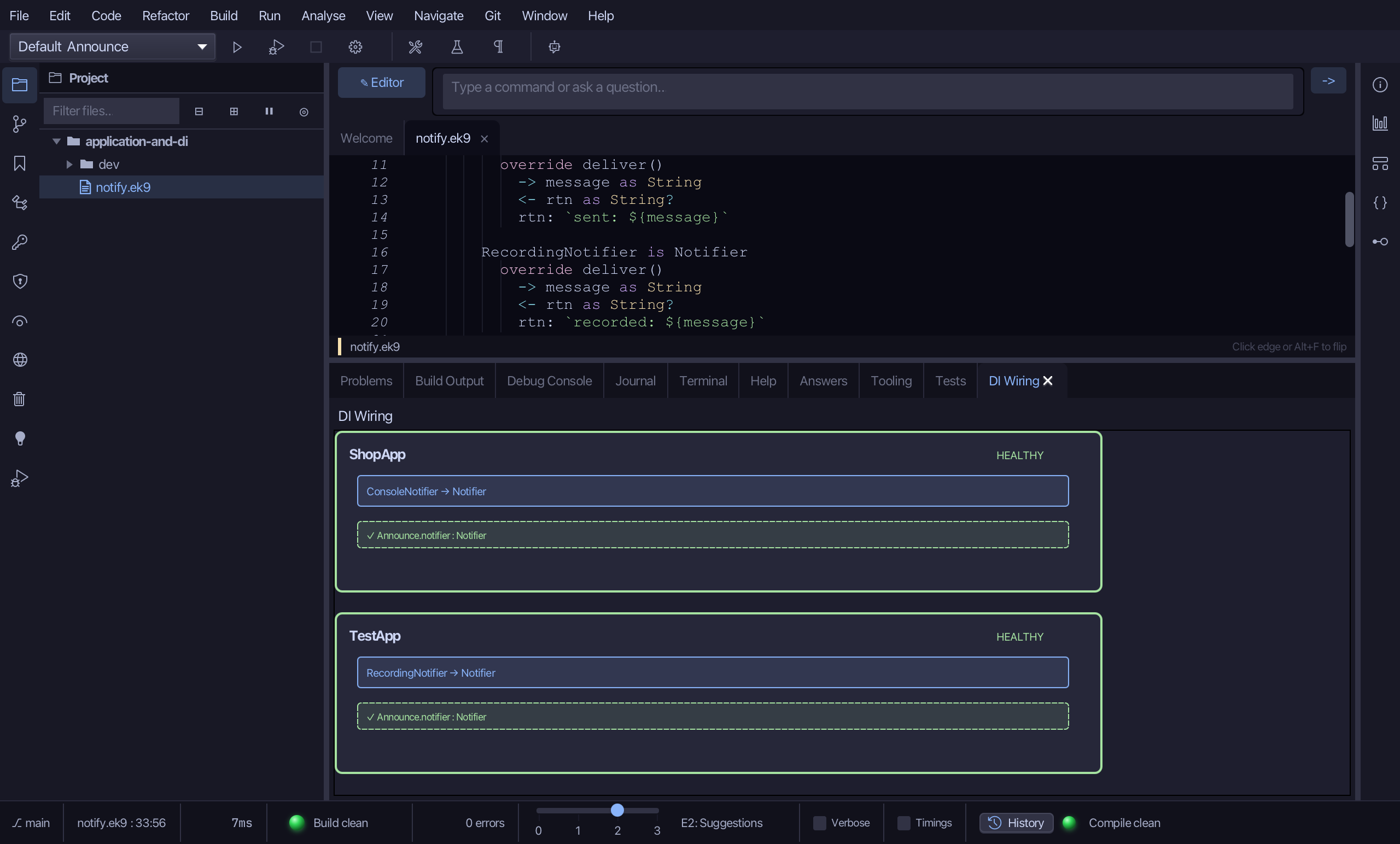
Both applications are drawn: ShopApp registers ConsoleNotifier as Notifier, TestApp registers RecordingNotifier as Notifier, and the injection site Announce.notifier, which needs a Notifier, is ticked under each. The border is HEALTHY because every site has a registration that supplies it - a missing one is a compile error, not a runtime surprise. Click any row to open its source.
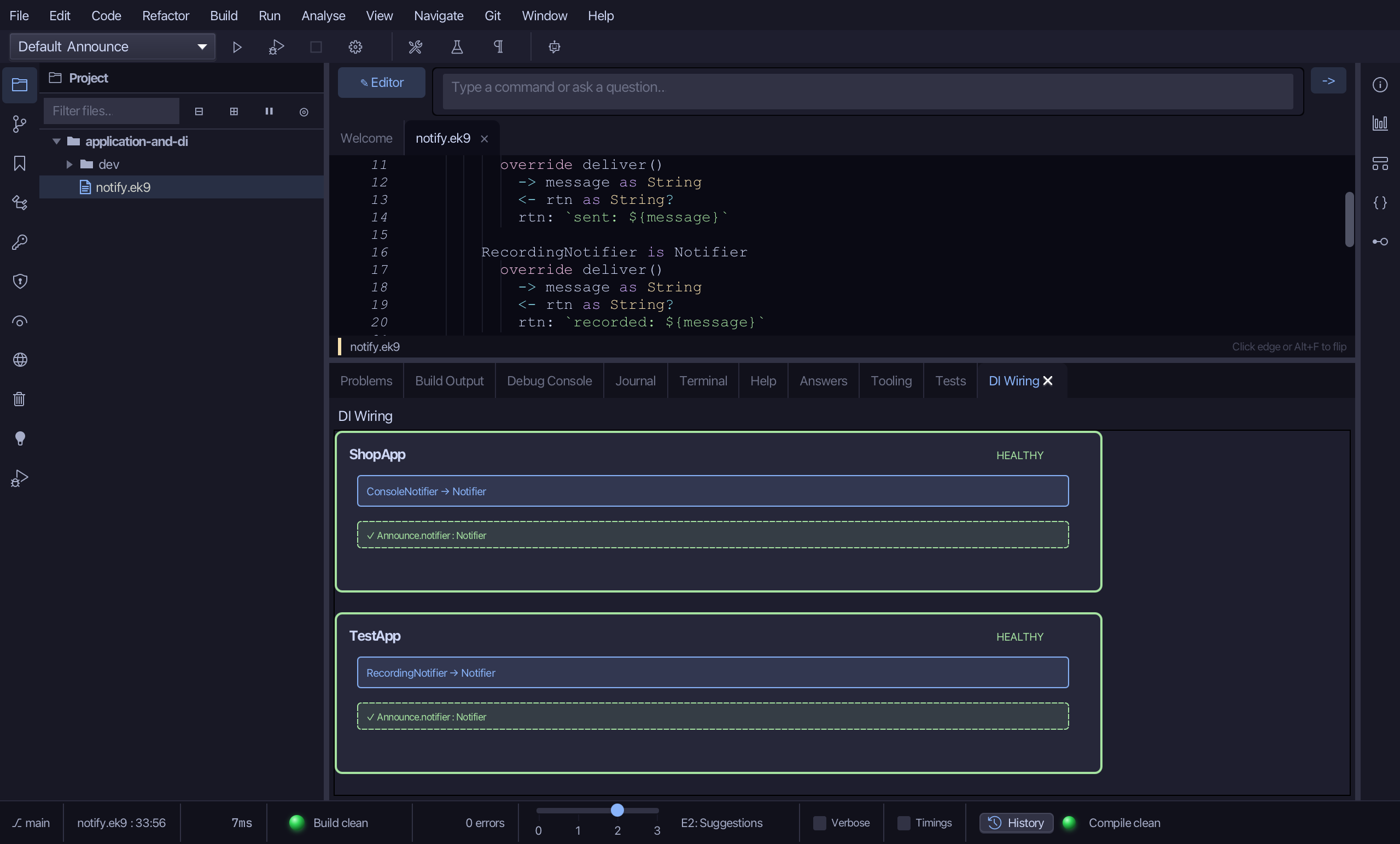
Step 7: A test with the double
Open dev/tests.ek9 - it holds only its module line. A test goes in dev/, and a test in the same module needs no references block.
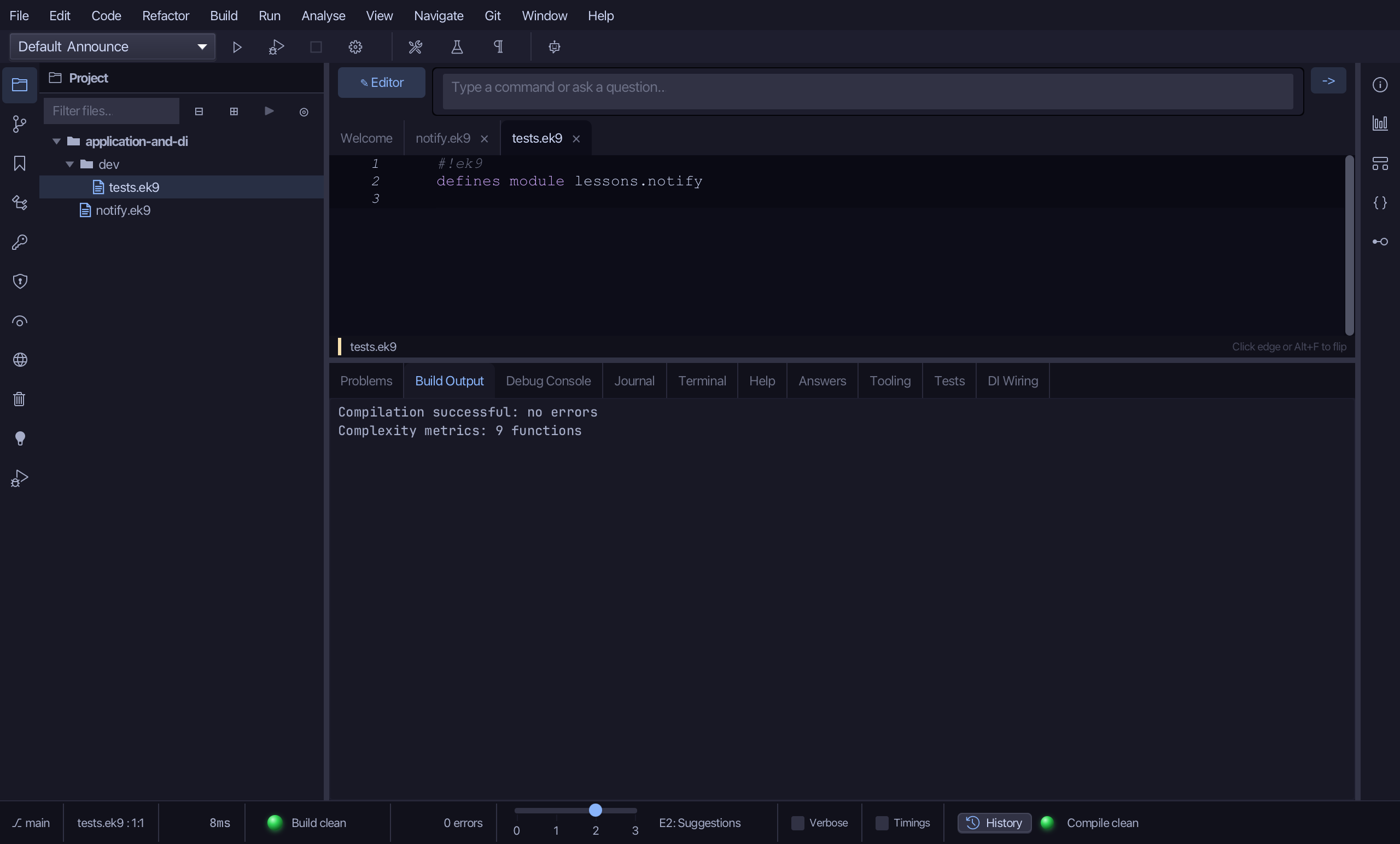
Choose Code > New Construct > Test…
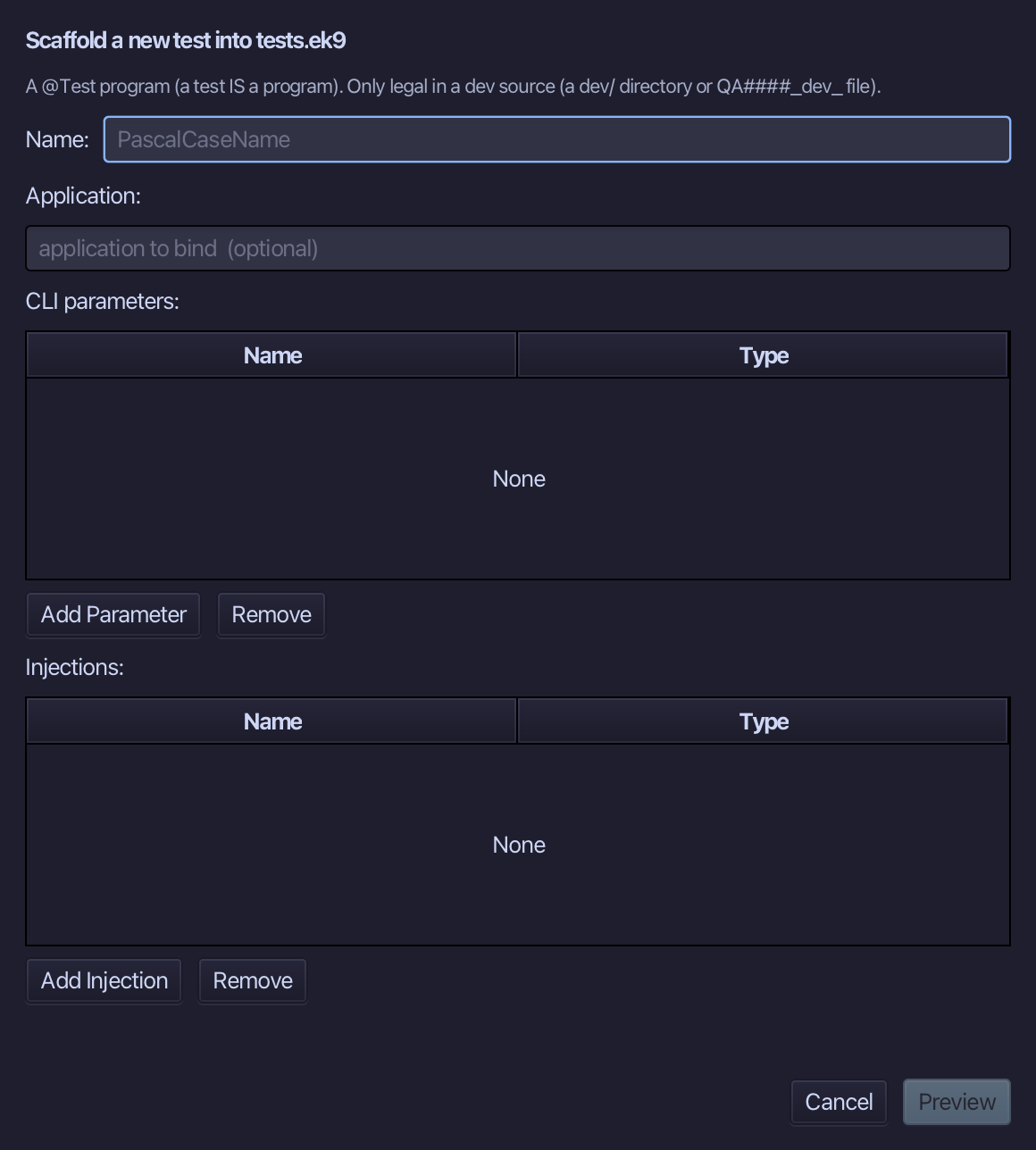
NotifierTest is the test's name. Bind it to TestApp, not ShopApp - the test gets the double - and inject notifier of type Notifier exactly as Announce did. Choose Preview.
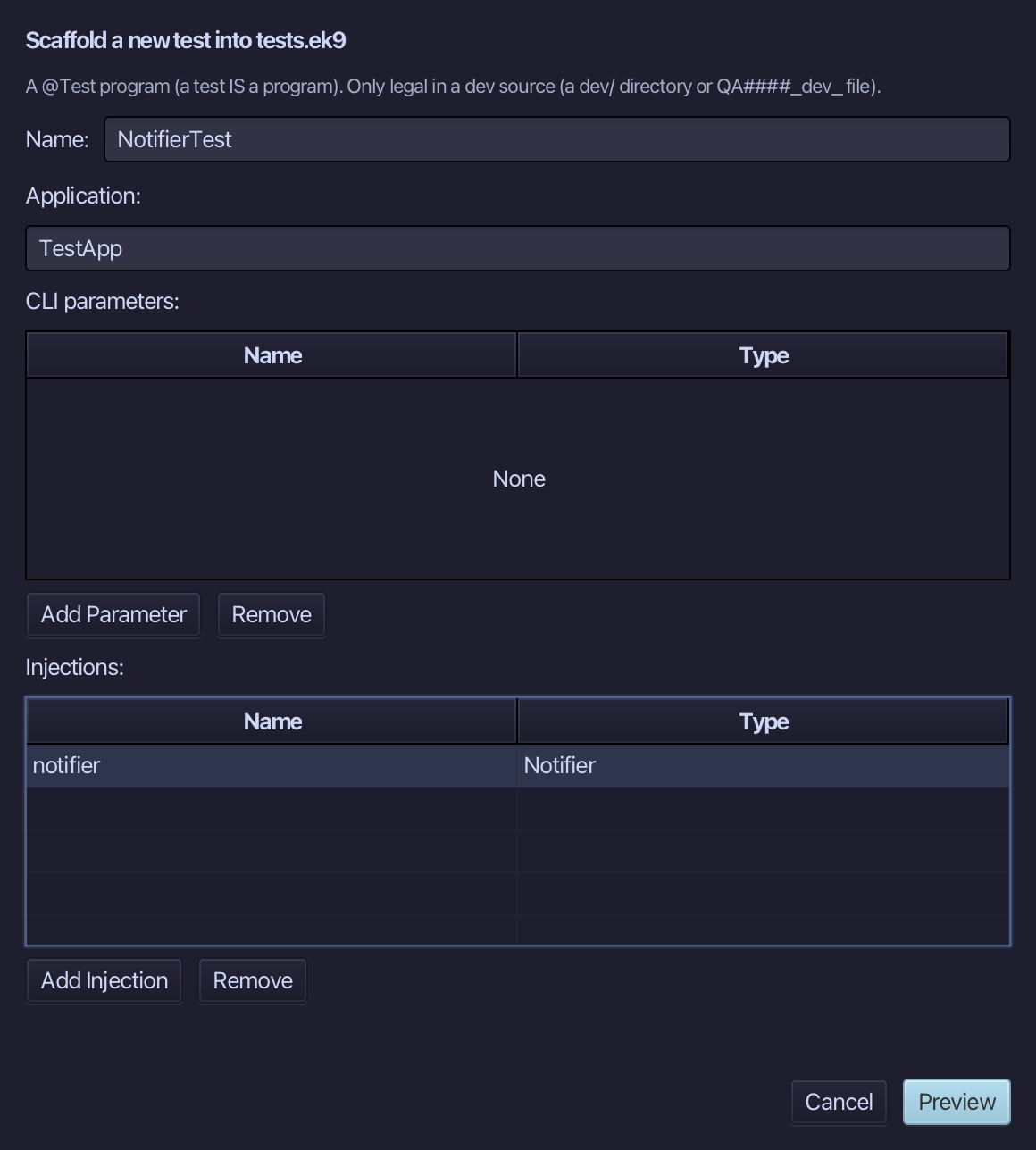
The preview shows NotifierTest about to be written, marked @Test and bound to TestApp. Choose Apply.
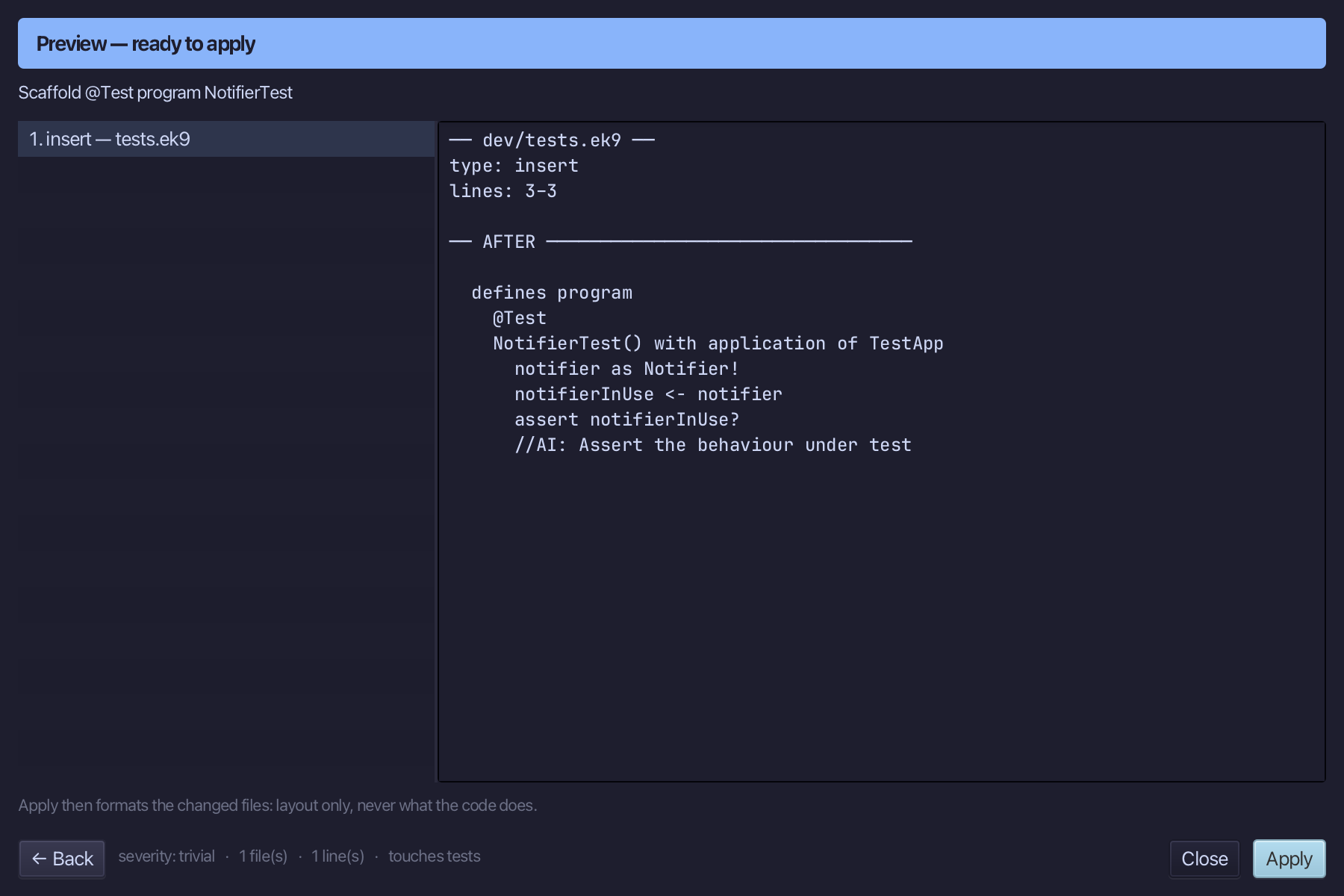
Select the stub, from notifierInUse <- notifier down to its //AI line, and type the claim: the notifier delivers "order shipped" and answers with the recorded form. Saves when typed.
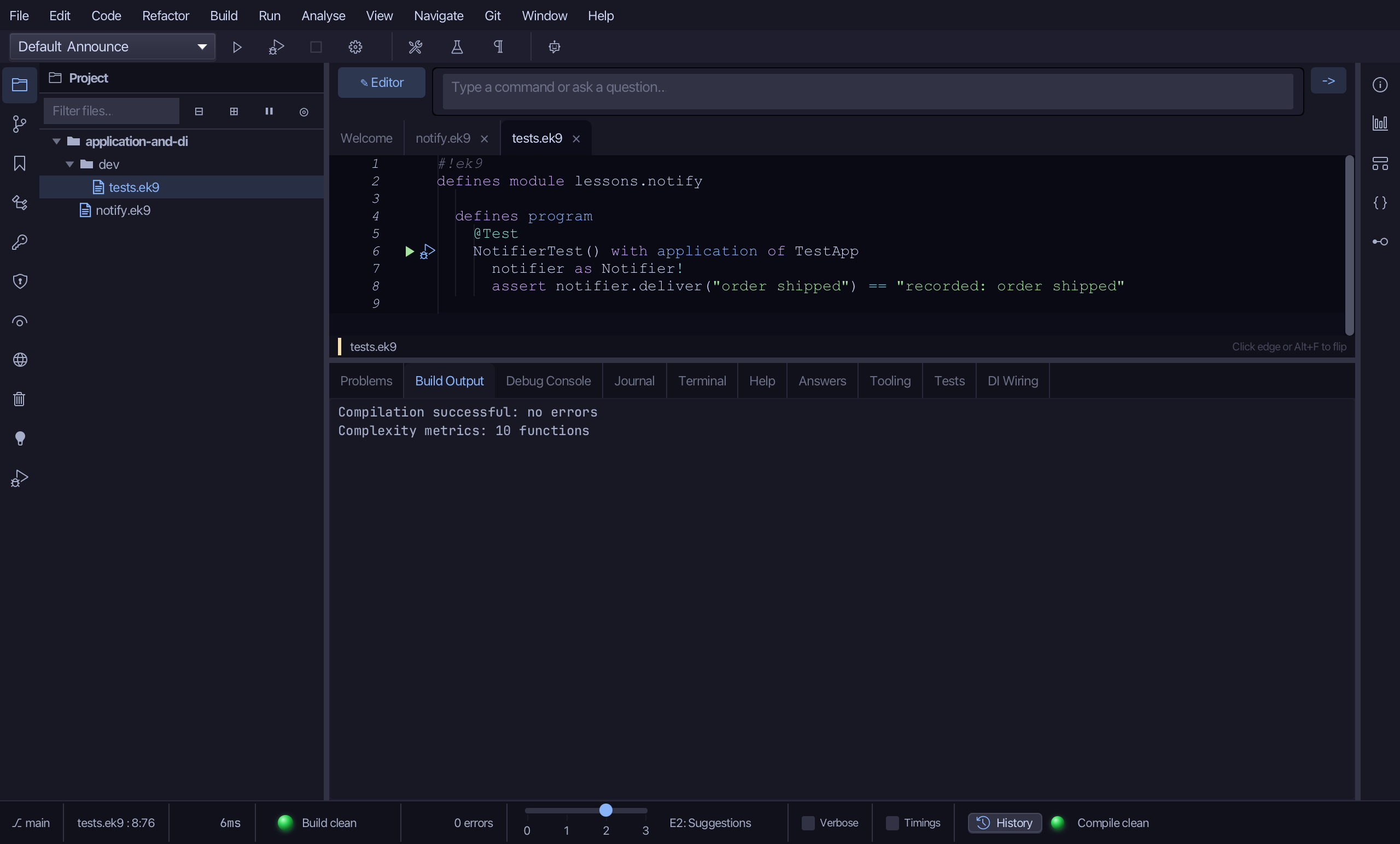
Run ▸ Run Tests (⌘T) runs the test with TestApp's wiring. Choose Run Tests.
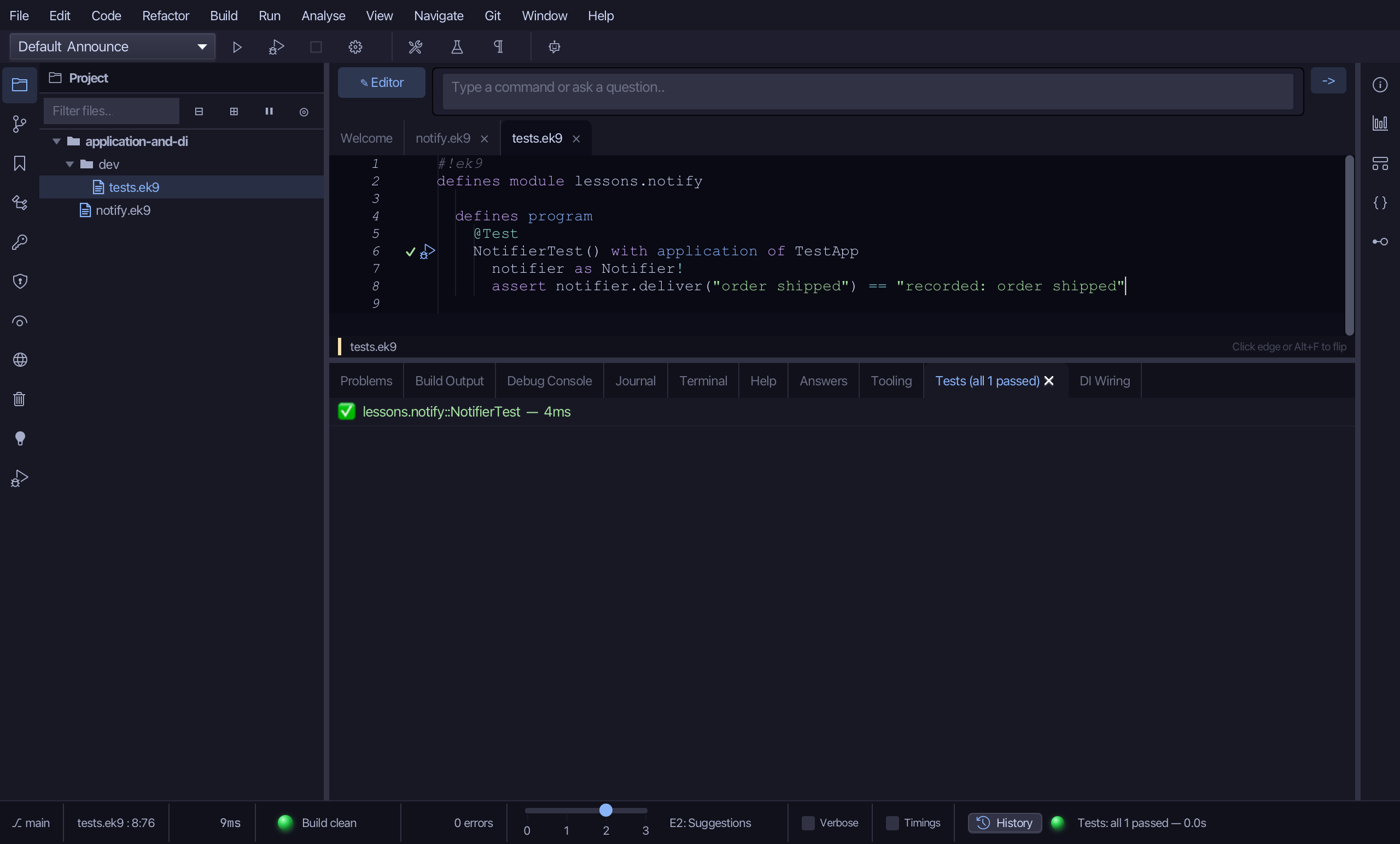
The Tests tab shows NotifierTest passing: the same Notifier contract, answered by the RecordingNotifier because the test is bound to TestApp - while Announce, bound to ShopApp, still gets the ConsoleNotifier.
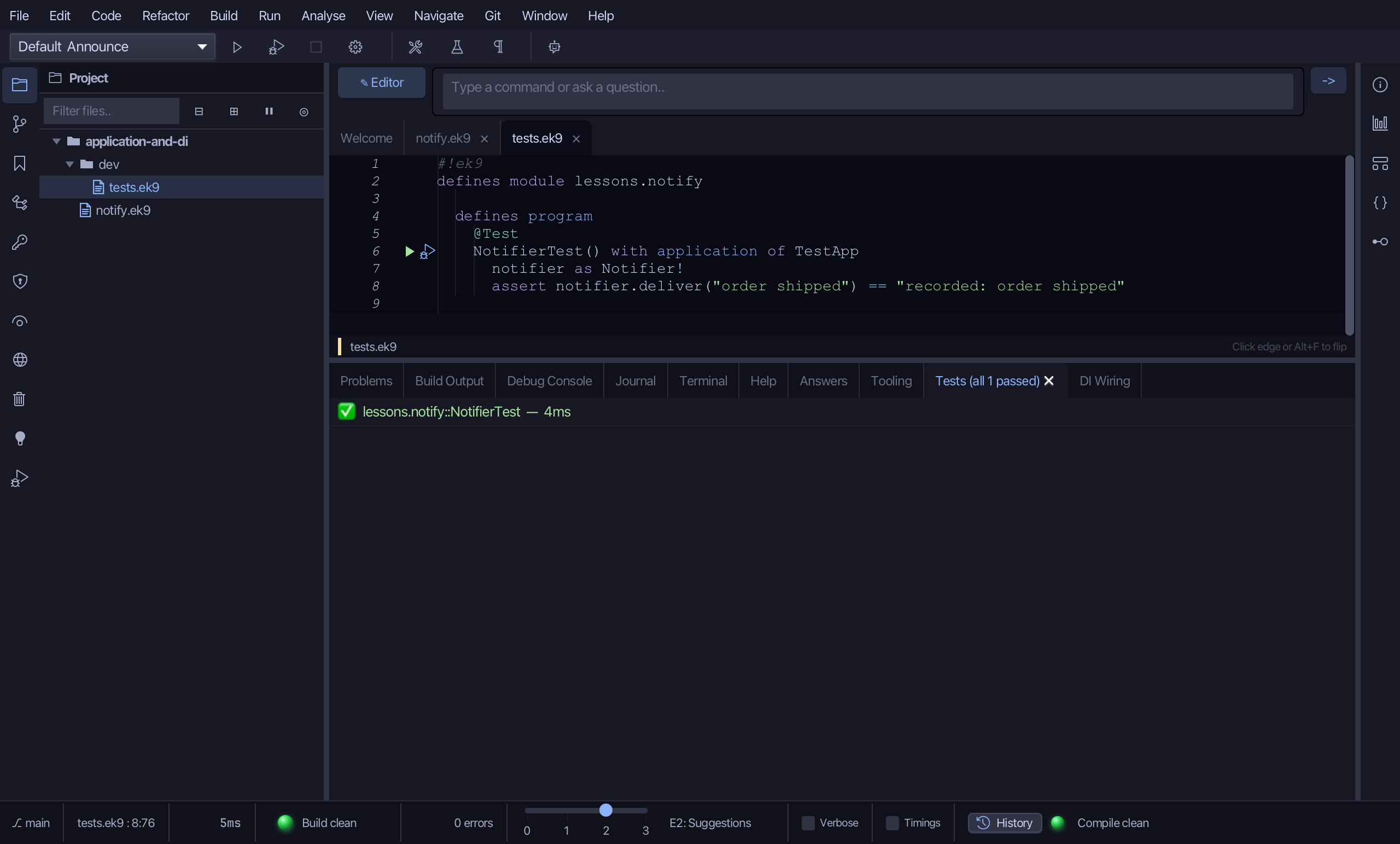
The result
notify.ek9 now holds a Notifier contract, the ConsoleNotifier that really prints and the RecordingNotifier that stands in for it, two applications that wire one each, and Announce, which asks for a Notifier and is told which by the application it is bound to; dev/tests.ek9 holds a @Test bound to the other. Nothing was scanned, annotated or mocked: wiring is a construct the compiler checks, and substitution is a second Application. The tools - ek9_new_construct, ek9_add_method, ek9_add_application and ek9_add_program (isTest for the test) - are what an AI assistant calls to do the same.
Where this lesson comes from
- Answers -
ek9 -qand the IDE's Answers tab: 1110, 1113, 111, 203. - For AI assistants - the MCP tool
ek9_new_construct,ek9_add_method,ek9_add_application,ek9_add_program,ek9_query_dependency_injection,ek9_run_tests.
In the EK9 reference: Components in EK9, Dependency Injection in EK9, Design note: why EK9 limits injection and aspects