Chapter 38: a package to share, built and packaged
Chapter 38 ships a small package: four greeting functions, a thin program, and the block that makes it publishable. In Maven, Cargo or npm, publishing is another tool with its own manifest; here the manifest is a block in the source, and packaging is the compiler you already run - which refuses to package unless the tests pass with at least 80% coverage. The IDE writes the functions and the program; you type the manifest and the claims the tests make; then Build packages it, and installs it into a library made for this lesson. To play it in the IDE: Help > Lessons > EK9 in Depth…, or ek9 -ide -lesson depth-package-greeter.
What you'll build
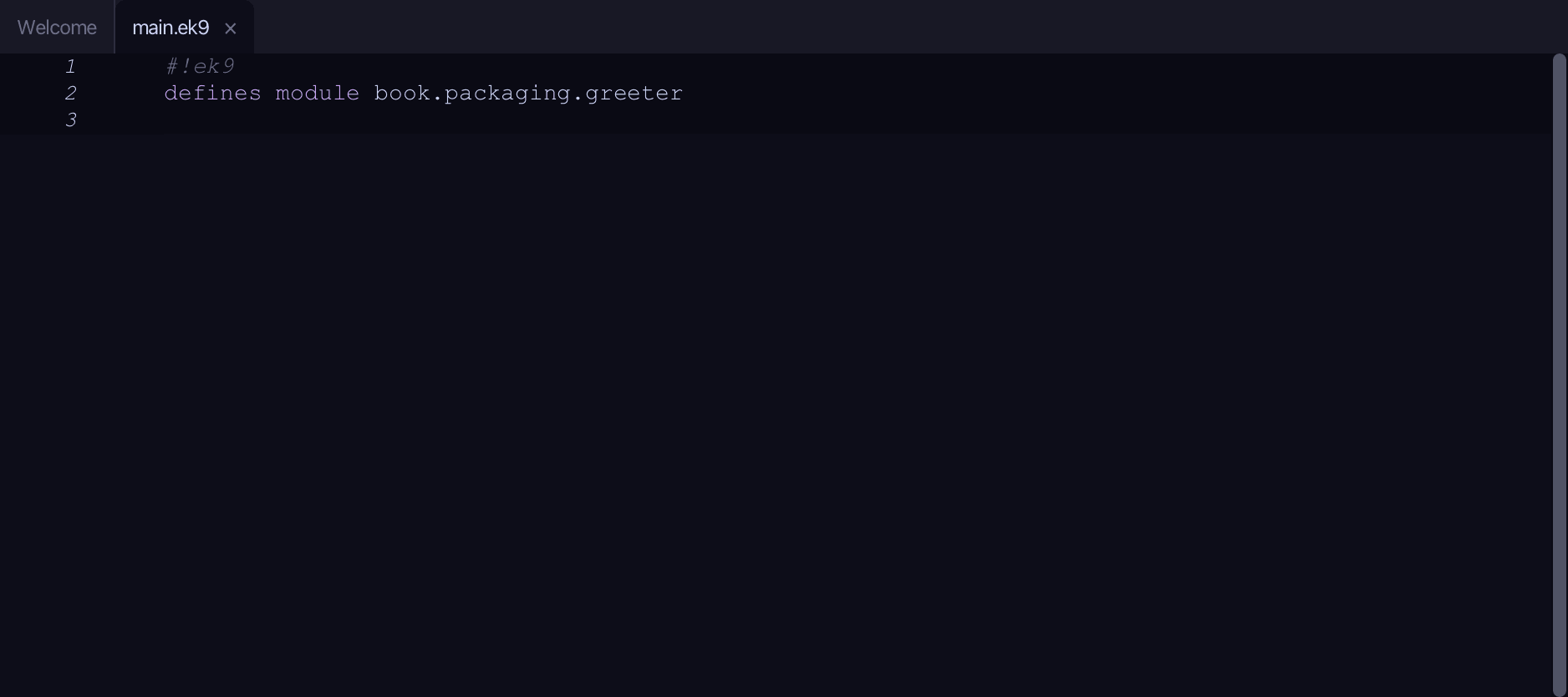
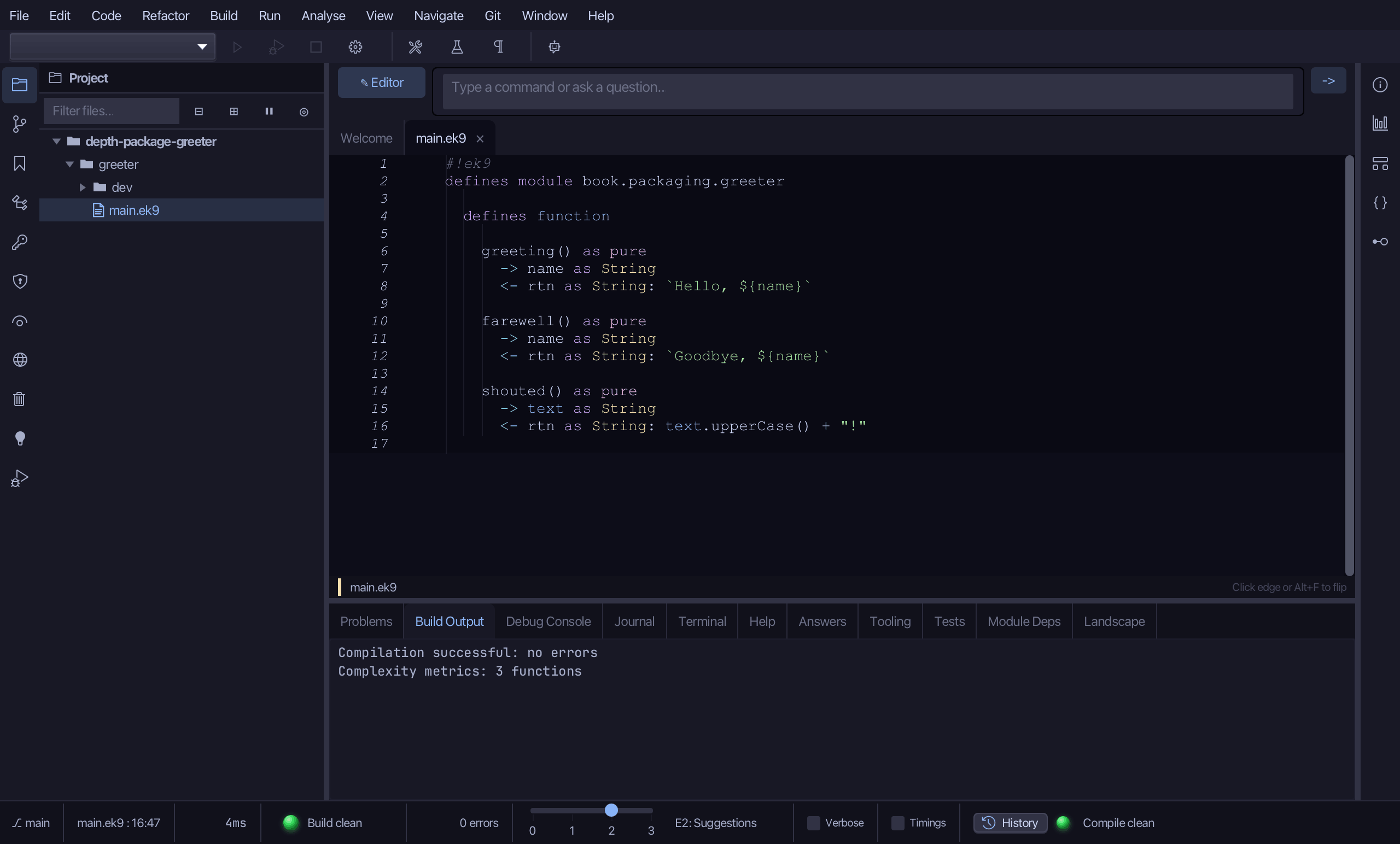
The lesson builds this program from a file holding only its module line - the finished file, as the book prints it.
greeter/main.ek9
#!ek9
defines module book.packaging.greeter

  defines function

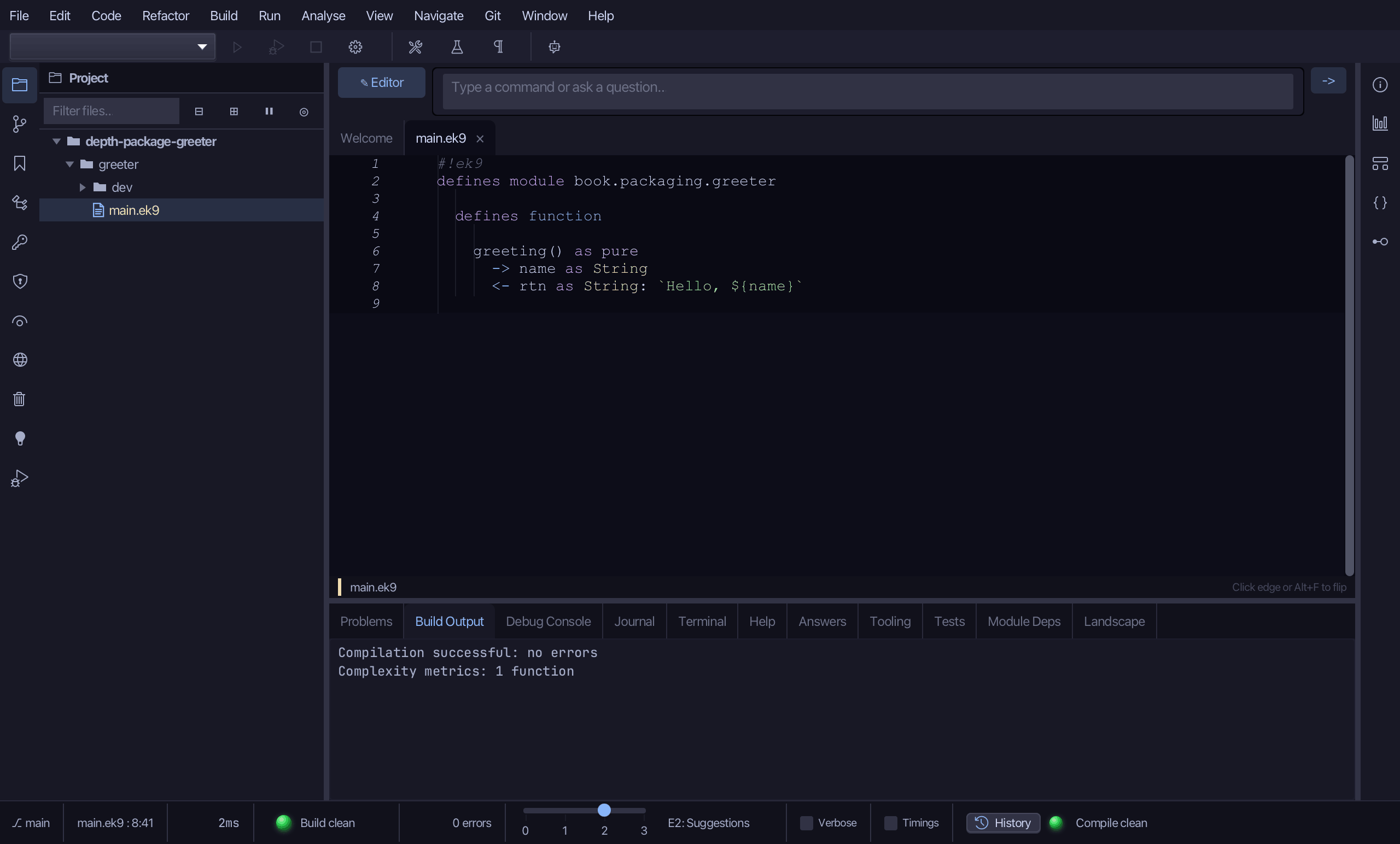
    greeting() as pure
      -> name as String
      <- rtn as String: `Hello, ${name}`

    farewell() as pure
      -> name as String
      <- rtn as String: `Goodbye, ${name}`

    shouted() as pure
      -> text as String
      <- rtn as String: text.upperCase() + "!"

    whispered() as pure
      -> text as String
      <- rtn as String: `(${text.lowerCase()})`

  defines program

    Greet()
      -> name as String
      Stdout().println(greeting(name))

  defines package
    publicAccess <- true
    version <- 1.0.0-0
    description <- "Greetings, packaged for sharing"
    license <- "MIT"
    tags <- [
      "example",
      "greeting"
    ]
    applyStandardIncludes <- true
    capabilities <- ["org.ek9.lang::Stdout"]
greeter/dev/greeterTests.ek9
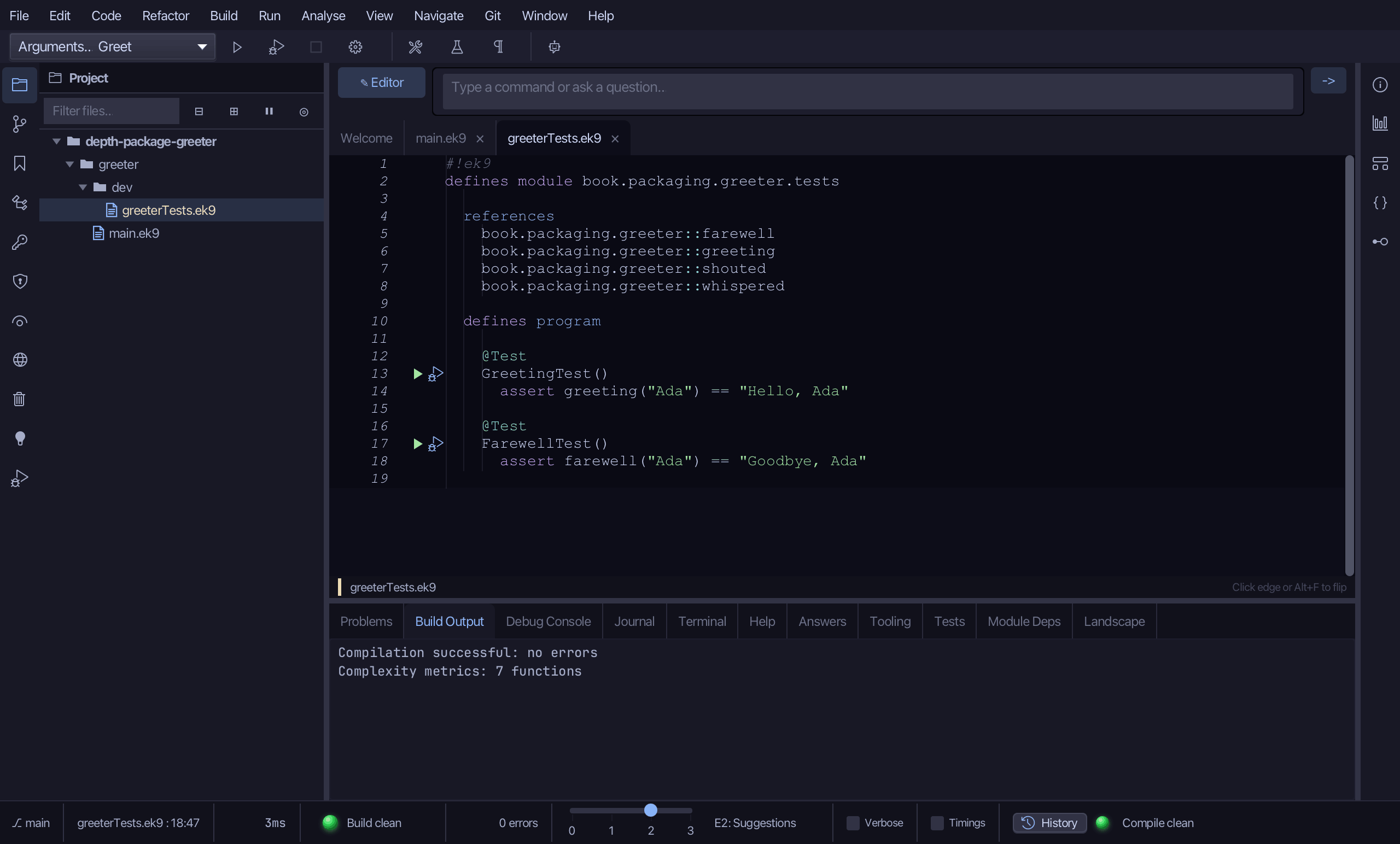
#!ek9
defines module book.packaging.greeter.tests

  references
    book.packaging.greeter::farewell
    book.packaging.greeter::greeting
    book.packaging.greeter::shouted
    book.packaging.greeter::whispered

  defines program

    @Test
    GreetingTest()
      assert greeting("Ada") == "Hello, Ada"

    @Test
    FarewellTest()
      assert farewell("Ada") == "Goodbye, Ada"

    @Test
    ShoutedTest()
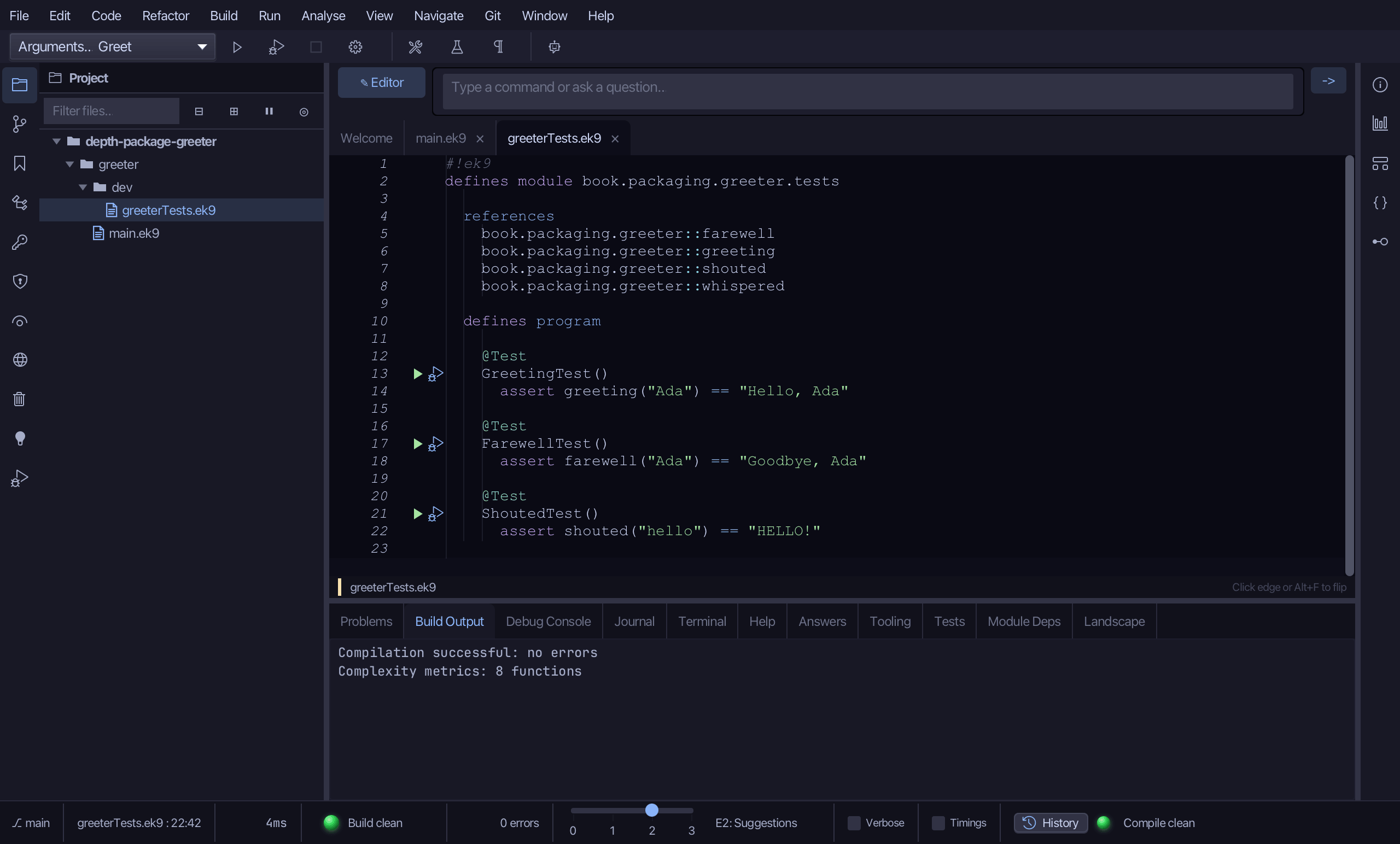
      assert shouted("hello") == "HELLO!"

    @Test
    WhisperedTest()
      assert whispered("HELLO") == "(hello)"
Step 1: greeting — a pure function
Choose Code > New Construct > Function…
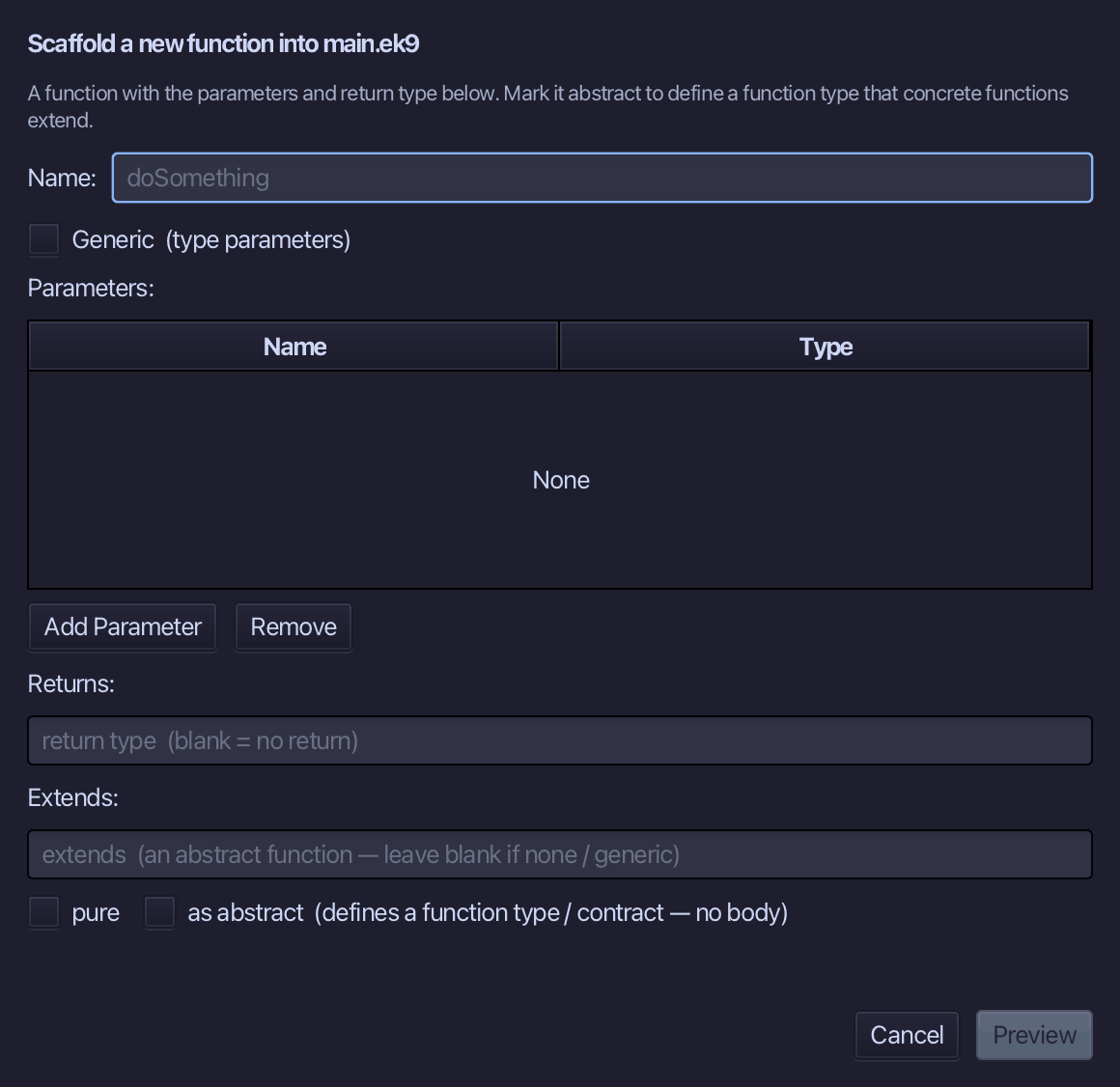
greeting is the function's name. Add one parameter, name of type String, set Returns to String and tick pure. Choose Preview.
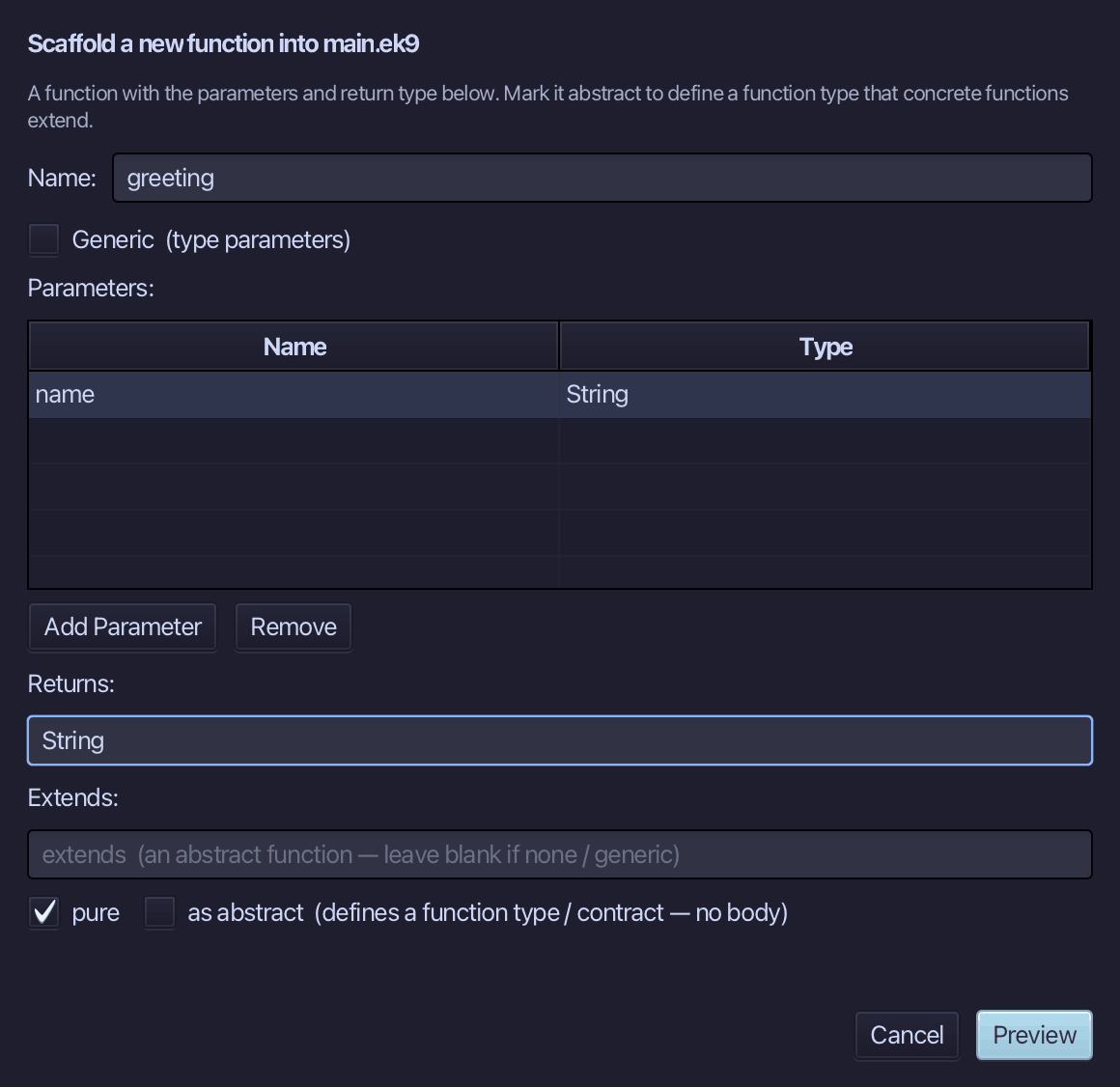
The preview shows greeting about to be written. Choose Apply.
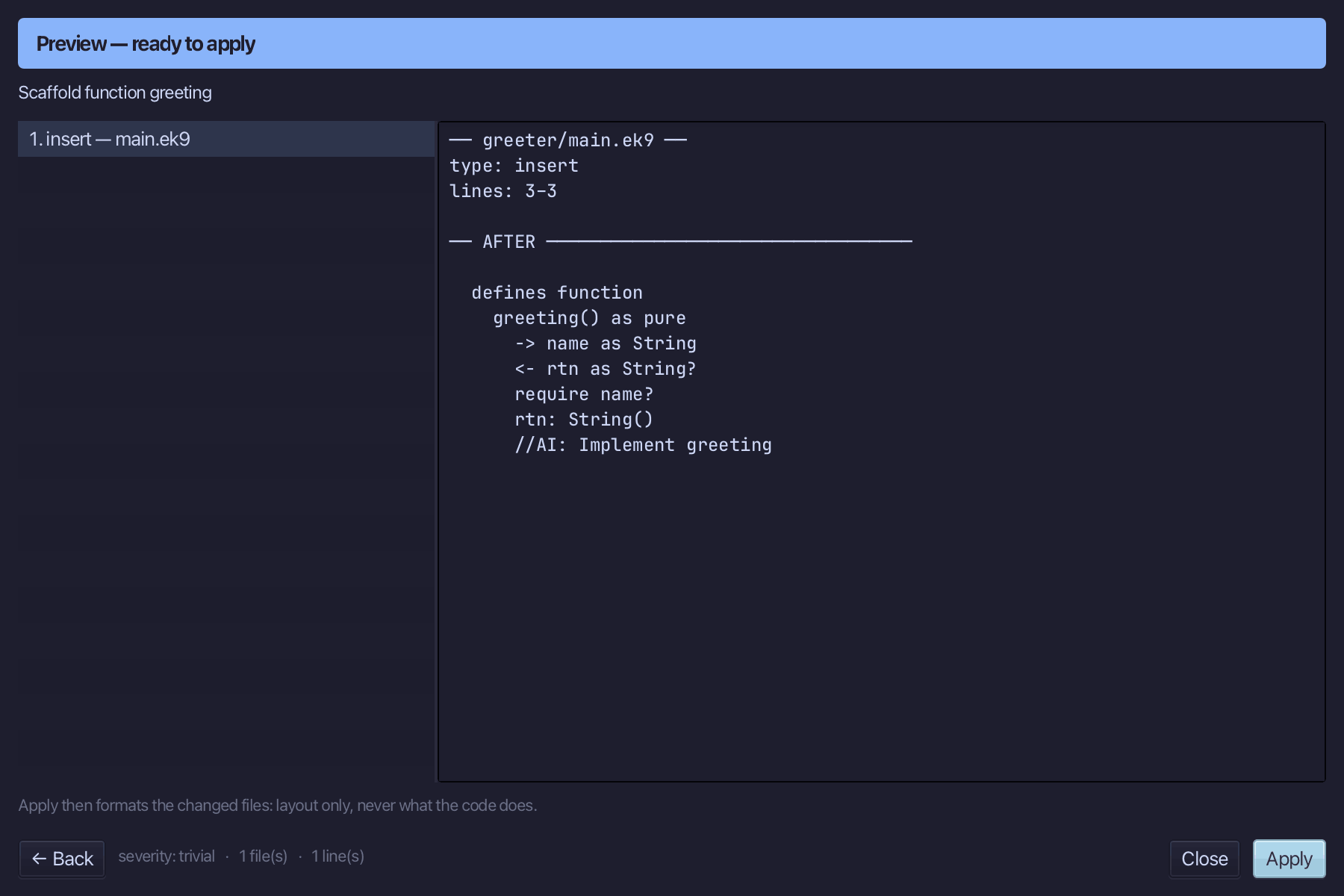
Select the greeting() as pure line and, above it, type the blank line the book opens its first function with. Saves when typed.
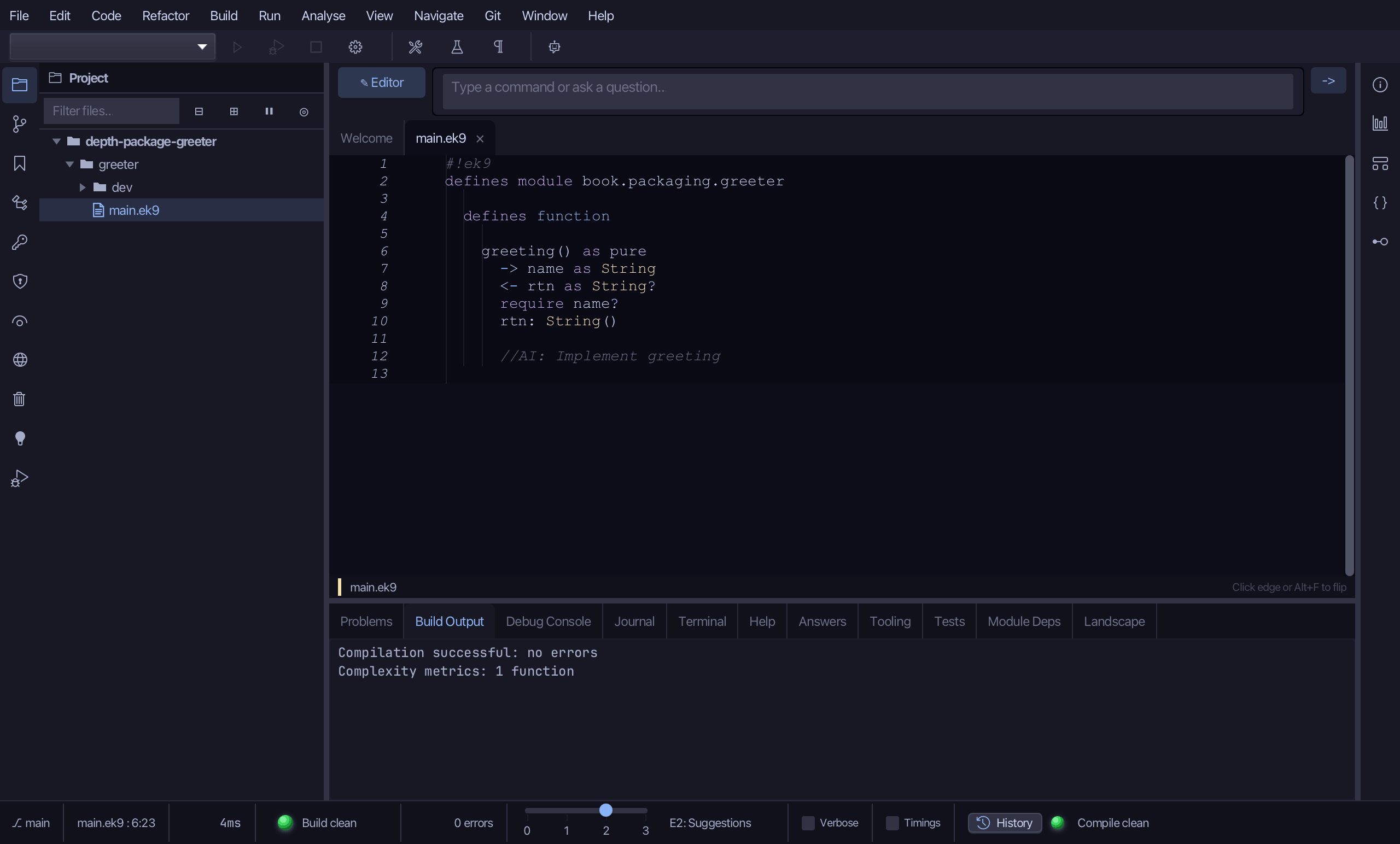
Select the stub, from <- rtn as String? down to its //AI line, and type greeting's own return and work, as the book writes them. Saves when typed.
Step 2: farewell — a pure function
Choose Code > New Construct > Function…
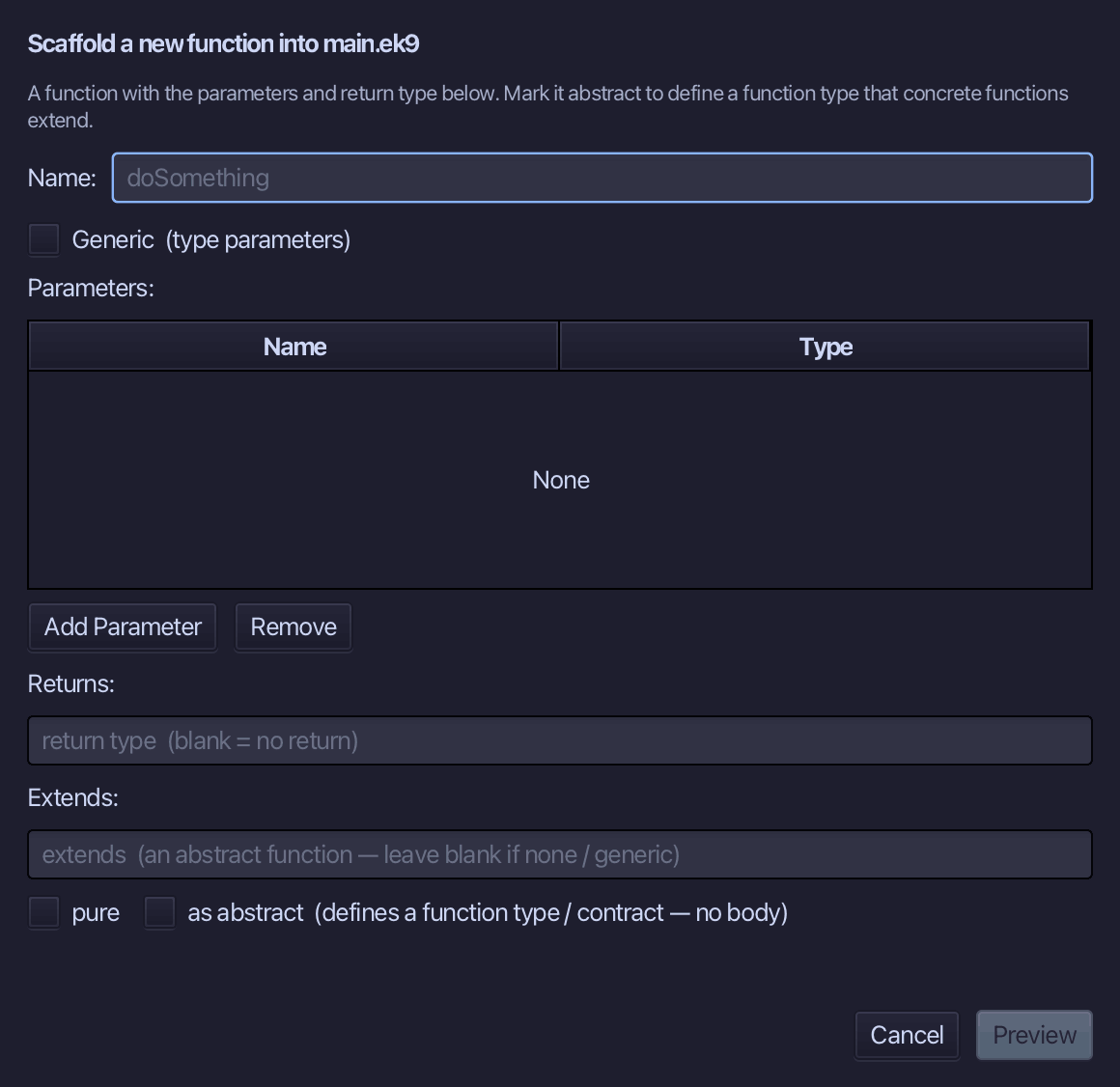
farewell is the function's name. Add one parameter, name of type String, set Returns to String and tick pure. Choose Preview.
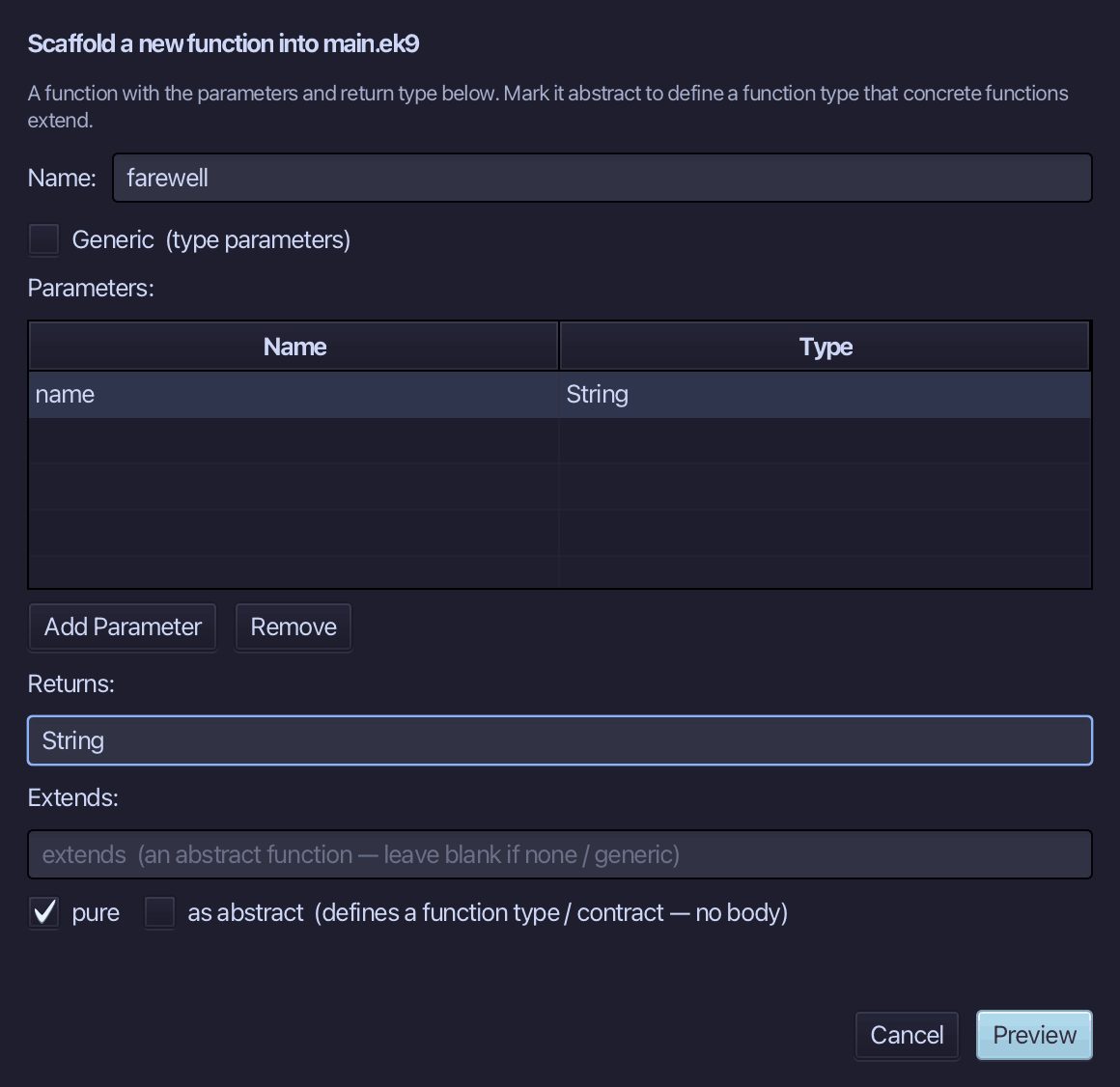
The preview shows farewell about to be written. Choose Apply.
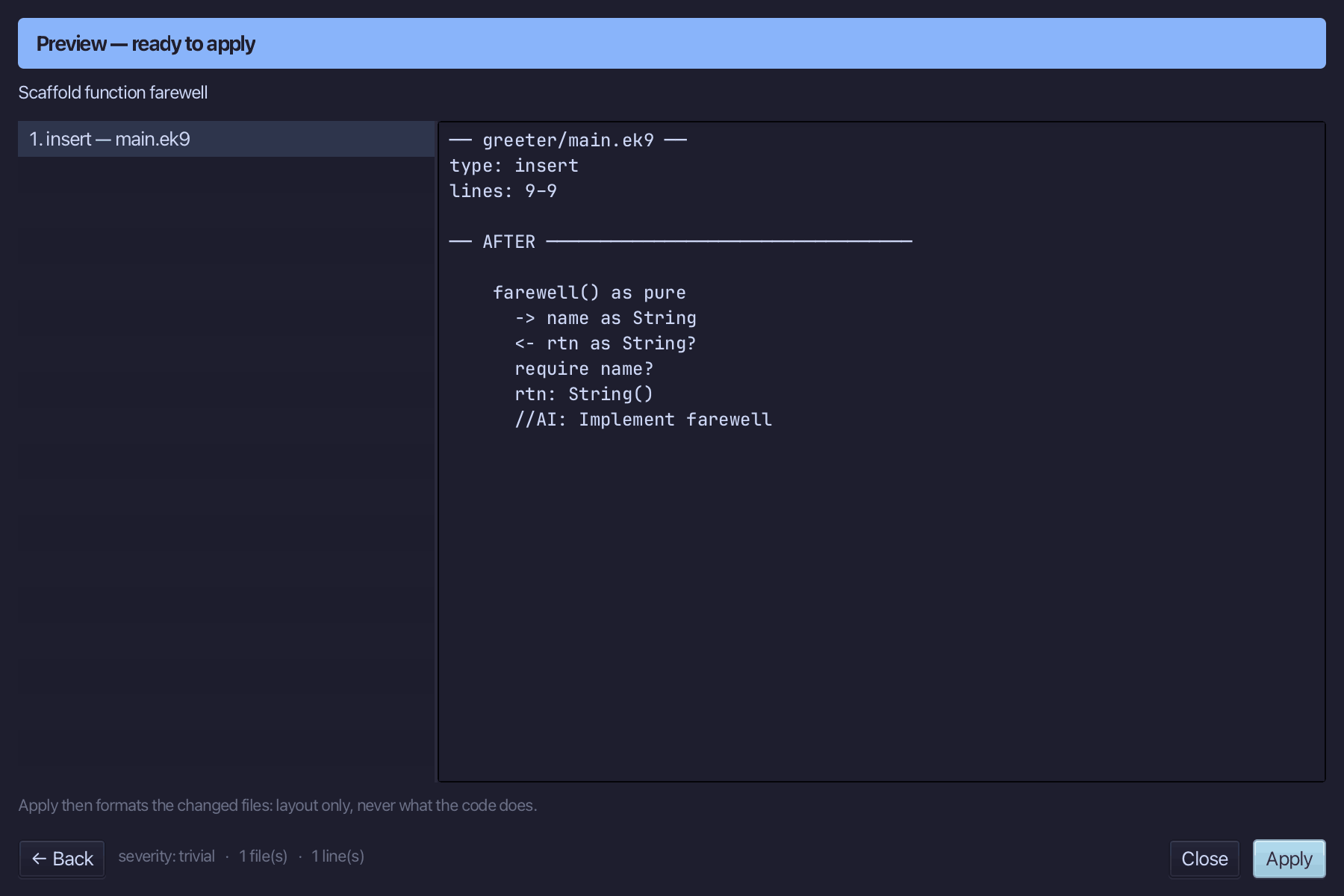
Select the stub, from <- rtn as String? down to its //AI line, and type farewell's own return and work, as the book writes them. Saves when typed.
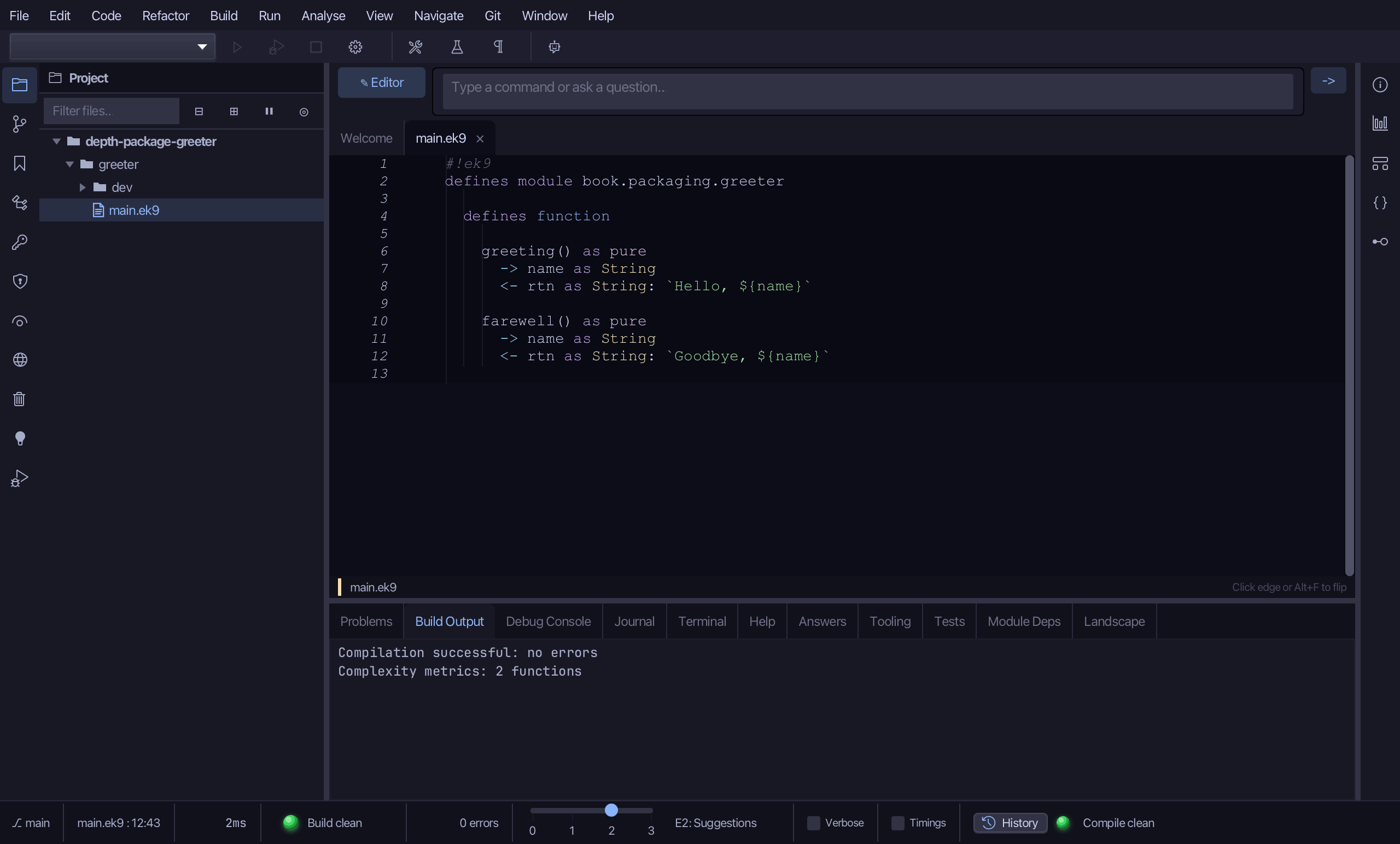
Step 3: shouted — a pure function
Choose Code > New Construct > Function…
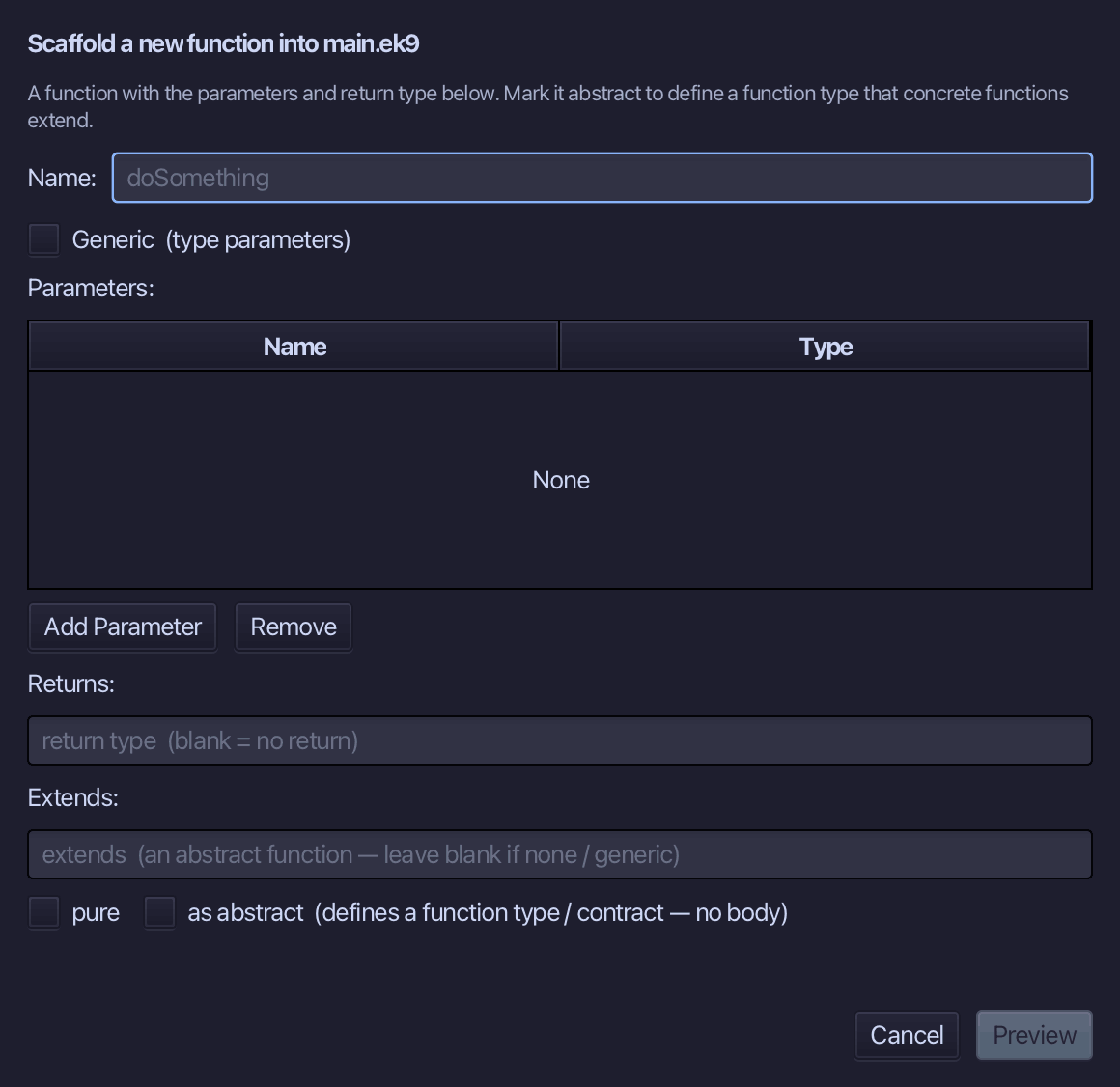
shouted is the function's name. Add one parameter, text of type String, set Returns to String and tick pure. Choose Preview.
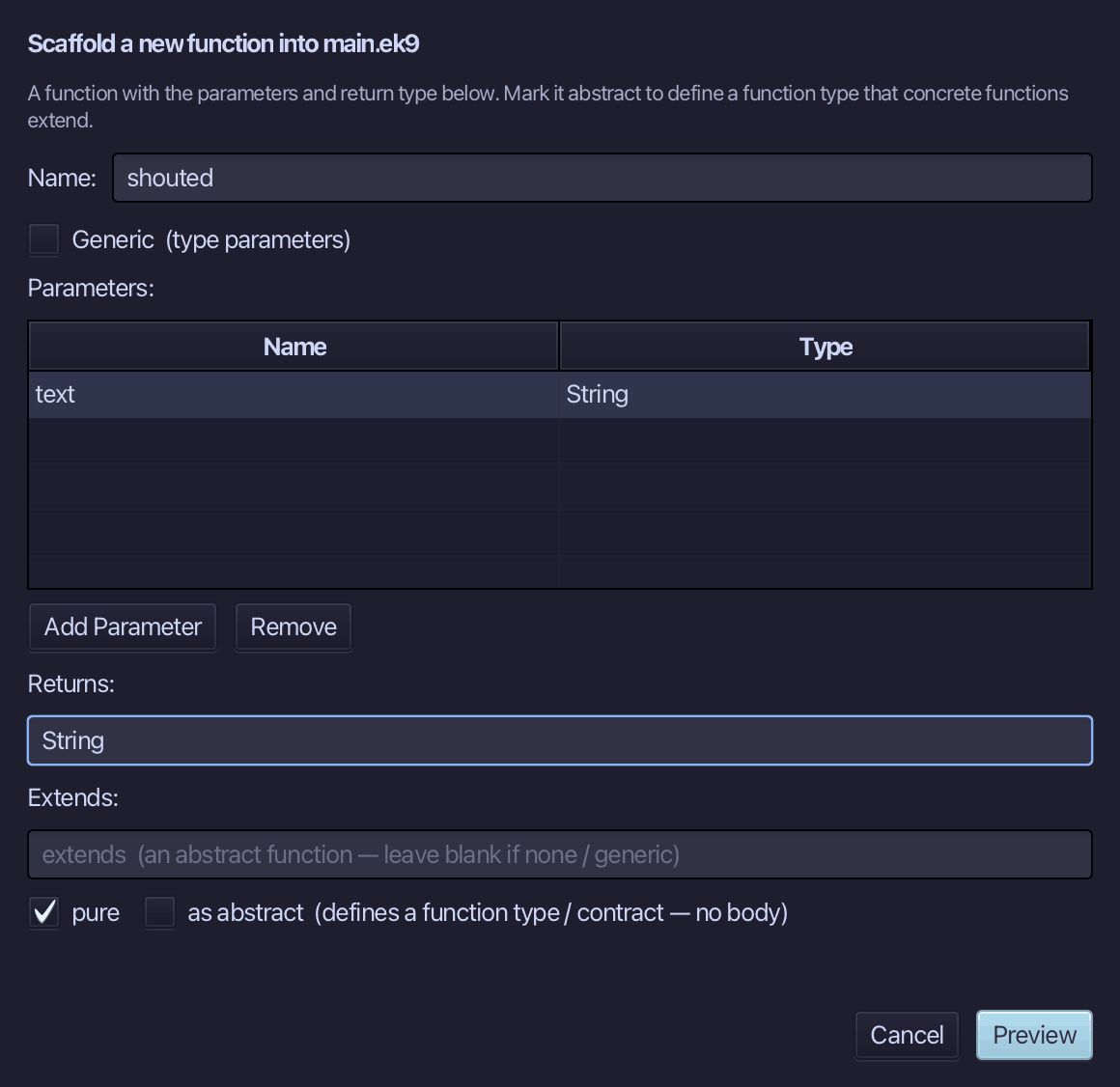
The preview shows shouted about to be written. Choose Apply.
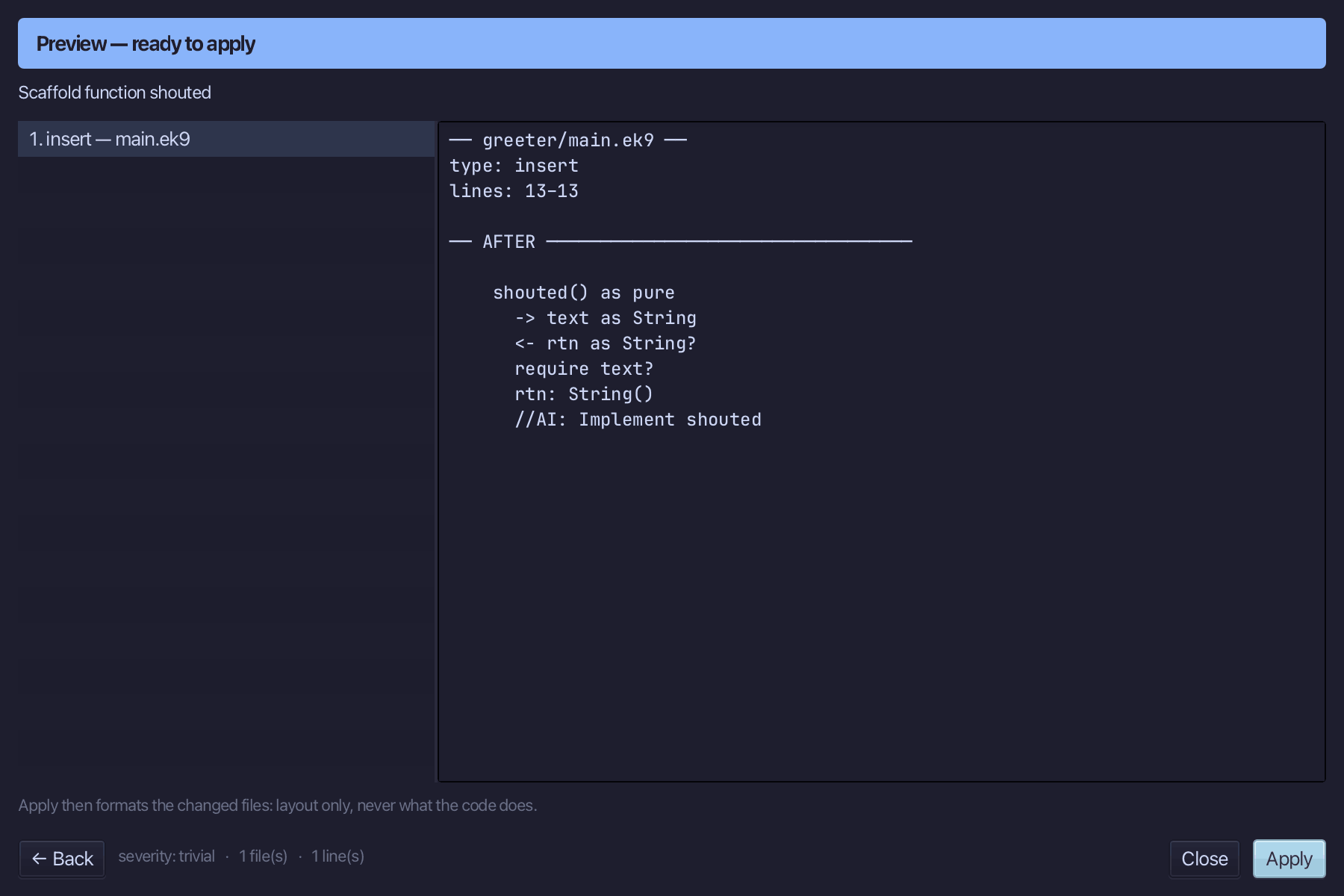
Select the stub, from <- rtn as String? down to its //AI line, and type shouted's own return and work, as the book writes them. Saves when typed.
Step 4: whispered — a pure function
Choose Code > New Construct > Function…
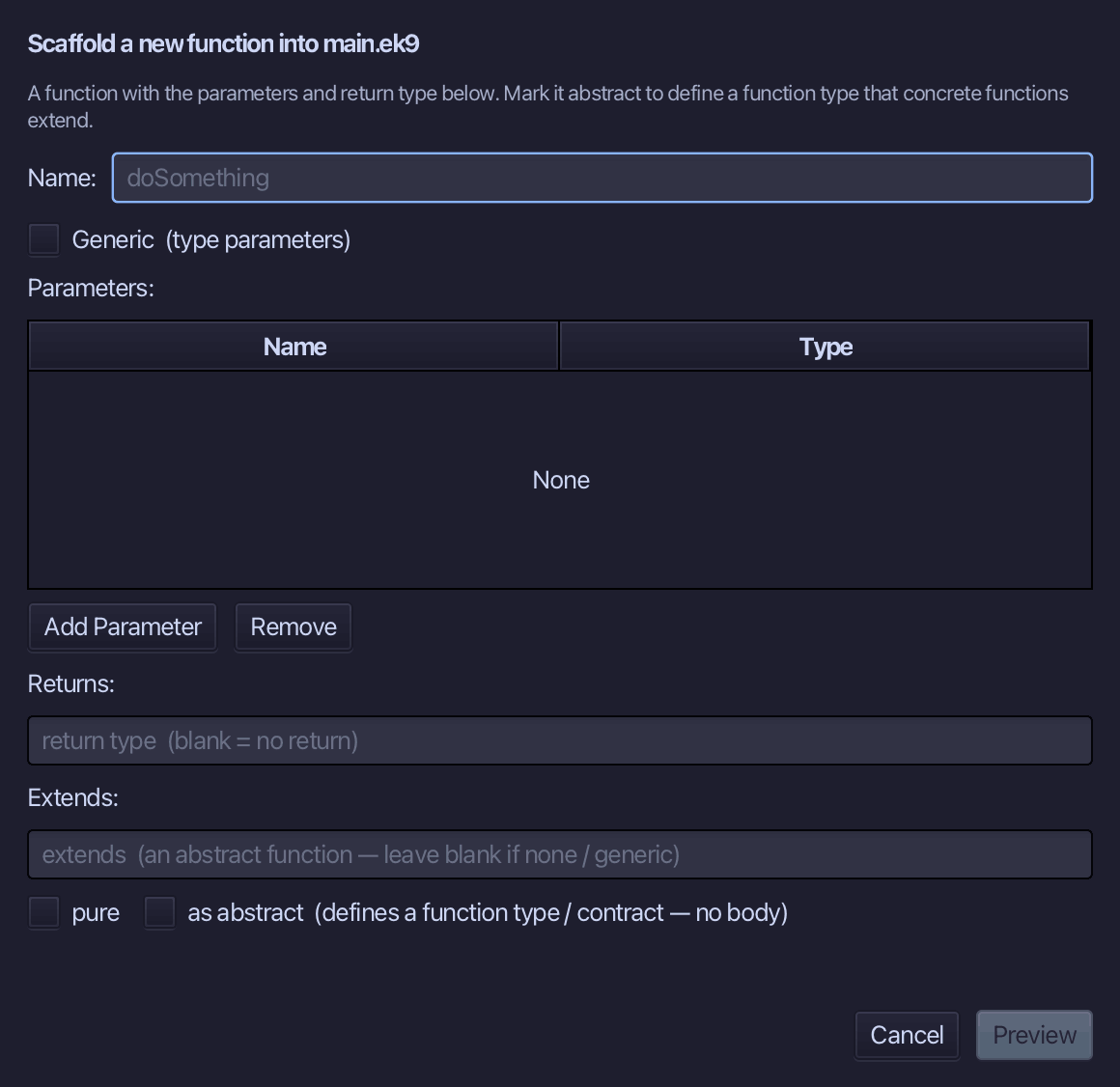
whispered is the function's name. Add one parameter, text of type String, set Returns to String and tick pure. Choose Preview.
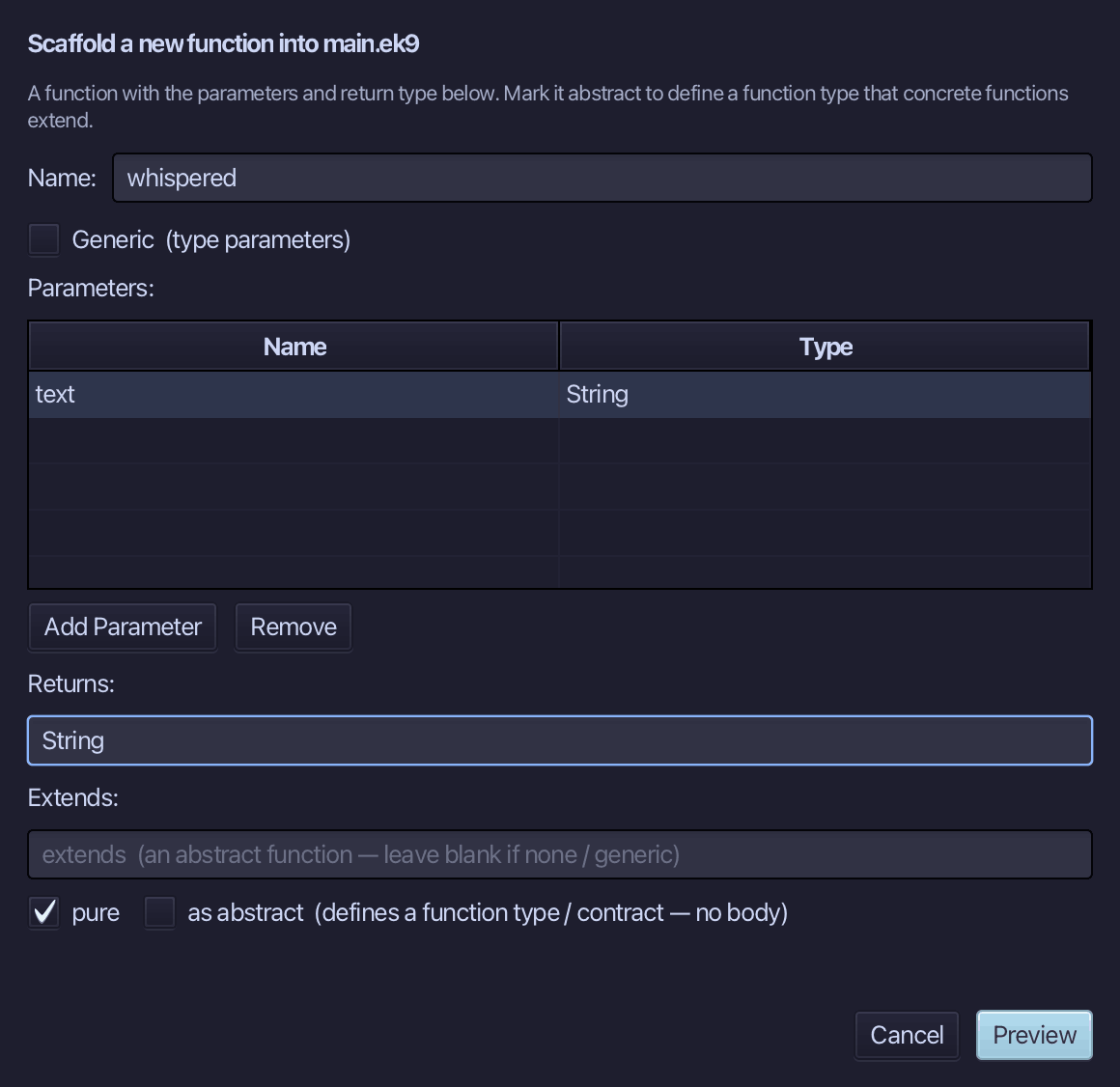
The preview shows whispered about to be written. Choose Apply.
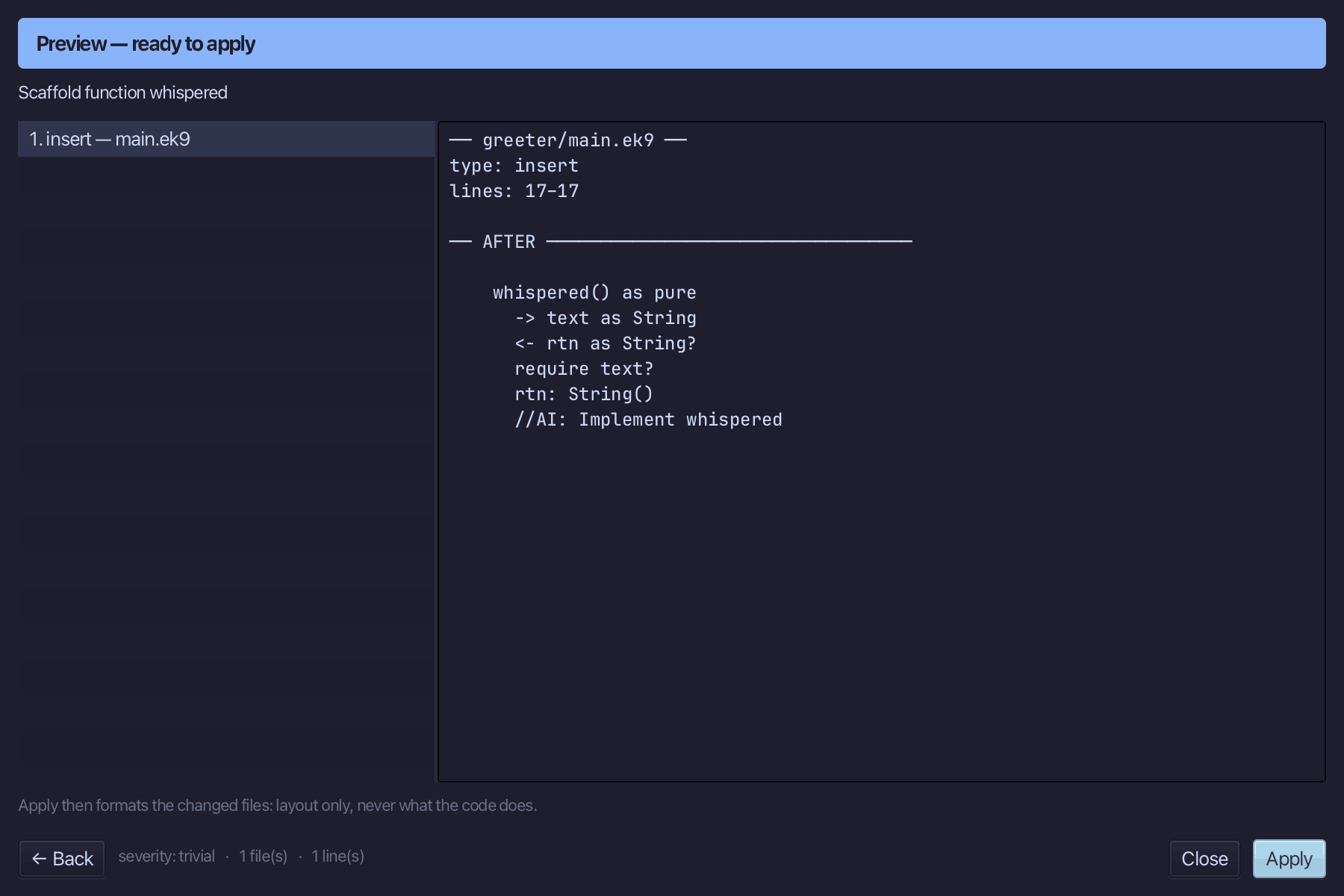
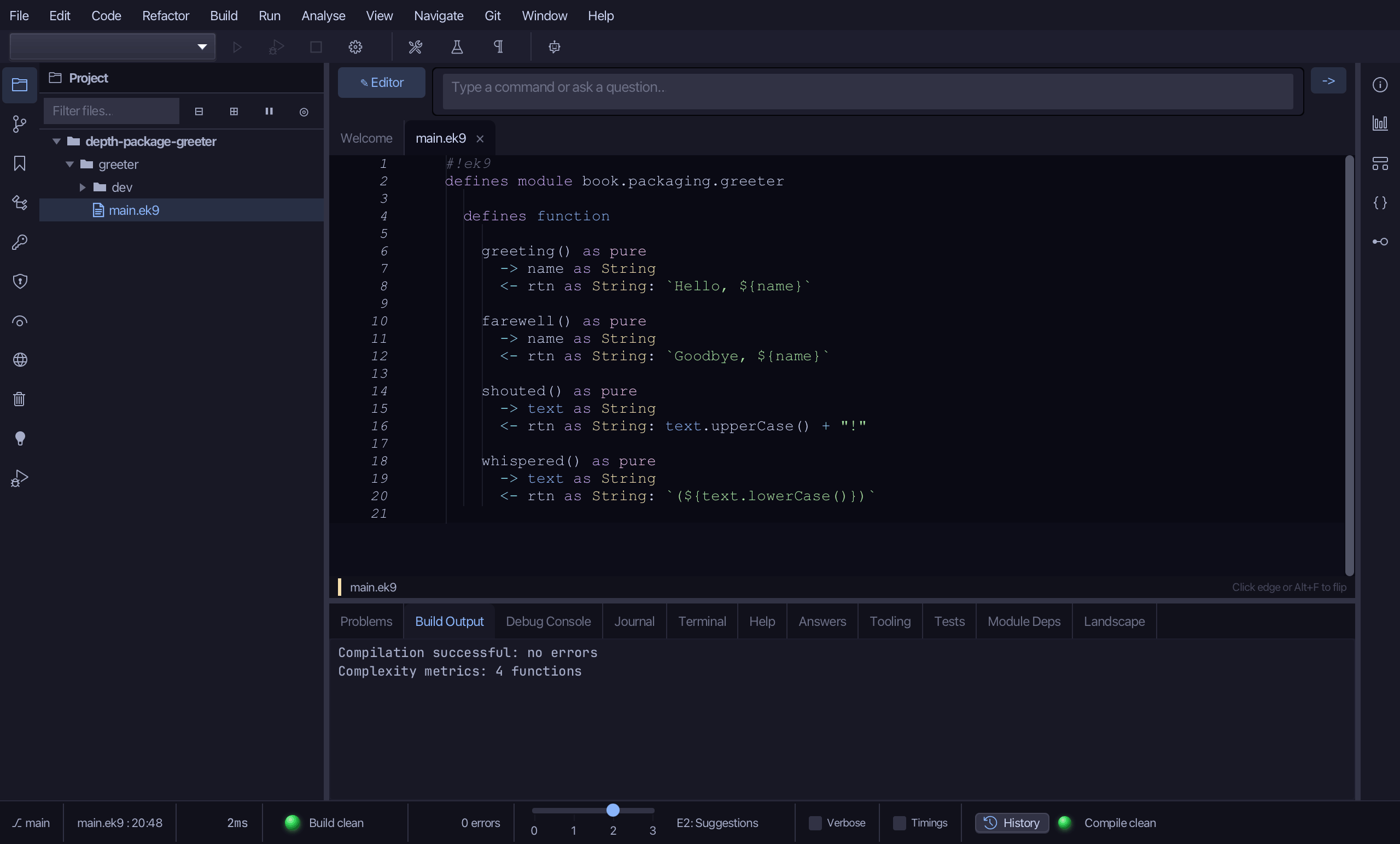
Select the stub, from <- rtn as String? down to its //AI line, and type whispered's own return and work, as the book writes them. Saves when typed.
Step 5: The program
Choose Code > New Construct > Program…
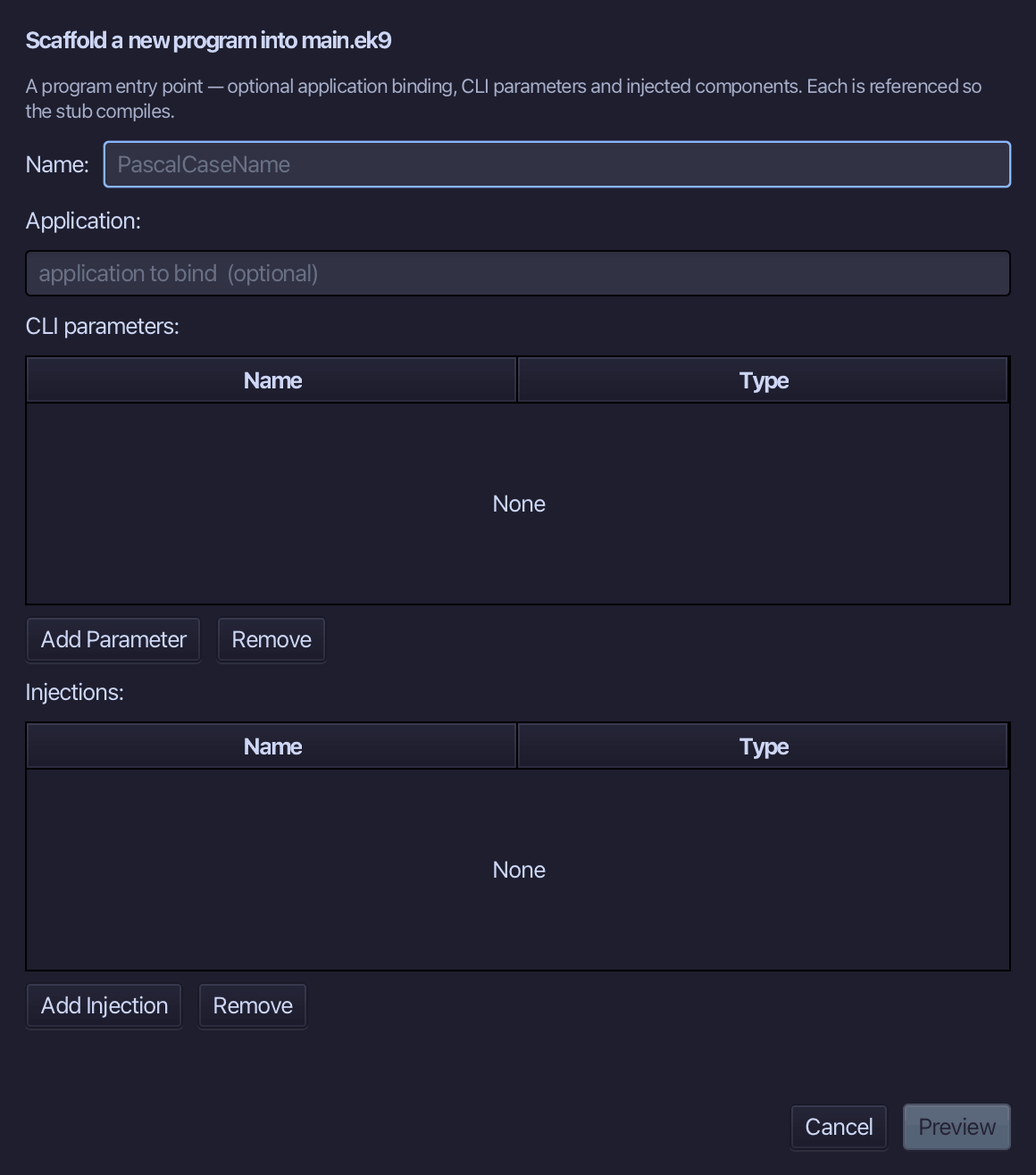
Greet is the program's name. Add one parameter, name of type String. Choose Preview.
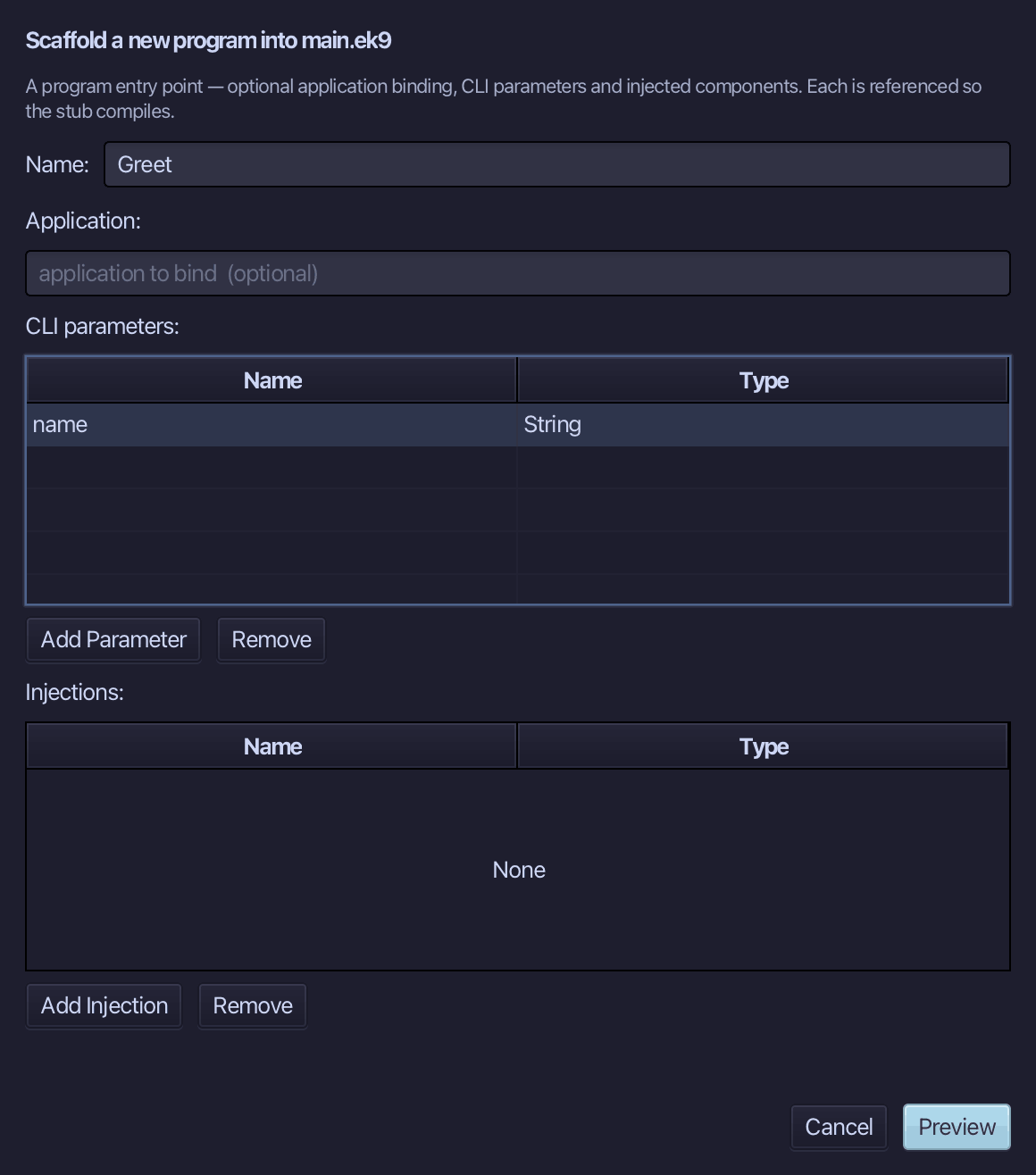
The preview shows Greet about to be written. Choose Apply.
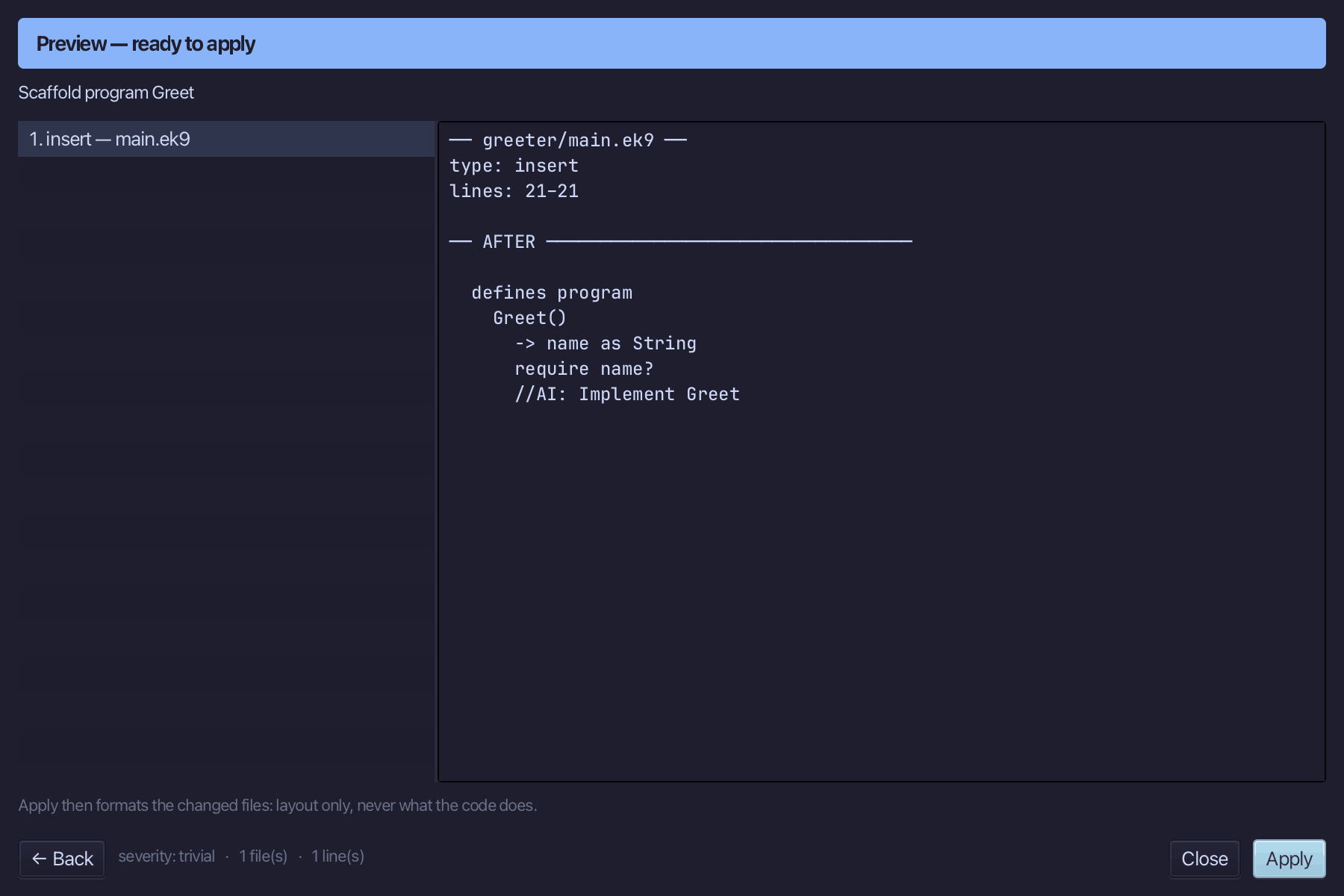
Select the Greet() line and, above it, type the blank line the book opens the program with. Saves when typed.
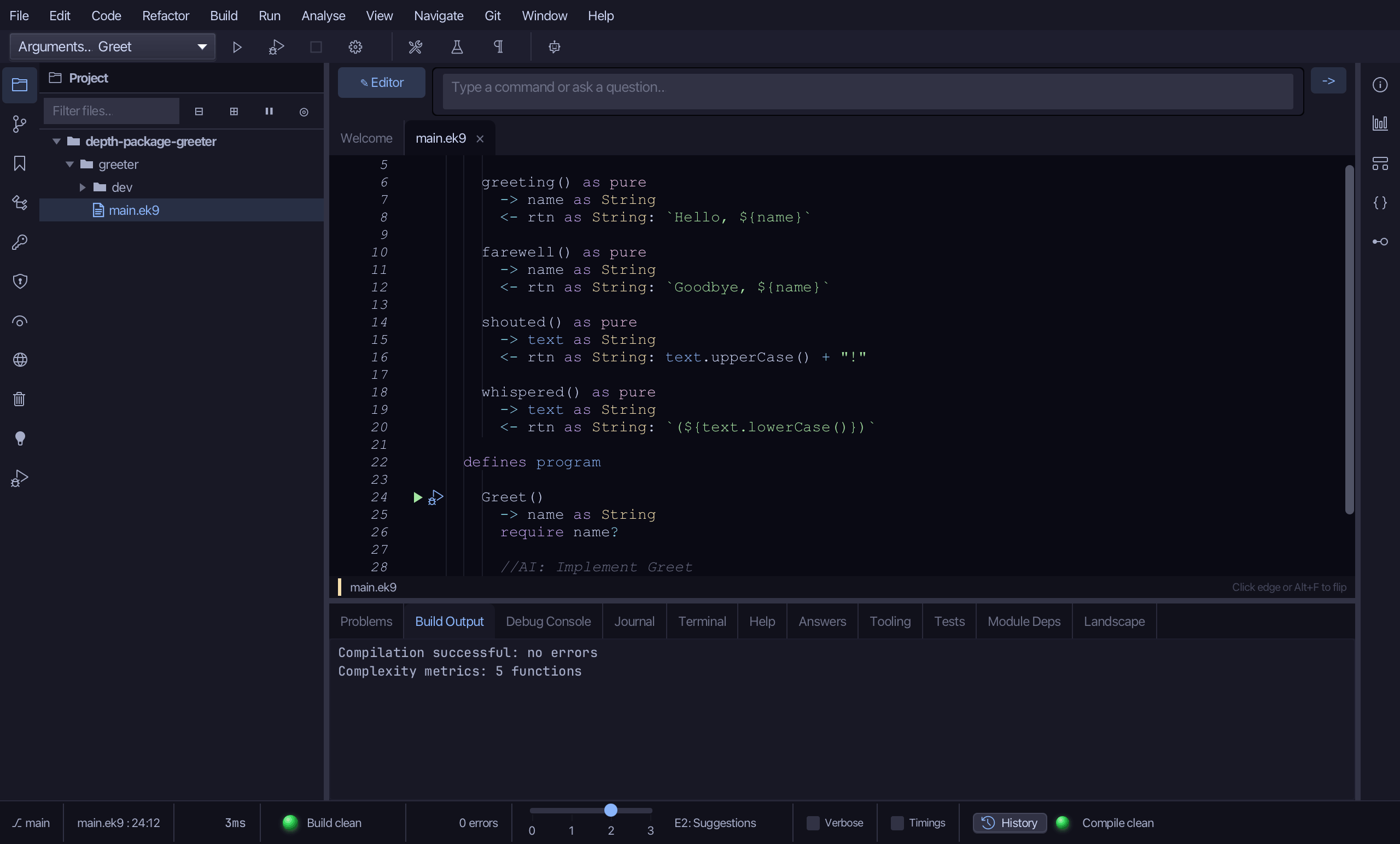
Select the stub, from require name? down to its //AI line, and type Greet's body exactly as the chapter shows it. Saves when typed.
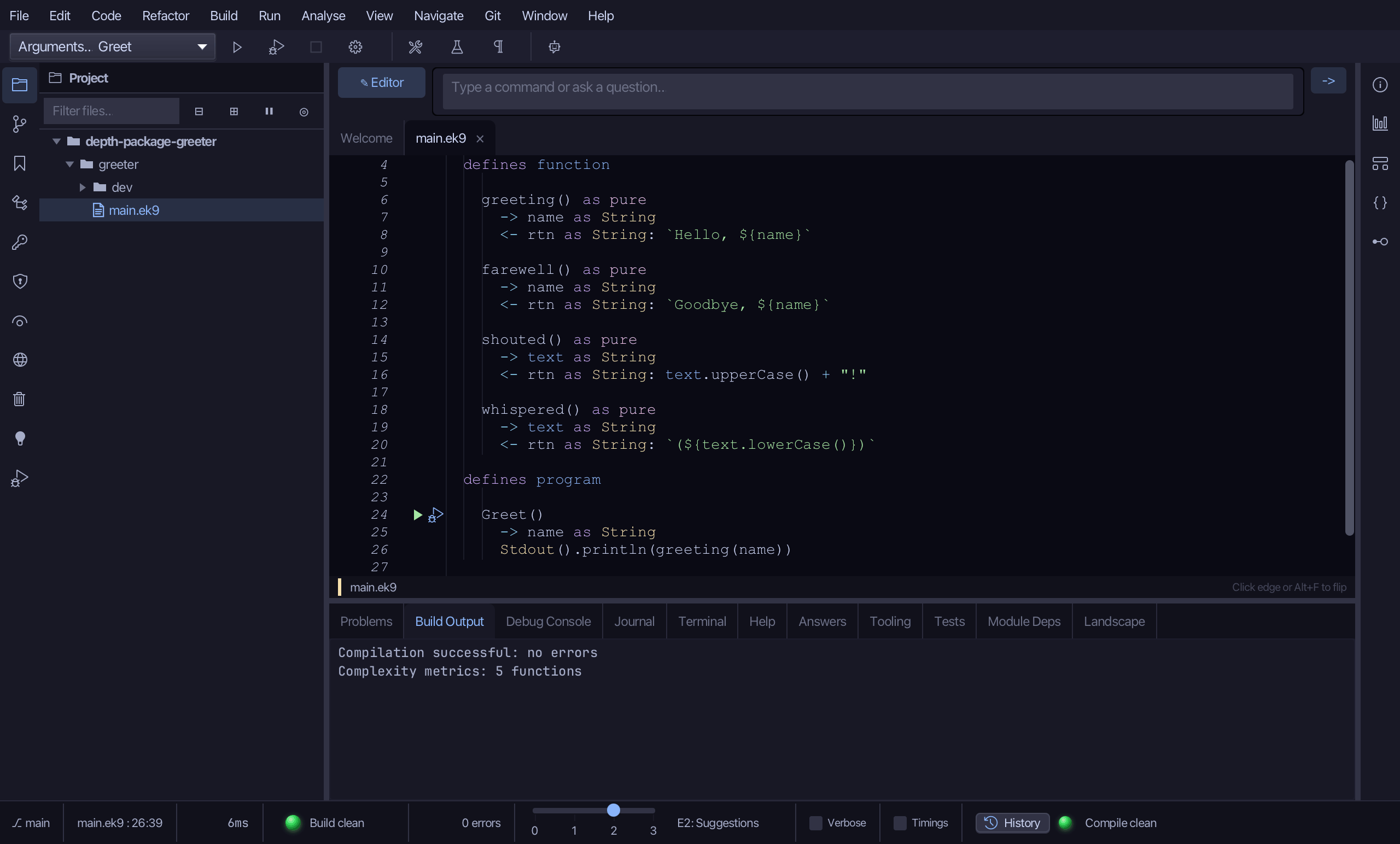
Step 6: Run it
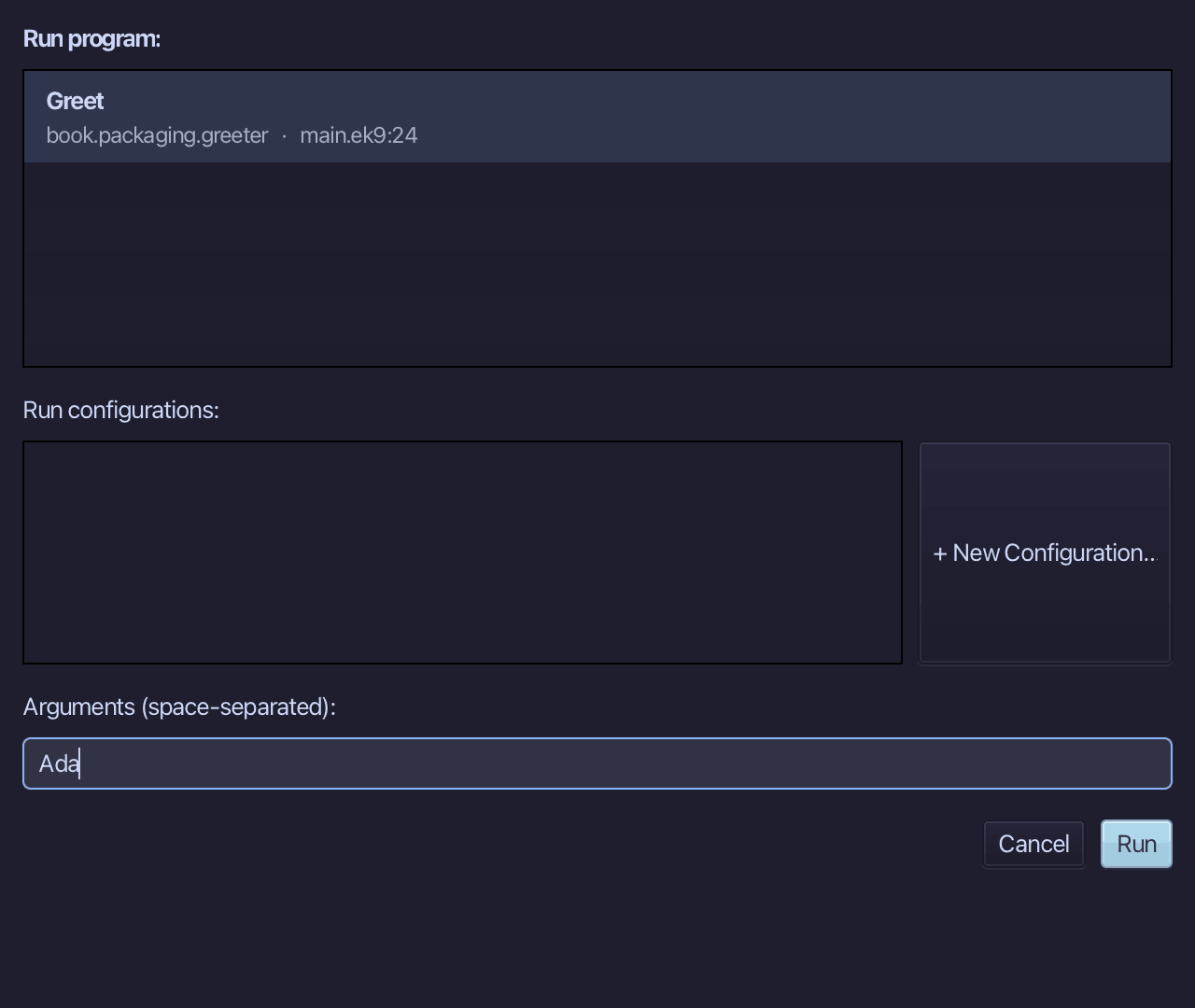
Choose Run > Run Program…
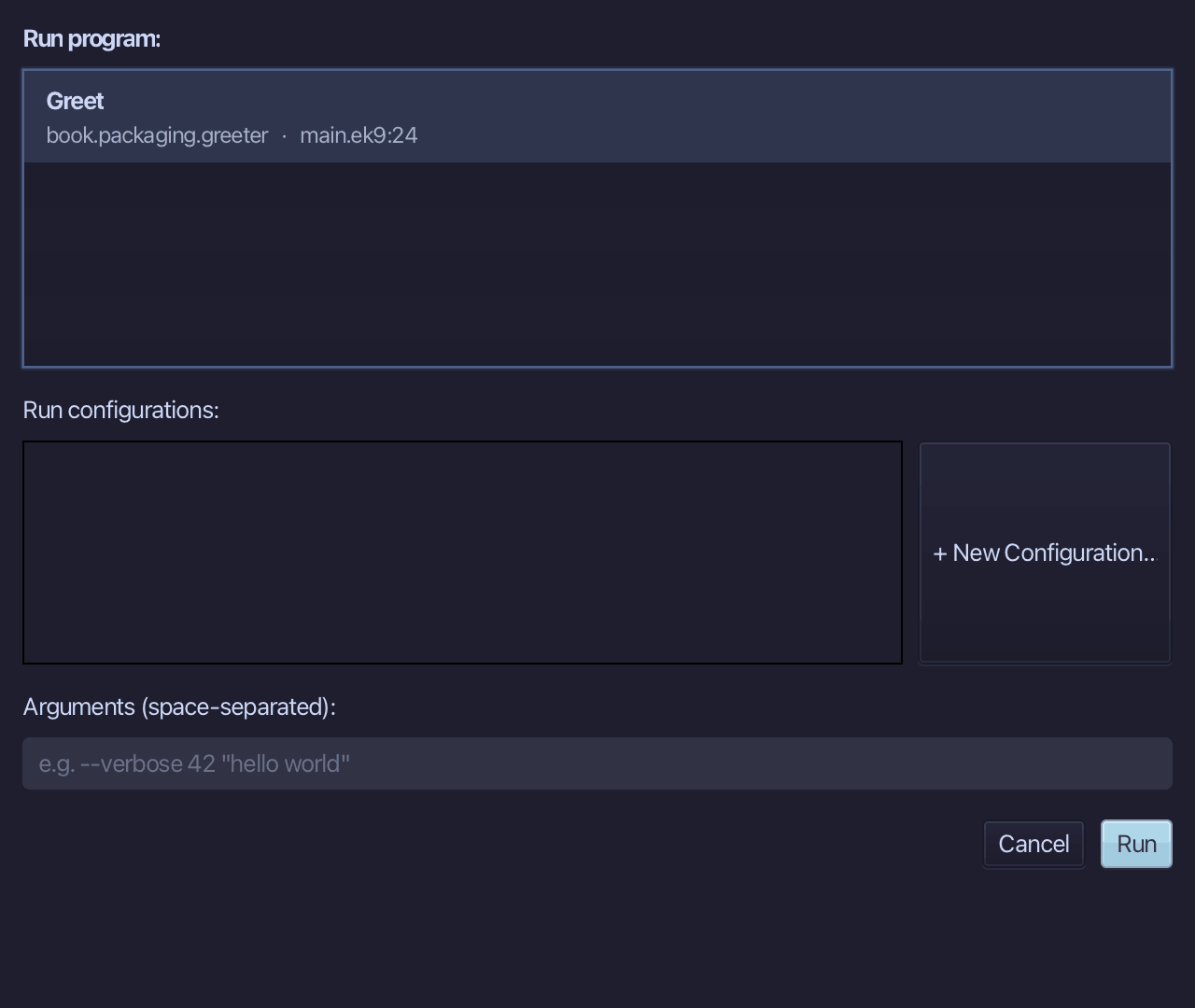
Type Ada into Arguments (space-separated), then choose Run.
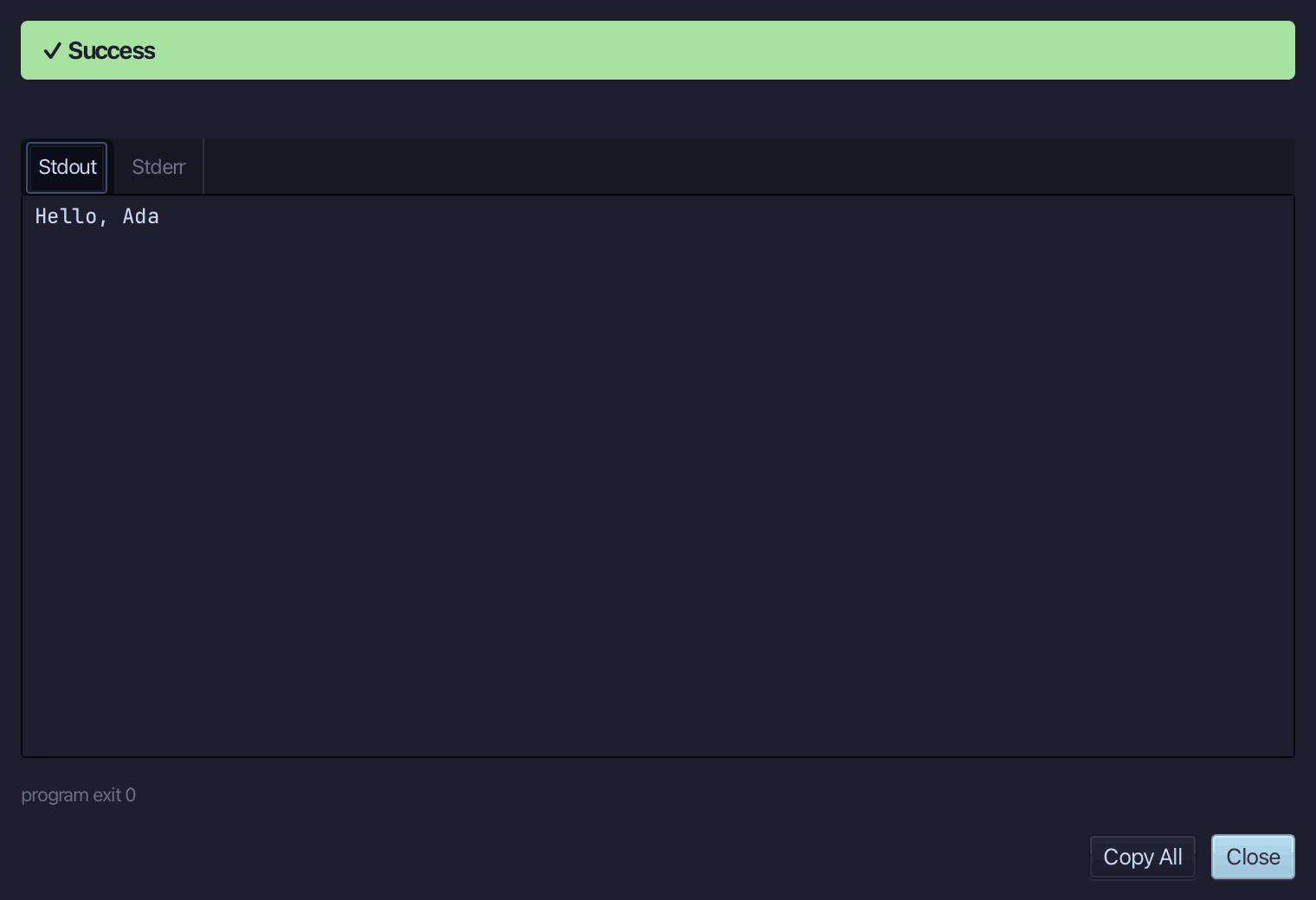
Hello, Ada Choose Close.
Step 7: The manifest — defines package
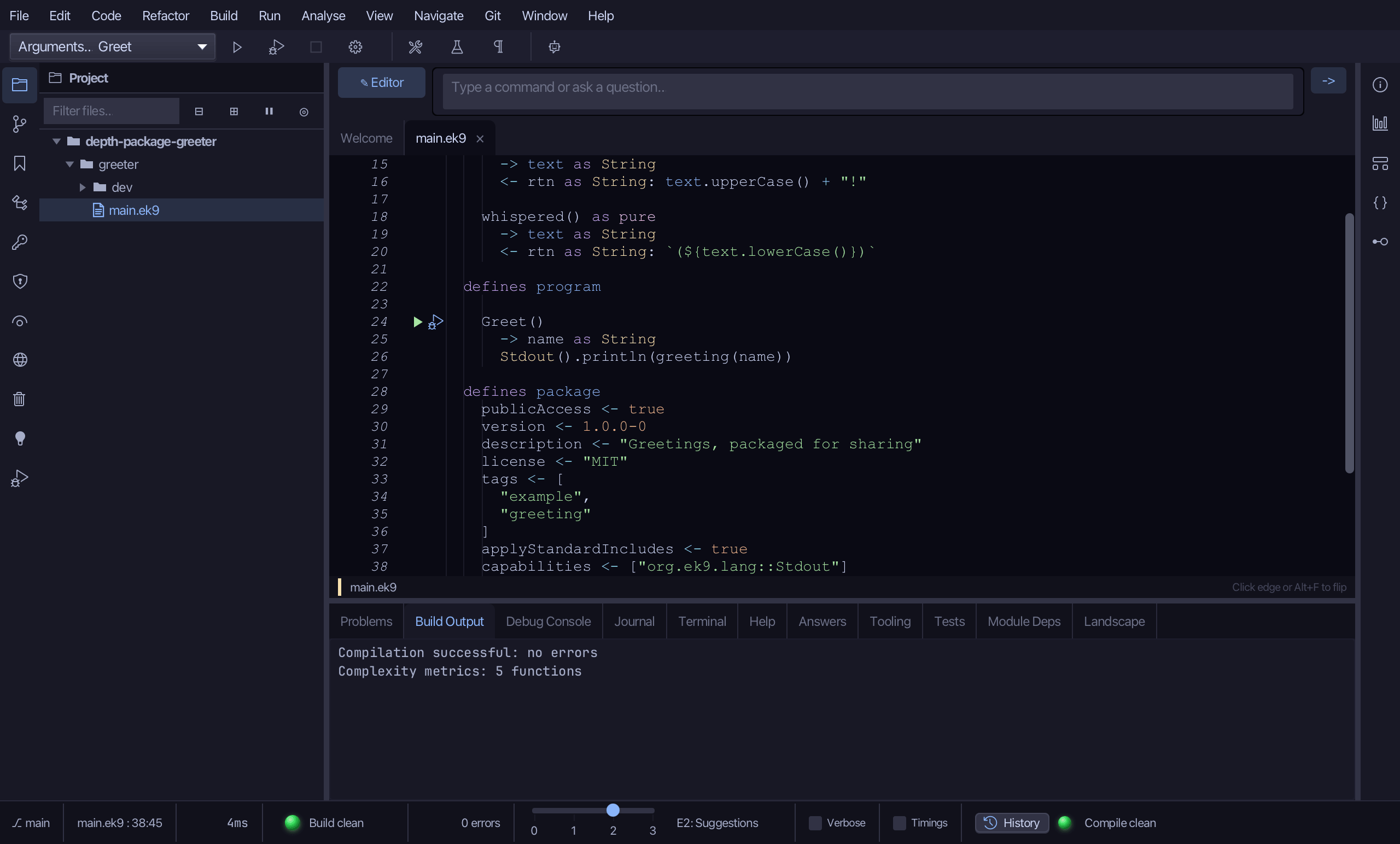
Where Maven keeps a pom.xml and npm a package.json, EK9 keeps the manifest in the source: a defines package block at the end of the module, the version in it a native Version literal, no second file to disagree with it. Select the last line of the code and, after it, type the block. Saves when typed.
Step 8: The tests' file
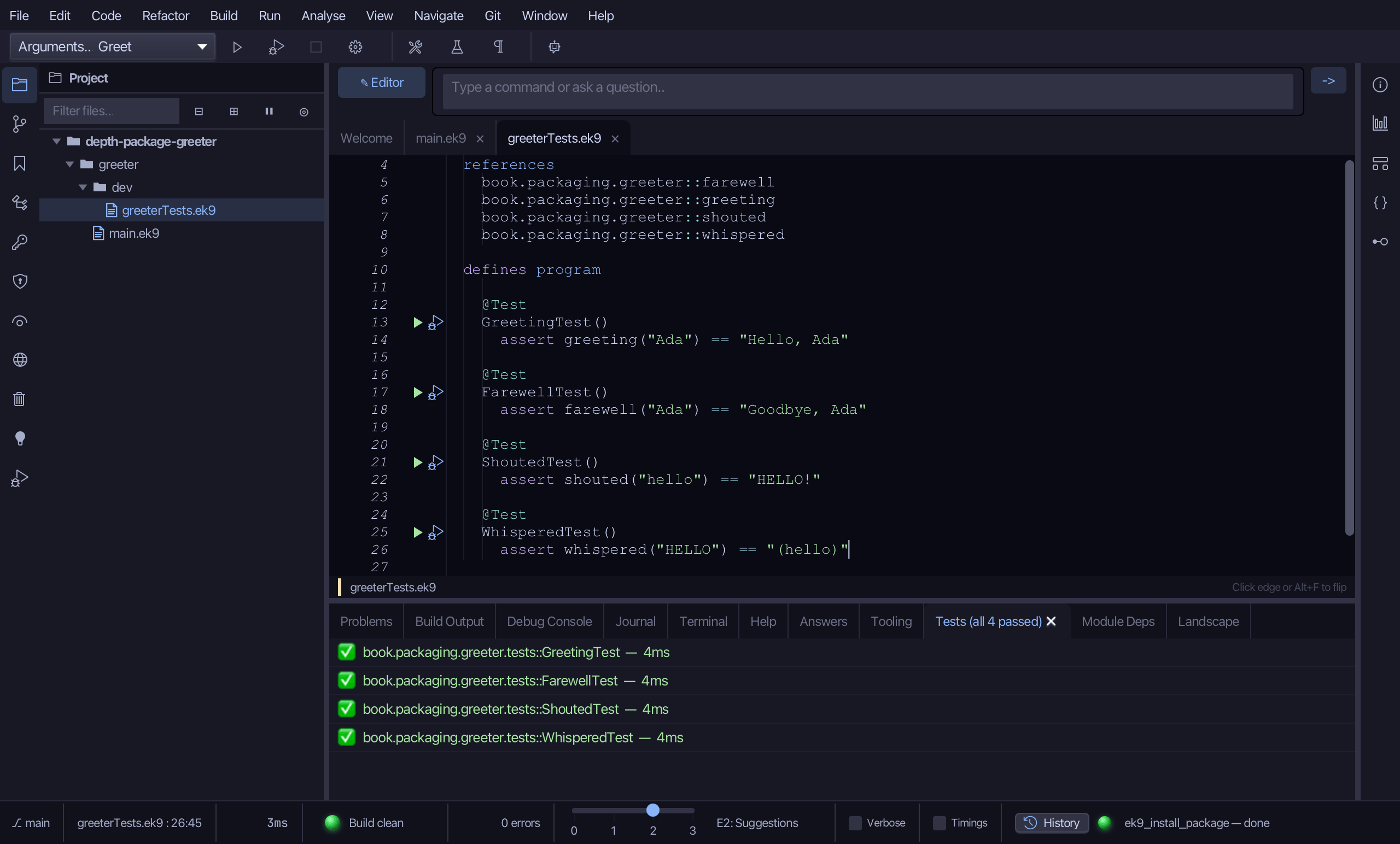
Open greeter/dev/greeterTests.ek9 - already there, with just its own module line. Packaging refuses a project whose tests fail or cover less than 80%, so they come before the package.
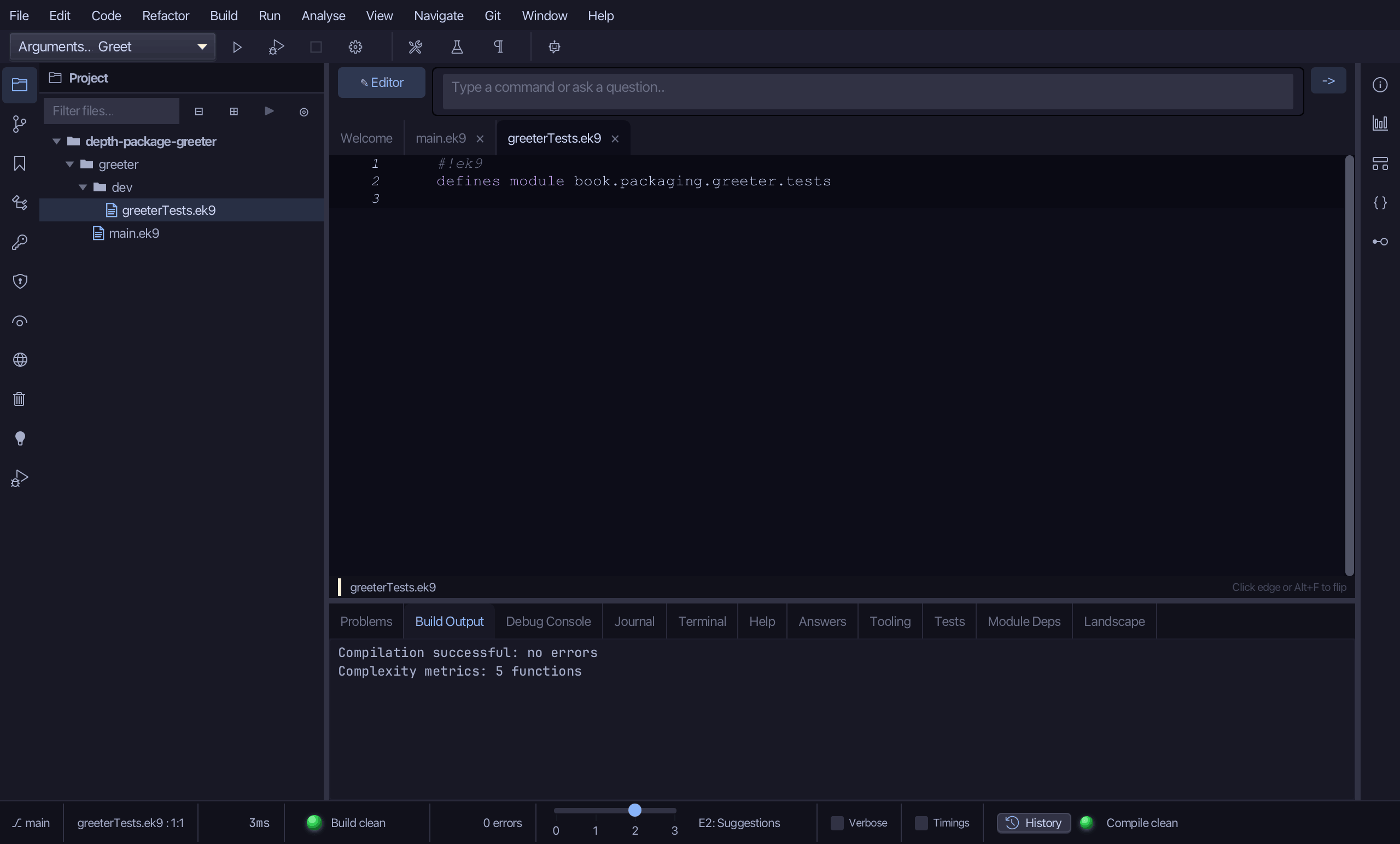
Select the module line, and below it type a references block bringing in what the tests call. Saves when typed.
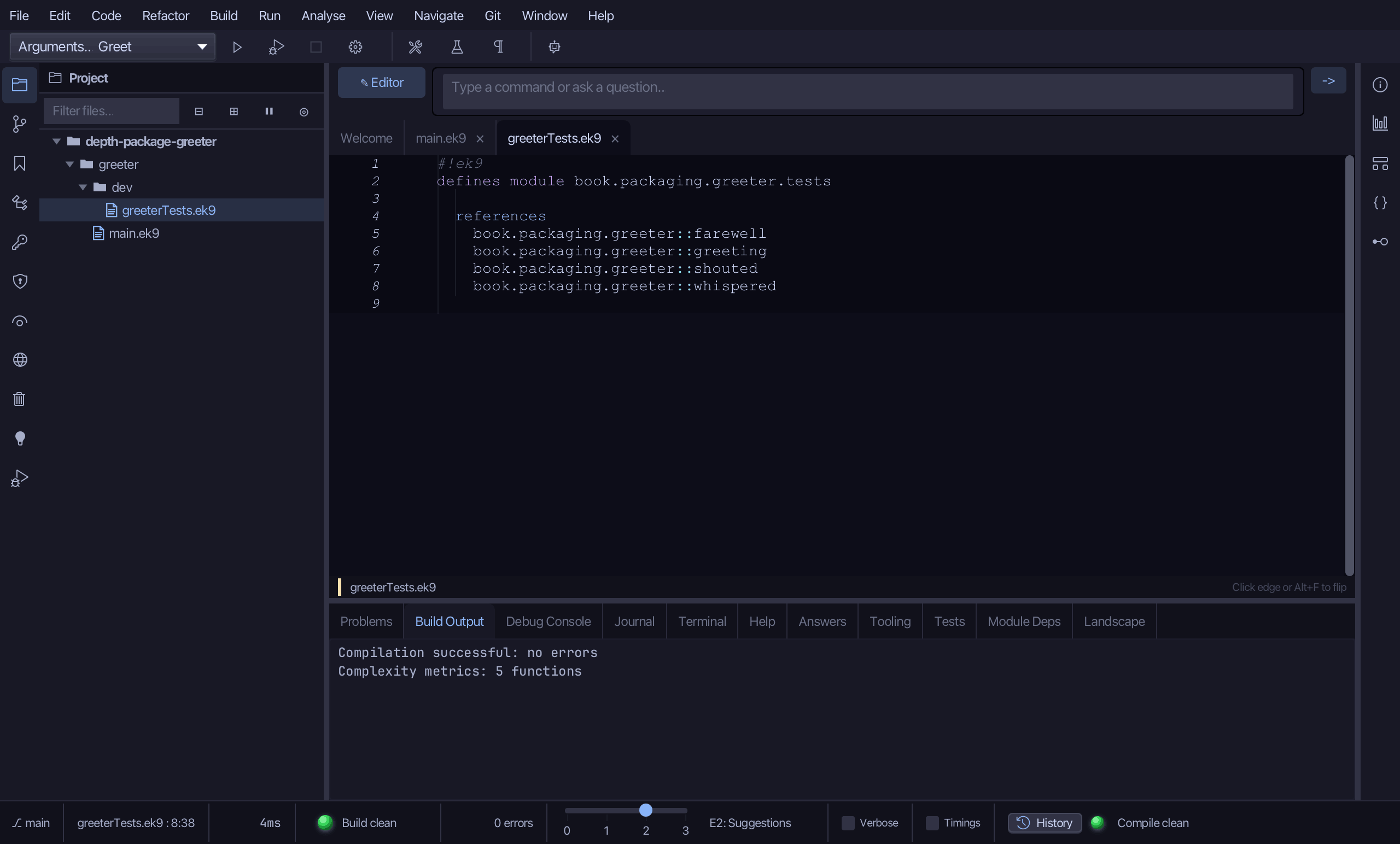
Step 9: GreetingTest
Choose Code > New Construct > Test…
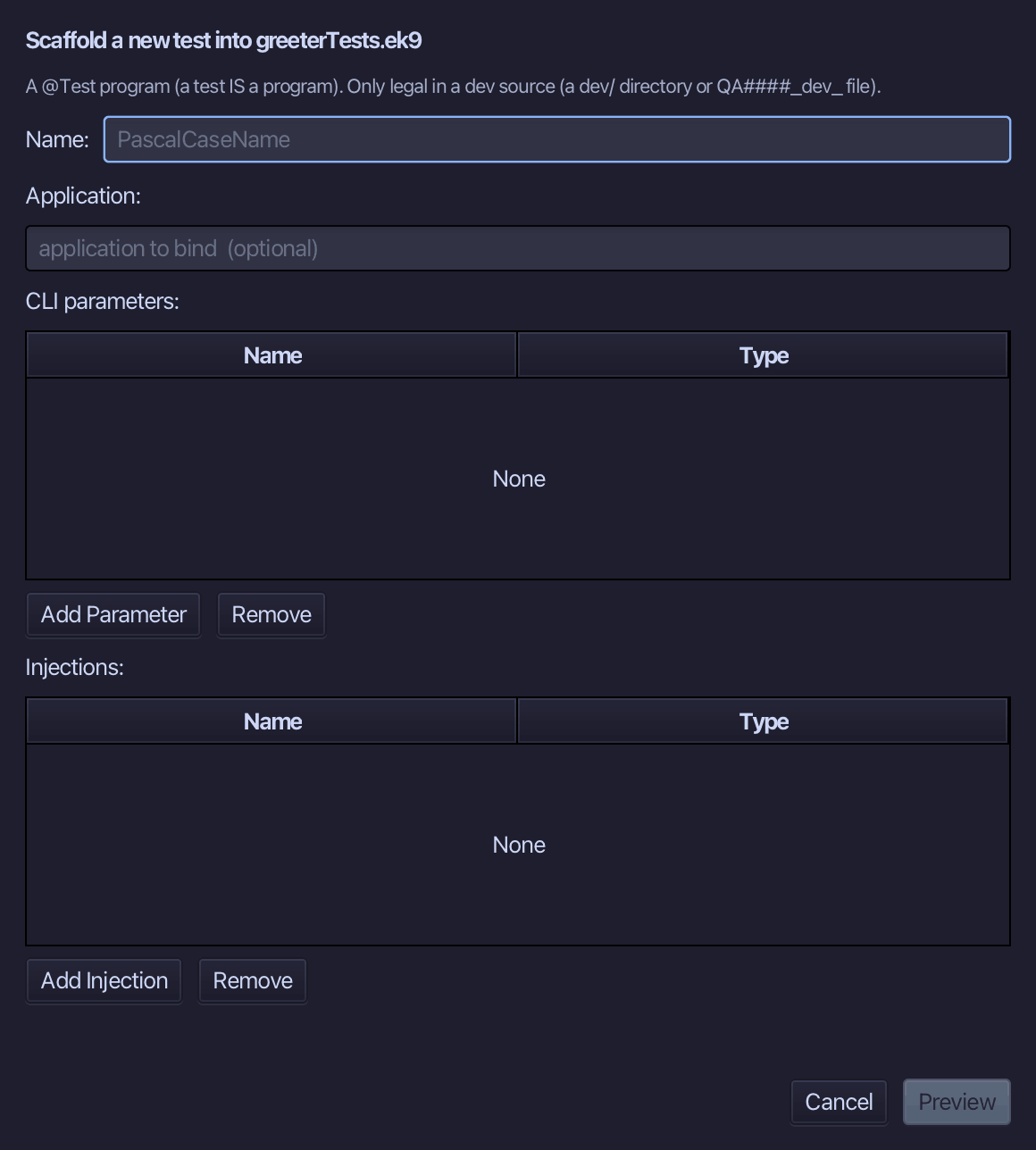
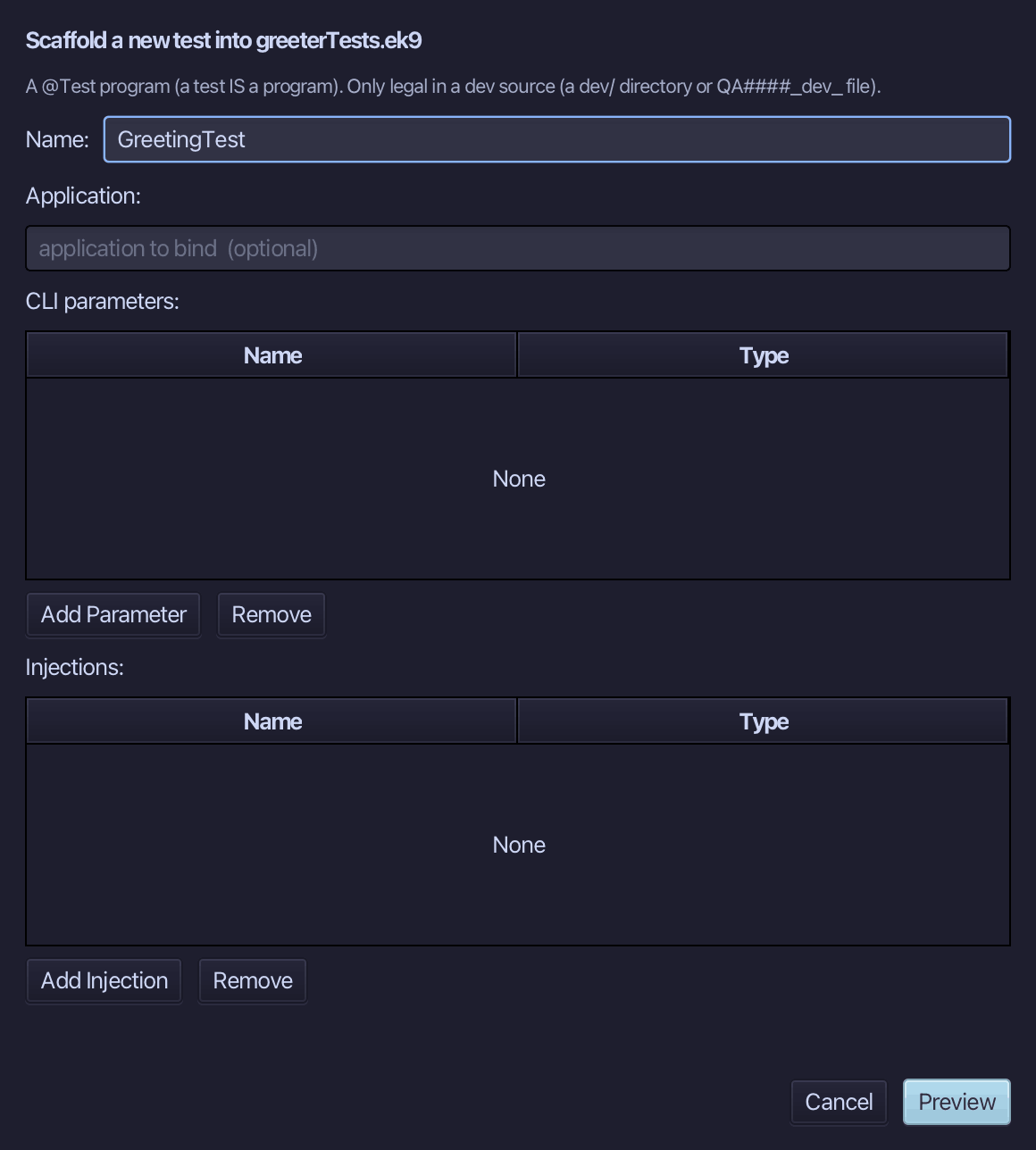
GreetingTest is the test's name. Choose Preview.
The preview shows GreetingTest about to be written, marked @Test, with a placeholder assertion. Choose Apply.
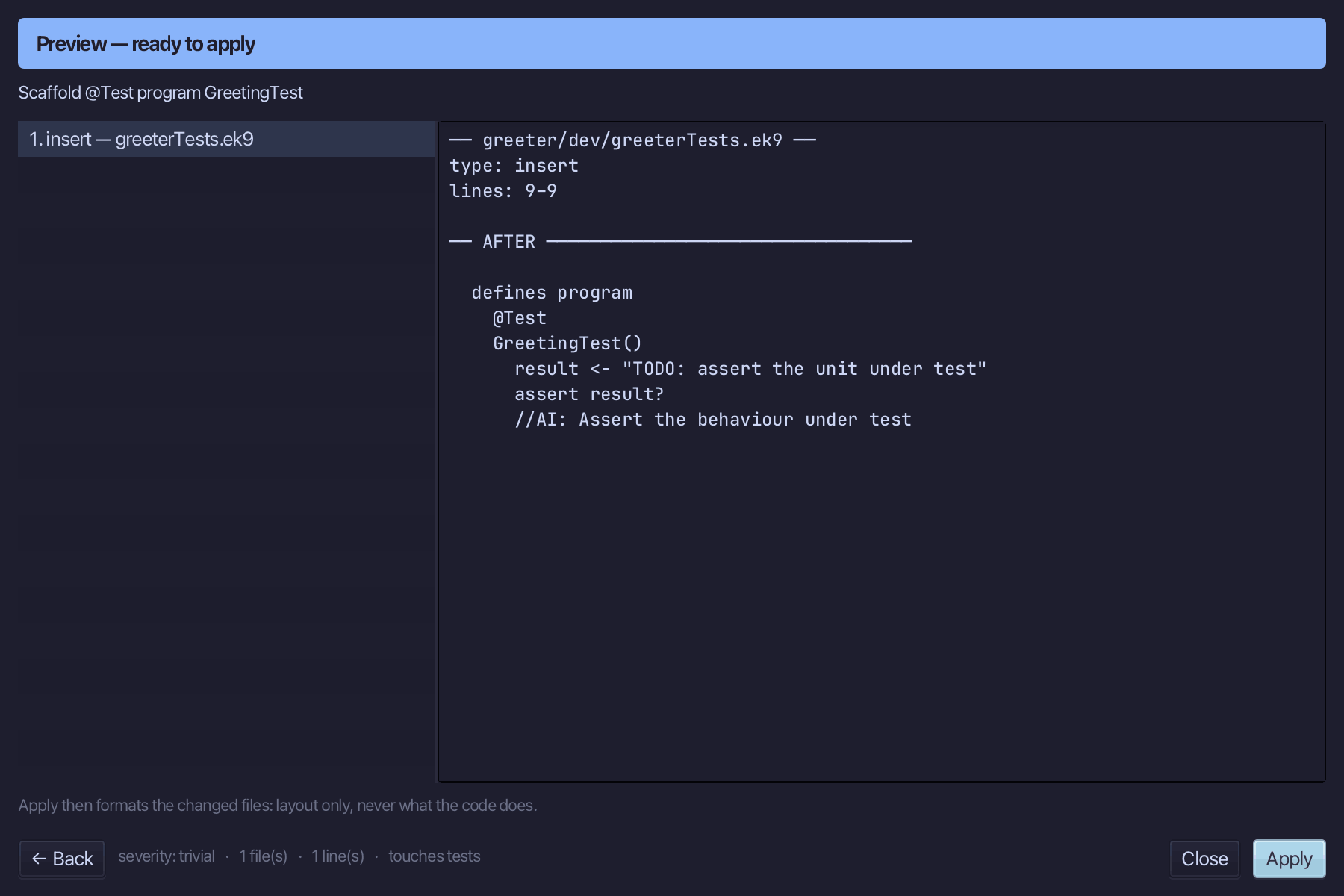
Select the @Test line, and above it type the blank line every chapter example opens its first member with. Saves when typed.
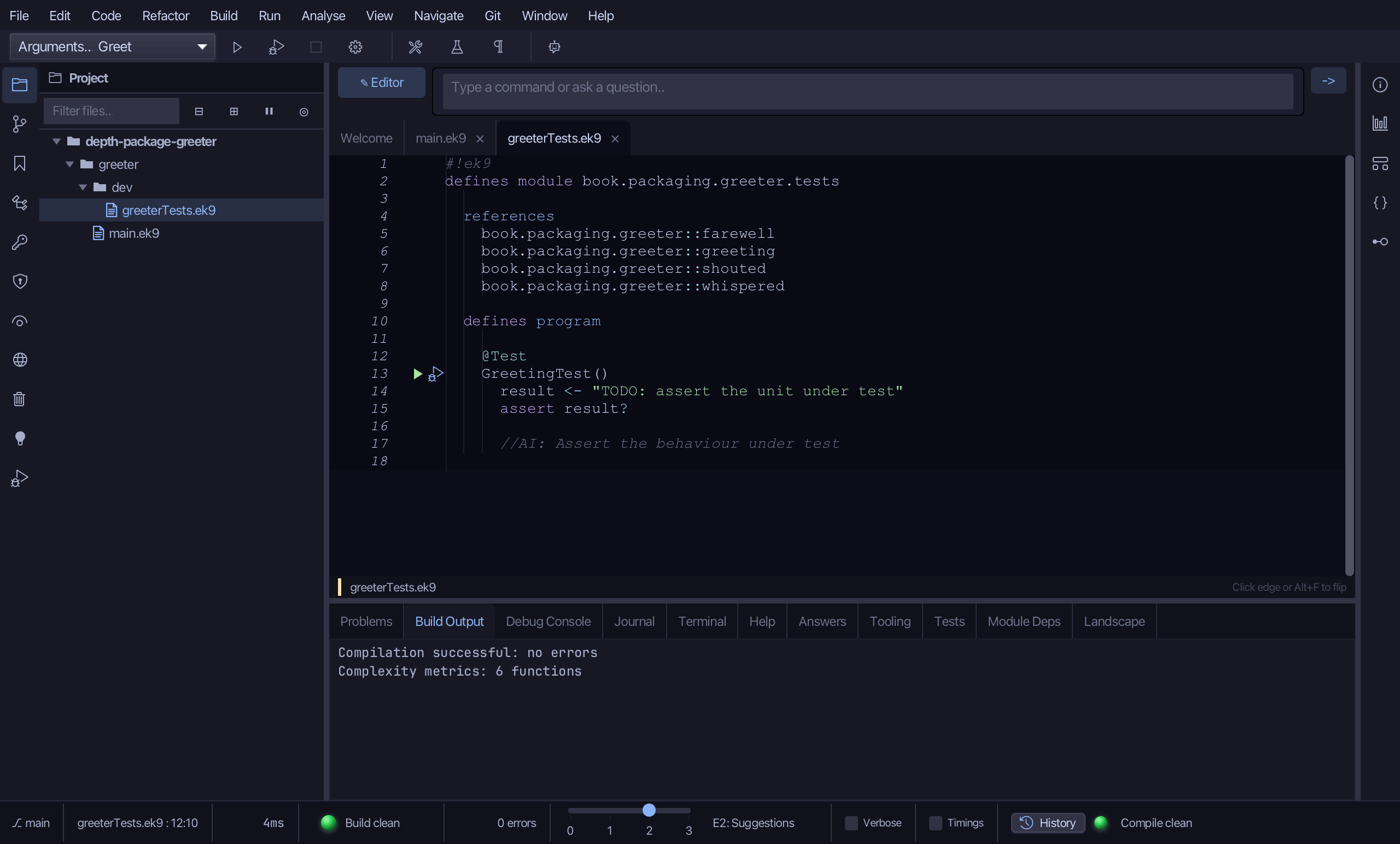
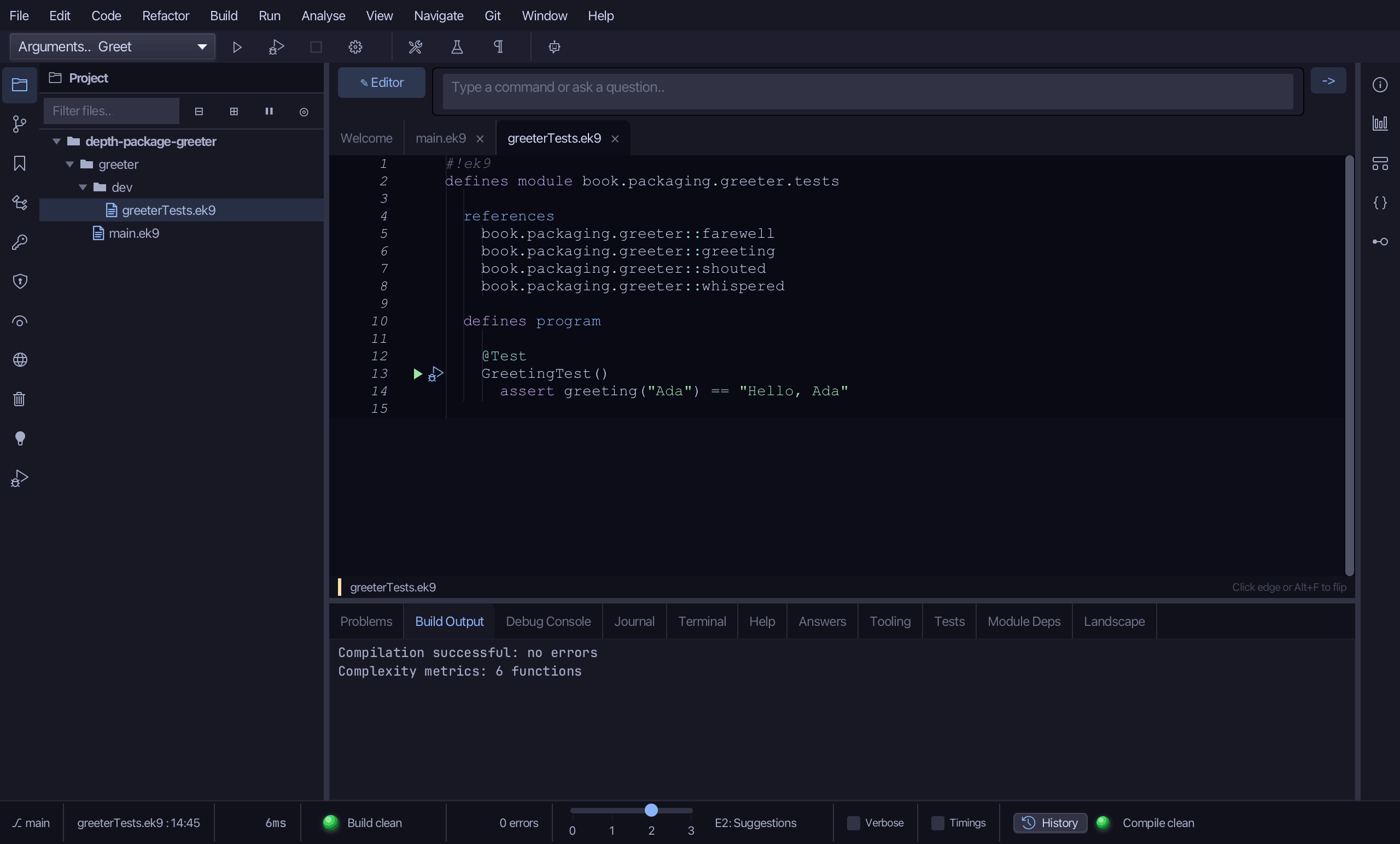
Select the stub, from result <- "TODO: assert the unit under test" down to its //AI line, and type the real claim: greeting gives Hello and the name. Saves when typed.
Step 10: FarewellTest
Choose Code > New Construct > Test…
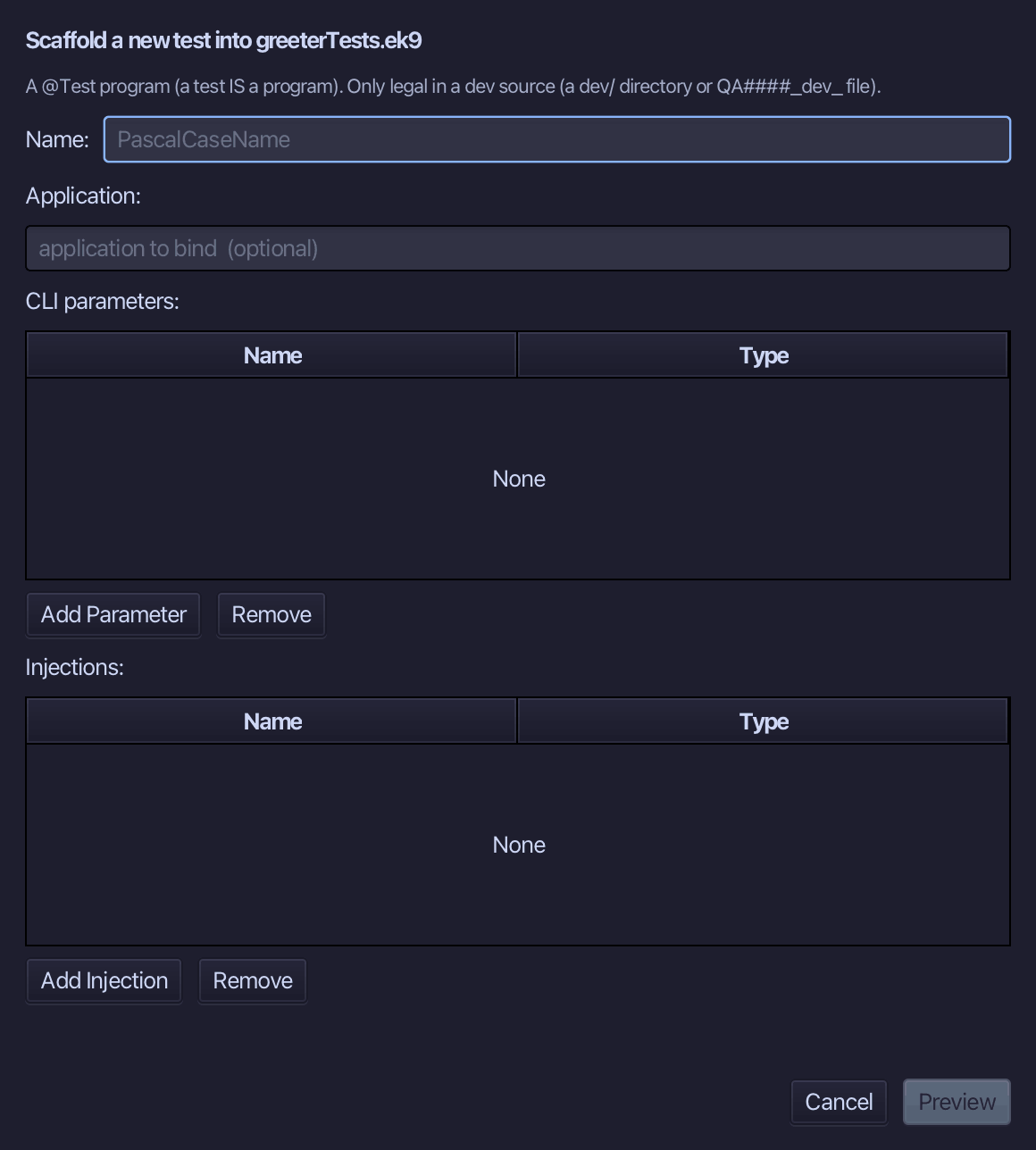
FarewellTest is the test's name. Choose Preview.
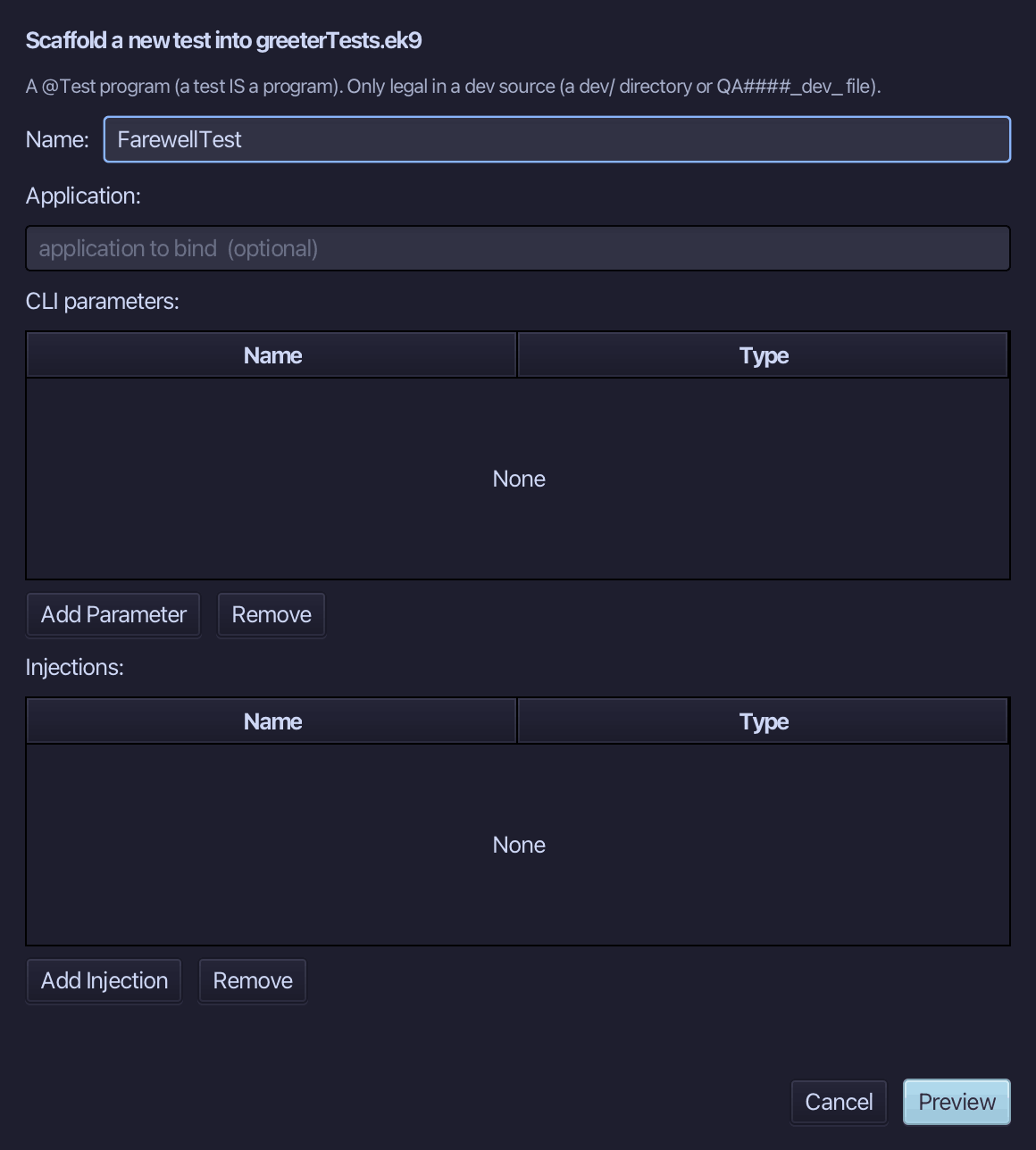
The preview shows FarewellTest about to be written, marked @Test, with a placeholder assertion. Choose Apply.
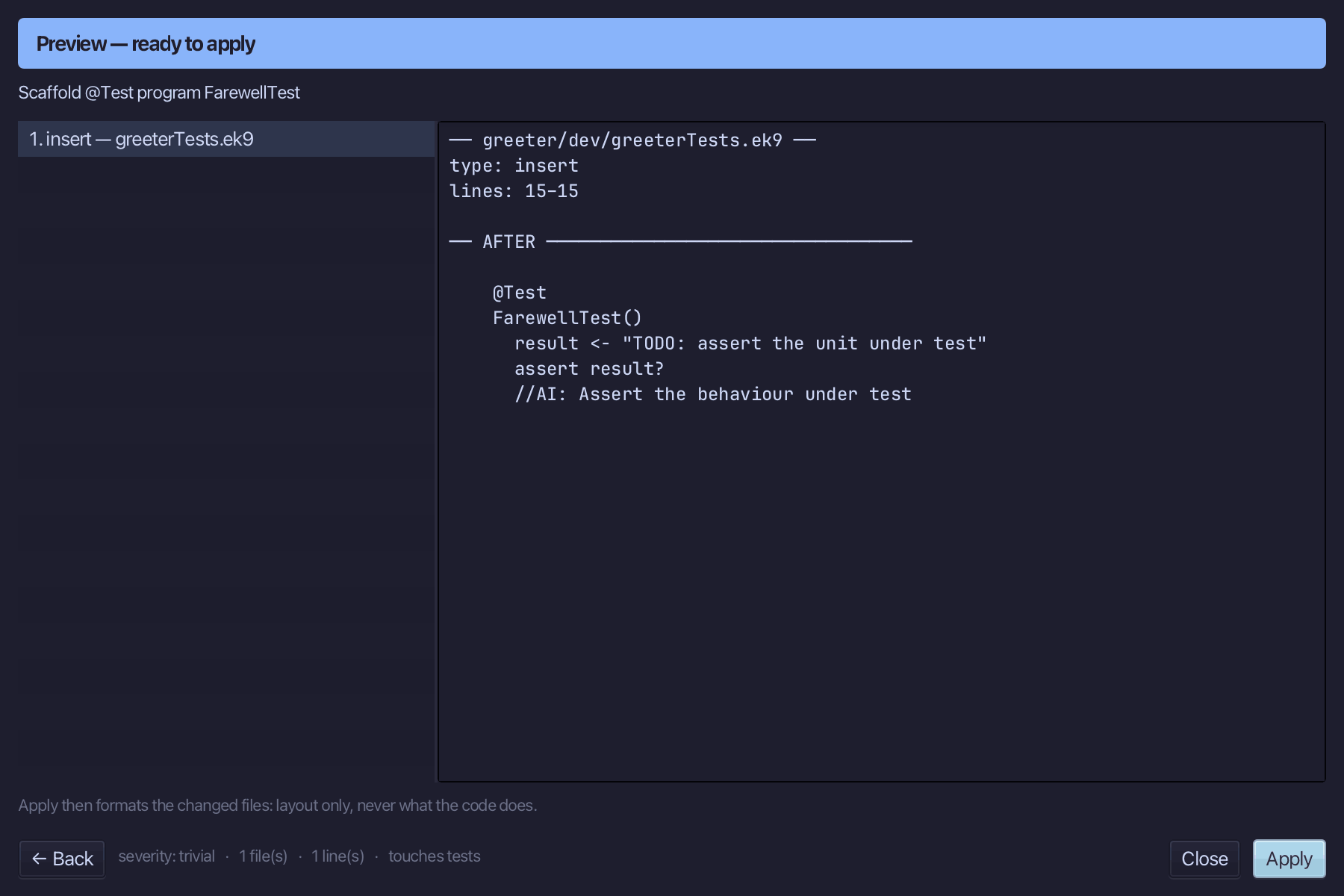
Select the stub, from result <- "TODO: assert the unit under test" down to its //AI line, and type the real claim: farewell gives Goodbye and the name. Saves when typed.
Step 11: ShoutedTest
Choose Code > New Construct > Test…
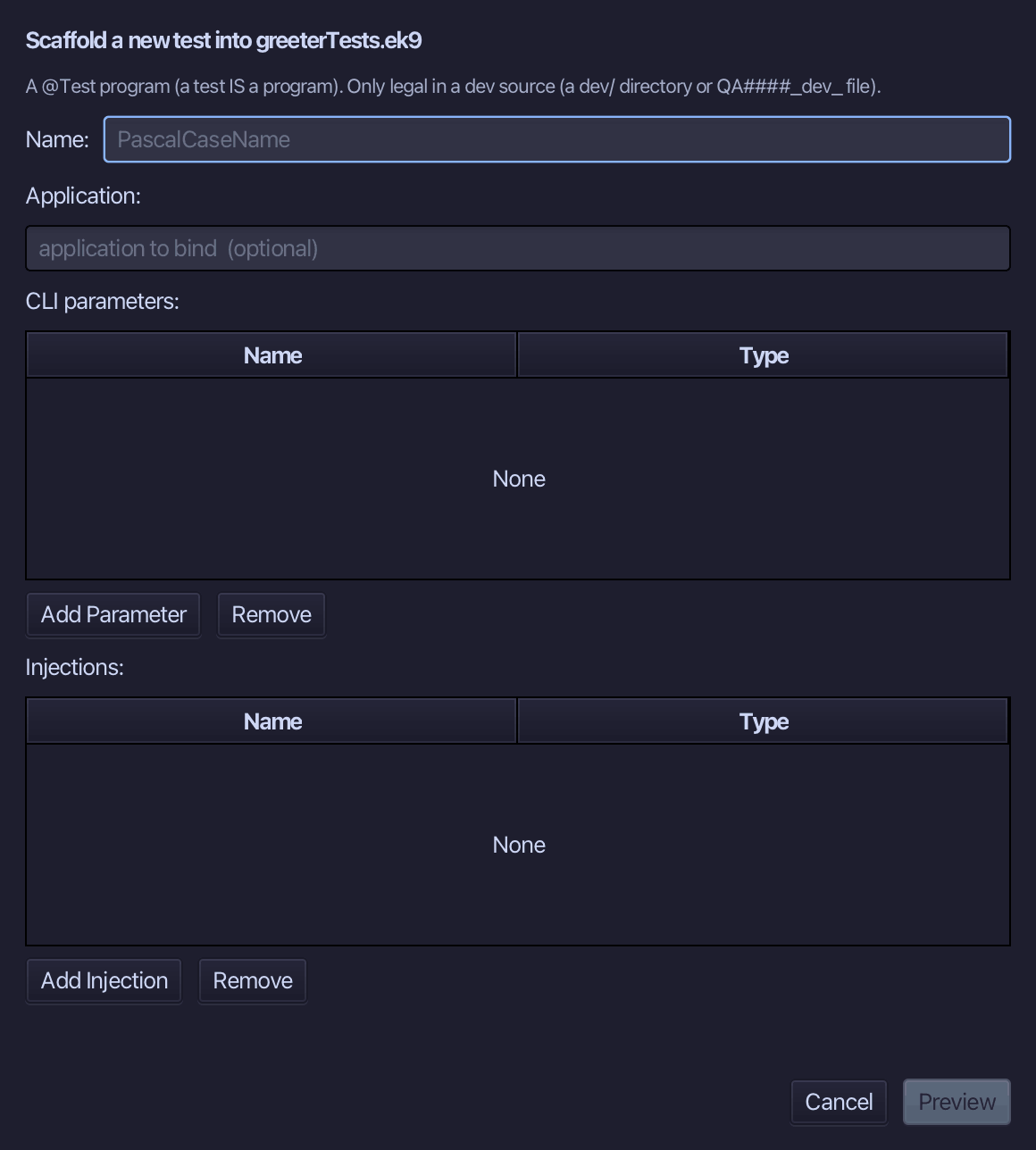
ShoutedTest is the test's name. Choose Preview.
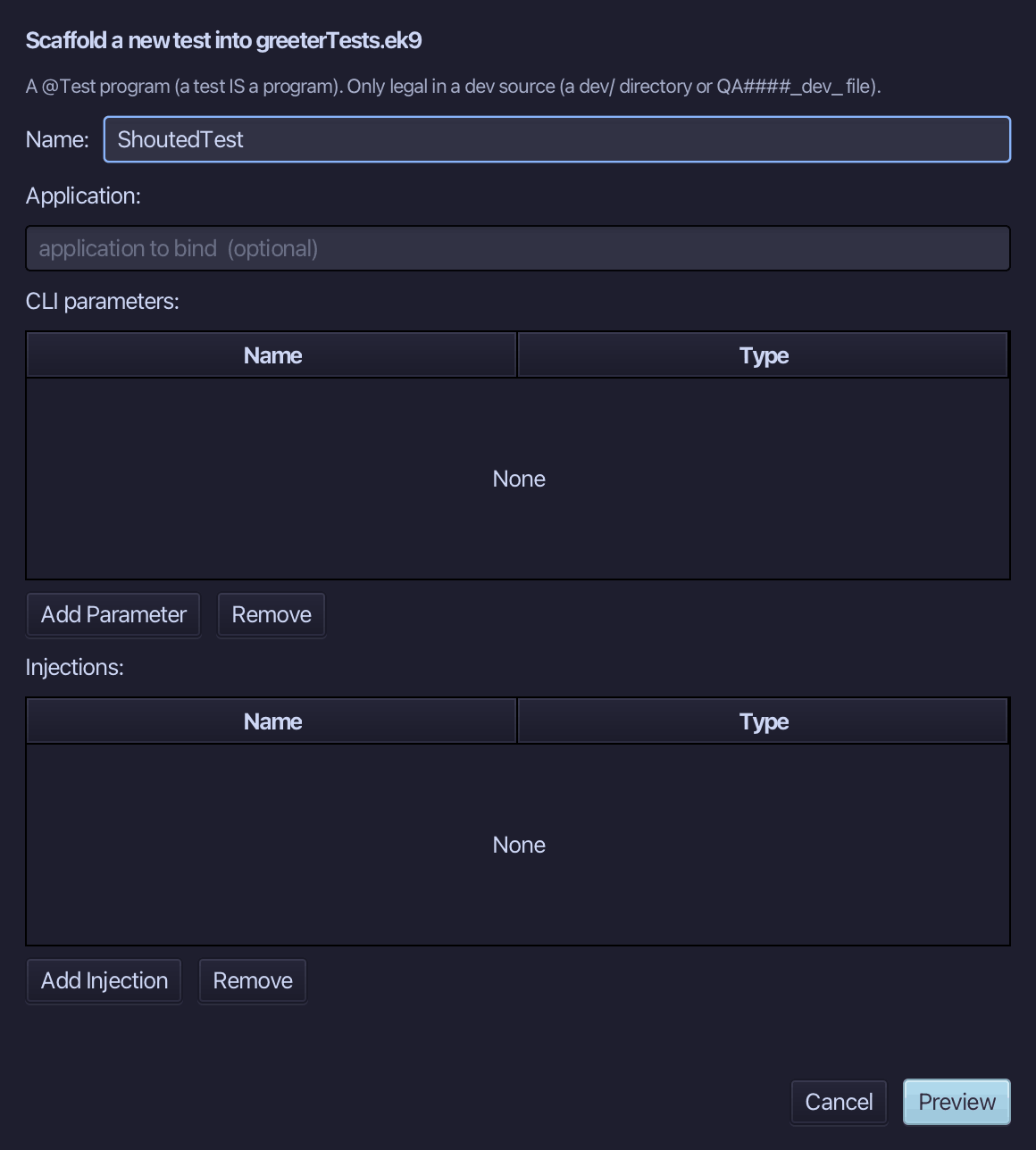
The preview shows ShoutedTest about to be written, marked @Test, with a placeholder assertion. Choose Apply.
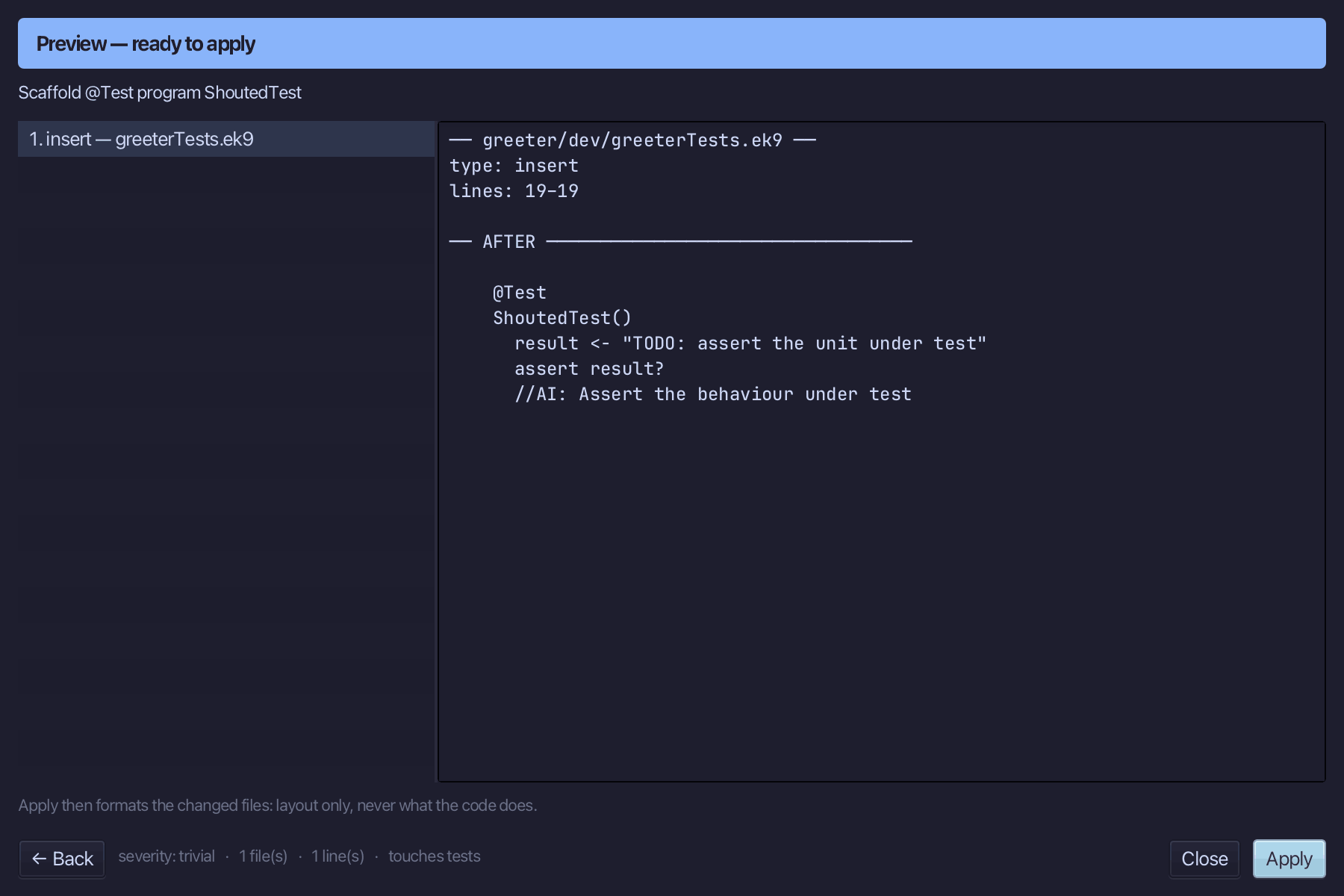
Select the stub, from result <- "TODO: assert the unit under test" down to its //AI line, and type the real claim: shouted upper-cases and adds a bang. Saves when typed.
Step 12: WhisperedTest
Choose Code > New Construct > Test…
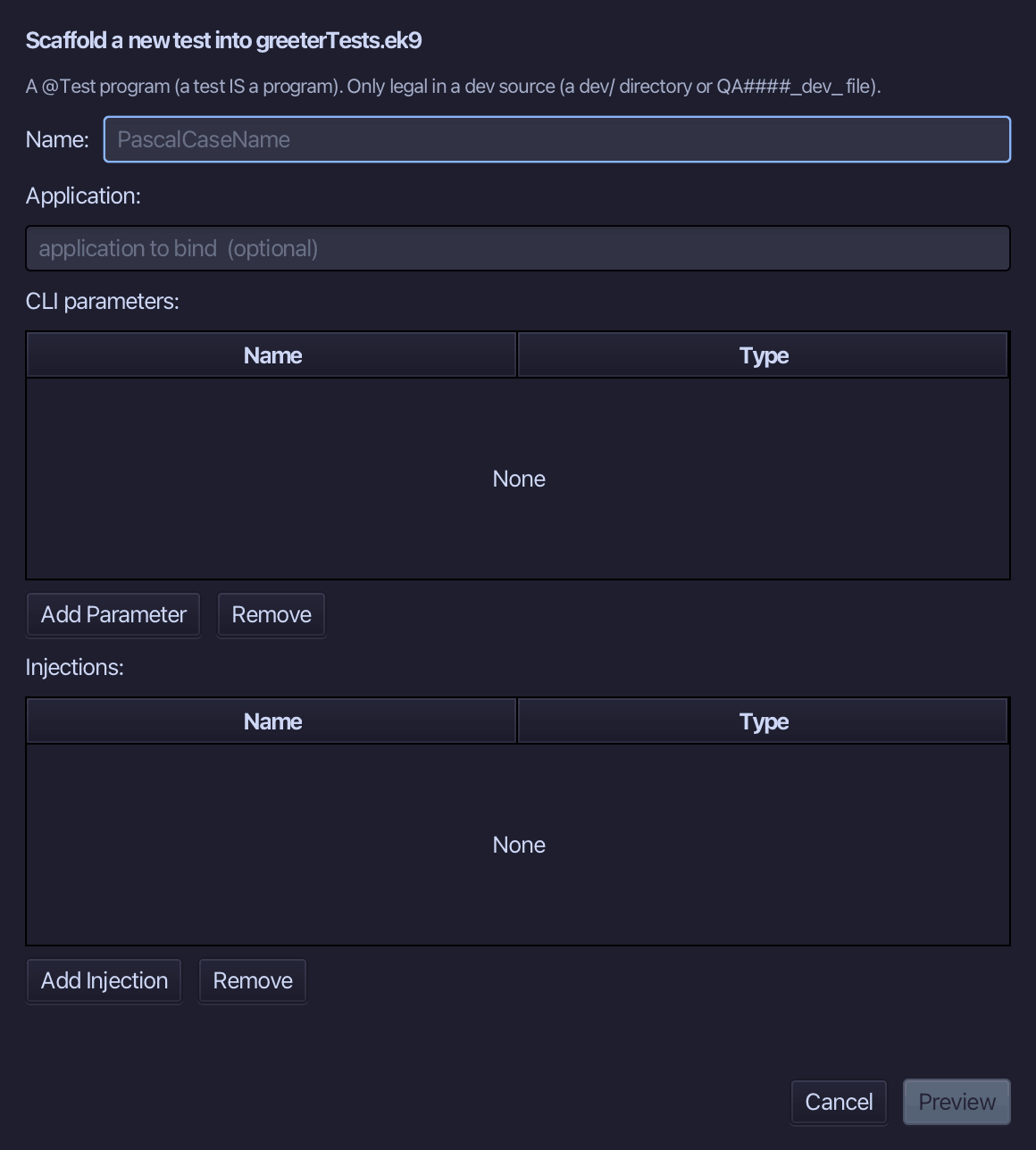
WhisperedTest is the test's name. Choose Preview.
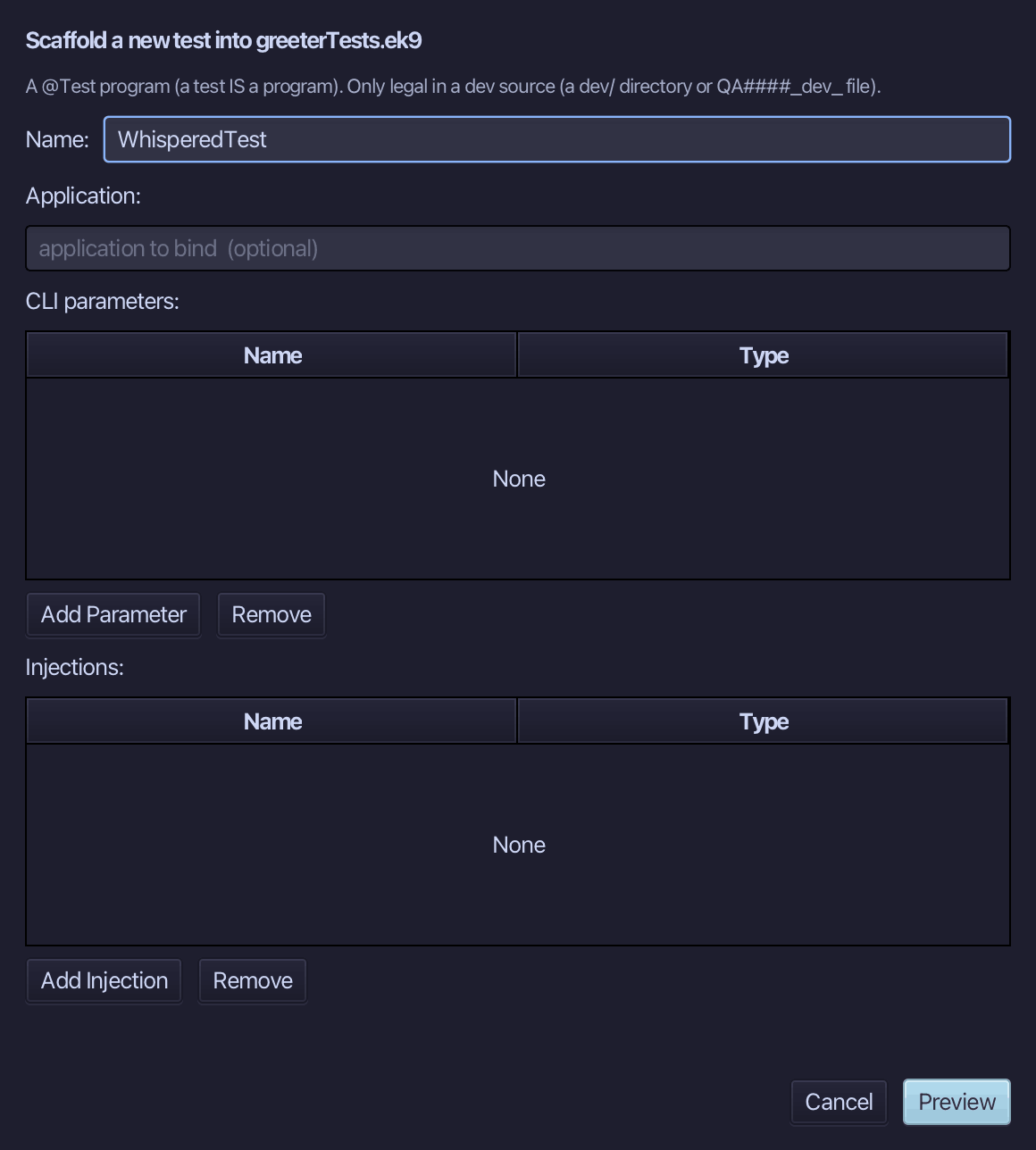
The preview shows WhisperedTest about to be written, marked @Test, with a placeholder assertion. Choose Apply.
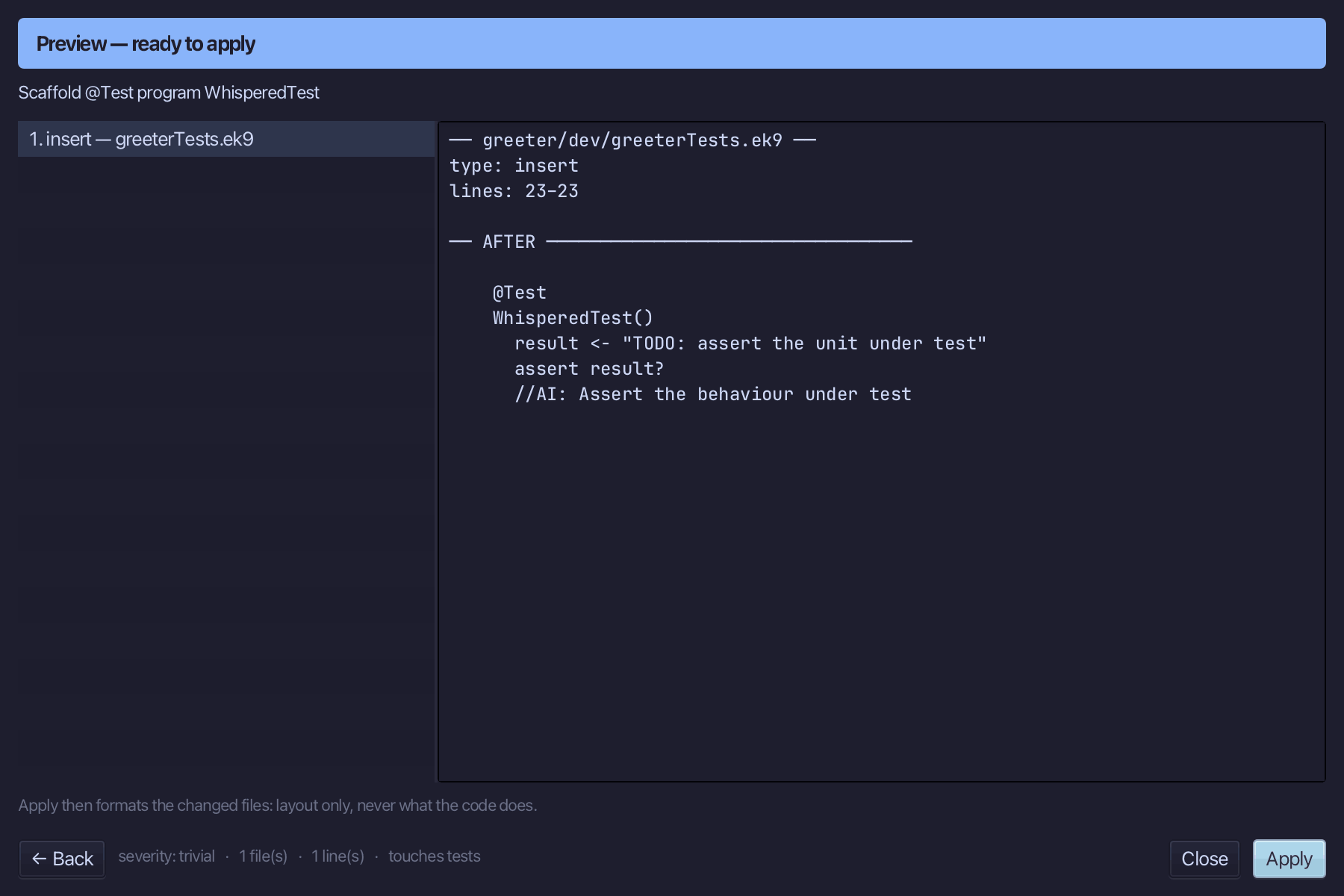
Select the stub, from result <- "TODO: assert the unit under test" down to its //AI line, and type the real claim: whispered lower-cases inside brackets. Saves when typed.
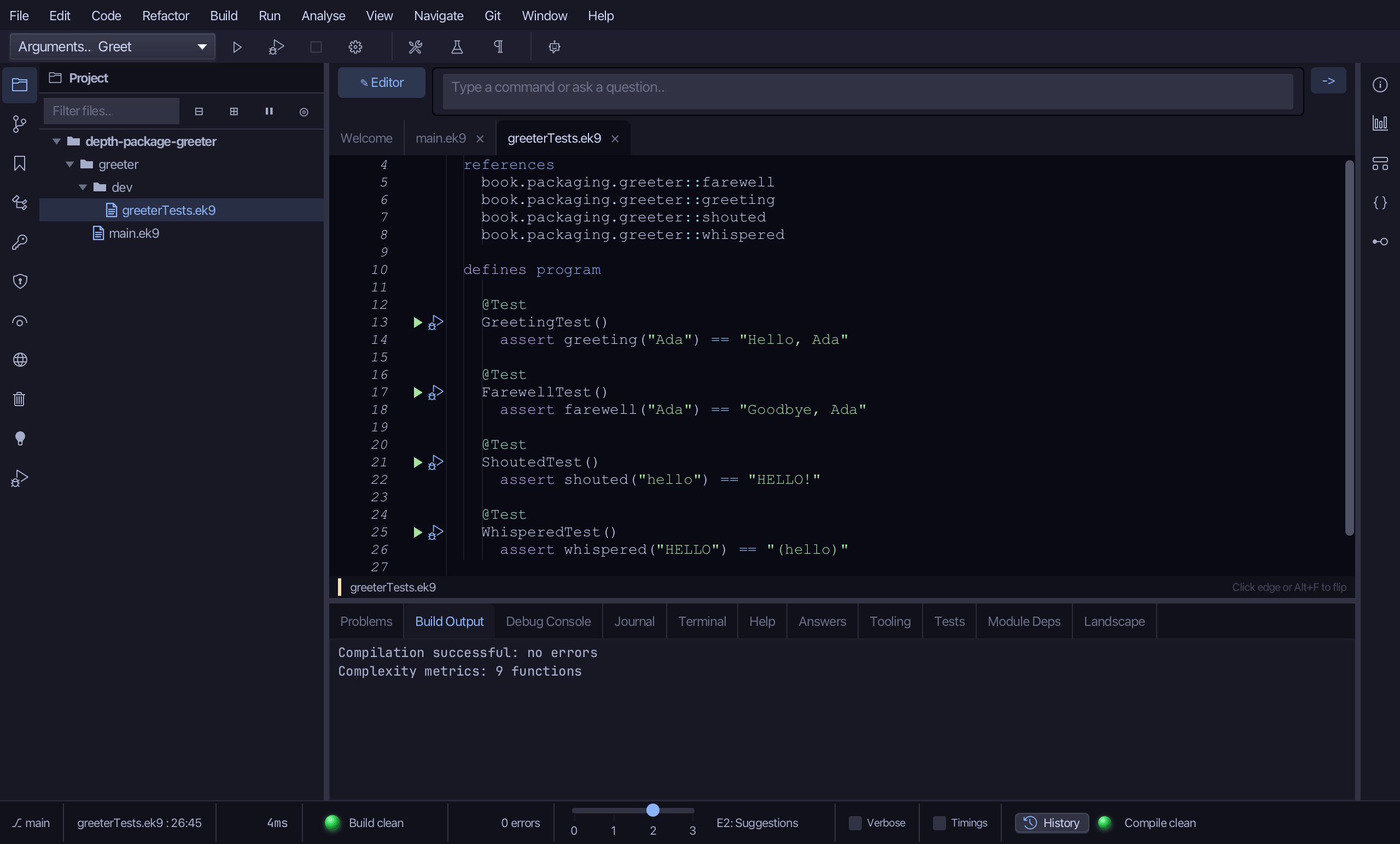
Step 13: Run the tests
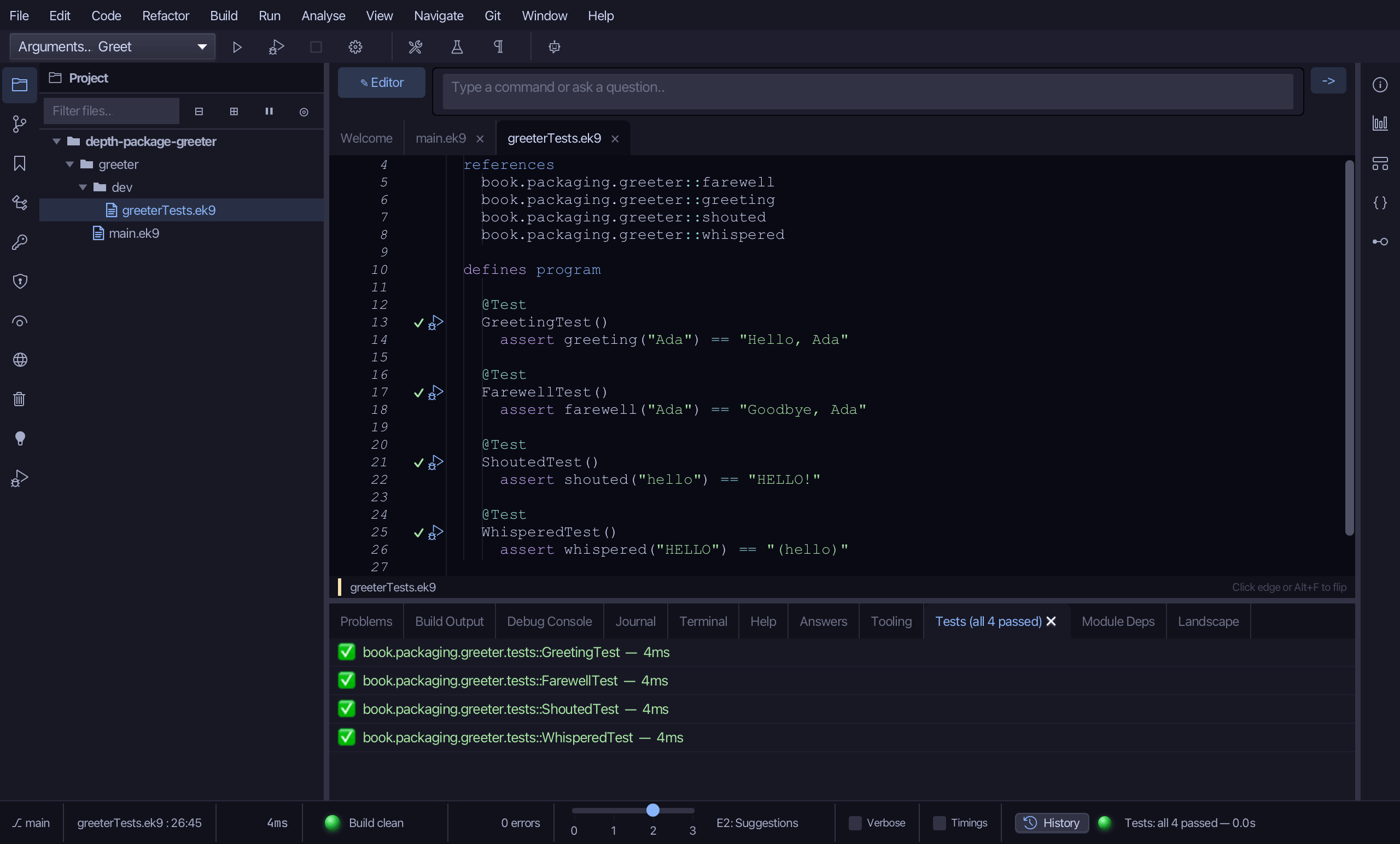
Run ▸ Run Tests (⌘T) runs every @Test in the project - the same tests -P will run before it packages anything. All four tests pass - together they cover the functions, which is what the 80% gate wants. Choose Run Tests.
Step 14: Package
Choose Build ▸ Package….
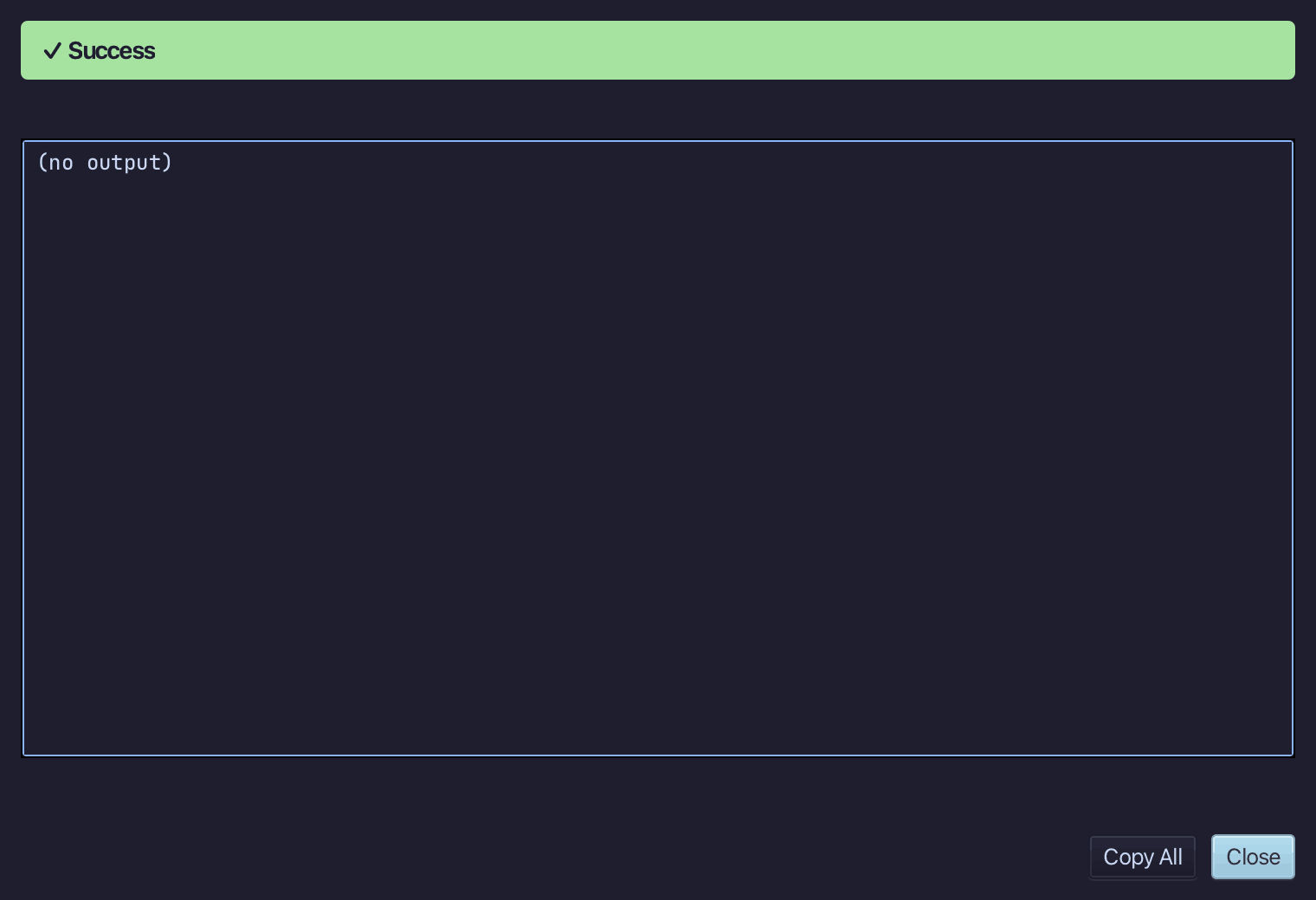
The report says Success, with nothing more to say: packaging compiled the module, ran the four tests, checked the coverage and wrote the zip and its checksum into the package folder's .ek9 folder. Choose Close.
Step 15: Install
Choose Build ▸ Install Package.
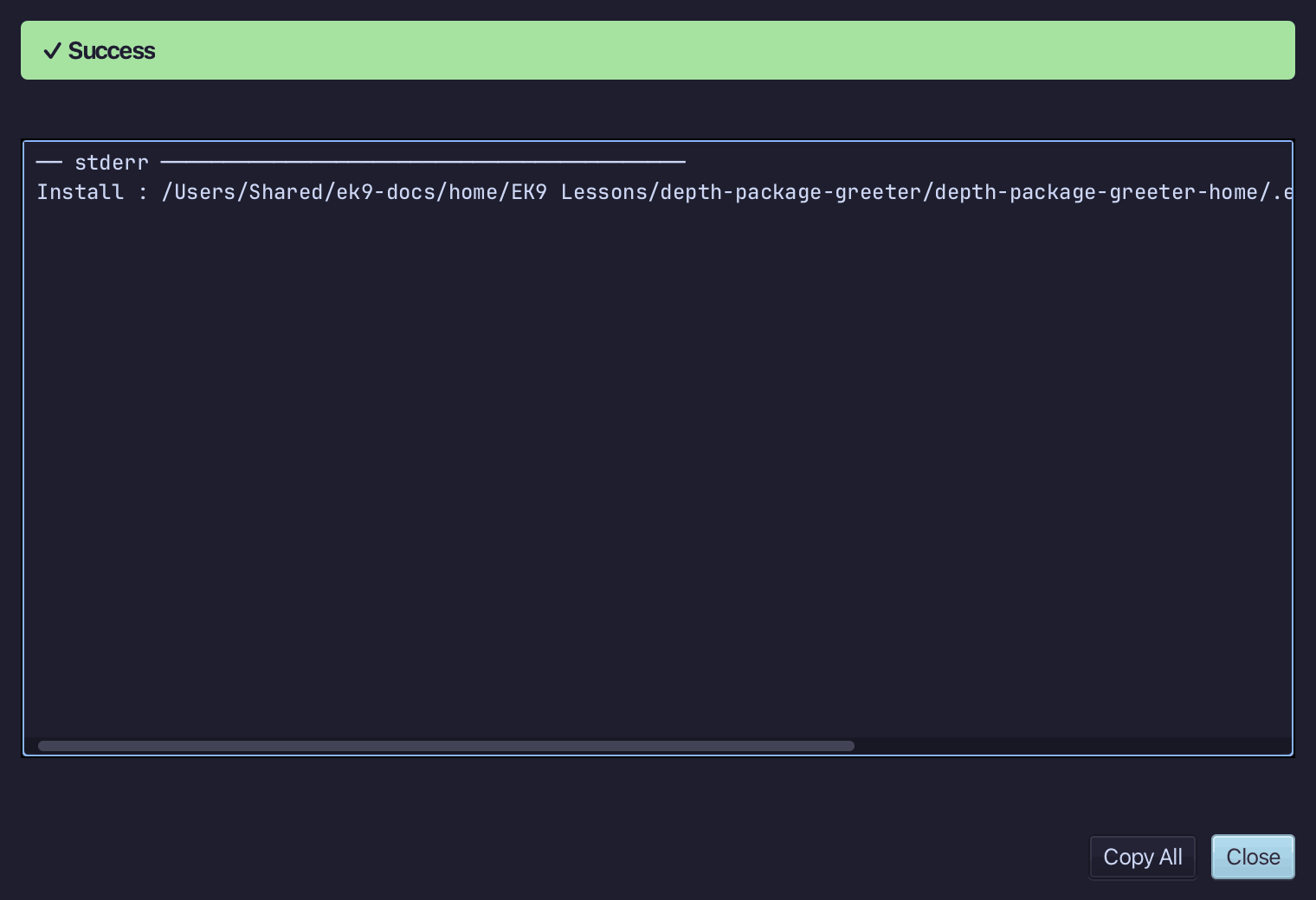
Install copied the archive into the library, depth-package-greeter-home/.ek9/lib here - ~/.ek9/lib for you outside this lesson - where another project's deps entry would find it. Choose Close.
The result
main.ek9 and dev/greeterTests.ek9 now read exactly as chapter 38 of EK9 in Depth shows them, and the package is built: an archive of the SOURCE (main.ek9, the tests in dev/ and a properties file the compiler made) and a .sha256 beside it, installed into a library of this lesson's own, never your ~/.ek9. Whoever depends on it compiles that source with their own compiler, under their own checks. AI assistants do the same with ek9_package and ek9_install_package.
Where this lesson comes from
- For AI assistants - the MCP tool
ek9_new_construct,ek9_add_program,ek9_package,ek9_install_package.